
You’re here because Pipedrive isn’t cutting it anymore. Maybe you’ve outgrown what it offers, the pricing doesn’t scale well, or you’re just curious what else exists.
Pipedrive alternatives compared
Quick comparison of top Pipedrive alternatives:
| Tool | Starting Price | Free Trial | Best For |
|---|---|---|---|
| Pipedrive | $14/user/month | 14 days | Visual pipeline management and deal tracking |
| La Growth Machine | €50/month (annual) | 14 days (no credit card) | Scaling teams needing LinkedIn + Email automation, native enrichment (27M+ companies), and email warmup in one platform |
| HubSpot | Free (paid from $15/user/month) | 14 days | All-in-one sales and marketing platform |
| Salesforce | $25/user/month | 30 days | Enterprise-grade customization and analytics |
| Close | $9/user/month | 14 days | High-velocity sales with integrated communication |
| Freshsales | Free (paid from $9/user/month) | 21 days | AI-powered automation and lead scoring |
| Copper CRM | $12/user/month | 14 days | Google Workspace integration |
Pipedrive works well for sales teams who want visual pipeline management and simple deal tracking. But other platforms might fit your business size, budget, and needs better.
This article breaks down the best Pipedrive alternatives for 2026, comparing features, pricing, and ideal use cases. We’ll also cover La Growth Machine, a multichannel outreach tool that works alongside your CRM to accelerate prospecting. You’ll walk away knowing which solution matches your goals.
Why consider Pipedrive alternatives?
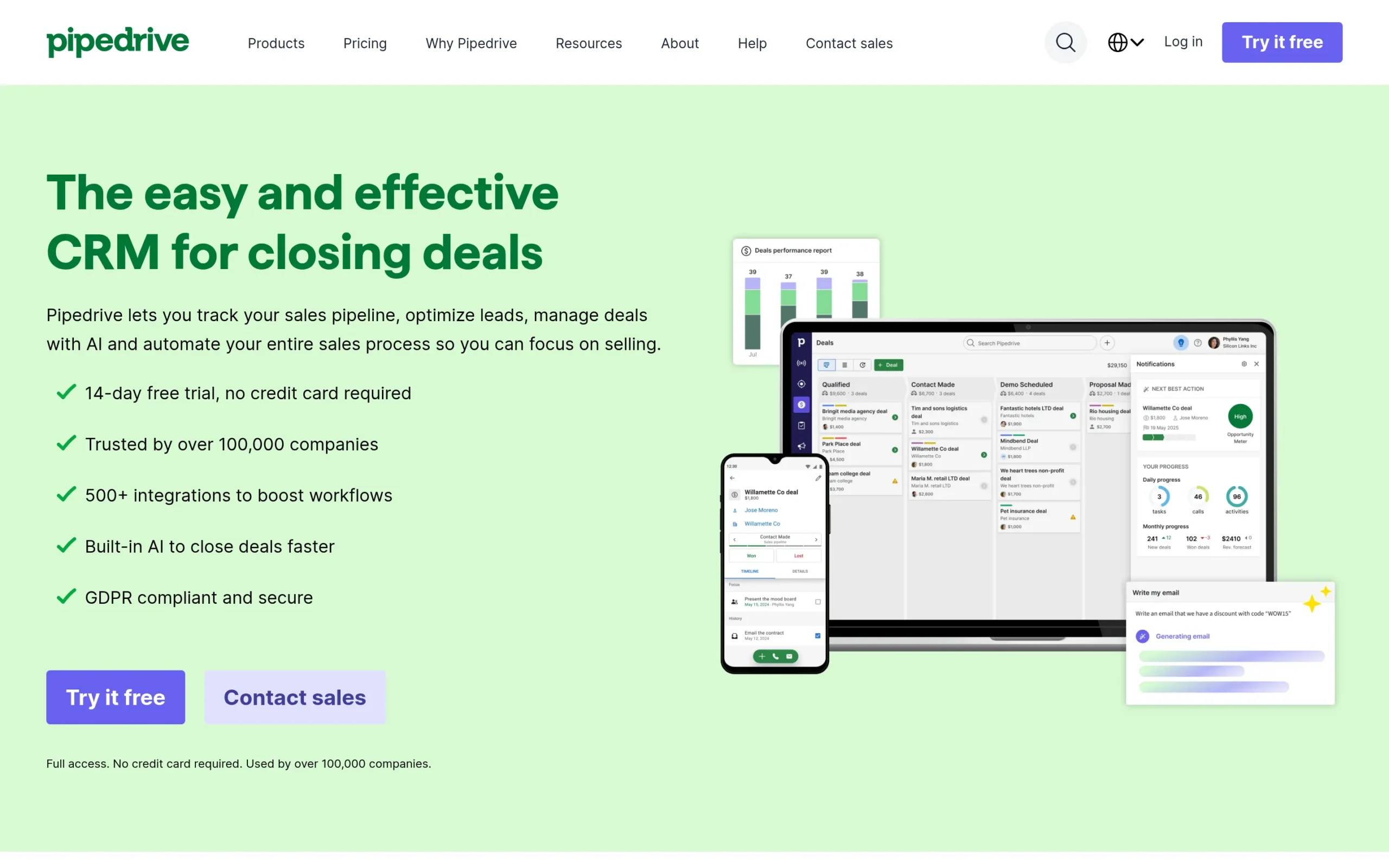
Pipedrive has strengths, but no tool works for everyone. Here are five reasons sales teams look elsewhere:
- Limited marketing automation: Pipedrive focuses on sales pipeline management but lacks built-in marketing tools, so you’ll need third-party integrations for campaigns.
- Pricing adds up quickly: The entry-level plan looks affordable until you need workflow automation and better reporting—then you’re upgrading to pricier tiers.
- Basic reporting capabilities: Teams needing deep analytics and custom reporting often find Pipedrive’s dashboards too simple compared to enterprise-grade options.
- Scalability concerns: As your team grows and processes get more complex, Pipedrive’s straightforward structure can feel limiting.
- Integration limitations: Pipedrive offers integrations, but some teams find the options more restricted compared to platforms with extensive app marketplaces.
Different tools excel in different areas. Your CRM should match where your business is now and where it’s going.
What to look for in a Pipedrive alternative
Before we dive into specific tools, here’s what matters when evaluating CRM alternatives:
- Ease of use and onboarding: A CRM only works if your team uses it. Look for intuitive interfaces and smooth learning curves.
- Pipeline visualization and deal tracking: Visual pipelines help sales reps quickly understand deal stages and prioritize actions.
- Automation capabilities: Automating repetitive tasks like follow-up emails, task creation, and lead routing saves time and reduces errors.
- Reporting and analytics depth: Robust reporting helps you spot trends, forecast revenue, and make data-driven decisions.
- Integration ecosystem: Your CRM should connect seamlessly with your existing tools: email, calendar, marketing platforms, and more.
Keep these criteria in mind as we explore the top Pipedrive alternatives.
Top Pipedrive Alternatives
1. HubSpot
Overview
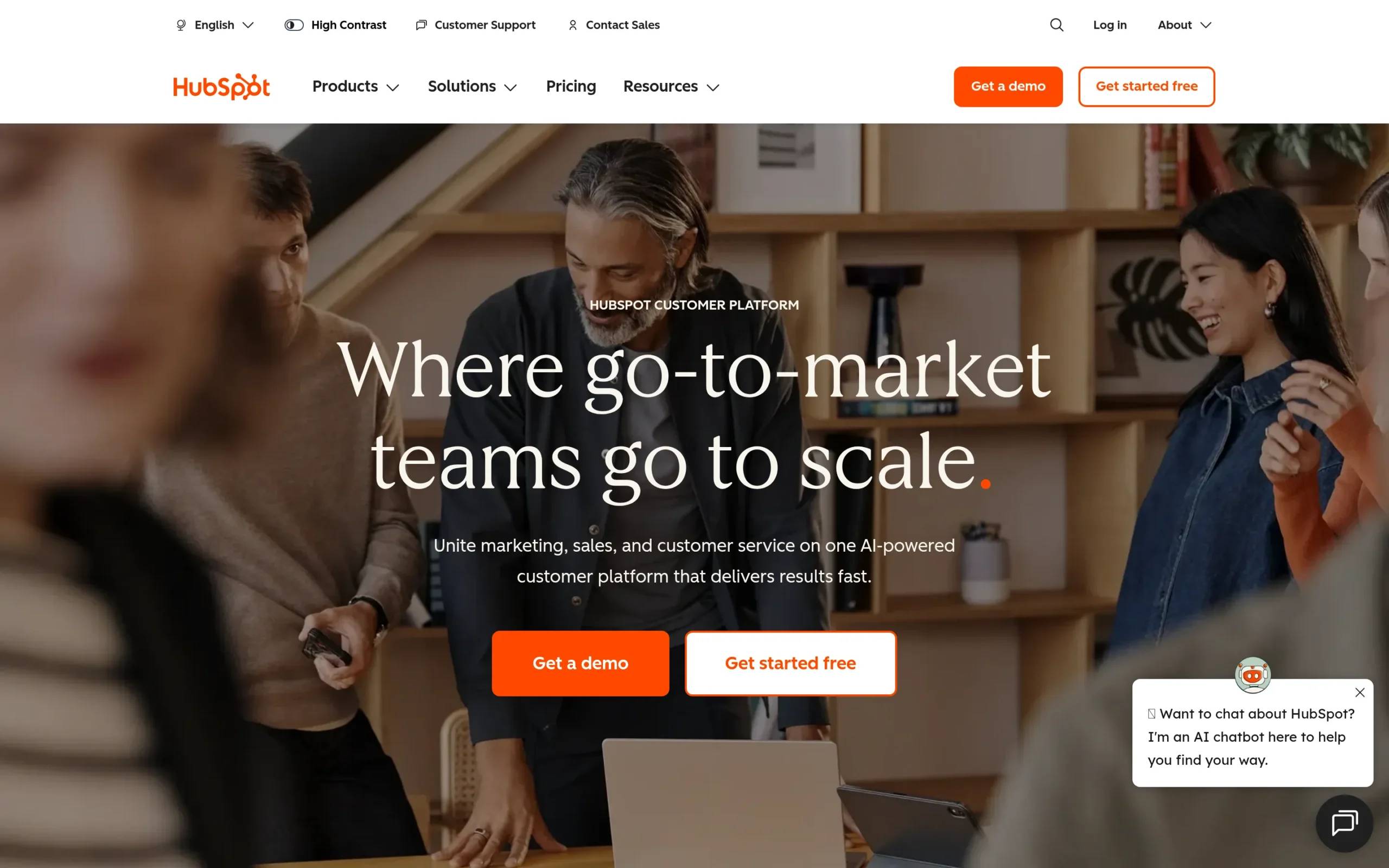
HubSpot is an all-in-one CRM platform combining sales, marketing, and customer service tools. Known for its generous free plan and user-friendly interface, HubSpot serves businesses from startups to enterprises. It’s popular among companies practicing inbound marketing and those wanting sales and marketing teams to work from the same platform.
Key Features
- Comprehensive free CRM: HubSpot offers a useful free tier with contact management, deal tracking, email scheduling, and basic reporting for unlimited users.
- Marketing Hub integration: Built-in email marketing, landing pages, forms, and social media tools let marketing teams nurture leads before handing them to sales.
- Sales automation and sequences: Automate email follow-ups, create task reminders, and build personalized sequences to engage prospects at scale.
- Advanced reporting dashboards: Custom reports, attribution tracking, and revenue forecasting help teams understand what’s driving results.
- Extensive app marketplace: Over 1,500 integrations with tools like Slack, Zoom, Salesforce, and more extend HubSpot’s functionality.
Pros & Cons
Pros:
- Free plan with robust features for small teams
- User-friendly interface with minimal learning curve
- All-in-one platform eliminates need for multiple tools
Cons:
- Premium features get expensive quickly
- Customization options limited on lower tiers
- Advanced automation locked behind higher-priced plans
Pricing
- Free CRM: $0 (up to 5 users)
- Sales Hub Starter: $15/seat/month
- Sales Hub Professional: $90/seat/month
- Sales Hub Enterprise: $150/seat/month
- 14-day free trial available for paid plans
Best For
HubSpot works well for small to mid-sized businesses seeking integrated sales and marketing, companies practicing inbound marketing strategies, and teams that value ease of use alongside powerful automation as they scale.
2. Salesforce
Overview
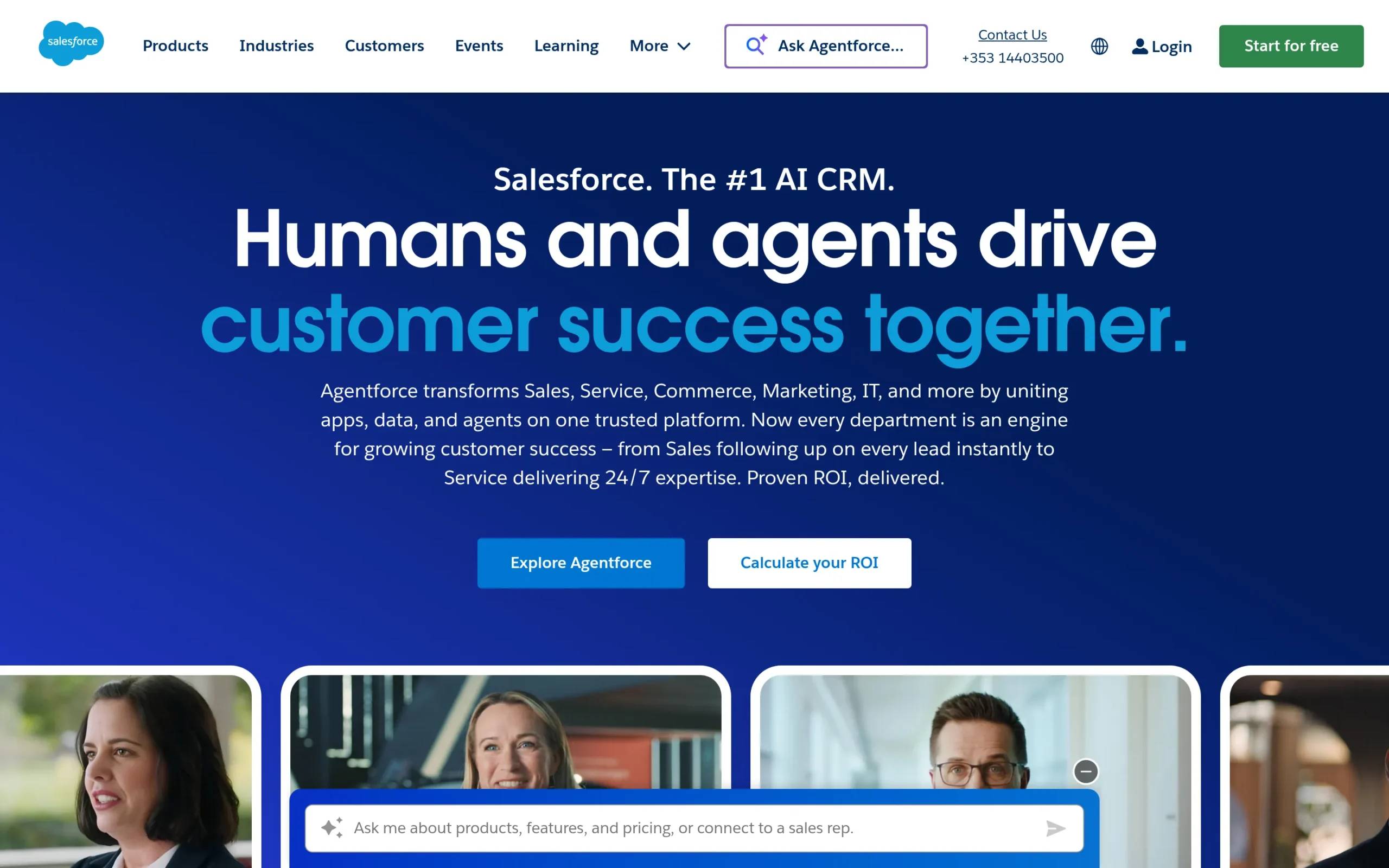
Salesforce is the veteran of the CRM industry and the most powerful enterprise-grade solution on the market. Founded in 1999, Salesforce pioneered cloud-based CRM and continues to set the standard for customization, scalability, and advanced features. It’s built for organizations with complex sales processes, large teams, and the resources to maximize its capabilities.
Key Features
- Highly customizable platform: Tailor every aspect of Salesforce to match your workflows, from custom objects to personalized dashboards and reporting.
- Einstein AI capabilities: AI-powered lead scoring, opportunity insights, predictive forecasting, and automated activity capture help teams work smarter.
- AppExchange marketplace: Access over 9,000 third-party integrations and add-ons to extend Salesforce’s functionality across your entire tech stack.
- Advanced analytics and forecasting: Build custom reports, create joined datasets, and use robust forecasting tools to predict revenue accurately.
- Enterprise-level security: Industry-leading security features, compliance certifications, and granular permission controls make Salesforce suitable for regulated industries.
Pros & Cons
Pros:
- Unmatched customization and scalability
- Powerful AI-driven insights and automation
- Industry-specific solutions available
Cons:
- Steep learning curve and complex interface
- Expensive, especially with add-ons
- Requires dedicated admin resources
Pricing
- Starter Suite: $25/user/month
- Professional: $75/user/month
- Enterprise: $150/user/month
- Unlimited: $300/user/month
- 30-day free trial available
Best For
Salesforce suits mid-sized to enterprise organizations with complex sales processes, companies requiring deep customization and advanced analytics, and teams with dedicated CRM administrators to manage the platform.
3. Close
Overview
Close is built for fast-moving sales teams who need to communicate quickly with prospects. It integrates calling, emailing, and SMS directly into the platform, so you don’t toggle between tools. Close is designed for high-velocity sales environments where speed and communication clarity drive results.
Key Features
- Built-in communication tools: Make calls, send emails, and text prospects directly from Close without switching platforms. All interactions are automatically logged.
- Smart Views and pipeline management: Customizable Smart Views filter your pipeline based on specific criteria, helping reps focus on high-priority deals.
- Sales automation: Automate follow-up sequences, task creation, and lead routing to keep your sales process moving.
- AI-powered features: AI Notetaker transcribes calls, AI Enrich provides real-time customer data, and AI Summaries highlight key details from conversations.
- Simple, intuitive interface: Close’s clean design and straightforward navigation make it easy for sales teams to adopt quickly without extensive training.
Pros & Cons
Pros:
- Integrated calling, email, and SMS in one place
- Fast setup with intuitive dashboards
- Strong automation features
Cons:
- Higher cost compared to similar tools
- Limited customization options
- Reporting tools less robust than competitors
Pricing
- Solo: $9/month (annual) or $19/month (monthly)
- Essentials: $35/month (annual) or $49/month (monthly)
- Growth: $99/month (annual) or $109/month (monthly)
- Scale: $139/month (annual) or $149/month (monthly)
- 14-day free trial available
Best For
Close works well for small to medium-sized sales teams prioritizing speed and efficiency, businesses focused on outbound calling and high-touch sales, and teams wanting integrated communication without managing multiple tools.
4. Freshsales
Overview
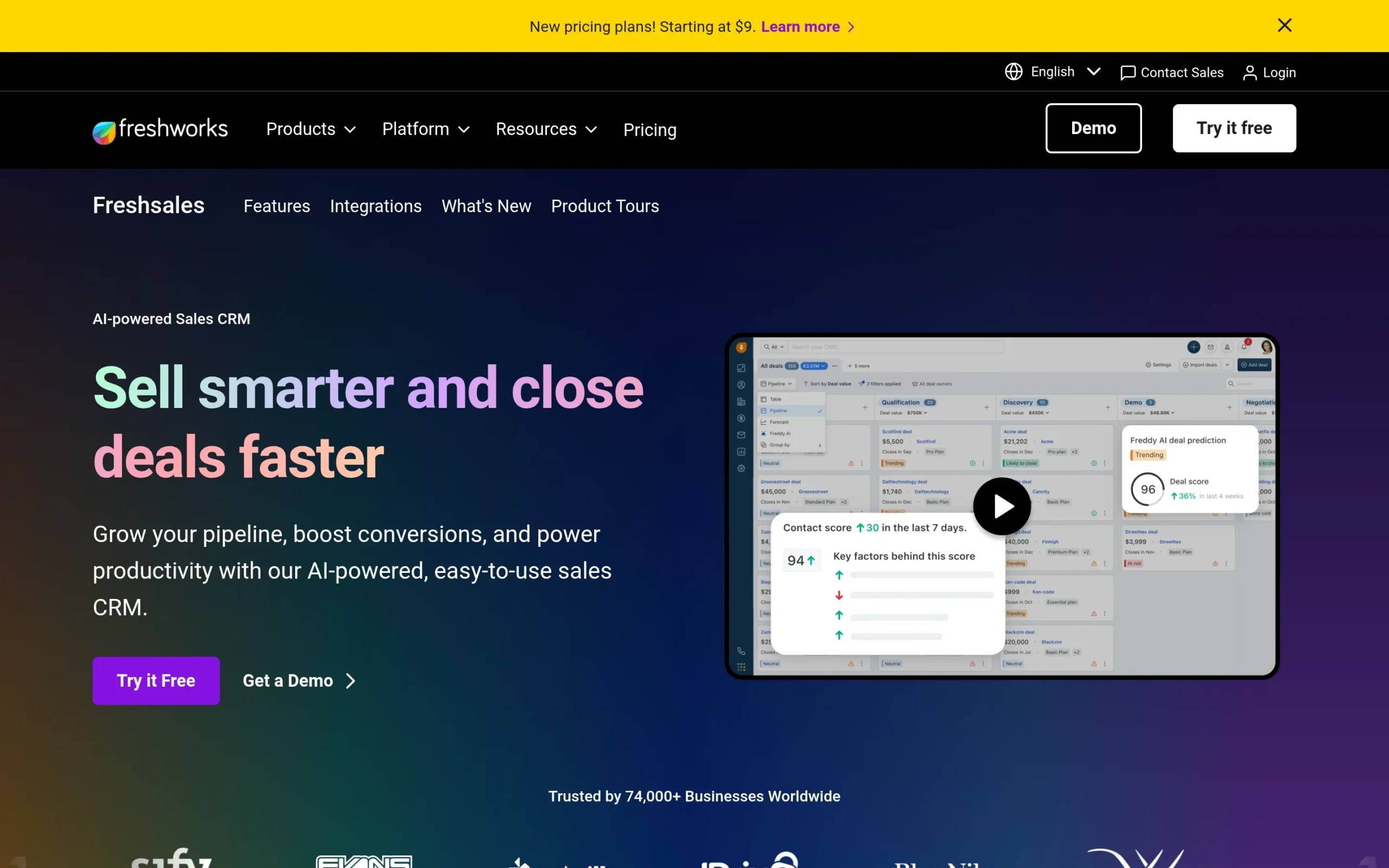
Freshsales is an AI-powered CRM from Freshworks that helps sales teams work smarter through automation and intelligent insights. With its user-friendly interface and robust feature set, Freshsales appeals to teams seeking a balance between simplicity and power. It’s well-suited for businesses looking to automate repetitive tasks while maintaining personalized customer engagement.
Key Features
- Freddy AI assistance: AI-driven lead scoring, email drafting, and insights help reps prioritize the right prospects and craft better messages.
- 360-degree customer view: See complete customer histories, interactions, and engagement data in one unified profile.
- Sales automation: Automate workflows, follow-ups, and data entry to reduce manual work and increase productivity.
- Visual sales pipeline: Drag-and-drop pipeline management with customizable stages makes tracking deals intuitive.
- Built-in phone and email: Communicate with leads directly from Freshsales with integrated calling and email tracking.
Pros & Cons
Pros:
- Intuitive, user-friendly interface
- Robust AI and automation features
- Excellent customer support
Cons:
- Occasional bugs reported by users
- Limited customization compared to Salesforce
- Reporting features lack depth
Pricing
- Free plan: $0 (limited features)
- Growth: $9/user/month
- Pro: $39/user/month
- Enterprise: $59/user/month
- 21-day free trial available
Best For
Freshsales works well for small to medium-sized businesses seeking AI-powered sales tools, teams looking for an easy-to-use CRM with strong automation, and companies wanting to improve lead scoring and customer engagement.
5. Copper CRM
Overview
Copper CRM is designed for teams that live in Google Workspace. It integrates seamlessly with Gmail, Google Calendar, Google Drive, and other Google apps, making it feel like a native extension of the tools you already use. Copper is ideal for relationship-focused businesses that prioritize simplicity and seamless integration over complex features.
Key Features
- Deep Google Workspace integration: Copper lives inside Gmail, automatically capturing emails, contacts, and calendar events without manual data entry.
- Automatic contact and activity tracking: Copper automatically logs interactions and updates contact records based on email and calendar activity.
- Visual sales pipelines: Manage deals with customizable, drag-and-drop pipelines that provide clear visibility into your sales process.
- Project management tools: Track projects from lead to delivery, making Copper useful for service-based businesses and agencies.
- Contact enrichment: Automatically enrich contact profiles with company data to better understand your prospects.
Pros & Cons
Pros:
- Seamless Google Workspace integration
- Automatic activity logging saves time
- User-friendly interface
Cons:
- Limited functionality outside Google ecosystem
- Higher pricing for advanced features
- Fewer integrations compared to competitors
Pricing
- Starter: $12/seat/month
- Basic: $29/seat/month
- Professional: $69/seat/month
- Business: $134/seat/month
- 14-day free trial available
Best For
Copper works well for teams heavily invested in Google Workspace, relationship-focused businesses like agencies and consultancies, and companies wanting automatic data capture with minimal manual entry.
What about multichannel outreach?
CRMs like Pipedrive, HubSpot, and Salesforce are built for managing relationships and tracking deals. They’re not built for one critical piece: multichannel prospecting at scale.
That’s where La Growth Machine comes in.
What La Growth Machine does
La Growth Machine is a multichannel outreach automation platform that helps sales and growth teams connect with prospects across LinkedIn, email, calls, and X (Twitter) from one place. Instead of manually reaching out to leads one by one, LGM automates your prospecting sequences, enriches contact data, and manages replies in a unified inbox.
Key Features
- Multichannel sequences: Build automated campaigns that combine LinkedIn messages, connection requests, emails, voice messages, and calls to reach prospects where they’re most active.
- Lead enrichment: Automatically find verified email addresses and enrich contact profiles using 9 email providers and advanced data validation.
- LinkedIn Intent Data: Import engaged audiences (people who liked or commented on posts, attended events, or follow your company) for highly targeted outreach.
How La Growth Machine complements Pipedrive alternatives
CRMs manage relationships once they’re established. La Growth Machine focuses on creating those relationships in the first place. Here’s how they work together:
- Generate leads, then manage them: Use LGM to prospect at scale across multiple channels, then sync qualified leads directly to your CRM (HubSpot, Pipedrive, Salesforce) for ongoing relationship management.
- Different stages of the funnel: LGM handles top-of-funnel outreach and lead generation, while your CRM takes over once prospects engage and enter your sales pipeline.
- Combined for maximum impact: Pairing a powerful CRM with LGM’s multichannel prospecting creates a complete system: find leads, engage them effectively, and manage relationships seamlessly.
Pricing
- Basic Plan: €50/month per identity (LinkedIn + Email)
- Pro Plan: €100/month (adds multichannel, intent data, social warming)
- Ultimate Plan: €150/month (advanced CRM integrations, webhooks)
- 14-day free trial (no credit card required)
Which Pipedrive alternative is right for you?
Choosing the right CRM depends on your specific needs, budget, and growth trajectory. Here’s how to think about it:
- If you need an all-in-one sales and marketing platform with a generous free tier, HubSpot is hard to beat for small to mid-sized teams.
- If you’re an enterprise with complex processes and require deep customization, Salesforce offers unmatched power and scalability.
- If your sales process revolves around high-volume calling and fast communication, Close integrates everything you need in one place.
- If you want AI-powered automation without a steep learning curve, Freshsales delivers intelligent features at an accessible price point.
- If your team lives in Google Workspace and values seamless integration, Copper eliminates data entry and keeps everything in sync.
Beyond choosing a CRM, think about how you’re generating leads. If you’re relying solely on inbound marketing or manual outreach, you’re missing opportunities. Combining a solid CRM with a multichannel prospecting tool like La Growth Machine means you’re not just managing relationships—you’re actively building them.
Frequently asked questions
What’s the main difference between Pipedrive and HubSpot?
Pipedrive focuses on sales pipeline management and deal tracking with a straightforward interface. HubSpot offers an all-in-one platform combining sales, marketing, and service tools with robust automation and a generous free plan. HubSpot is better for teams needing integrated marketing capabilities, while Pipedrive suits teams wanting a dedicated sales-focused CRM.
Is Salesforce worth the higher price compared to Pipedrive?
Salesforce is worth the investment if you need enterprise-grade customization, advanced analytics, AI-powered insights, and the ability to scale across large teams with complex processes. For small to mid-sized teams with straightforward sales workflows, Pipedrive or other alternatives may provide better value without the complexity and cost.
Can I use La Growth Machine instead of a CRM?
No. La Growth Machine is designed for multichannel prospecting and lead generation, not relationship management. It excels at finding leads, enriching contact data, and automating outreach across LinkedIn, email, and other channels. You still need a CRM like HubSpot or Salesforce to manage ongoing relationships, track deals, and organize customer data once prospects engage.
Which CRM is easiest to use for beginners?
HubSpot and Freshsales are generally the most beginner-friendly options. Both offer intuitive interfaces, helpful onboarding, and straightforward navigation. Copper is also easy to use, especially if your team already works in Google Workspace. Salesforce, while powerful, has a steeper learning curve.
Do any of these CRMs offer free plans?
Yes. Both HubSpot and Freshsales offer free plans. HubSpot’s free CRM includes contact management, deals, tasks, email tracking, and basic reporting for unlimited users. Freshsales offers a free plan with limited features suitable for very small teams. The other platforms offer free trials but require paid subscriptions after the trial period ends.
Conclusion
Choosing the right CRM alternative to Pipedrive comes down to understanding your team’s needs and priorities. HubSpot delivers an all-in-one platform for integrated sales and marketing. Salesforce offers enterprise-level power and customization. Close excels in high-velocity sales environments. Freshsales brings AI-powered simplicity. Copper seamlessly integrates with Google Workspace.
Each tool has strengths, and the best choice depends on your budget, team size, and sales complexity. But remember: CRMs manage relationships; they don’t create them.
If you want to scale your outreach and fill your pipeline with qualified leads, pair your CRM with a multichannel prospecting tool like La Growth Machine. Together, they create a powerful system for finding, engaging, and converting prospects into customers.
Get 3.5X more leads!
Do you want to improve the efficiency of your sales department? With La Growth Machine you can generate on average 3.5x more leads while saving an incredible amount of time on all your processes.
By signing up today, you’ll get a free 14-day trial to test our tool!