How to Make Your Automated LinkedIn Outreach Actually Convert
All you need
Summary of what you'll do
Duplicate campaign in5steps!
Warm up before you make contact
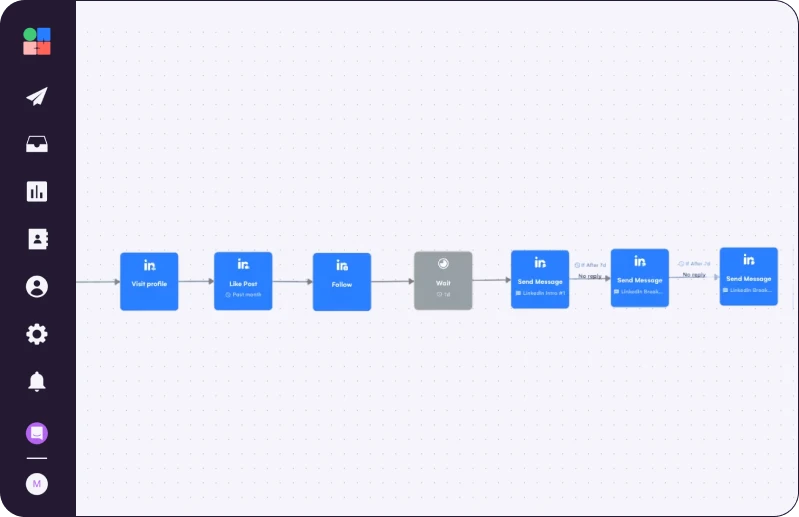
Before your connection request goes out, add Social Warming blocks to automatically like your prospects' recent posts and follow their profiles. By the time your invite lands, your name is already familiar. Acceptance rates go from 32% to 40% on average, without changing a word of your copy.
How to set it up:
- Add a Like, Follow, and/or Visit Profile action before your connection request step in the sequence builder
- Set the timing so they go out in the days before the connection request

A/B test before you scale anything
Most SDRs spend weeks running a sequence before realizing it's not the first message that converts. It's the third. By that point, a month of LinkedIn invitations is gone.
A/B Testing lets you run two versions of any message step on the same audience, without duplicating campaigns or tracking results in a spreadsheet. You see which variant gets more replies directly in your campaign stats.
What to test first:
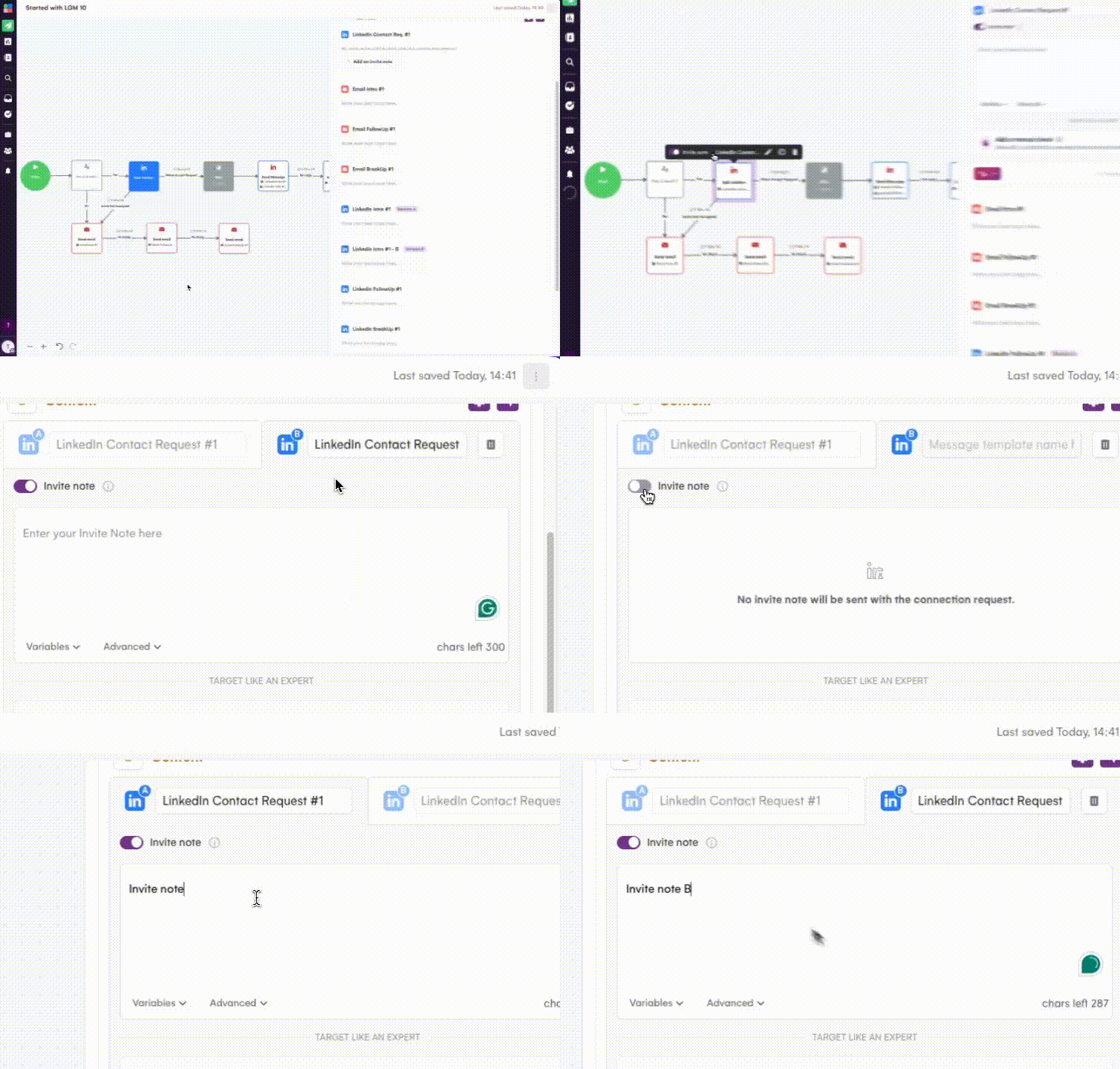
- Connection request with a note vs. without. La Growth Machine is one of the only tools where you can test this directly. Most teams have a strong opinion. Few have actual data.
- Your opening hook. Value-first vs. problem-first. Personalized trigger vs. broad industry angle.
- Your follow-up message. Same timing, different argument or angle.
How to set it up:
- In the sequence editor, enable A/B mode on any message step
- Write variant A and variant B
- La Growth Machine splits your audience automatically and tracks results per variant in real time
When one variant pulls ahead, scale it.
Route inactive profiles before they drain your quota
A chunk of your LinkedIn outreach goes to profiles that haven't been active in months. Those people won't reply - they're not ignoring you; they're just not there.
Add the LinkedIn is Active? block to your sequence to split leads based on their LinkedIn network size. Set a threshold (default: 100 connections). Anyone below it gets rerouted to email automatically; anyone above continues on LinkedIn.
How to set it up:
- Add the LinkedIn is Active? block before your first LinkedIn step
- Set your threshold (default: 100 connections; raise to 500 or 1,000 to target more active profiles)
- If network size data is missing, La Growth Machine routes the lead to the email branch automatically
Your LinkedIn connection requests quota is limited by LinkedIn. Routing inactive profiles to email is one of the fastest ways to improve sequence conversion without touching your copy.
Quick tip: To use this brick, your leads must have LinkedIn Network size data (number of connections).
If this information is missing, you'll need to enrich this data.

Set up Real Chat Mode in your La Growth Machine sequence
A well-written message can still fall flat if it arrives as a wall of text. Prospects recognize the template format before they read the first word.
Real Chat Mode splits your message into short bubbles sent in rapid succession: up to 6 sub-messages, 1 second apart. It reads like someone typing live, not like a campaign scheduled three weeks ago.
The split happens at every strong punctuation mark (. ? !) and line break. If your message has more than 6 punctuation marks, all remaining text gets grouped into the 6th bubble, so keep your messages short.
How to write for it:
- One idea per line
- Short sentences
Duplicate Brice's campaign
.png)
Read Next


Stop Cold Calling: Use Intent Signals to Trigger Calls Prospects Actually Answer


Transform Online Mentions into Customers


Convert Your Website Visitors into Customers