



Stop Rebuilding Your Pipeline From Scratch Every Month
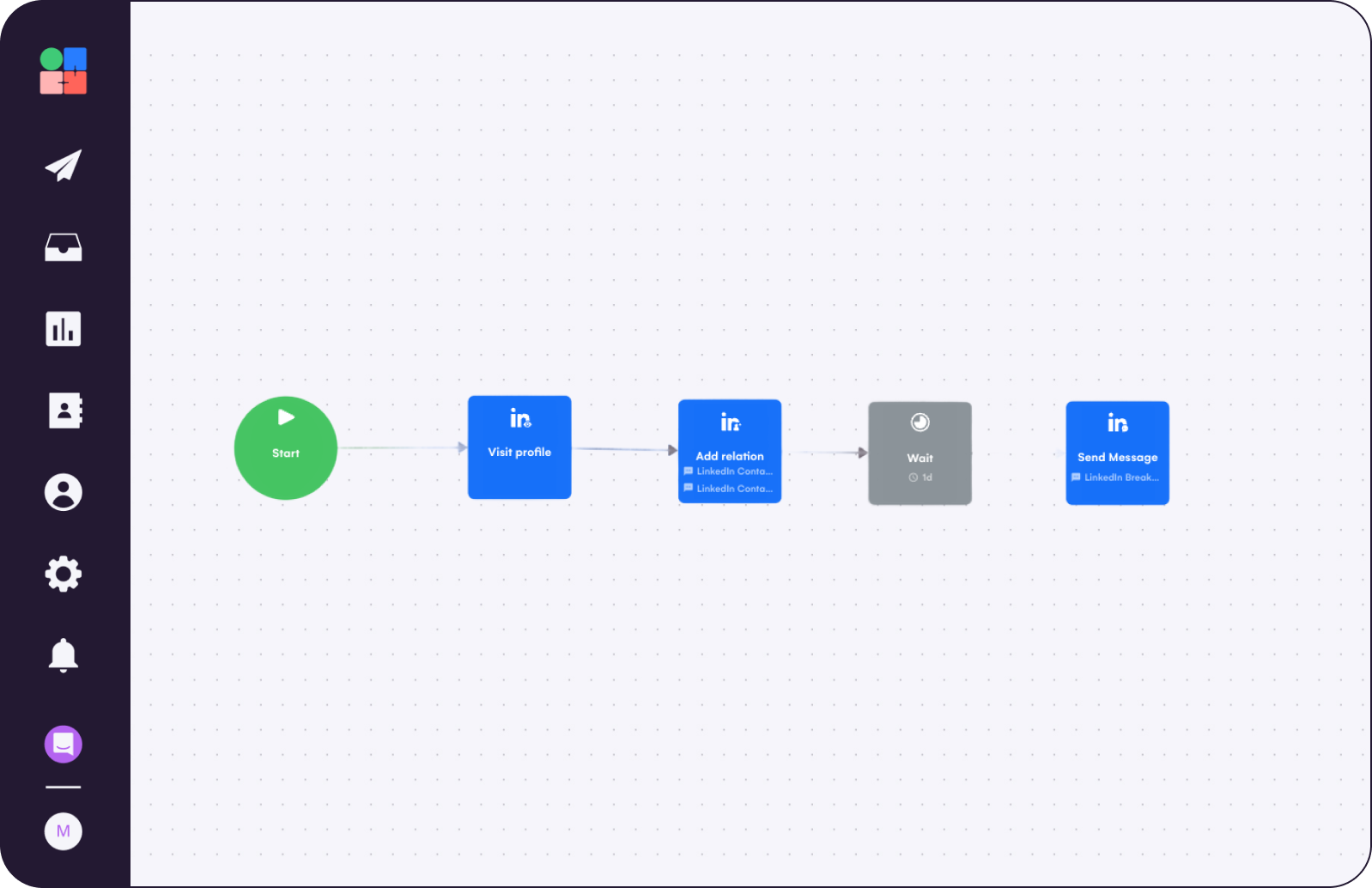
All you need
Summary of what you'll do
Duplicate campaign in7steps!
Pick the Signal that matches your goal
The best setup is to choose one audience per Signal so you can adapt one message angle for each Signal.
Inbound Activity
- Hot leads: people who viewed your profile
- Website visit: visitors to key pages on your website, requires your integration
- Form submission: people who submitted a form, requires your integration
- New opportunity in my company followers: people who recently followed your company on LinkedIn
Social Activity
- Event participation: people who registered for or attended an event
- Post engagement: people who recently liked or commented on a LinkedIn post
Career Activity
- Job change: people who changed jobs or companies
- Recently hired: people who joined their company less than one year ago
Audience Fit
- New opportunity in your network: first‑degree relations that match your criteria
- ICP match: people who match your ideal customer profile
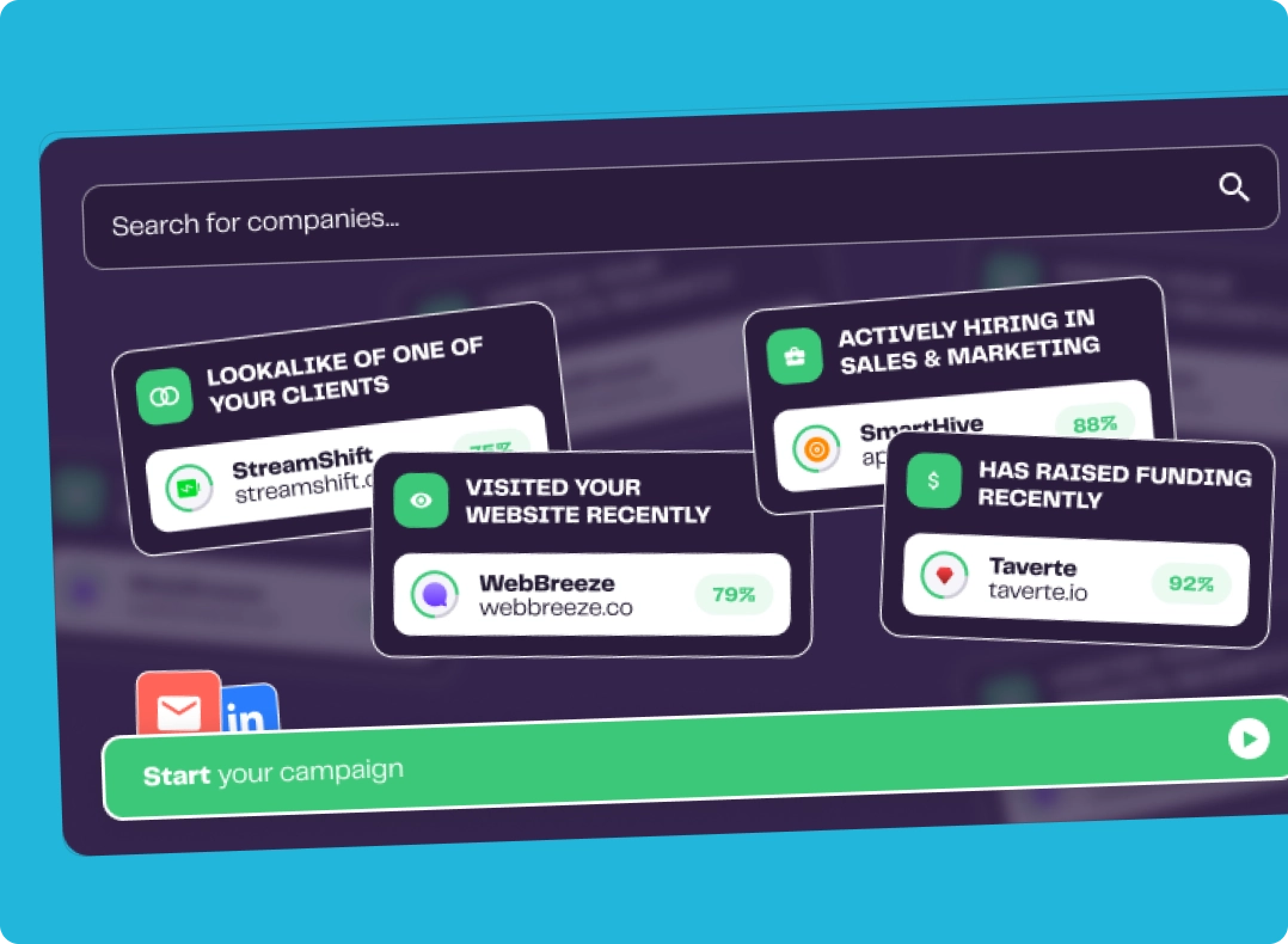
Set up your Signal in LGM
Path: Audiences > Create Audience > Configure a Signal
- Choose the Signal type from the list above
- Set your lead filters to match your ICP strictly: job title, function, seniority, industry, company size, location. The tighter your filters, the more relevant your leads.
- Choose your monitoring scope: existing leads that already match your criteria + future leads, or future leads only from this point on. If you are starting fresh, “future leads” only avoids importing a large backlog at once.
- Click Continue, then choose your destination audience or create a new one.
- Exclusions: enable Skip already contacted leads and your CRM exclusion list (e.g. Skip leads in HubSpot list) to protect active conversations.
- Enrichment: enable Auto-enrich if you want leads enriched at import. Choose the enrichment type that fits your use case: full enrichment (email + data), verified email only, or LinkedIn data only. Full enrichment uses more credits.
- Click Create to activate. LGM will now detect and import matching leads automatically.
Cadence: daily for LinkedIn engagement and CRM Signals, monthly for Sales Navigator based Signals, real-time for website visits and form submissions via your integration.

Attach the audience to a campaign & write your openers
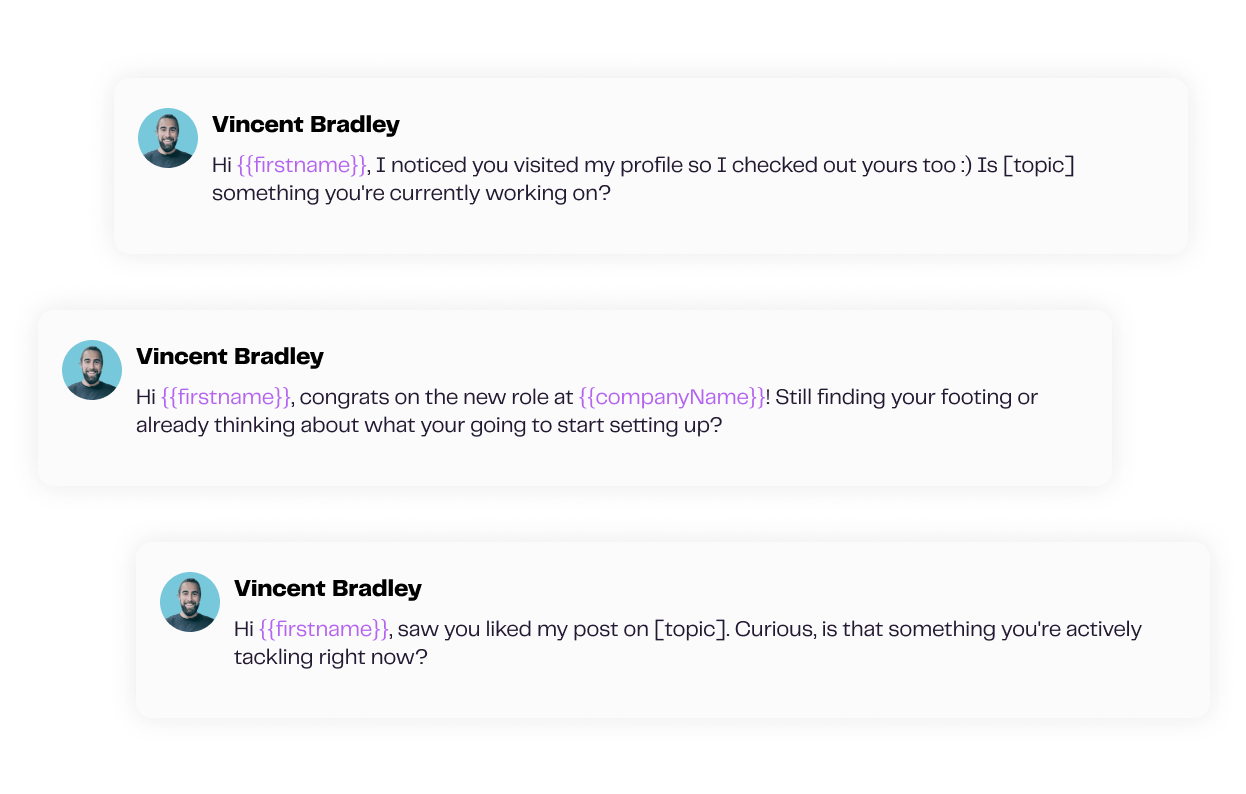
Link the Signal audience to an ongoing campaign with an opener that references the trigger. Keep in mind, new leads will join the campaign the moment the Signal imports them.
Your message should match the intent behind the signal. For example:
- A job change lead just stepped into a new role and is reassessing their stack. Your opener should acknowledge the transition and the fresh start that comes with it.
- A post engagement lead already interacted with your content. Reference what they engaged with - you have a natural conversation starter.
- A profile view lead came to you. A simple, direct opener works well here.
Bonus: Cover the rest of your ICP with Continuous Import
Signals handle intent‑triggered sourcing but for broader coverage here what you can do on your other imports:
- LinkedIn engagement imports and CRM dynamic lists: toggle “Add new leads every day”
- Sales Navigator searches and lists: select “Add new leads every month”. LGM runs the initial import, then adds new matching profiles automatically
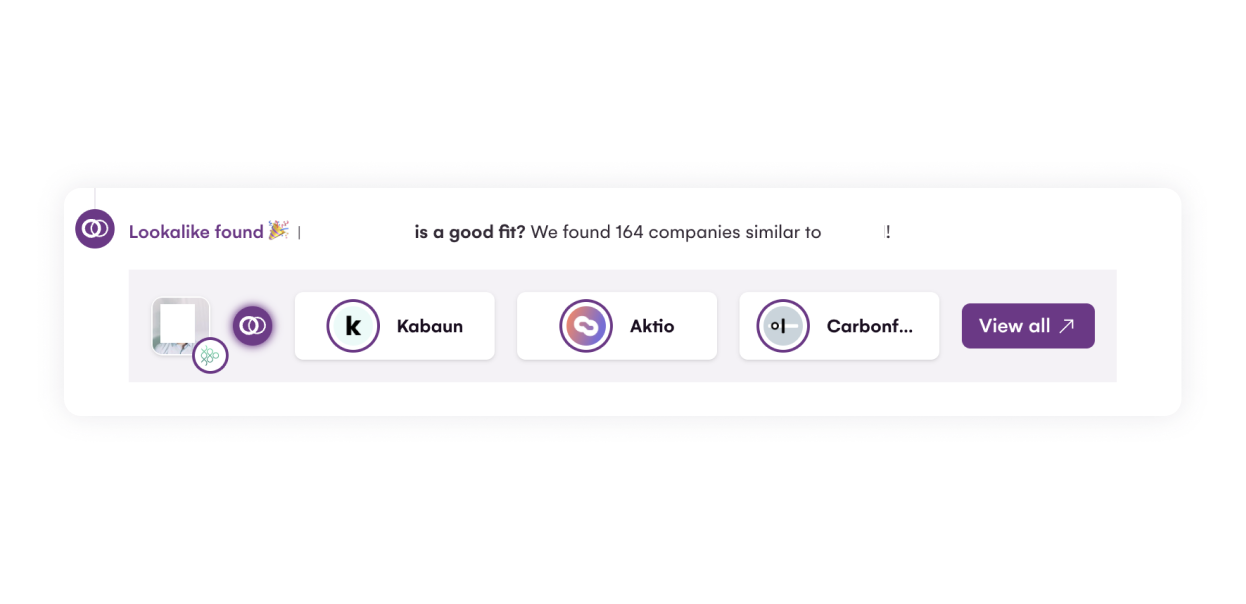
Use Lookalike Opportunities from positive replies
Use wins as inputs: When a qualified reply lands in your inbox from the campaign you set up above, La Growth Machine suggests similar companies directly alongside it.
Your next best prospects surface without you having to go looking for them.
Keep this campaign always‑on
Unlike a one-shot campaign you pause after a few weeks, this one should never stop. As long as your Signal keeps detecting new leads, your campaign should keep running.
Run one campaign per Signal so your reporting stays clean and your opener stays relevant.
Duplicate Vincent's profile view campaign

Read Next


Stop Cold Calling: Use Intent Signals to Trigger Calls Prospects Actually Answer


How to Make Your Automated LinkedIn Outreach Actually Convert


Transform Online Mentions into Customers