

Run your outreachfrom
Ask Claude to build audiences, launch campaigns, score sequences, and surface what's actually generating meetings. All without leaving the conversation.
the LGM MCP, the full GTM skill library, and the right permissions in your settings.json. Takes about 30 seconds.

Stop guessing which campaigns work.
Without the MCP, every campaign feels the same.
You can't tell what's working, what's burning your senders, or where the next meeting is hiding.
With the MCP, Claude reads your live data and surfaces the truth you couldn't extract before.
Everything blurs together.
All your sequences ship and report flat metrics. Which message is booking meetings? Which is wasting your senders? Impossible to tell at a glance.
Export CSVs, build pivot tables, eyeball patterns across tabs. By the time you've found the insight, the campaign is half-over.
You optimize on gut feel, ship, pray. Reviewing performance is a Monday morning ritual, not a continuous practice that compounds.
Answers surface in minutes.
"Which sequence is booking the most responses?" You get a ranked answer with reasoning, pulled live from your real campaign data.
Compare reply rates by persona, sender, opener angle, time of day, across every campaign, in a single prompt.
Insight → fix → ship → measure → improve. All from one Claude conversation. You compound wins instead of resetting every Monday.
Every stage of your pipeline,
from one conversation.
Build your next audience in 30 seconds
Write and launch campaigns that book meetings
Clear your reply queue before it goes cold
Know what's actually generating meetings
trusted by
10,000 GTM teams



Frequently asked questions
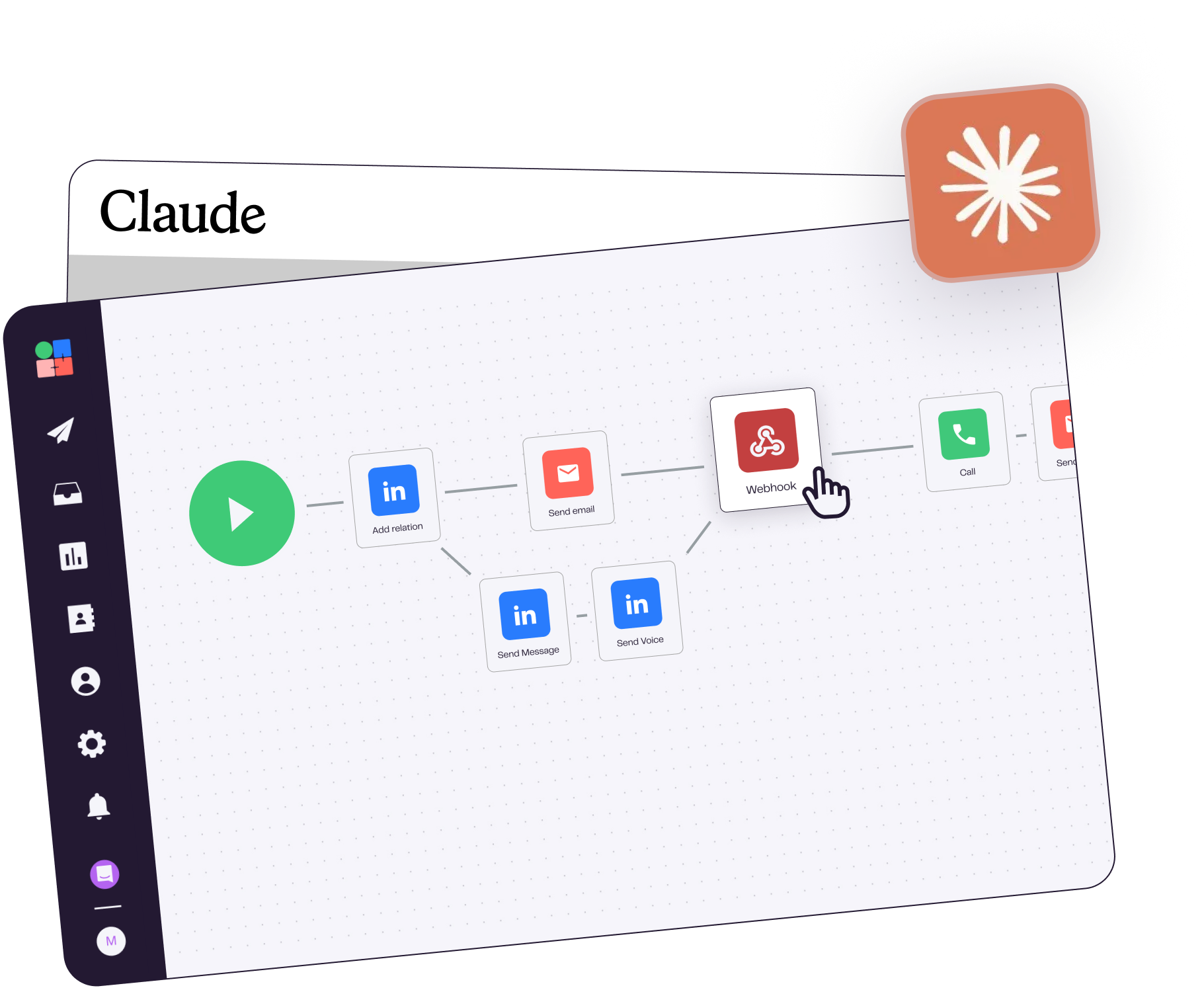
MCP stands for Model Context Protocol, an open-source standard from Anthropic that lets Claude connect to external tools. The LGM MCP gives Claude direct access to your prospecting data: campaigns, leads, replies, pipeline. You interact with your stack in plain language, without leaving the conversation.
Yes. Claude can create, edit, and launch campaigns directly in La Growth Machine. Write actions require explicit confirmation in the conversation by default. A read-only mode is also available in the MCP config if you prefer.
A large part of what you do inside La Growth Machine, Claude can do through the MCP. That's the whole point. Today you can: build audiences from a Sales Navigator search, list and analyze your campaigns, pull live stats (open rates, reply rates, meetings booked), fetch lead conversations and reply history, and manage your sender identities. More actions are added regularly. For workflows that need multiple steps chained together, pair the MCP with the GTM skills.
With Claude Team or Enterprise, Anthropic does not train on your conversation data. We recommend not sending sensitive personal data (GDPR) through the MCP.
The MCP is the connection. It's what gives Claude access to your LGM workspace and the ability to take actions (read data, create audiences, send replies). Skills are workflows. Structured, repeatable prompts that guide Claude through complex GTM tasks like reply management or campaign scoring. Our GTM Skills work both via the install command (Claude Code, Cursor, etc.) and inside Claude.ai once the MCP Connector is added. Both are free and open source.
Yes. The MCP uses your La Growth Machine account to access data and execute actions. An active subscription is required. The MCP itself is open-source and free.
Zero code required. If you're on Claude Code or another AI IDE, one install command sets up both the MCP and the skill library. If you're on Claude.ai, you paste the MCP URL once in Settings → Connectors. After that, you talk to Claude in plain English (or any language) and it calls LGM tools automatically.
Yes. Each team member connects the MCP with their own La Growth Machine token. For a consolidated multi-seat view, contact our team for Enterprise configuration.