

TL;DR
Clay costs $134/month annually with 150+ data providers while Lusha starts at $29.90/month.
– Clay provides waterfall enrichment pulling from 150+ sources with AI research tools
– Lusha offers 280M+ contacts with Chrome Extension and buyer intent included
– Clay includes 14-day Pro trial with 1,000 credits and Sequencer capabilities
– Lusha delivers free plan with 40 credits monthly and AI recommendations
– Clay suits data enrichment workflows while Lusha offers quick contact access
If you’re building prospect lists for your sales or growth team, you’ve probably come across both Clay and Lusha. They’re both popular B2B data tools, but they work in pretty different ways. Clay is an all-in-one data enrichment platform that pulls from 150+ providers, while Lusha is a contact database focused on quick access to verified emails and phone numbers.
Clay vs. Lusha: side-by-side comparison table
Here’s a quick reference comparing the two tools:
| Feature | Clay | Lusha | La Growth Machine |
|---|---|---|---|
| Starting price | $134/month (billed annually) | $29.90/month (billed annually) | €50/user/month (annual) |
| Free trial | Yes, 14-day Pro trial with 1,000 credits | Yes, Free plan with 40 credits/month | 14 days (no credit card required) |
| Key features | 150+ data providers, waterfall enrichment, AI research, Sculptor, Sequencer | 280M+ contacts, Chrome Extension, buyer intent, AI recommendations | LinkedIn + Email sequences, enrichment, warmup, AI voice |
| Integration options | 150+ (CRMs, outreach, data providers) | Major CRMs and outreach tools (Scale plan) | Native: HubSpot, Salesforce, Pipedrive + API |
| Support options | In-app chat, Clay University, Slack community | Chat support, documentation, dedicated CSM (Scale) | Email, chat, knowledge base, dedicated strategist (4+ seats) |
| Best for | Growth teams, agencies, RevOps needing maximum data coverage | Sales teams, solo prospectors, recruiters needing fast contact access | Scaling teams needing multichannel automation |
This guide breaks down how they compare on features, ease of use, pricing, and integrations so you can figure out which one fits your workflow. We’ll also cover where La Growth Machine fits in if you need multichannel sales automation instead.
Clay vs. Lusha: quick overview
Clay
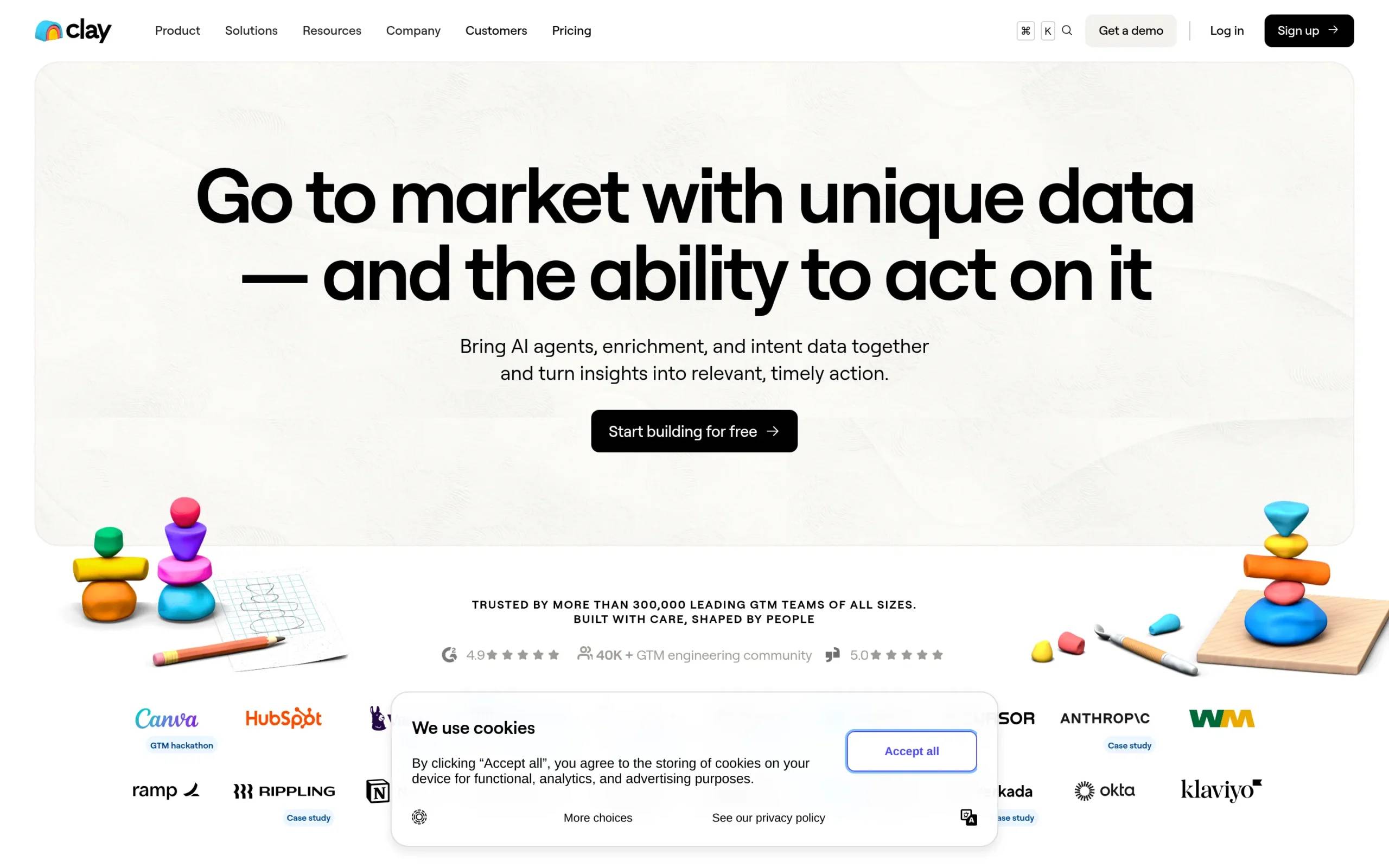
Clay is a data enrichment and prospecting automation platform designed for B2B teams that need highly targeted lead lists. It uses a waterfall enrichment system that pulls data from 150+ providers one after another until it locates what you need. Clay also includes AI-powered research tools like Claygent for company analysis and Sculptor for finding leads across multiple databases at once.
What makes it different: Access to 150+ data providers in one platform with waterfall enrichment logic that significantly improves data coverage.
Starting price: Free plan with 1,200 credits/year, paid plans start at $134/month (billed annually).
Lusha

Lusha is a sales intelligence platform that provides access to over 280 million verified B2B contacts. It’s built around quick contact discovery through a Chrome Extension that captures leads from LinkedIn and other web pages. Lusha focuses on speed and simplicity, helping teams find verified emails and phone numbers fast, with buyer intent data and AI recommendations for matched leads.
What makes it different: Fast, accurate contact data with 85% phone accuracy and 98% email deliverability, plus a user-friendly Chrome Extension.
Starting price: Free plan with 40 credits/month, paid plans start at $29.90/month (billed annually).
Clay vs. Lusha: head-to-head comparison
Here’s how these two tools compare across the areas that matter most for prospecting teams.
Features & capabilities
Clay:
Clay’s biggest strength is its waterfall enrichment system. Instead of relying on one data source, it checks multiple providers in sequence until it finds the information you need. You can configure it to try Hunter first (cheapest), then Apollo, then Prospeo, and so on. This approach can double your email find rate compared to using a single provider.
Key features:
- Access to 150+ data provider integrations (Apollo, Hunter, Clearbit, People Data Labs, Prospeo, and more)
- Claygent: AI-powered research that analyzes companies, finds tech stacks, and identifies buying signals
- Sculptor: Lead discovery across multiple databases with complex filters
- Sequencer: Basic outreach automation built into the platform
- AI formula builder with conditional logic to optimize credit spend
Clay also handles technographic data, intent signals, and web scraping. It’s built for teams that want to replace 5-8 separate tools with one comprehensive platform.
Lusha:
Lusha takes a simpler approach. It’s a contact database with verified information you can access instantly. The Chrome Extension lets you grab contact details while browsing LinkedIn, company websites, or your CRM.
Key features:
- Contact & company search with 280M+ verified B2B contacts
- Chrome Extension for one-click lead capture from LinkedIn and web pages
- Buyer intent data to identify in-market prospects
- AI recommendations that deliver daily matched leads based on your preferences
- Automated prospecting workflows for building, enriching, and engaging with leads
Lusha also offers job-change tracking, CRM enrichment, and lookalike audiences on higher-tier plans. It’s designed for teams that prioritize speed and ease of use over complex data operations.
Bottom line: Clay wins if you need maximum data coverage and advanced enrichment workflows. Lusha is better if you want fast, simple access to contact data without a learning curve.
Ease of use
Clay:
Clay uses an Airtable-style interface with tables, columns, and formulas. If you’re comfortable with spreadsheets, you’ll recognize the layout. Getting your first enrichment workflow running takes about 30 minutes using pre-built templates.
However, there’s a learning curve. Mastering waterfall enrichment, conditional logic, and the AI formula builder takes several hours of practice. The credit consumption model also isn’t intuitive at first, and it’s easy to burn through credits on poorly optimized workflows. Clay includes video tutorials, templates, and an active Slack community to help, but it’s definitely built for technical growth teams.
Lusha:
Lusha is extremely user-friendly. Install the Chrome Extension, create an account, and start revealing contact details on LinkedIn. There’s almost no setup required. The dashboard is clean and simple, with straightforward search filters and export options.
Users consistently praise Lusha’s ease of use on review sites. It’s built for reps who need to start prospecting immediately without training or technical knowledge.
Bottom line: Lusha is significantly easier to use out of the box. Clay requires time investment to master, but offers more power once you do.
Pricing & value
Clay:
Clay uses credit-based pricing:
- Free: $0/month with 1,200 credits/year (100 credits/month)
- Starter: $134/month with 24,000 credits/year (2,000 credits/month)
- Explorer: $314/month with 120,000 credits/year (10,000 credits/month)
- Pro: $720/month with 600,000 credits/year (50,000 credits/month)
- Enterprise: Custom pricing
Each enrichment action consumes different amounts of credits depending on the data provider. Revealing an email typically costs 1-5 credits, while phone numbers cost 8-15 credits. A fully enriched prospect (email, phone, LinkedIn, company data) usually consumes 8-12 credits with an optimized waterfall.
Clay’s 14-day free trial lets you test the Pro plan with 1,000 credits and no credit card required.
Is it worth it? Clay is expensive compared to alternatives. However, the enrichment coverage is significantly higher. In testing, Clay found valid emails for 78% of prospects versus 42% for single-provider tools. If data quality directly impacts revenue, the premium can be worth it. Not suitable for bootstrapped startups or low-volume prospecting under 200 prospects/month.
Lusha:
Lusha also uses credits, but with simpler pricing:
- Free: $0/month with 40 credits/month
- Pro: $29.90/month with 250 credits/month
- Premium: $69.90/month with 600 credits/month
- Scale: Custom pricing with unlimited credits (subject to fair use policy)
Revealing a contact’s email costs 1 credit, phone numbers cost 5 credits. Exports to CRM or CSV also consume credits.
Lusha offers a free trial through the Free plan, though 40 credits isn’t much for thorough testing.
Is it worth it? Lusha is more affordable for small teams and solo prospectors. However, the credit system can get expensive at scale, and key features like intent data, job-change alerts, and API access require the Scale plan. Users on review sites mention the credit system feels restrictive, especially since unused credits reset annually.
Bottom line: This one’s a tie. Clay costs more but delivers better enrichment coverage. Lusha is cheaper upfront but credits add up quickly at scale. Your choice depends on whether you prioritize cost or data quality.
Integrations
Clay:
Clay’s integration ecosystem is one of its strongest selling points. It connects with 150+ data providers and enterprise tools:
- CRMs: Salesforce, HubSpot, Microsoft Dynamics 365, Pipedrive
- Outreach tools: Salesloft, Outreach, Apollo, Instantly, Lemlist
- Data providers: Apollo, Hunter, Clearbit, People Data Labs, Lusha, RocketReach, Kaspr, Prospeo, and dozens more
The integrations support bidirectional sync, meaning data flows both ways between Clay and your CRM. Clay also offers REST API and webhooks for Enterprise customers.
One thing to note: Clay uses a bring-your-own-key (BYOK) model for many integrations, meaning you need separate subscriptions to some data providers. This adds flexibility but also complexity and cost.
Lusha:
Lusha integrates with major CRMs and sales tools:
- CRMs: Salesforce, HubSpot, Zoho, MS Dynamics, Pipedrive, Bullhorn
- Outreach: Salesloft, Outreach
- Automation: Zapier, Make, n8n
The Chrome Extension works seamlessly with LinkedIn and most B2B websites. CRM integrations are only included on the Scale plan, which is a limitation for teams on lower tiers.
Bottom line: Clay’s 150+ integrations and bidirectional sync make it the clear winner for teams managing complex multi-tool workflows. Lusha covers the basics but restricts key integrations to higher-tier plans.
Clay vs. Lusha: pros and cons
Clay strengths & weaknesses
Pros
- 150+ data providers accessible in one platform
- Waterfall enrichment doubles email coverage (40% to 78% in testing)
- AI-powered research for personalization, intent signals, and company analysis
- Comprehensive feature set replaces multiple prospecting tools
- Active Slack community with 15k+ members and strong support
Cons
- Steep learning curve requires 5-6 hours to master
- Credit consumption logic is confusing initially
- Expensive compared to alternatives ($314-$720/month for most teams)
- Easy to waste credits on poorly configured waterfalls
User rating:
- G2: 4.7/5 (based on 175+ reviews)
- Capterra: 4.7/5 (based on reviews)
Lusha strengths & weaknesses
Pros
- Extremely user-friendly with minimal learning curve
- Fast contact discovery through Chrome Extension
- High data accuracy (85% phone, 98% email deliverability)
- Affordable entry point ($29.90/month)
- Good for prospecting in US and Europe
Cons
- Credit system feels restrictive for high-volume prospecting
- Key features (intent, job changes, API, CRM enrichment) only on Scale plan
- Smaller database compared to competitors
- Inconsistent data accuracy for niche industries and smaller companies
User rating:
- G2: 4.3/5 (based on 1,573+ reviews)
- Capterra: 4.6/5 (based on reviews)
Which should you choose?
Pick Clay if:
- Your team needs maximum data coverage and enrichment accuracy
- You’re running high-volume prospecting campaigns (500+ prospects/month)
- You want to replace multiple tools with one comprehensive platform
- You have technical users who can invest time in learning the system
- Budget isn’t a primary constraint and data quality impacts revenue directly
- You need advanced features like AI research, intent signals, and complex workflows
Pick Lusha if:
- You need fast, simple access to contact data without a learning curve
- Your team is small (solo prospector or small sales team)
- You’re prospecting primarily in the US or Europe
- You want an affordable entry point with pay-as-you-go flexibility
- Your focus is LinkedIn prospecting with the Chrome Extension
- You don’t need complex data operations or advanced automation
Need something different? Check out La Growth Machine
Clay and Lusha are both solid choices for finding and enriching contact data. But if you’re looking for multichannel sales automation instead of just data enrichment, La Growth Machine takes a different approach.
What La Growth Machine does
We’re a multichannel sales automation platform designed to help sales and growth teams turn conversations into business. While Clay and Lusha focus on building and enriching lead lists, we focus on reaching those leads across multiple channels and managing the conversations that follow.
Our platform combines LinkedIn, email, X (Twitter), phone calls, and voice messages into automated sequences. We also handle Lead Enrichment (finding and verifying emails using 9 providers), but our primary strength is multichannel outreach automation.
What sets us apart:
- Multichannel Prospecting: Combine LinkedIn, email, calls, voice messages, and X in one sequence
- LinkedIn Voice Messages: Record once, then use AI to clone your voice and personalize messages at scale (doubles reply rates)
- Social Warming: Automatically like posts and follow prospects before outreach begins
- Unified Inbox: Manage all replies from LinkedIn and email in one thread per lead
- Lookalike Search: Get a new list of similar companies when a prospect replies
- LinkedIn Intents: Import people who engaged with your LinkedIn posts or events
How it fits into your stack
If you’re using Clay or Lusha to build enriched lead lists, you still need a way to reach those leads. That’s where La Growth Machine comes in. Many teams use Clay or Lusha for list building and enrichment, then push those leads into LGM for multichannel outreach.
We integrate with Clay, HubSpot, Pipedrive, Phantombuster, and other tools in your stack. This lets you build enriched lists in Clay/Lusha, then automate outreach in LGM without manual CSV exports.
Pricing
- Starting at €50/month per identity (Basic plan)
- Pro plan: €100/month (includes Lookalike Search, LinkedIn Intents, Social Warming)
- 14-day free trial, no credit card required
Worth considering if:
- You need multichannel outreach automation (not just data enrichment)
- You want to reach leads on LinkedIn, email, and other channels in one sequence
- You’re looking for a tool that handles both prospecting and conversation management
- You want to increase reply rates through voice messages and Social Warming
Clay vs. Lusha: FAQs
Can Clay and Lusha work together?
Yes, many teams use both. Clay can actually integrate with Lusha as one of its data providers, meaning you can use Lusha’s contact data within Clay’s waterfall enrichment workflows. This gives you the best of both: Lusha’s verified contact accuracy and Clay’s multi-provider coverage.
Which tool has better data accuracy?
Lusha claims 85% phone accuracy and 98% email deliverability. Clay’s accuracy varies because it pulls from 150+ providers, but its waterfall approach means you get data from the most accurate source available. In testing, Clay achieved 78% email coverage versus 42% for single providers. Both are reliable, but Clay’s multi-provider approach generally finds more contacts.
Do I need technical skills to use these tools?
Lusha requires zero technical skills. If you can use a Chrome Extension and LinkedIn, you can use Lusha. Clay has a steeper learning curve with its Airtable-style interface, formulas, and waterfall logic. It’s best suited for technically comfortable users or teams with RevOps/growth ops support.
Conclusion
Clay and Lusha are both quality data tools, but they serve different purposes. Clay is built for teams that need maximum enrichment coverage and don’t mind investing time to master a complex platform. Lusha is perfect for teams that prioritize speed, simplicity, and fast access to verified contacts.
Neither tool is objectively better. It depends on your team’s size, technical comfort, budget, and whether you prioritize data coverage or ease of use.
And if you’re looking for multichannel outreach automation rather than just data enrichment, La Growth Machine is worth exploring. We help teams take enriched lead lists and turn them into actual conversations across LinkedIn, email, and other channels. Try our 14-day free trial to see how we fit into your prospecting workflow.
Get 3.5X more leads!
Do you want to improve the efficiency of your sales department? With La Growth Machine you can generate on average 3.5x more leads while saving an incredible amount of time on all your processes.
By signing up today, you’ll get a free 14-day trial to test our tool!