
TL;DR
– Use native LinkedIn tools or third-party platforms like Buffer and Hootsuite
– Plan content a week in advance for guaranteed consistency and regularity
– Alternate formats between text, images, videos, and carousels to vary engagement
– Respect optimal posting times according to your target audience’s analytics
– Maintain flexibility for current events and spontaneous reactions to stay authentic and responsive
If you are new to LinkedIn, you likely have many questions about publishing on LinkedIn.
If you are already familiar with the professional social network and a regular publisher, you undoubtedly want to become more visible.
Scheduling posts is one of the absolute solutions, whether you are a novice or an expert on LinkedIn.
Why schedule your LinkedIn posts? How to schedule them? What are the best tools for scheduling LinkedIn publications?
This is what we will reveal to you in this new article dedicated to the No. 1 professional social network.
Why schedule your LinkedIn posts?
The LinkedIn algorithm is the equivalent of the Big Bad Wolf.
With one wrong move, it can ruin your efforts developed over weeks and considerably slow down the development of your business.
For many entrepreneurs, it is a figure lurking in the shadows, ready to devour the best publications if they do not meet all the network’s requirements.
Improving your content, your visibility, your engagement rate, and your relationships on LinkedIn requires work… but it is essential for LinkedIn prospecting!
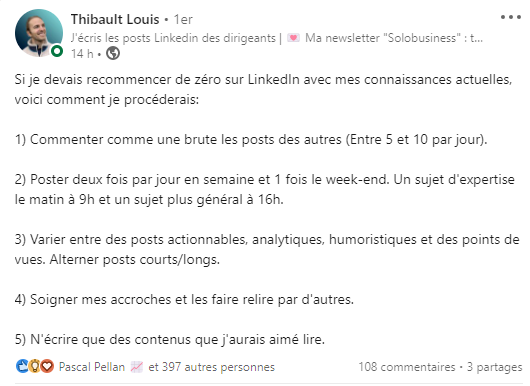
Regardless, a good social selling strategy and proper engagement on LinkedIn require adhering to certain precise rules. Here they are:
Respecting the best time to post on LinkedIn
The most relevant posting times and dates are among the most important criteria for being ranked well by the LinkedIn algorithm.
While many experts agree that the most effective posting days are concentrated from Tuesday to Thursday, debates about time slots are more heated.
Even if it’s not systematic, posts from accounts in different sectors have already exploded on a Saturday evening, while others have completely flopped at the preferred times.
Problem:
- No one wants to wake up at 7 AM to write a LinkedIn post
- You have better things to do on your weekends than wait by your phone for the optimal posting time for your audience.
- You risk having minor issues with your friends and close acquaintances if you write a LinkedIn post late at night, or click the publish button before going to bed.
However, this is the procedure if you want to gain visibility on LinkedIn and stand out from your competitors.
Consistency is the key to your visibility
To be easily accepted by the algorithm and improve your engagement rate, it is essential to maintain unwavering consistency.
Have you chosen to post once a week, once every three days, or twice a day (good luck)? There is no wrong frequency, as long as it is regular!
It’s better to post content every Wednesday than three times a week at erratic days and times.
When your workload is too heavy, personal branding or publishing content on LinkedIn often takes a backseat.
Logically, your consistency is considerably impacted.
In such cases, the visibility of the company pages you manage or your own profile is reduced by the algorithm. It will take time to become visible again to your audience, which is not good for your business.
The advantages of LinkedIn scheduling
Scheduling your LinkedIn posts therefore allows you to:
- Maintain a regular posting cadence and automate the publication of posts on your accounts (company pages or personal account): as we saw just before, the more consistent you are, the more visible you are.
- Plan a content calendar and vary the content of your posts: by scheduling your posts in advance, you can establish a real editorial plan with varied themes (according to the TOFU – MOFU – BOFU strategy). You no longer have to find an interesting topic at the last minute, on the day of publication.
- Be present on the social network at times and days when competition is lower: even if weekends work less, it is also a period of the week when posting on LinkedIn is considerably reduced. It is therefore an excellent slot to gain visibility and audience share.
Now that we have reviewed all the advantages of planning on LinkedIn, we still need to know how to schedule your publications for company pages or your own profile.
Disclaimer: LaGrowthMachine does not allow you to schedule your LinkedIn posts strictly speaking. Other tools will do it very well.
On the other hand, with our tool, you can schedule various actions such as:
- sending connection requests
- private messages
- voice messages
- visiting LinkedIn profiles

In this sequence, each of these actions is performed automatically and very naturally if you have set up the right triggers and good copywriting!
These types of client prospecting actions using a tool like LaGrowthMachine can (and should) be used in parallel with your LinkedIn posting strategy.
How to schedule your posts on LinkedIn?
Unfortunately, you cannot click a single button to schedule publications on your LinkedIn accounts using a LinkedIn automation software.
This option is not included in the platform’s native tools.
To achieve your goals, you need to use external solutions. Some are paid, others are completely free.
Let’s detail the best-known platforms together in the following paragraph. By the end of this article, you will know which scheduling tool is right for you.

The best tools for scheduling your LinkedIn posts
Most of the solutions we will present below are favored by community managers worldwide to improve your visibility and grow your business.
They fit perfectly into a social selling strategy. Click on the link for each platform to visit its website.
Agorapulse Free version, from $99/month for advanced features
With its aggressive communication strategy (including comparisons with its competitors), Agorapulse is the French leader in scheduling and publishing on social networks.
It is more expensive than the competition, but also extremely appreciated by its users. Moreover, you can test the tool for free for 15 days.
Here is what it offers in 6 key points:
- Social analytics and detailed reports, understandable by everyone
- A well-designed interface, allowing easy engagement with social media users
- A clear and comprehensive content calendar
- The ability to organize, schedule, repost, or queue publications (posts or videos) for your accounts
- High automation capacity, up to 100 posts
- The ability to perform social media monitoring focused on keywords

Swello – Free version, subscription from €9.9 per month
Swello is another French tool experiencing rapid growth.
Although the company is relatively young, they already have many features that position it as a key player in the sector:
- An intuitive interface, easy to get started with
- Team management allows assigning roles to collaborators for an optimized validation process (especially for agencies and freelancers)
- Ability to schedule and automate simultaneously across multiple platforms (not recommended for personal branding)
- Chrome and Firefox extensions to simplify the process
- iOS and Android apps to work from anywhere
- In-depth analysis of your results, starting from €29.9 per month

Buffer Free for scheduling, from $5 for Analytics
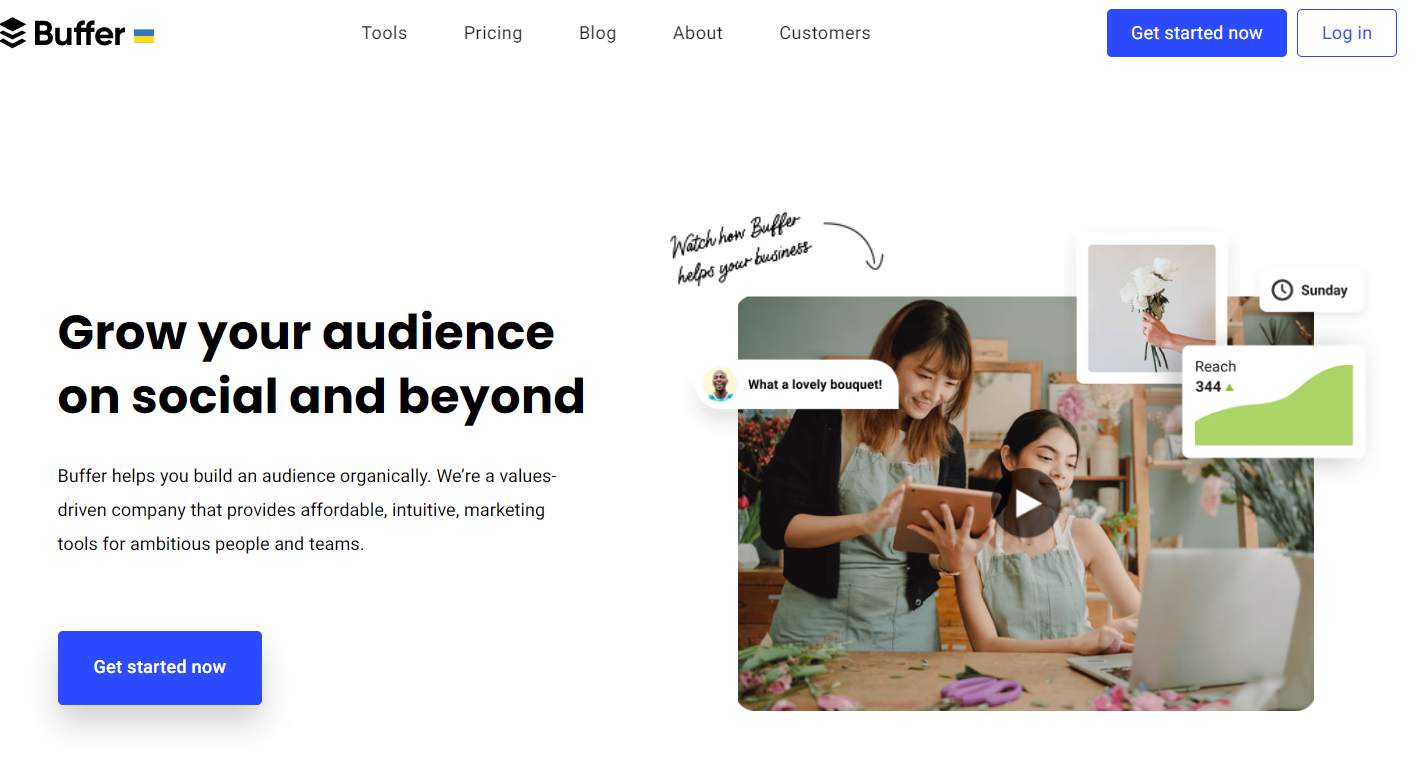
Along with Hootsuite, it is the world’s number 1 for post scheduling.
A major advantage for the platform is that Buffer is one of LinkedIn’s marketing partners.
In concrete terms, this means you will not be penalized for using an external platform.
With the tool, you can:
- Schedule your publications (including photos and videos) from your professional profile or your company page
- Choose to publish them instantly or at a specific date and time.
- Access statistics reporting (with the paid plan)
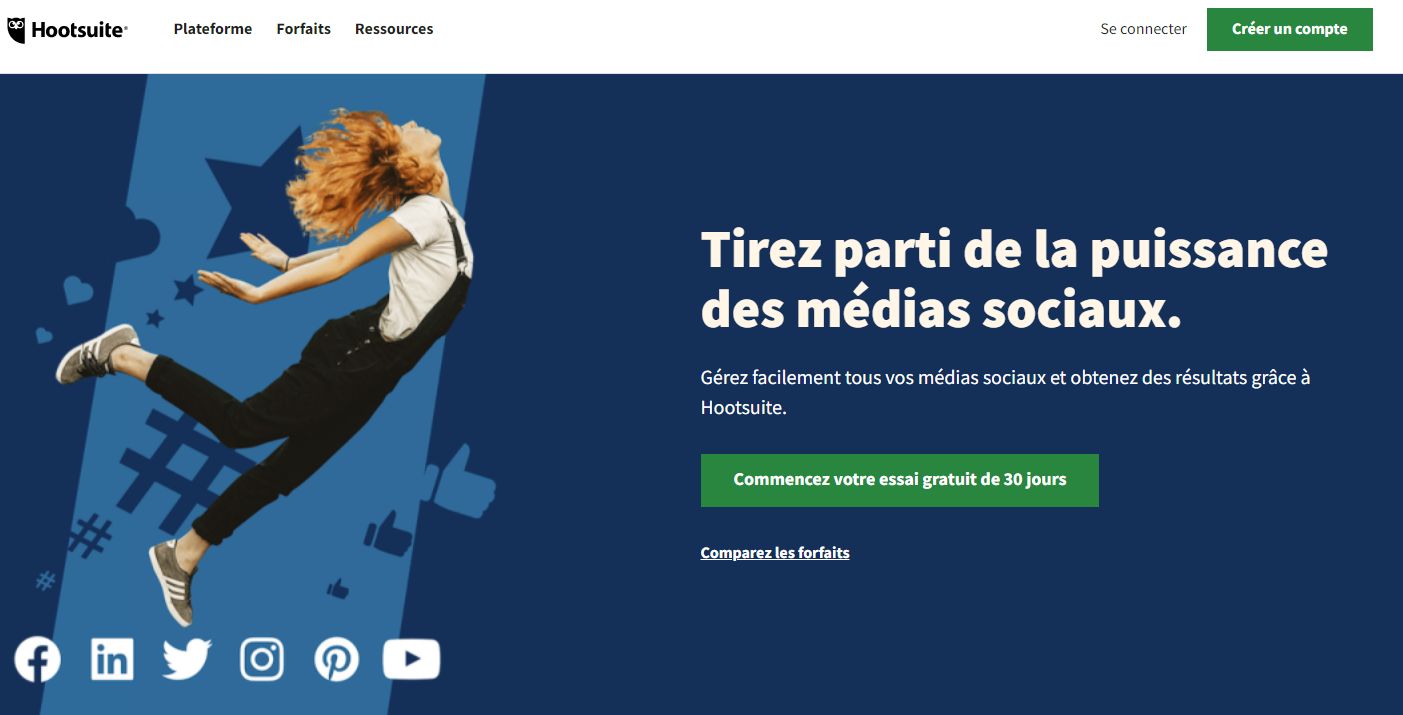
Hootsuite From $49/month
This is the second giant in social media post scheduling. It is one of the most expensive platforms in our selection, but also one of the most complete.
By signing up on the platform, you get 30 days to test it for free. This is more than enough time to get acquainted with Hootsuite and discover its features:
- Manual, automated, or bulk scheduling of your LinkedIn posts (videos or publications)
- Target your publications by professional sector, geolocation, or account language
- Sponsor your publications directly from Hootsuite
- Access your inbox directly from the platform and manage your conversations
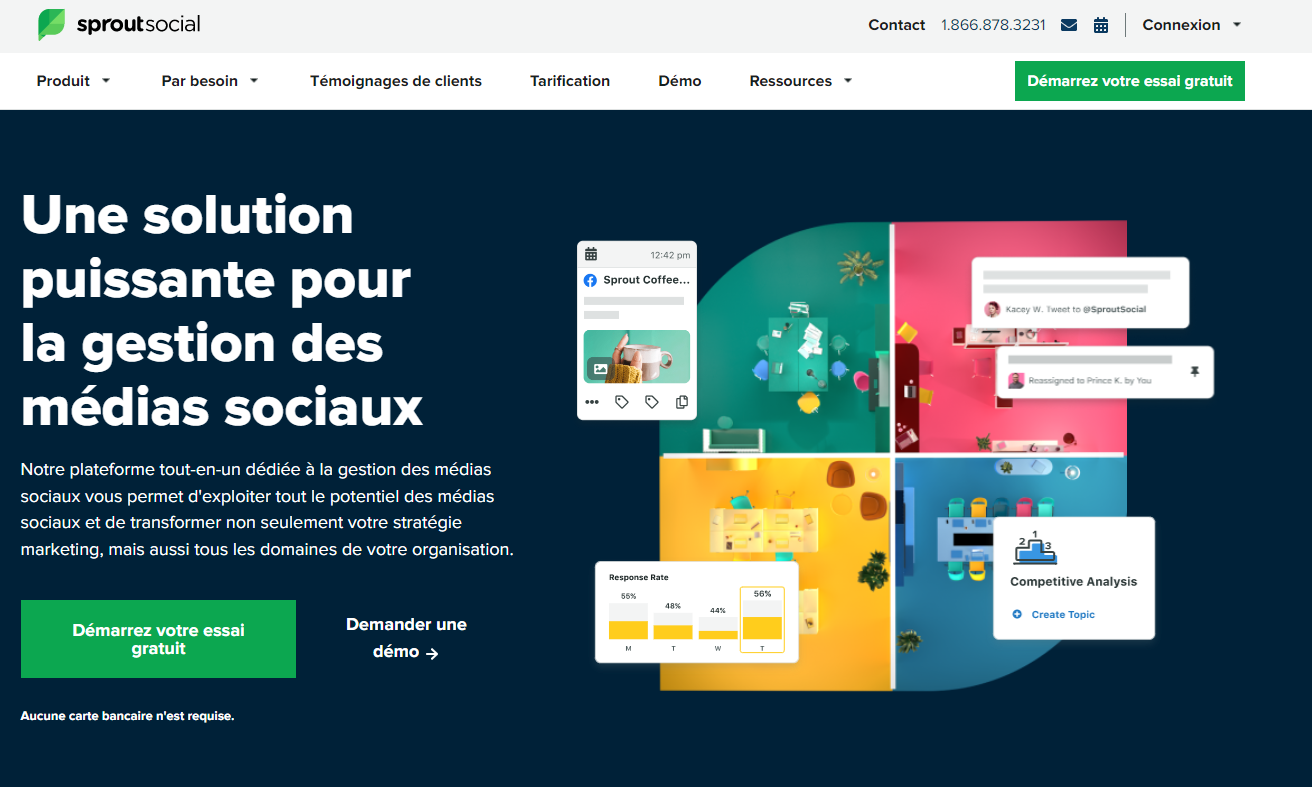
SproutSocial From $89 per month
Sprout is another heavyweight tool for social media post planning. It is also a certified marketing partner by LinkedIn.
In addition to a 30-day free trial, Sprout offers many advantages that will help you develop your social selling capabilities on the B2B social network:
- The ability to automate your publications on one or more Company Pages
- The ability to target your post audience by sector, company size, profession…
- Access to a stock image library
- Simplified team collaboration thanks to a well-thought-out creation process
- The ability to interact directly with your followers
- Excellent performance indicators and in-depth analysis on LinkedIn
Conclusion
Scheduling your LinkedIn publications is an essential element in your social selling strategy and for the development of your business.
The more you plan your posting strategy, the more control you will have over your personal branding, your company’s brand image, and your development goals.
Scheduling your posts allows you to save time on time-consuming tasks, which can be automated by many external tools.
Be careful to only choose platforms validated by the professional social network, such as those presented in our selection of the best tools for scheduling posts on LinkedIn.
Access prices vary widely, and solutions are not necessarily suitable for all needs.
Be sure to identify the channels preferred by sales leads before fully committing to a particular social network.
Finally, don’t forget to take care of your own LinkedIn profile. The more optimized it is, the more credible you will become in the eyes of your prospects.
Click on the following link and discover the 12-step guide to improving your professional LinkedIn profile.