
HubSpot has become synonymous with CRM software, and for good reason. Its comprehensive suite of marketing, sales, and service tools has helped thousands of businesses streamline their operations. But HubSpot isn’t the perfect fit for everyone.
Best HubSpot alternatives compared
Quick comparison of top Best HubSpot alternatives:
| Tool | Starting Price | Free Trial | Best For |
|---|---|---|---|
| HubSpot | $45/month (often $18/month promotional) | 30 days | Marketing-focused teams with enterprise budgets |
| La Growth Machine | €50/month (annual) | 14 days (no credit card) | Scaling teams needing LinkedIn + Email automation, native enrichment (27M+ companies), and email warmup in one platform |
| Salesforce | ~$23/user/month | 30 days | Large enterprises needing deep customization |
| Pipedrive | $14/user/month | 14 days | Sales teams wanting visual pipeline management |
| Close | $9/month | 14 days | Fast-moving teams needing integrated communication |
| Zoho CRM | €29/user/month | Available | Budget-conscious businesses needing comprehensive features |
| Freshsales | Contact for pricing | 21 days | Teams wanting AI-powered sales assistance |
Maybe you’re a growing startup that hit the pricing wall when your contact list expanded. Perhaps you’re frustrated by the mandatory annual contracts or those surprise onboarding fees that can reach $12,000 for Enterprise plans. Or maybe you need more flexibility in customization without breaking the bank.
Whatever your reason for exploring alternatives, you’re not alone. Many businesses discover that while HubSpot offers powerful features, the cost-to-value ratio doesn’t always make sense, especially when equally capable CRM platforms exist at a fraction of the price.
In this guide, we’ll walk you through the best HubSpot alternatives available in 2026, comparing pricing, features, and ideal use cases. We’ll help you find a CRM that aligns with your budget, team size, and business goals. And because managing customer relationships is just one part of the sales equation, we’ll also explore how multichannel outreach tools can work alongside your CRM to maximize pipeline generation.
Why consider HubSpot alternatives?
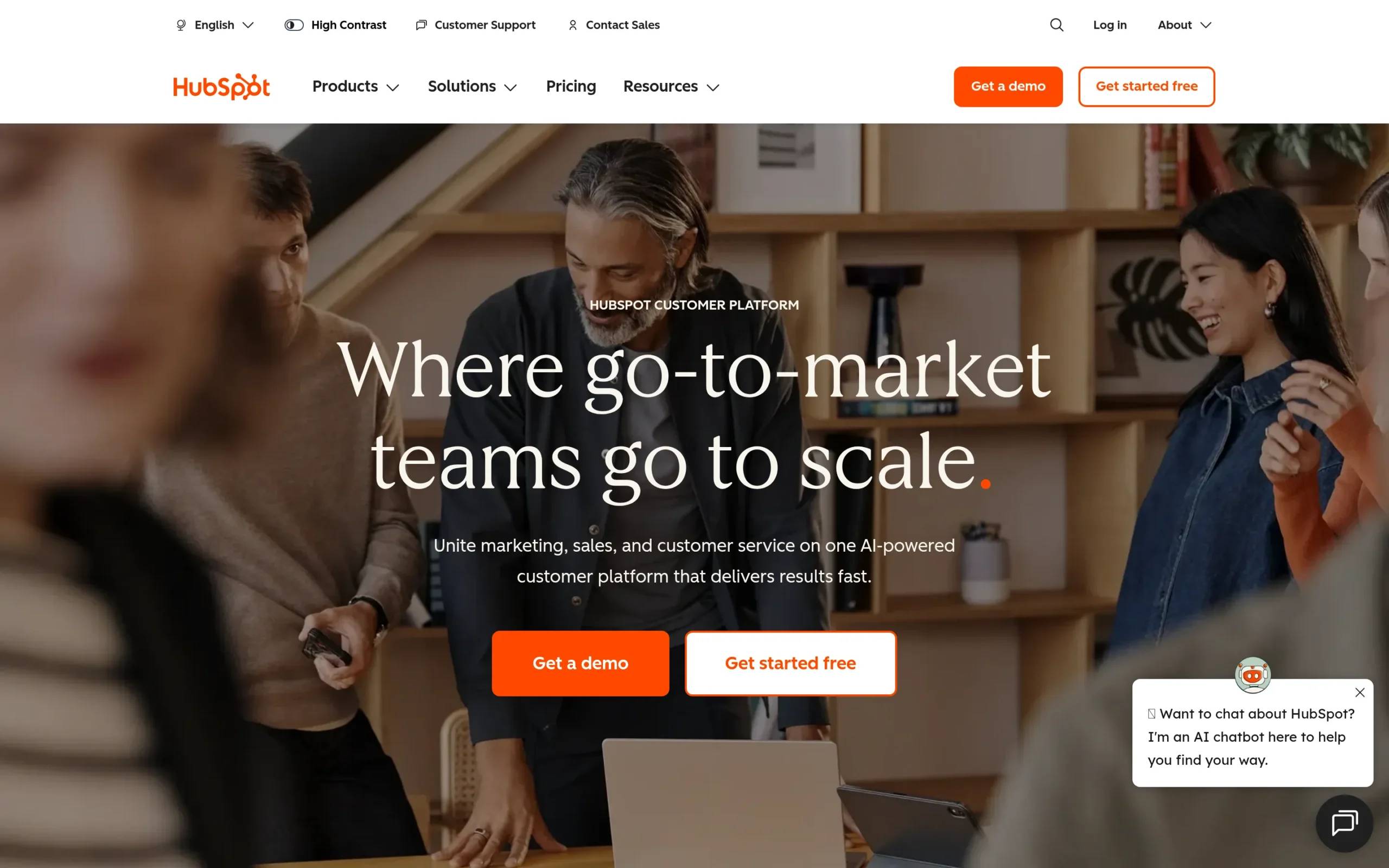
Before diving into specific alternatives, let’s address why so many businesses start looking for HubSpot replacements:
Pricing escalation as you grow: HubSpot’s sliding scale pricing model can quickly spiral out of control. What starts at $45/month for 1,000 contacts can jump to over $4,000/month when you hit 100,000 contacts. For the Professional plan, you’re looking at $1,600/month base price before contact overages and add-ons.
Mandatory onboarding fees: Professional plans require a $3,750 one-time onboarding fee, while Enterprise customers must pay $12,000. That’s a significant upfront investment before you’ve even used the platform.
Annual contract commitments: HubSpot locks you into 12-month contracts for paid plans. If you decide it’s not working after three months, you’re still on the hook for the full year. No prorations, no exceptions.
Limited features on lower tiers: The free and Starter plans come with significant limitations: restricted email sends, limited dashboards, basic reporting, and HubSpot branding you can’t remove. To access the features you actually need, you’re often forced into expensive upgrades.
Expensive add-ons stack up: Need more than 25 dashboards? That’s $200/month extra. Want additional custom reports? Another $200/month. API limit increases? $500/month. These costs add up fast and can make your monthly bill unpredictable.
HubSpot is an excellent CRM platform if you have enterprise budgets and complex needs. But for small to mid-sized businesses, the cost structure often doesn’t align with the value delivered.
What to look for in a HubSpot alternative
As you evaluate CRM alternatives, keep these factors in mind:
Transparent pricing structure: Look for platforms with clear, predictable pricing that won’t explode as your contact list grows. Avoid platforms with hidden fees or mandatory onboarding costs.
Essential CRM features: Contact management, deal pipelines, task tracking, reporting dashboards, and email integration should be standard, not locked behind premium tiers.
Scalability without penalty: Your CRM should grow with you without forcing dramatic price jumps. The best alternatives offer smooth transitions between plans.
Integration ecosystem: Ensure the CRM connects with your existing tools: email platforms, calendar apps, marketing automation, and other business software you rely on.
User-friendly interface: A steep learning curve costs time and productivity. The best CRM is one your team will actually use, which means intuitive design matters as much as feature lists.
Top HubSpot Alternatives
1. Salesforce
Overview
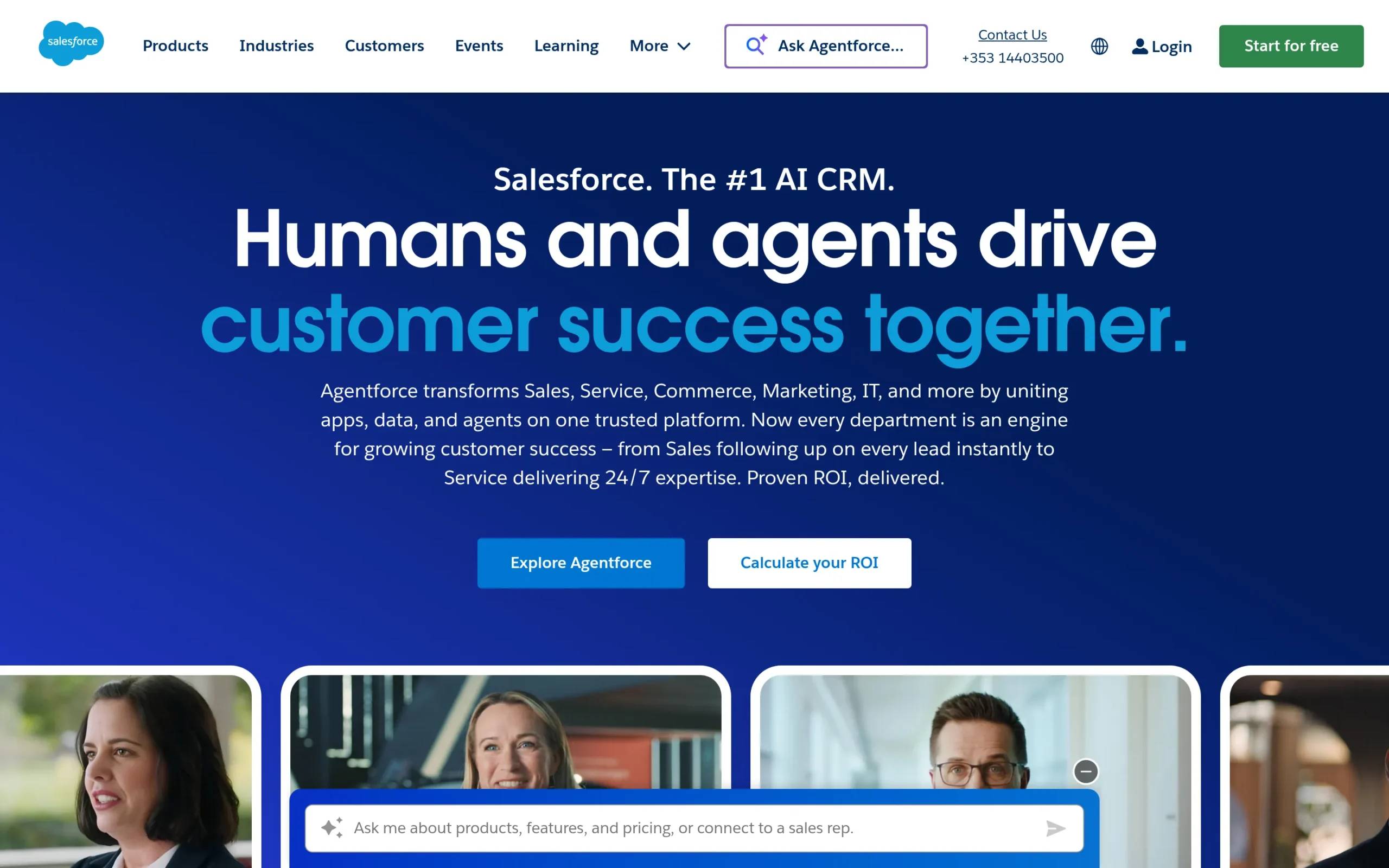
Salesforce is the enterprise heavyweight of the CRM world, offering a comprehensive platform that integrates apps, data, and AI agents for sales, service, commerce, marketing, and IT operations. With industry-specific solutions and decades of development, Salesforce has built an ecosystem that serves businesses from startups to Fortune 500 companies.
Key Features
Sales Cloud: The core CRM platform manages customer relationships, tracks sales activities, and automates processes. It includes lead management, opportunity tracking, and sales forecasting capabilities.
Service Cloud: Built for customer service operations, Service Cloud provides case management, support automation, and knowledge base tools that improve service efficiency and customer satisfaction.
Marketing Cloud: This digital marketing platform creates personalized customer interactions across email, social media, and mobile channels. It offers campaign management, customer journey mapping, and data analytics.
Commerce Cloud: Create online shopping experiences with tools for managing product catalogs, processing orders, and integrating with various payment systems.
Tableau Analytics: Data visualization and analysis tools allow businesses to make data-driven decisions through interactive dashboards and reports that pull from multiple sources.
Pros & Cons
Pros:
- Global accessibility and reliability with enterprise-grade infrastructure
- Extensive integration capabilities with thousands of third-party apps
- Versatile platform serving virtually any business need or industry
- Customization options and AppExchange ecosystem
- Advanced AI capabilities and predictive analytics
Cons:
- Significantly higher cost than most alternatives
- Complex setup requiring technical expertise or consultants
- Steep learning curve for new users
- Customer support can be slow and requires expensive support packages
- Over-customization can lead to system performance issues
Pricing
Salesforce’s Starter Suite for small businesses starts at 250 SEK (approximately $23) per user per month. However, most businesses require more robust plans that start significantly higher. A free 30-day trial is available with no credit card required.
Best For
Salesforce is ideal for enterprise clients, large sales teams, and organizations requiring deep customization and industry-specific solutions. It’s well-suited for companies in financial services, retail, healthcare, construction, education, and technology sectors that need a comprehensive, scalable platform and have the budget to match.
2. Pipedrive
Overview
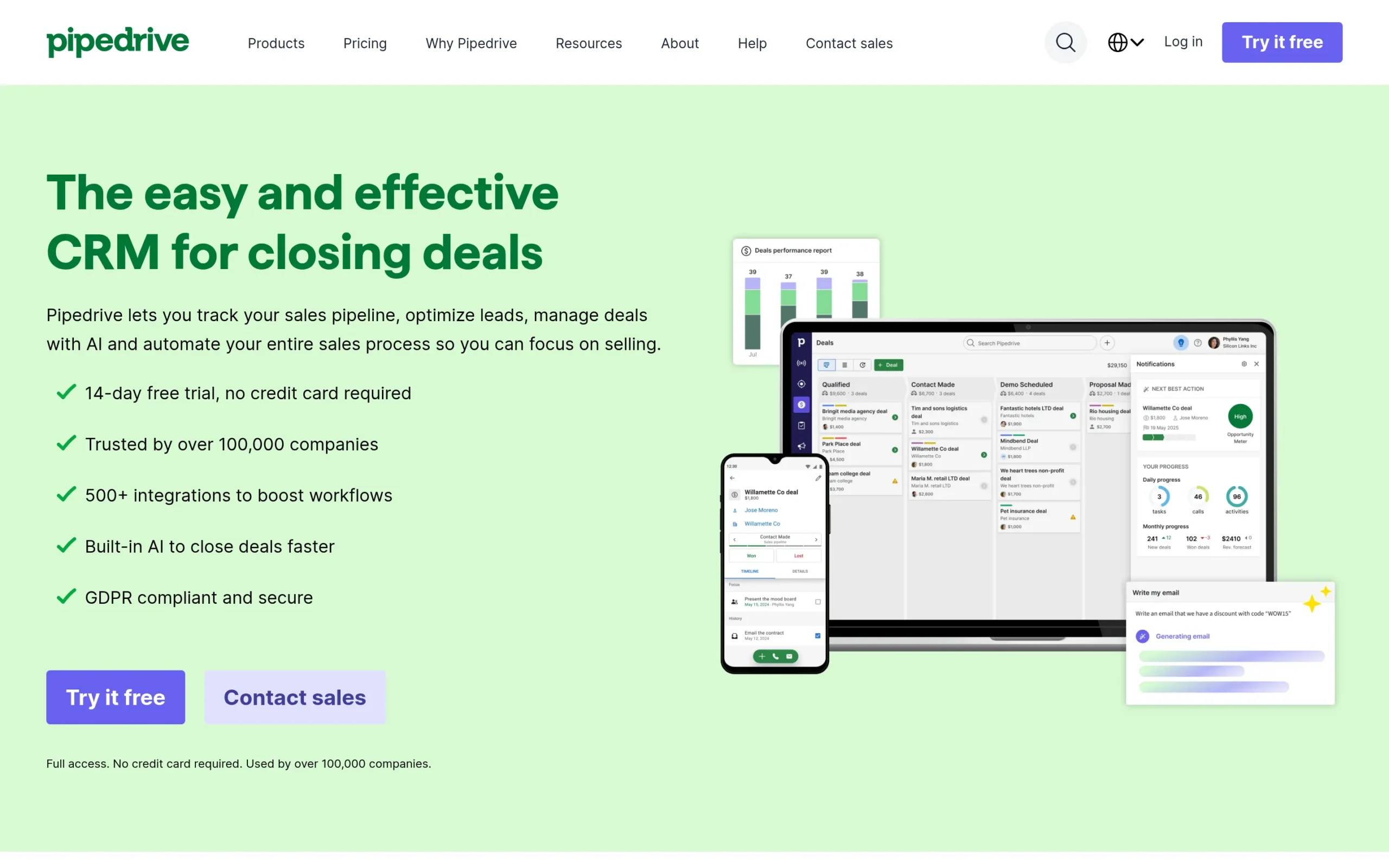
Pipedrive is a sales-focused CRM built to help sales teams manage leads, track activities, and close more deals. With its visual pipeline management and intuitive interface, Pipedrive makes it easy for teams to see exactly where each deal stands and what actions to take next. Trusted by over 100,000 companies worldwide, Pipedrive focuses on simplicity without sacrificing power.
Key Features
Visual Sales Pipeline Management: Pipedrive’s kanban-style dashboard provides a clear visual representation of your sales pipeline, making it easy to drag and drop deals through stages, organize customer data, and manage interactions at a glance.
Sales Automation: Automate repetitive tasks like follow-ups, lead routing, and workflow processes. Choose from ready-made templates or create custom automations that free your team to focus on selling.
Insights and Reports: Real-time data analytics track sales metrics and performance. Monitor team activity, forecast revenue, and receive actionable insights through visual reports and customizable dashboards.
Email and Communication Tools: Two-way email sync, customizable templates, and calendar integration simplify communications. Schedule calls easily with Google Meet and Zoom integration.
Mobile CRM: Full-featured mobile apps for Android and iOS let you manage sales activities on the go, prepare for meetings, and follow up with leads from anywhere.
Pros & Cons
Pros:
- Intuitive interface with customizable pipelines
- Fast onboarding gets teams productive quickly
- Strong reporting tools that provide actionable insights
- Excellent mobile accessibility
- API, automation, and filtering capabilities
Cons:
- Limited advanced marketing automation features
- No native email campaign tools (requires third-party integrations)
- Insights dashboard lacks flexibility for custom charts and tables
- No integrated ticketing system for customer support
Pricing
Pipedrive offers four pricing tiers, all billed annually:
- Lite: $14 per seat/month (includes lead, calendar, and pipeline management, AI-powered reports, 500+ integrations)
- Growth: $39 per seat/month (adds full email sync, automations, subscriptions, and live chat support)
- Premium: $59 per seat/month (includes lead generation, custom scoring, AI-powered email tools)
- Ultimate: $79 per seat/month (adds enhanced security, data enrichment, and extended phone support)
Add-ons for lead capture, project management, and email marketing start from $6.67 to $41 per month. Pipedrive offers a 14-day free trial with no credit card required.
Best For
Pipedrive is perfect for small to medium-sized businesses, sales teams, and startups that want to simplify sales processes without unnecessary complexity. It’s beneficial for teams that need visual pipeline management, sales automation, and mobile accessibility but don’t require extensive marketing automation features.
3. Close
Overview
Close is built for fast-moving sales teams that prioritize speed and efficiency. This CRM platform integrates communication tools (calling, emailing, and SMS) directly into the platform, so you don’t need to switch between multiple applications. With built-in automation and AI-powered features, Close helps sales teams focus on what matters most: having conversations and closing deals.
Key Features
All-in-One CRM Management: Close consolidates leads, pipelines, tasks, and sales performance tracking in one centralized platform. The intuitive interface makes it easy to see exactly what needs attention and when.
Integrated Communication Tools: Make calls, send emails, and text prospects without leaving the CRM. This unified approach improves productivity by keeping all customer interactions in one place with full conversation history.
Sales Automation: Automate repetitive tasks like follow-ups, task creation, and lead routing. Close’s AI captures details from conversations and streamlines sales processes, freeing your team for high-value activities.
AI-Powered Sales Tools: The AI Notetaker transcribes and summarizes calls and meetings automatically. AI Enrich provides real-time customer information, while AI Summaries highlight important details from calls and emails.
Extensive Integrations: With over 100 native, no-code, and Zapier integrations, Close syncs with your existing marketing, support, and calendar tools.
Pros & Cons
Pros:
- Quick setup and intuitive dashboards
- Excellent built-in email and calling capabilities
- Strong automation features save time
- Smart Views provide focused task lists
- All sales activities tracked in one centralized location
Cons:
- Pricing can be steep for smaller teams
- Limited customization compared to more flexible platforms
- Reporting tools could be more detailed
- May not suit larger teams needing extensive data filtering
Pricing
Close offers four pricing plans:
- Solo: $9/month annually or $19/month monthly
- Essentials: $35/month annually or $49/month monthly
- Growth: $99/month annually or $109/month monthly
- Scale: $139/month annually or $149/month monthly
Close offers a 14-day free trial that lets you import leads and start selling within an hour.
Best For
Close is ideal for small to medium-sized sales teams that prioritize speed, clarity, and efficiency. It’s beneficial for teams that want integrated communication (calls, emails, SMS) directly within their CRM and need to automate routine tasks. The platform excels in fast-moving sales environments, making it perfect for startups and small businesses focused on closing deals quickly.
4. Zoho CRM
Overview
Zoho CRM is a comprehensive customer relationship management platform built to help businesses of all sizes convert more leads, engage with customers effectively, and grow revenue. With features spanning sales force automation, advanced analytics, and AI-driven insights, Zoho CRM provides customizable solutions tailored to various industries and business needs at a price point that makes enterprise-level features accessible to smaller companies.
Key Features
Advanced Workflow Automation: Simplify sales processes with no-code workflows and cadences that eliminate manual, repetitive tasks and keep deals moving forward automatically.
Real-time Customer Interaction: Engage customers across multiple channels, providing experiences that build relationships and drive conversions.
AI Assistance (Zia): AI capabilities include email rewriting, anomaly detection, predictive analytics, and intelligent suggestions that help teams work smarter and close deals faster.
Deep BI Capabilities: Access forecasting, performance management, and detailed analytics that inform strategic decision-making and help you understand what’s driving results.
Seamless Integrations: Connect with over 1,000 applications, including other Zoho products and popular third-party tools.
Pros & Cons
Pros:
- Highly affordable pricing compared to competitors
- Extensive customization options
- Strong integration capabilities across Zoho suite and third-party apps
- User-friendly interface once you get past the learning curve
- Comprehensive features for managing customer relationships
Cons:
- Occasional performance issues reported by users
- Steep learning curve for new users
- Customer support options can be limited
- Reporting features less detailed compared to some competitors
Pricing
Zoho CRM offers straightforward pricing billed annually:
- Standard: €29/user/month
- Premium: €69/user/month (includes advanced features and customization)
Note: Additional plans are available for specific needs and team sizes.
Best For
Zoho CRM is best suited for small to medium-sized businesses, startups, and even enterprises looking for a customizable, user-friendly CRM solution at an affordable price point. It’s beneficial for sales teams, marketing teams, and customer support teams that require collaboration and automation to improve productivity. The platform’s AI capabilities and extensive integration options make it suitable for businesses across various industries seeking to simplify sales processes and improve customer relationships without enterprise-level costs.
5. Freshsales
Overview
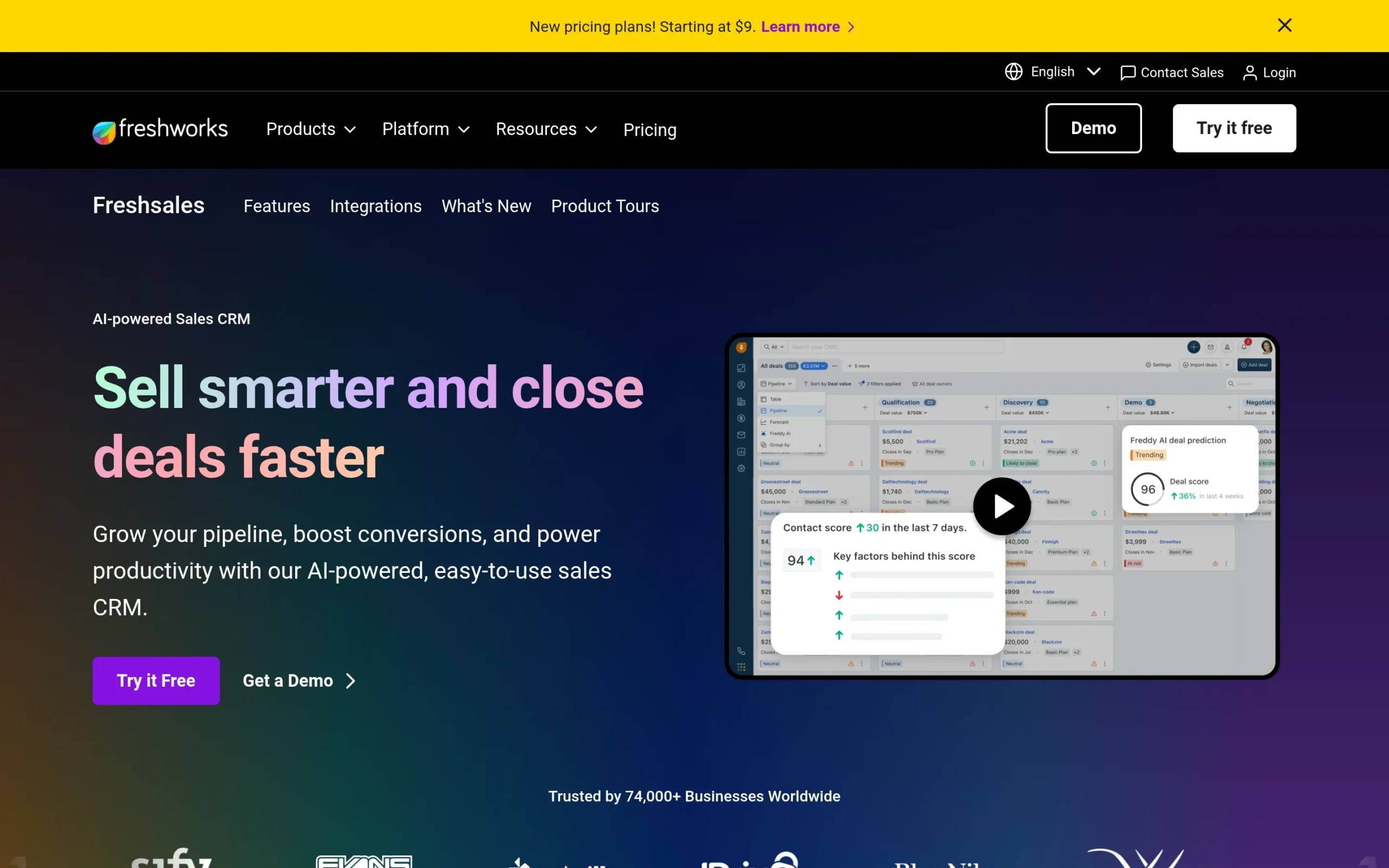
Freshsales is an AI-powered sales CRM built to help businesses grow their pipeline, boost conversions, and improve team productivity. Built by Freshworks, the platform focuses on making sales processes intuitive and efficient, with Freddy AI providing intelligent assistance throughout the sales cycle. Freshsales offers a clean interface that balances powerful features with ease of use.
Key Features
AI-Powered CRM: Freshsales uses Freddy AI to enable smarter selling and faster deal closures by boosting productivity, highlighting the best leads, and providing actionable insights throughout the sales process.
Intelligent Lead Management: Efficiently capture, qualify, route, and track leads using AI-driven scoring and insights. Freddy AI identifies the most promising opportunities, helping teams focus their efforts where they matter most.
360° Customer View: Get a comprehensive view of each customer for better engagement across their preferred channels. This unified perspective helps teams personalize interactions and focus on high-value leads.
Sales Automation: Reduce manual effort and increase productivity by automating repetitive tasks. Workflows free up time for relationship-building and strategic selling activities.
AI Email Assistance: Freddy AI drafts emails, provides conversation insights, and offers suggestions that make every interaction more effective and personalized.
Pros & Cons
Pros:
- User-friendly interface that’s easy to adopt
- Strong automation features save significant time
- Excellent customer support
- Intuitive design makes tracking customer interactions simple
- Strong AI capabilities provide competitive advantage
Cons:
- Occasional bugs reported by users
- Limited customization options compared to some alternatives
- Reporting features could offer more depth and flexibility
Pricing
Pricing information is not publicly available. Freshsales offers a 21-day free trial with no credit card required, allowing you to fully explore the platform before committing.
Best For
Freshsales is ideal for sales teams and businesses of all sizes (from startups to enterprises) that want to improve their sales processes with AI-powered tools. It’s beneficial for companies aiming to grow their pipeline, boost conversions, and improve productivity through automation and intelligent insights. Organizations focused on increasing sales efficiency, managing leads effectively, and engaging customers with personalized interactions will find Freshsales especially valuable. The platform’s AI-driven lead scoring and comprehensive customer views make it perfect for teams that want technology to do the heavy lifting so they can focus on building relationships and driving revenue growth.
When comparing these HubSpot alternatives, several patterns emerge. Pricing varies dramatically, from Close’s entry point at $9/month to Salesforce’s enterprise-focused packages that can run thousands per month. Most alternatives offer significantly better value than HubSpot’s Professional tier, which starts at $1,600/month.
Feature differentiation is also notable. Pipedrive and Close focus heavily on sales pipeline management with integrated communication tools, making them ideal for sales-first organizations. Salesforce offers unmatched customization and industry-specific solutions but requires significant technical expertise. Zoho CRM and Freshsales balance comprehensive features with affordability, using AI to compete with more expensive platforms.
The sweet spot for most small to mid-sized businesses lies in the $14-$59 per user/month range, where platforms like Pipedrive, Zoho CRM, and Close deliver strong CRM functionality without HubSpot’s pricing escalation or mandatory onboarding fees. These alternatives prove you don’t need enterprise budgets to access professional-grade CRM capabilities.
Why not consider multichannel outreach?
While we’ve focused on CRM alternatives, HubSpot serves a specific function in your tech stack: managing customer relationships and data. But what about actually reaching those prospects and generating pipeline in the first place?
This is where multichannel sales automation comes in, a category that complements your CRM rather than replacing it. At La Growth Machine, we’ve built a platform specifically for what happens before deals enter your CRM: the outreach, engagement, and conversation-starting that fills your pipeline.
What La Growth Machine Does
La Growth Machine is an all-in-one multichannel prospecting tool that automates the time-consuming tasks of list building, lead enrichment, and personalized outreach across multiple channels. Instead of managing separate tools for LinkedIn, email, calls, and Twitter/X, our platform lets you orchestrate sophisticated campaigns that reach prospects where they’re most active.
Our approach delivers up to 3.5x more replies than traditional email-only outreach because we meet prospects on their preferred channels: LinkedIn messages, emails, voice notes, calls, and even X (Twitter) DMs, all orchestrated through one intuitive platform.
Key Features
Multichannel Prospecting: Combine LinkedIn, Email, Calls, Voice Messages, and X (Twitter) in sequences that reach leads on their preferred channels. This multichannel approach dramatically increases response rates compared to single-channel outreach.
Lead Enrichment: Automatically enrich your leads with verified contact information including email addresses (validated through 9 providers with double-checking), job titles, company details, and more. Stop wasting time on manual research and data cleaning.
LinkedIn Voice Messages: Send personalized LinkedIn voice messages that double reply rates. Our AI can even clone your voice to say “Hi {{Firstname}}” at scale, adding a human touch to automated outreach.
How La Growth Machine complements HubSpot (and its alternatives)
Here’s the key distinction: CRM platforms like HubSpot, Salesforce, and Pipedrive are built to manage relationships and deals after contact is made. They’re excellent at tracking interactions, managing pipelines, and organizing customer data. But they’re not built for the initial outreach that generates those relationships.
That’s exactly where La Growth Machine fits in. We integrate natively with HubSpot (and Pipedrive), automatically syncing all your outreach activities, responses, and lead data directly into your CRM. Every LinkedIn message, email, and call gets logged in the contact’s timeline, giving your sales team complete visibility into what’s happened.
You can also find La Growth Machine in the HubSpot Marketplace, making it easy to add to your existing HubSpot setup.
When you use La Growth Machine alongside your CRM:
- Outreach happens on autopilot: Multichannel sequences run automatically, reaching prospects across LinkedIn, email, and other channels
- Everything syncs to your CRM: All activities, messages, and responses flow into HubSpot or Pipedrive in real-time
- Sales picks up warm leads: Your team gets notified when prospects respond, with full context of every interaction
- Pipeline stays full: Consistent outreach generates steady deal flow into your CRM
For teams using HubSpot or any of its alternatives, adding a dedicated outreach tool creates a complete sales engine. Your CRM manages the relationships; La Growth Machine generates them. Together, they create a system where pipeline generation is consistent, scalable, and measurably effective.
Which HubSpot alternative is right for you?
Choosing the right CRM comes down to matching your specific needs with the right platform capabilities. Here’s a framework to guide your decision:
If budget is your primary concern, start with Zoho CRM or Pipedrive. Both offer comprehensive features at price points that won’t scale out of control as you grow. Zoho CRM’s €29/user/month provides enterprise-level features at small business prices, while Pipedrive’s $14/month Lite plan gives you solid pipeline management without breaking the bank.
If your team is sales-focused and values integrated communication, Close or Pipedrive should be at the top of your list. Close excels at built-in calling and messaging, perfect for teams that live on the phone. Pipedrive’s visual pipeline management makes it easy to see deal progression at a glance.
If you need enterprise-grade customization and have the resources to support it, Salesforce remains the gold standard. Just be prepared for the complexity, cost, and implementation timeline that come with that power.
If you want AI-powered assistance without enterprise complexity, consider Freshsales. Its AI features provide intelligent lead scoring and email assistance that helps smaller teams punch above their weight.
If you’re looking to generate pipeline through multichannel outreach, consider how a dedicated sales automation tool like La Growth Machine could work alongside your CRM choice. Most businesses find that pairing a solid CRM with a purpose-built outreach platform creates a more complete (and effective) sales stack than trying to do everything in one tool.
The best approach? Take advantage of free trials. Most platforms offer 14-21 day trials with no credit card required. Test the interface, import some data, and see how your team actually uses the tool day-to-day. The right CRM is the one your team will consistently use, and that often comes down to user experience as much as feature lists.
Frequently asked questions
What’s the most affordable HubSpot alternative for small businesses?
Close offers the lowest entry point at $9/month annually, while Pipedrive starts at $14/user/month and Zoho CRM begins at €29/user/month. All three provide significantly better value than HubSpot’s Professional plan for small teams. The key is matching features to your actual needs rather than paying for capabilities you won’t use.
Do HubSpot alternatives offer free plans?
While most HubSpot alternatives don’t offer truly “free” plans with the same feature set as HubSpot’s free CRM, they typically provide free trials ranging from 14-30 days. This lets you fully test the platform before committing. Many teams find that even paid alternatives at $14-39/month deliver better value than HubSpot’s free plan with its significant limitations.
Can I migrate my data from HubSpot to another CRM?
Yes, all major CRM platforms offer data import capabilities. Most support CSV file imports, making it relatively straightforward to move contact, deal, and company data. However, migrating custom fields, workflows, and historical activity data can be more complex. Many alternatives offer free migration assistance or white-glove onboarding to ease the transition.
Which CRM integrates best with sales automation tools?
Pipedrive, HubSpot, and Salesforce all offer integration ecosystems with native connections to popular sales tools. For multichannel outreach specifically, La Growth Machine integrates natively with HubSpot and Pipedrive, automatically syncing all activities, messages, and responses directly into your CRM timeline.
How do multichannel outreach tools differ from CRM marketing features?
CRM marketing features typically focus on email campaigns and lead nurturing for existing contacts. Multichannel outreach tools like La Growth Machine specialize in prospecting: finding new leads, enriching their data, and engaging them across LinkedIn, email, calls, and other channels to generate new pipeline. They’re complementary functions. Outreach generates the relationships that your CRM then manages.
Conclusion
HubSpot’s dominance in the CRM market is well-earned. It’s a powerful, comprehensive platform that has helped thousands of businesses grow. But as we’ve explored, it’s far from the only option, and for many businesses, it’s not even the best option.
Each of these alternatives proves that you don’t need HubSpot’s price tag to access professional-grade CRM capabilities. Whether your priority is affordability, ease of use, specific features, or avoiding restrictive contracts, there’s an alternative that fits your needs.
But here’s what’s worth remembering: choosing the right CRM is only half the equation. The best CRM in the world won’t help if your pipeline is empty. That’s where dedicated multichannel outreach comes in.
At La Growth Machine, we’ve built a platform that handles what CRMs aren’t built for: the prospecting, engagement, and conversation-starting that fills your pipeline with qualified leads. We integrate with the CRMs you’re evaluating, syncing every activity, message, and response so your sales team has complete visibility.
Get 3.5X more leads!
Do you want to improve the efficiency of your sales department? With La Growth Machine you can generate on average 3.5x more leads while saving an incredible amount of time on all your processes.
By signing up today, you’ll get a free 14-day trial to test our tool!