

Did you know? LinkedIn offers a Premium Business account that has countless features which can help salespeople be more successful.
With nearly 1 billion users worldwide, LinkedIn is a powerful tool for professional networking and BtoB lead generation. Opting for the Premium Business plan is a great way to go further with the platform and improve your performance.
What is LinkedIn Premium Business? How does the subscription work? What are the benefits for companies?
In this post, we will explore some of the features and benefits of using a LinkedIn Premium Business account and how you can make the most out of them to grow your business. Let’s get started!

LinkedIn Premium Business vs Free Account
Before committing to a premium subscription, understanding the limitations of LinkedIn’s free account versus the capabilities unlocked with Premium Business helps you make an informed decision.
Why Free Accounts Limit B2B Prospecting
The free LinkedIn account creates significant friction for sales teams and business development professionals:
Limited Search Capabilities: Without advanced search filters, finding decision-makers matching your ideal customer profile becomes manual guesswork. You can’t filter by company size, seniority level, or years in current position – all critical data points for B2B targeting.
InMail Restriction: The most limiting factor is zero InMail credits. If your prospect isn’t a 1st-degree connection, you cannot message them directly without a connection request. This creates a two-step process where you wait days for acceptance before starting conversation.
Blind Prospecting: With visibility into only your last 5 profile viewers, you miss 95% of potential warm leads who’ve shown interest by visiting your profile. Premium Business reveals all profile visitors, enabling you to identify and engage high-intent prospects immediately.
No Company Intelligence: Free accounts show basic company information, but Premium Business unlocks firmographic data, employee headcount trends, recent hires, and competitive intelligence – essential context for personalized outreach.
When Upgrading Makes Sense
Consider Premium Business if you’re actively prospecting on LinkedIn more than 5 hours per week, sending 20+ connection requests monthly, or managing a company page. The return on investment becomes positive when one closed deal from improved targeting pays for the annual subscription.
For teams using LinkedIn automation tools like LaGrowthMachine, Premium Business features amplify automation effectiveness by providing richer data for targeting and personalization.
What are the benefits of LinkedIn Premium Business for corporations?

Thanks to its numerous features, LinkedIn Premium Business is an excellent way for companies to improve their lead generation (especially for B2B).
This plan allows you to save time and optimize your work on several fronts:
- Prospecting: With access to the myriad of data available on LinkedIn, you’ll be able to quickly find the right leads that match your buyer persona. As a result, you will undoubtedly save time in your prospecting process.
- Lead Generation: The Premium Business subscription also allows you to create targeted campaigns that are more likely to reach your ideal customers. LinkedIn provides you with email addresses and highly qualified leads from both marketing (MQL) and sales (SQL). It even supplies you with lead generation forms on your LinkedIn company page for leads to fill out when interested!
- Lead management: LinkedIn provides you with a CRM-like system where you can manage your leads and track their interactions with your company. This is an excellent way to keep an organized pipeline and make sure that no opportunities are left behind.
- Analytics: LinkedIn’s detailed analytics will help you keep track of your company’s performance on the platform. You’ll be able to see how your campaigns are performing and make the necessary changes to improve your results.
It all comes down to this: it is an excellent way for companies to save time, optimize their work, and generate more leads.
In short, LinkedIn Premium Business allows you to improve your performance throughout the whole sales process and generate more customers at a lower cost.
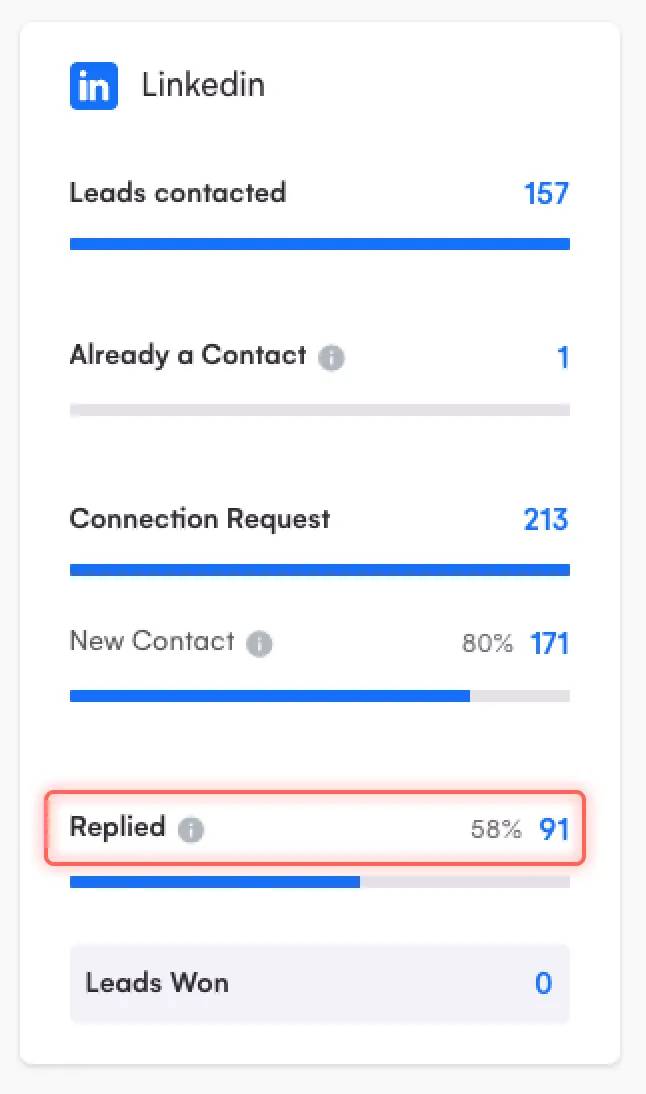
Using LinkedIn Premium Business in parallel with LaGrowthMachine is an interesting combo: you can import your leads from LinkedIn directly into LaGrowthMachine.

LaGrowthMachine will enrich your data automatically and bring up most of your leads’ information. From this point on, you will be able to create 100% automated multi-channel prospecting sequences!

We see very promising B2B prospecting results with this technique!

Get 3.5X more leads!
Do you want to improve the efficiency of your sales department? With La Growth Machine you can generate on average 3.5x more leads while saving an incredible amount of time on all your processes.
By signing up today, you’ll get a free 14-day trial to test our tool!
How much does LinkedIn Premium Business cost?
As usual with LinkedIn Premium plans, the LinkedIn Premium Business subscription comes with a monthly fee and an annual fee.

The monthly LinkedIn Premium Business subscription costs around €53.79/month, while the annual LinkedIn Premium Business subscription costs €416.43/year (which equals €34.7/month).
If you wish to board all your sales department or a particular business unit on the plan, it is still best to get in touch with an account manager at LinkedIn who will be able to advise you.
How to use LinkedIn Premium Business?
Now that we’ve gone over the basics of LinkedIn Premium Business, let’s take a look at how you can make the most out of it.
Here are a few steps you can take:
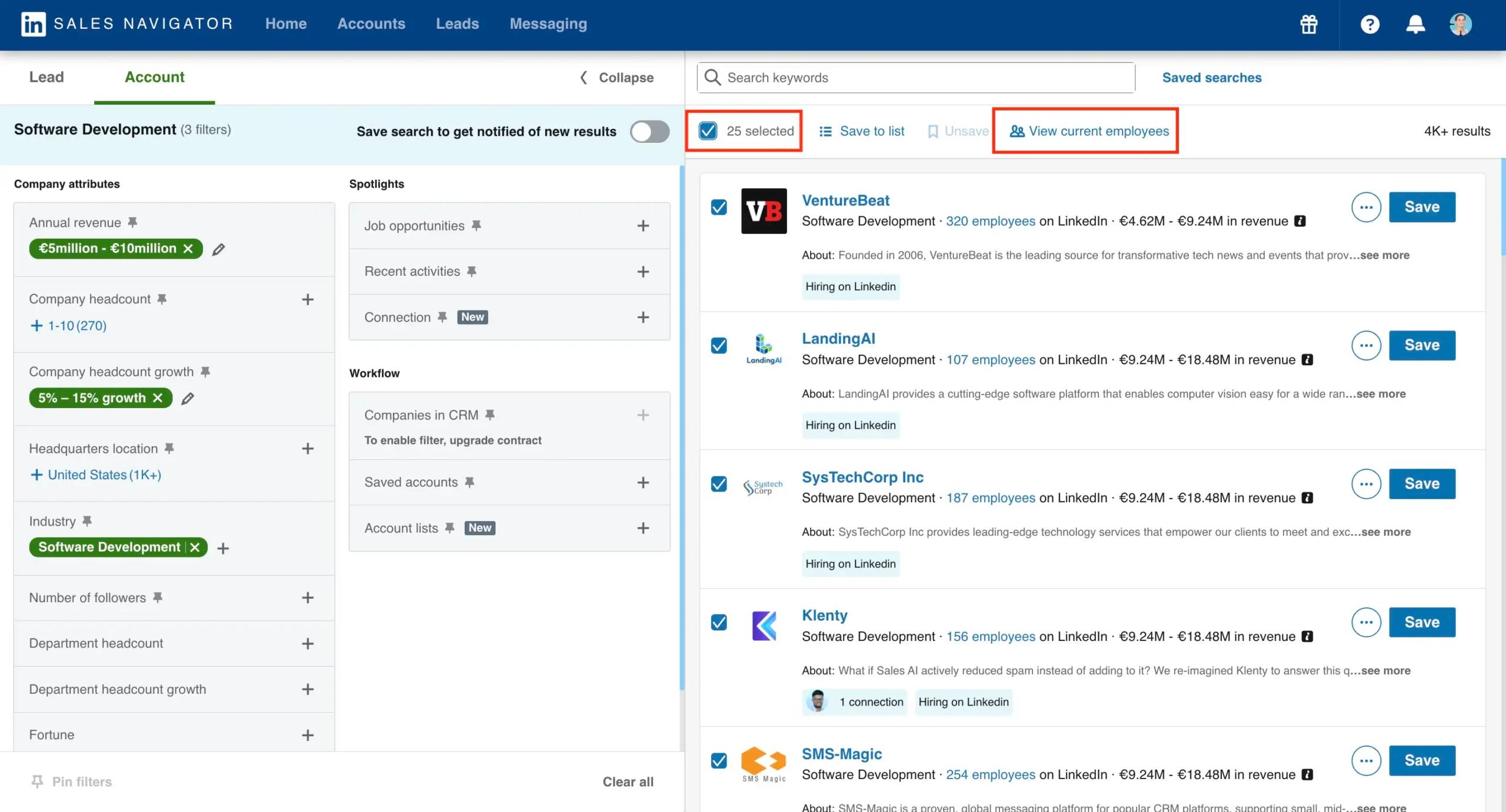
1. Use LinkedIn’s search filters to find the right leads
LinkedIn Premium Business provides you with a ton of data that you can use to find the perfect leads for your business. By using LinkedIn’s advanced search filters, you can narrow down your results and find the contacts that are most likely to be interested in your products or services.
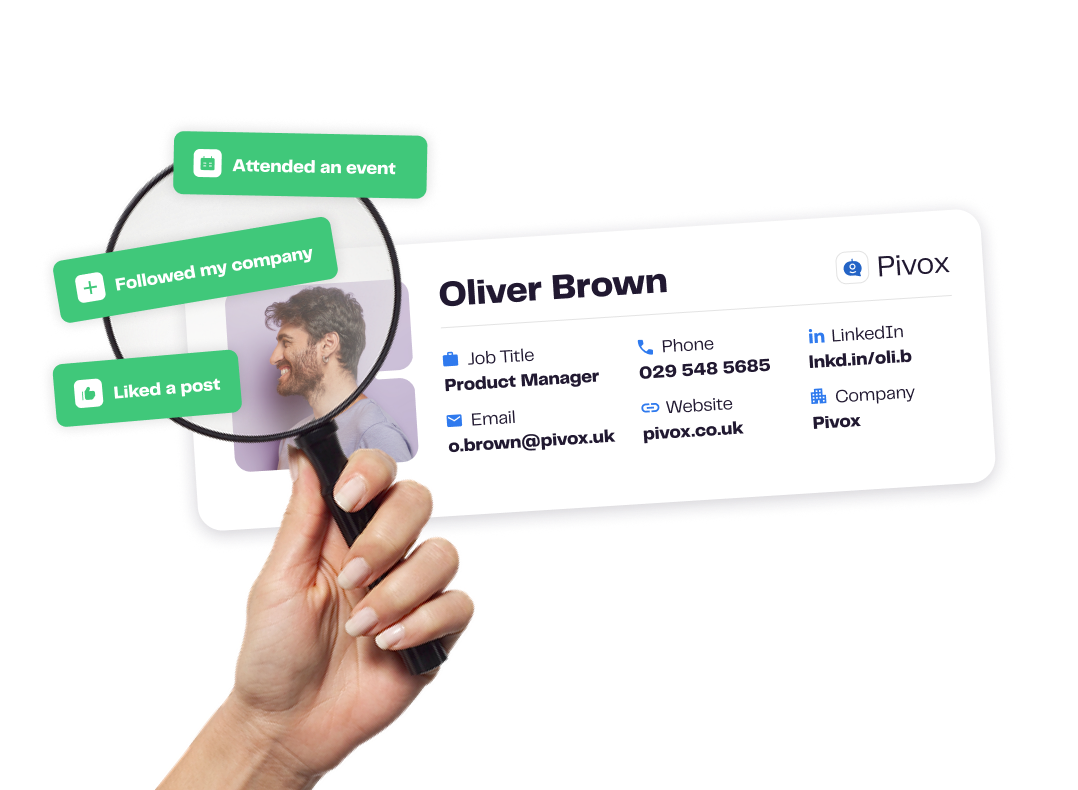
You can even combine the data you get with LaGrowthMachine for an automatic lead scoring process. This process is designed to identify the leads that are most likely to become customers and prioritize them for you.
2. Create targeted campaigns
LinkedIn’s targeting options allow you to create campaigns that are more likely to reach your ideal customers. By targeting your campaigns, you can save time and generate more leads.
3. Use LinkedIn’s CRM system
LinkedIn provides you with a CRM-like system where you can manage your leads and track their interactions with your company. This is an excellent way to keep an organized pipeline and make sure that no opportunities are left behind.
4. Keep track of your analytics
This plan’s detailed analytics will help you keep track of your company’s performance on the platform. You’ll be able to see how your campaigns are performing and make the necessary changes to improve your results.
These are only some of the ways you can make use of LinkedIn Premium Business. If you want to learn more about how to use this subscription to its full potential, we suggest you get in touch with a LinkedIn Sales expert.
6. Content strategy for maximum engagement
Premium Business analytics reveal which content types drive profile views and engagement:
Posting Cadence: Consistent posting (2-3x weekly) increases profile visibility by 5x compared to occasional posting. Use Premium analytics to identify optimal posting times when your target audience is most active.
Content Mix: Effective LinkedIn content follows the 80/20 rule – 80% educational/valuable content, 20% promotional. Premium members who over-promote see 60% lower engagement rates and connection acceptance.
Leverage LinkedIn Learning: Access to the full Learning library isn’t just for skill development – completing relevant courses displays certificates on your profile, building credibility with prospects researching you.
7. Analytics tracking & continuous improvement
Premium Business provides detailed analytics – use them systematically:
Weekly Analytics Review: Track profile views, search appearances, and content engagement weekly. Identify patterns – which content topics drive qualified profile visitors? Which search keywords are prospects using to find you?
InMail Performance: Monitor InMail response rates by template, subject line, and recipient seniority. Premium members who A/B test InMail templates improve response rates by 25-40% within 60 days.
Company Page Insights: If managing a company page, analyze visitor demographics weekly. Identify which companies are researching you – these are warm prospects. Export this data to your CRM for targeted outreach campaigns.
Connection Quality Metrics: Track not just connection growth, but connection quality – what percentage match your ideal customer profile? Premium search filters enable you to maintain a high-quality network focused on your target market.
For teams using these Premium insights alongside automation tools, the combination creates a data-driven prospecting engine that continuously improves conversion rates through systematic testing and optimization.
Is LinkedIn Premium Business worth it?
The €416/year (annual billing) question every sales professional and business owner asks: does LinkedIn Premium Business deliver sufficient ROI to justify the investment?
ROI Analysis: Breaking Down the Numbers
Direct Cost Savings: Premium Business includes 15 InMail credits monthly (180/year). Purchasing standalone InMail credits costs approximately €10 per message. At market rates, that’s €1,800 worth of InMail access – already 4x the subscription cost.
Time Savings Quantified: Advanced search filters reduce prospect identification time by an estimated 60%. If you spend 5 hours weekly on LinkedIn prospecting, Premium Business saves approximately 3 hours per week (156 hours annually). At a conservative €50/hour value, that’s €7,800 in time savings.
Improved Conversion Rates: Access to full profile viewer data enables warm outreach to engaged prospects. Industry benchmarks show warm InMail messages (to profile visitors) achieve 35-40% response rates versus 15-20% for cold outreach – effectively doubling your reply rate.
Real User Perspective
According to user feedback and ROI calculations, Premium Business typically breaks even when it generates one qualified meeting per quarter that advances to opportunity stage. For B2B companies with average deal values above €5,000, the subscription becomes immediately profitable.
When combined with LinkedIn automation platforms that amplify your Premium features through systematic outreach and follow-up, the ROI multiplies significantly.