
TL;DR
– Linear has an official MCP server, built by Linear, that connects an assistant to your workspace
– It lets an assistant create and track issues, plan projects and cycles, and read teams, users and docs (22 tools)
– Connect it at mcp.linear.app/mcp with OAuth
– For GTM engineers: plan and track the build of internal prospecting tools in Linear, while those tools plug into La Growth Machine
Linear has an official MCP server, built by Linear. It lets an AI assistant like Claude manage issues, projects, and cycles in your workspace in plain language. In practice it can:
- create, update, and track issues
- plan projects and cycles
- read teams, users, and documents
- add comments and search your docs
It works with Claude, ChatGPT (OpenAI), and any other assistant or LLM that supports the Model Context Protocol.
This guide covers what the Linear MCP does, how to connect it, and a concrete angle for GTM engineers: planning and tracking the internal prospecting tools you build, with Linear as the project layer and La Growth Machine as the data and outreach layer.
New to the protocol? Start with what an MCP server is.
What is the Linear MCP
The Linear MCP server is Linear’s official implementation of the Model Context Protocol, the open standard that lets AI applications talk to external systems. It is a remote server with OAuth.
It exposes your Linear workspace to an assistant as a set of typed tools, so the AI can read and manage your issues, projects, and cycles on your behalf.
It works with Claude, ChatGPT (OpenAI), and any other assistant or LLM that supports the Model Context Protocol.
What the Linear MCP lets you do
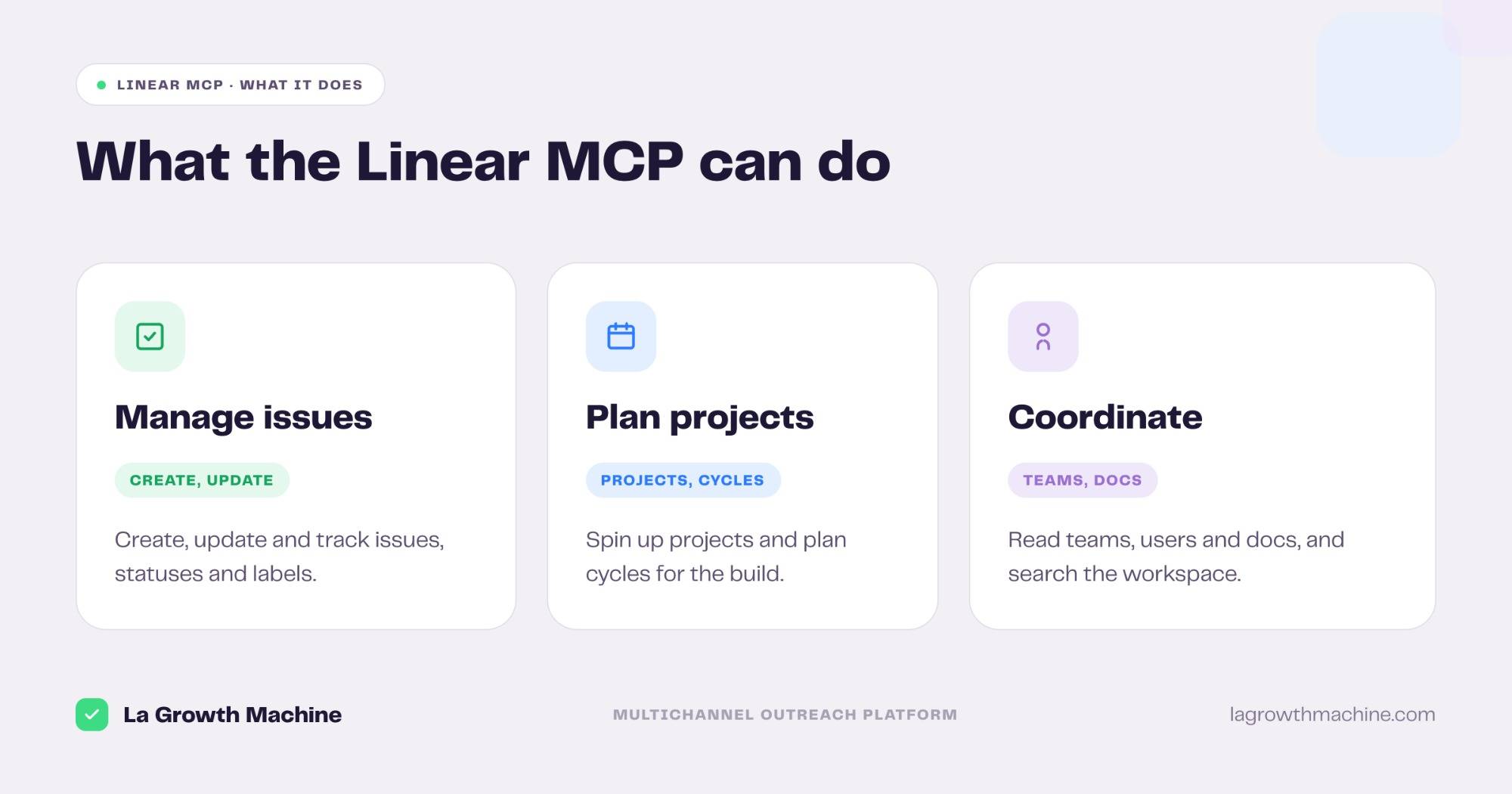
The server ships 22 tools that cover the issue tracker end to end. Grouped:
- Manage issues – create, update, and read issues, with statuses, labels, and your own assigned issues.
- Plan projects and cycles – list, get, create, and update projects, and read cycles for the roadmap.
- Coordinate the team – read teams, users, comments, and documents, and search the docs.
A few examples:
- “Create an issue to fix the lead-import bug and put it in the current cycle.”
- “List my open issues in the GTM Tools project.”
- “Update the dashboard issue to In Review and add a comment.”
How to install the Linear MCP
Setup runs over OAuth.
- Add it as a connector. Point your MCP client at
https://mcp.linear.app/mcpand authenticate in the browser, or in Claude Code runclaude mcp add --transport http linear-server https://mcp.linear.app/mcp. See the Linear MCP docs. - Use it in ChatGPT and Codex too. OpenAI supports MCP, so you can add this server in ChatGPT through connectors or in OpenAI Codex.
For the full walkthrough on adding an MCP server to your assistant, see what an MCP server is and how to install one.
Concrete use cases: build internal GTM apps, tracked in Linear
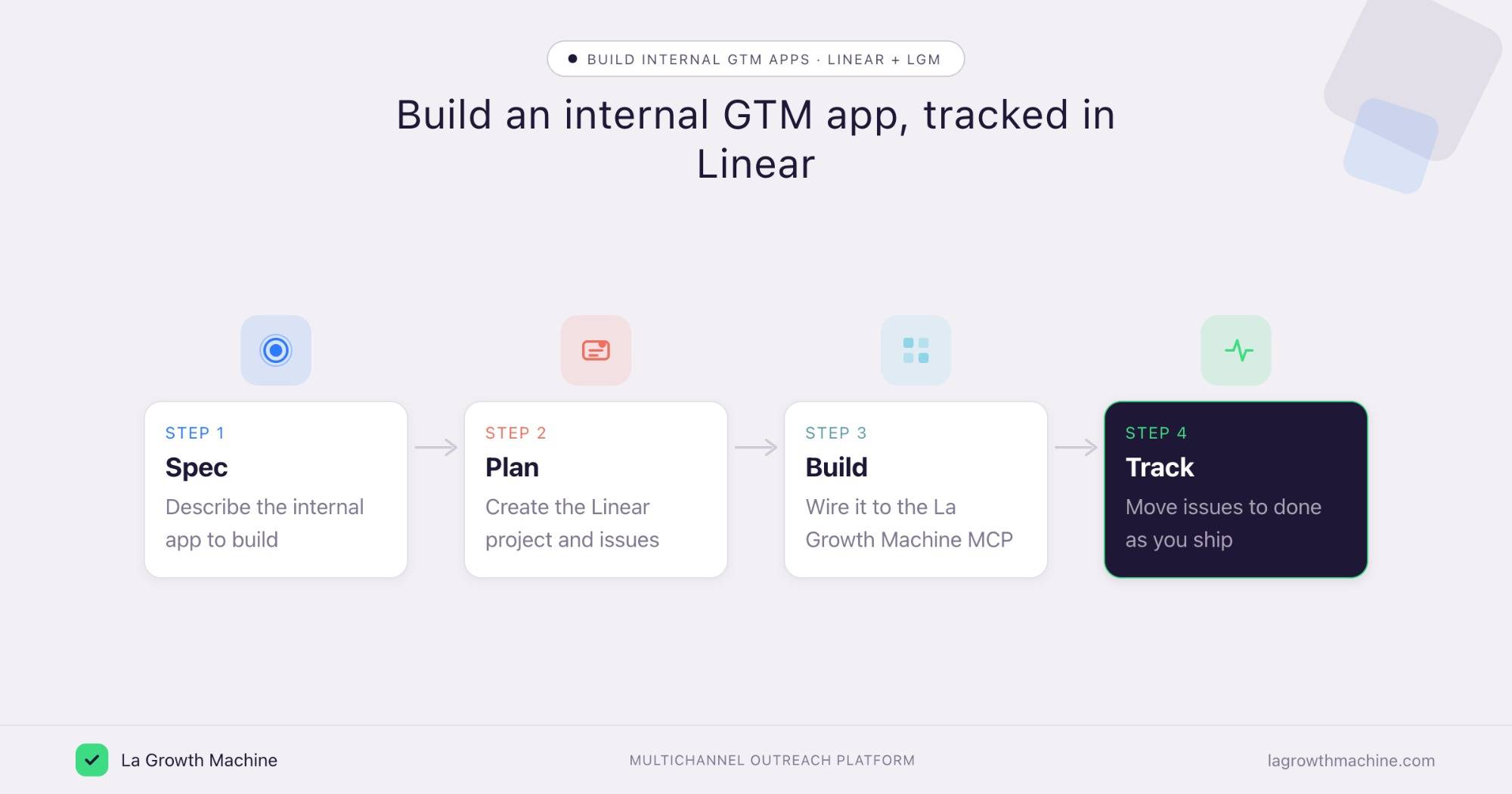
GTM engineers do not just run tools, they build them: a dashboard that tracks campaign performance, an app to triage replies, a small internal service that keeps audiences fresh. Linear is where that work is planned and tracked, and the Linear MCP lets you run it from Claude while you build.
The pattern is the same each time. Linear holds the project. La Growth Machine, through its MCP and API, is what the app actually plugs into.
Plan a prospecting dashboard
What it produces
A Linear project and a set of issues for an internal dashboard that reads your La Growth Machine campaign stats and shows pipeline by rep.
Prompts to try:
- Create a Linear project “Prospecting dashboard” with issues for auth, the La Growth Machine API calls, and the charts.
- Break the data layer into issues and put them in this cycle.
- List the open issues blocking the dashboard release.
Example output of the Linear MCP:
A Linear project with 5 issues for an internal dashboard that reads your La Growth Machine campaign stats and shows pipeline by rep.
Track a reply-management app
What it produces
A tracked build for an internal app that pulls unhandled replies from La Growth Machine and routes them to the right rep.
Prompts to try:
- Create issues for an app that reads the La Growth Machine inbox and assigns replies.
- Move the webhook issue to In Progress and comment the open question.
- Show me what is left before this ships.
Run the GTM engineering backlog
What it produces
A clear view of the team’s internal tooling work: issues across projects, the current cycle, and who is on what.
Prompts to try:
- List every open issue in the GTM Tools team and group them by status.
- Plan the next cycle from the top of the backlog.
- Create a project for the audience-sync service and seed it with issues.
The apps connect to La Growth Machine through its MCP and API, and Linear tracks the build from spec to ship. See the La Growth Machine integrations.
Tips and security
The Linear MCP can read and change your workspace, so scope it with care.
- Use trusted connectors. Linear’s connector is official, built by Linear. Only enable connectors from developers you trust.
- Connect a least-privilege user. The assistant inherits that user’s access to teams and projects.
- Confirm before writes. Let it read and search freely, but confirm before it creates or updates issues.
Frequently asked questions
Does Linear have an official MCP server?
Yes. Linear ships an official MCP server at https://mcp.linear.app/mcp, with OAuth and 22 tools.
What can the Linear MCP do?
It lets an assistant create, update, and track issues, plan projects and cycles, read teams, users, and documents, and search the docs.
How do I connect Linear to Claude?
Point your MCP client at https://mcp.linear.app/mcp and authenticate with OAuth, or run claude mcp add --transport http linear-server https://mcp.linear.app/mcp. It works with Claude, ChatGPT (OpenAI), and other MCP hosts.
How does this help a GTM engineer?
It puts the build of your internal GTM tools, dashboards, reply apps, audience services, in one tracked place, run from the assistant while those tools plug into La Growth Machine.
Do I need the La Growth Machine MCP too?
For the build tracking, no. For the app to actually source leads, read campaigns, or handle replies, it connects to La Growth Machine through its MCP or API.