
TL;DR
– Asana has an official MCP server that connects an assistant to your Work Graph
– It exposes 15+ tools to search, create and update tasks and projects, and track portfolios and goals
– Connect it at mcp.asana.com/v2/mcp with OAuth
– For GTM teams, run campaign launches and follow-ups as tracked work while La Growth Machine runs the outreach
Asana has an official MCP server, built by Asana. It lets an AI assistant like Claude reach your Work Graph to search, create, update, and track tasks, projects, and goals in plain language. In practice it can:
- search, create, and update tasks and projects
- read portfolios, goals, and status overviews
- find users across your workspace
- search objects across the Work Graph
It works with Claude, ChatGPT (OpenAI), and any other assistant or LLM that supports the Model Context Protocol.
This guide covers what the Asana MCP does, how to connect it, and a go-to-market angle: running campaign launches and follow-ups as tracked team work, while La Growth Machine handles the outreach.
New to the protocol? Start with what an MCP server is.
What is the Asana MCP
The Asana MCP server is Asana’s official implementation of the Model Context Protocol, the open standard that lets AI applications talk to external systems. It connects an assistant to your Work Graph, the map of tasks, projects, portfolios, and goals Asana keeps.
So the AI can coordinate work across your team and tie its output to real deliverables, not just chat.
It works with Claude, ChatGPT (OpenAI), and any other assistant or LLM that supports the Model Context Protocol.
What the Asana MCP lets you do
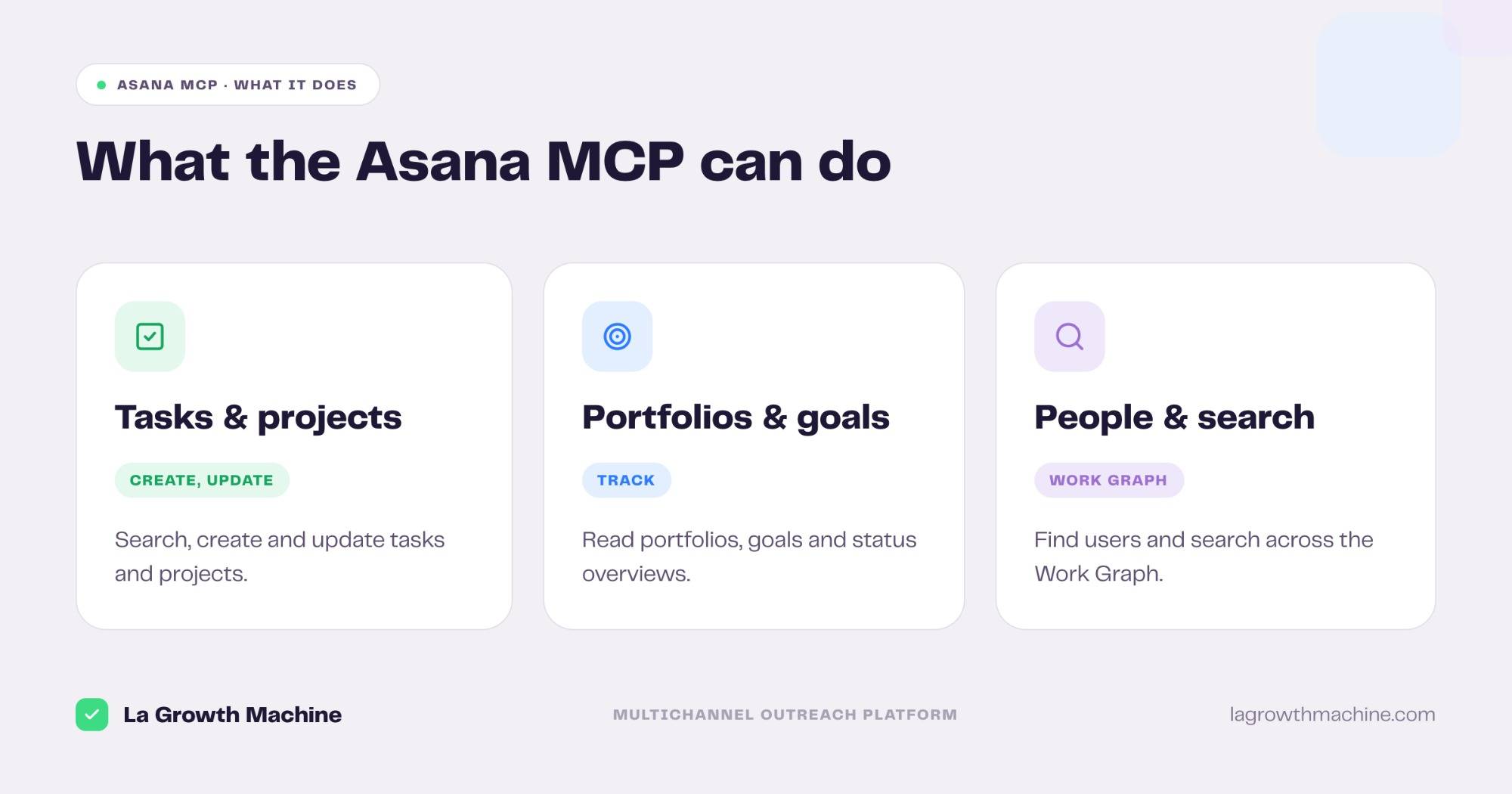
The server ships 15+ tools across the Work Graph. Grouped:
- Tasks and projects – search, create, and update tasks and projects, and read their details.
- Portfolios and goals – read portfolios, their items, and status overviews.
- People – get a user and list workspace users.
- Search – search objects across the whole Work Graph.
A few examples:
- “Create a launch project for the Q3 campaign with tasks for copy, audience, and QA.”
- “What is the status of the outreach project, and what is overdue?”
- “Assign the follow-up tasks for this week’s repliers to the right rep.”
How to install the Asana MCP
Setup runs over OAuth.
- Connect your account. Point your MCP client at
https://mcp.asana.com/v2/mcpand authenticate with OAuth. See the Asana MCP server docs. - Use it in ChatGPT and Codex too. OpenAI supports MCP, so you can add this server in ChatGPT through connectors or in OpenAI Codex.
For the full walkthrough on adding an MCP server to your assistant, see what an MCP server is and how to install one.
Concrete use cases: run GTM work as tracked projects
Asana is where a go-to-market team coordinates its work: campaign launches, content, follow-ups. The Asana MCP runs that from the assistant, and La Growth Machine handles the outreach the work produces.
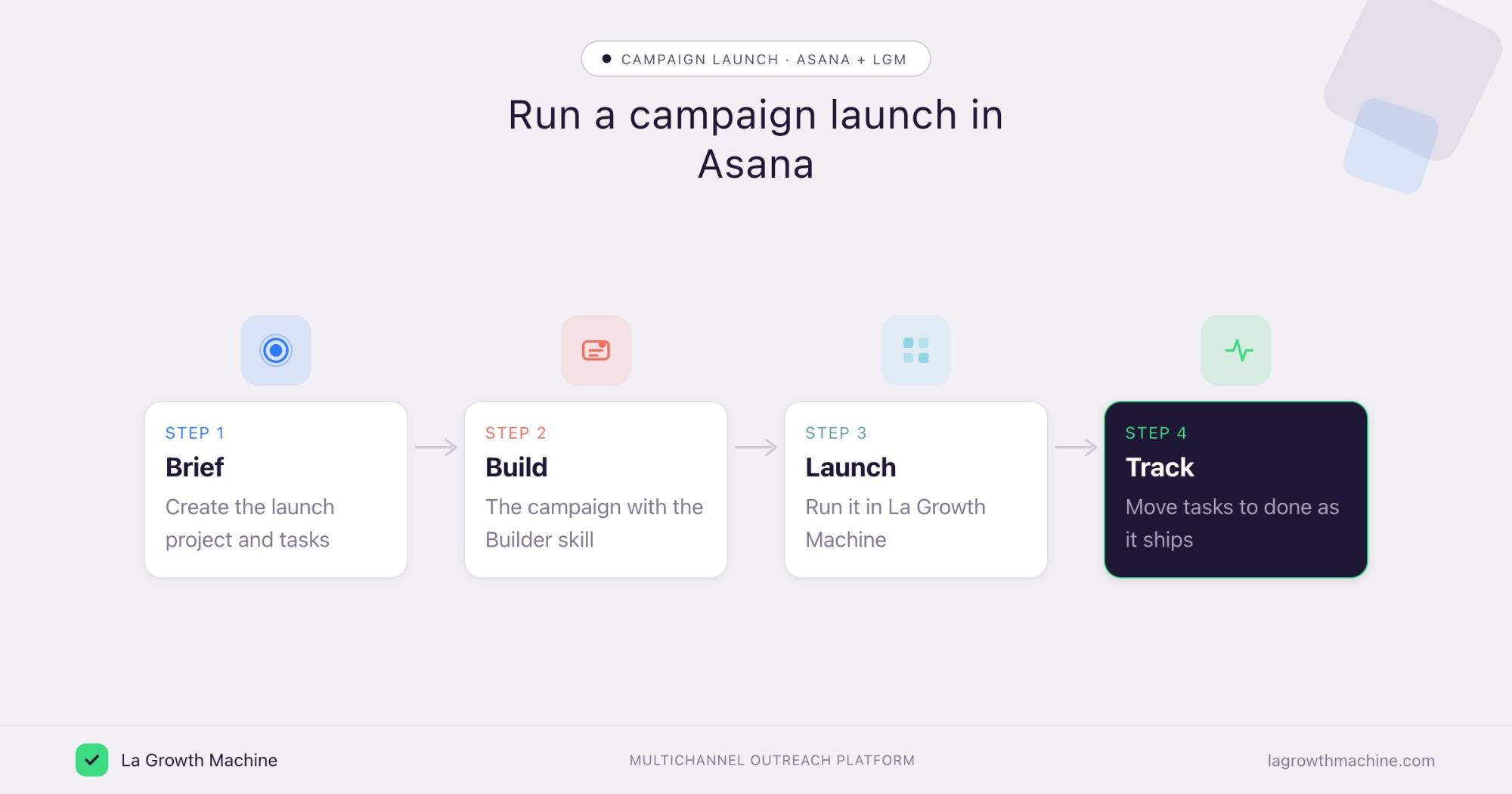
Plan and track a campaign launch
What it produces
A launch project in Asana with the tasks to ship a multichannel campaign, brief, copy, audience, QA, go-live, while the Multichannel Campaign Builder writes the sequence you actually launch.
Example output of the skill:
Cold outbound to Heads of Sales at French B2B SaaS startups. Lead angle: “your reps spend 40% of the week on manual prospecting.”
Prompts to try:
- Create a launch project with tasks for copy, audience, QA, and go-live.
- Draft the campaign for this launch, then add a review task for it.
See the Multichannel Campaign Builder skill.
Turn replies and meetings into follow-up tasks
What it produces
A task for the right rep whenever a lead replies or books, so nothing earned in outreach slips through the cracks.
Prompts to try:
- For each positive reply this week in La Growth Machine, create a follow-up task assigned to its owner.
- Add a prep task before every meeting booked this week.
Track GTM goals across the team
What it produces
A clear read on the team’s targets: the outreach portfolio, the goals attached to it, and what is on track or slipping.
Prompts to try:
- Show me the status of our pipeline goal and the projects feeding it.
- List the overdue tasks across the outreach portfolio.
Asana coordinates the work, and La Growth Machine runs the outreach. There is no native integration (yet), so connect them through the assistant or an automation layer like Zapier, n8n, or Make. See the La Growth Machine integrations.
Tips and security
The Asana MCP can read and change your workspace, so scope it with care.
- Connect a least-privilege user. The assistant inherits that user’s access to projects.
- Confirm before writes. Let it search and read freely, but confirm before it creates or updates tasks.
- Use trusted connectors. Asana’s connector is official, built by Asana.
Frequently asked questions
Does Asana have an official MCP server?
Yes. Asana ships an official MCP server at https://mcp.asana.com/v2/mcp, with 15+ tools across the Work Graph.
What can the Asana MCP do?
It lets an assistant search, create, and update tasks and projects, read portfolios, goals, and status overviews, find users, and search the Work Graph.
How do I connect Asana to Claude?
Point your MCP client at https://mcp.asana.com/v2/mcp and authenticate with OAuth. It works with Claude, ChatGPT (OpenAI), and other MCP hosts.
How is this different from the Linear MCP?
Both manage work, but the Asana MCP fits broad team coordination, campaign launches, content, and follow-ups, while the Linear MCP is built for engineering issues and cycles. Pick the one your GTM team already runs on.
Can I connect Asana and La Growth Machine?
Not natively (yet). Orchestrate both from the assistant, or connect them through Zapier, n8n, or Make, to turn outreach into tracked team work.