
TL;DR
– Google Calendar has an official MCP server, built by Google, that connects an assistant to your calendar
– It ships 8 tools and 5 prompts to see your schedule, find free time, create and update events, and respond to invites
– Connect it at calendarmcp.googleapis.com/mcp/v1 with OAuth
– For GTM, turn a positive reply into a booked meeting: find a slot and create the event when a lead says yes in La Growth Machine
Google Calendar has an official MCP server, built by Google. It lets an AI assistant like Claude view your schedule, find free time, and manage events in plain language. In practice it can:
- list your calendars and events, and read a single event
- find free time and analyze availability
- create, update, and delete events
- respond to invitations on your behalf
It works with Claude, ChatGPT (OpenAI), and any other assistant or LLM that supports the Model Context Protocol.
This guide covers what the Google Calendar MCP does, how to connect it, and a go-to-market angle: turning a positive reply into a booked meeting, since meetings are what outreach is for.
New to the protocol? Start with what an MCP server is.
What is the Google Calendar MCP
The Google Calendar MCP server is Google’s official implementation of the Model Context Protocol, the open standard that lets AI applications talk to external systems. It is a remote server, part of Google’s Workspace MCP offering.
It exposes your calendar to an assistant as a set of typed tools, plus ready-made prompts for common scheduling tasks, so the AI can read your schedule and book on your behalf.
It works with Claude, ChatGPT (OpenAI), and any other assistant or LLM that supports the Model Context Protocol.
What the Google Calendar MCP lets you do
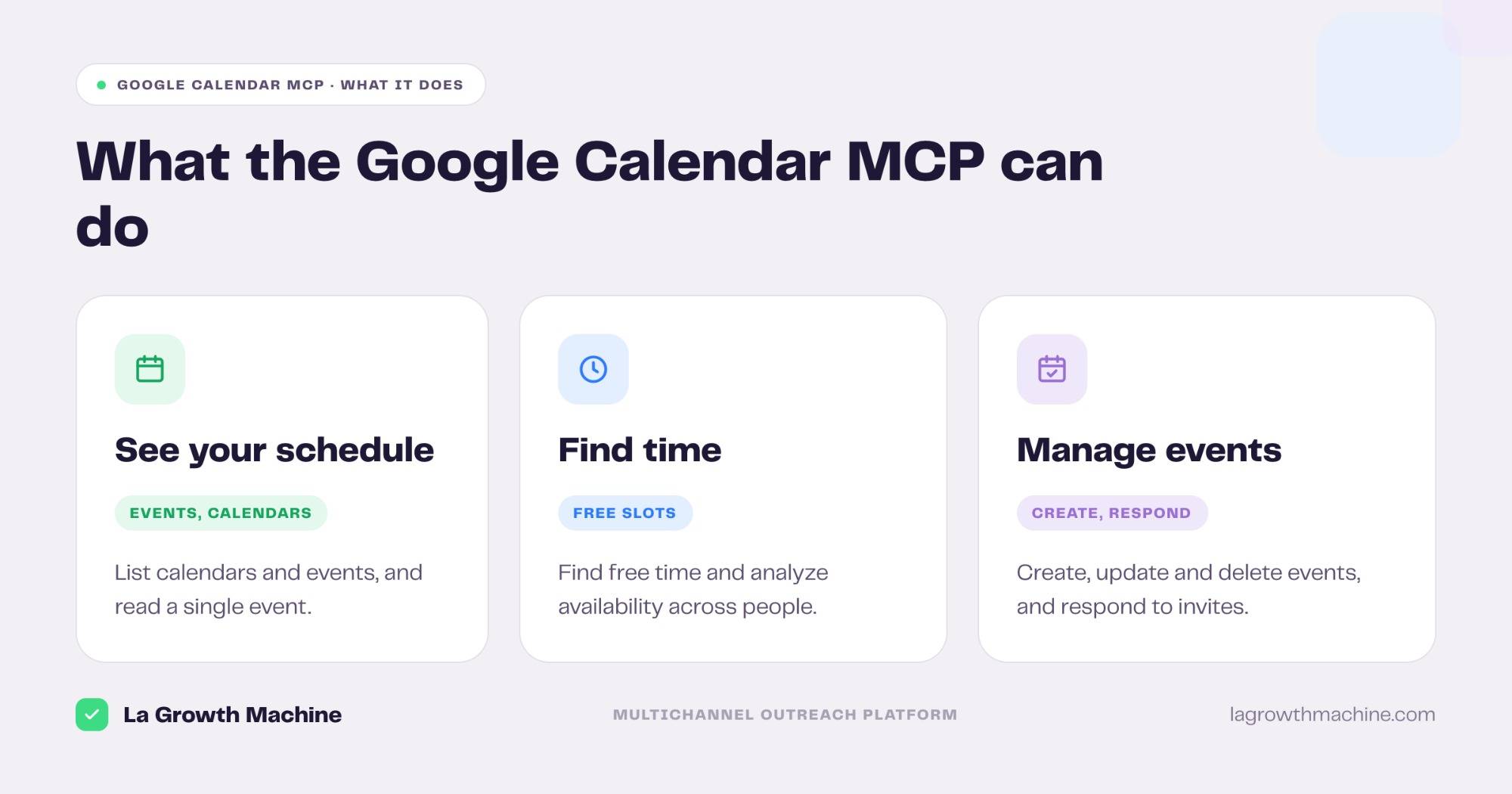
The server ships 8 tools and 5 ready-made prompts. Grouped:
- See your schedule – list calendars and events, and read a single event.
- Find time – find free slots and analyze availability across people.
- Manage events – create, update, and delete events, and respond to invitations.
- Ready-made prompts –
schedule_meeting,quick_meeting_today,recurring_1on1,team_meeting_scheduler, andanalyze_availability.
A few examples:
- “Find a 30-minute slot next week that works for me and this prospect.”
- “Create a demo on Thursday at 3pm and invite the attendees.”
- “What meetings do I have with this account, and who is attending?”
How to install the Google Calendar MCP
Setup runs over OAuth.
- Connect your account. Point your MCP client at
https://calendarmcp.googleapis.com/mcp/v1and authenticate with OAuth. See the Google Calendar developer docs. - Use it in ChatGPT and Codex too. OpenAI supports MCP, so you can add this server in ChatGPT through connectors or in OpenAI Codex.
For the full walkthrough on adding an MCP server to your assistant, see what an MCP server is and how to install one.
Concrete use cases: from a reply to a booked meeting
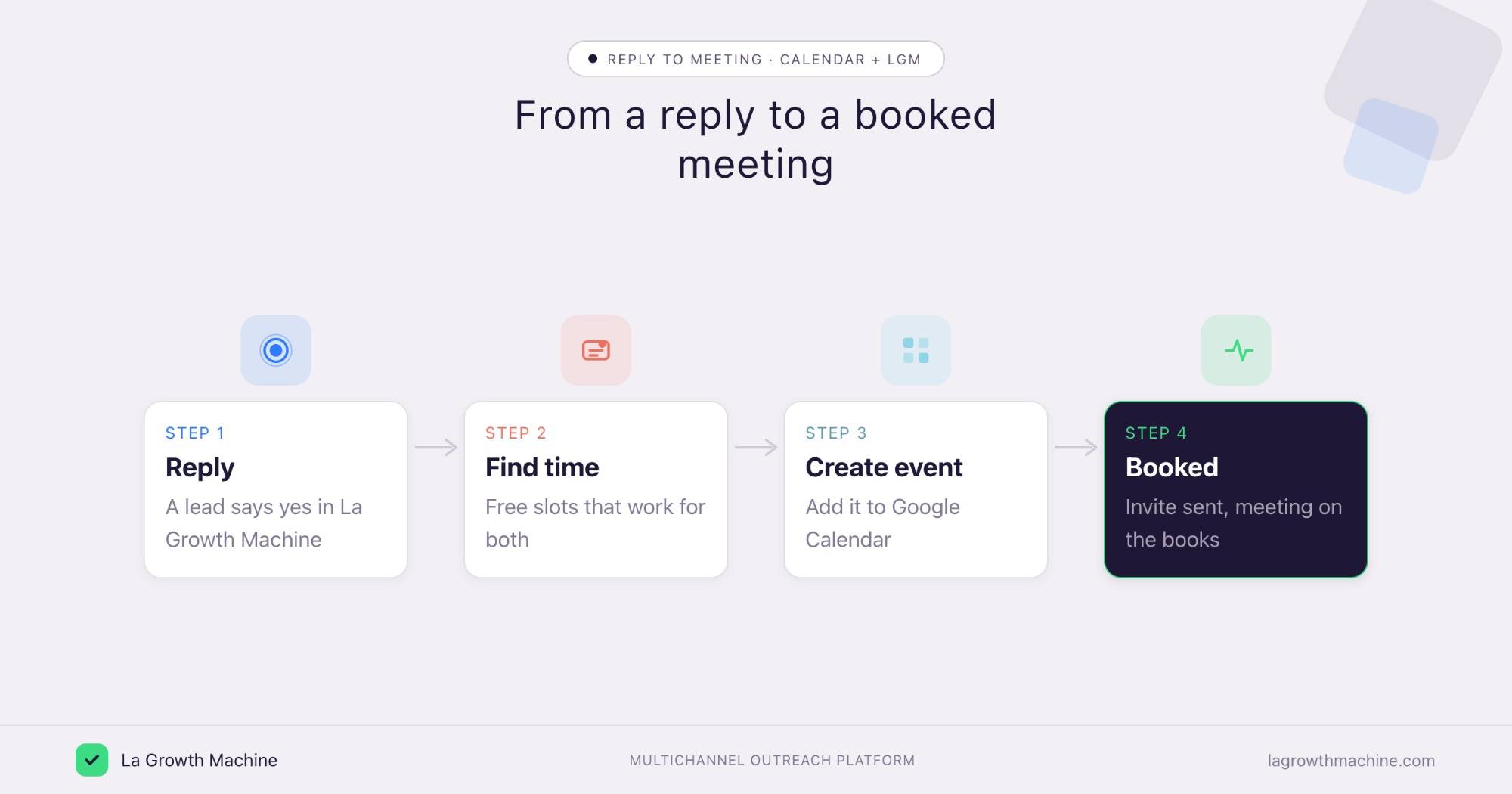
The point of outreach is meetings. La Growth Machine books the conversation, and the Google Calendar MCP is where it lands. Connect both to the assistant and the booking happens without a back-and-forth.
Book the meeting when a lead says yes
What it produces
The Reply Manager spots the reply that wants a call, then the assistant finds a free slot and creates the event with an invite, so a warm reply becomes a meeting on the books.
Example output of the skill:
Prompts to try:
- This lead wants to talk, find a 30-minute slot next week and send an invite.
- Book the demo and add the La Growth Machine conversation link to the event.
See the Reply Manager skill.
Prep for a prospect meeting
What it produces
A quick brief before the call: the event, who is attending, and the recent history with that account.
Prompts to try:
- What is my next meeting with this account, and who is on the invite?
- Summarize my recent exchanges with these attendees before the call.
Coordinate scheduling across people
What it produces
A slot that works for everyone, found without the email ping-pong.
Prompts to try:
- Find mutual availability for me, my AE, and this prospect next week.
- Set up a recurring 1-on-1 with this rep every Monday morning.
These run by orchestrating the Google Calendar MCP and La Growth Machine from the assistant. There is no native integration (yet), so connect them through the assistant or an automation layer like Zapier, n8n, or Make. See the La Growth Machine integrations.
Tips and security
The Google Calendar MCP can read your schedule and create events, so scope it with care.
- Grant calendar scopes only. Give it access to the calendars it needs, nothing more.
- Confirm before it books. Let it read and find time freely, but confirm before it creates or deletes an event.
- Use trusted connectors. Google Calendar’s connector is official, built by Google.
Frequently asked questions
Does Google Calendar have an official MCP server?
Yes. Google ships an official Google Calendar MCP server as part of its Workspace MCP offering, with 8 tools and 5 ready-made prompts.
What can the Google Calendar MCP do?
It lets an assistant list calendars and events, find free time and analyze availability, create, update, and delete events, and respond to invitations.
How do I connect Google Calendar to Claude?
Point your MCP client at https://calendarmcp.googleapis.com/mcp/v1 and authenticate with OAuth. It works with Claude, ChatGPT (OpenAI), and other MCP hosts.
How does this help with outreach?
Outreach exists to book meetings. When a lead replies yes, the assistant finds a slot and creates the event, so the meeting La Growth Machine earned actually gets on the calendar.
Can I connect Google Calendar and La Growth Machine?
Not natively (yet). Orchestrate both from the assistant, or connect them through Zapier, n8n, or Make, to turn a positive reply into a booked meeting.