
TL;DR
– Gmail has an official MCP server, built by Google, that connects an assistant to your inbox
– It ships 5 tools to search threads, read a full thread, create draft replies, and list labels and drafts
– Connect it at gmailmcp.googleapis.com/mcp/v1 with OAuth; it reads and drafts, it does not send
– For GTM, find and draft replies to outreach that land in your inbox, alongside La Growth Machine
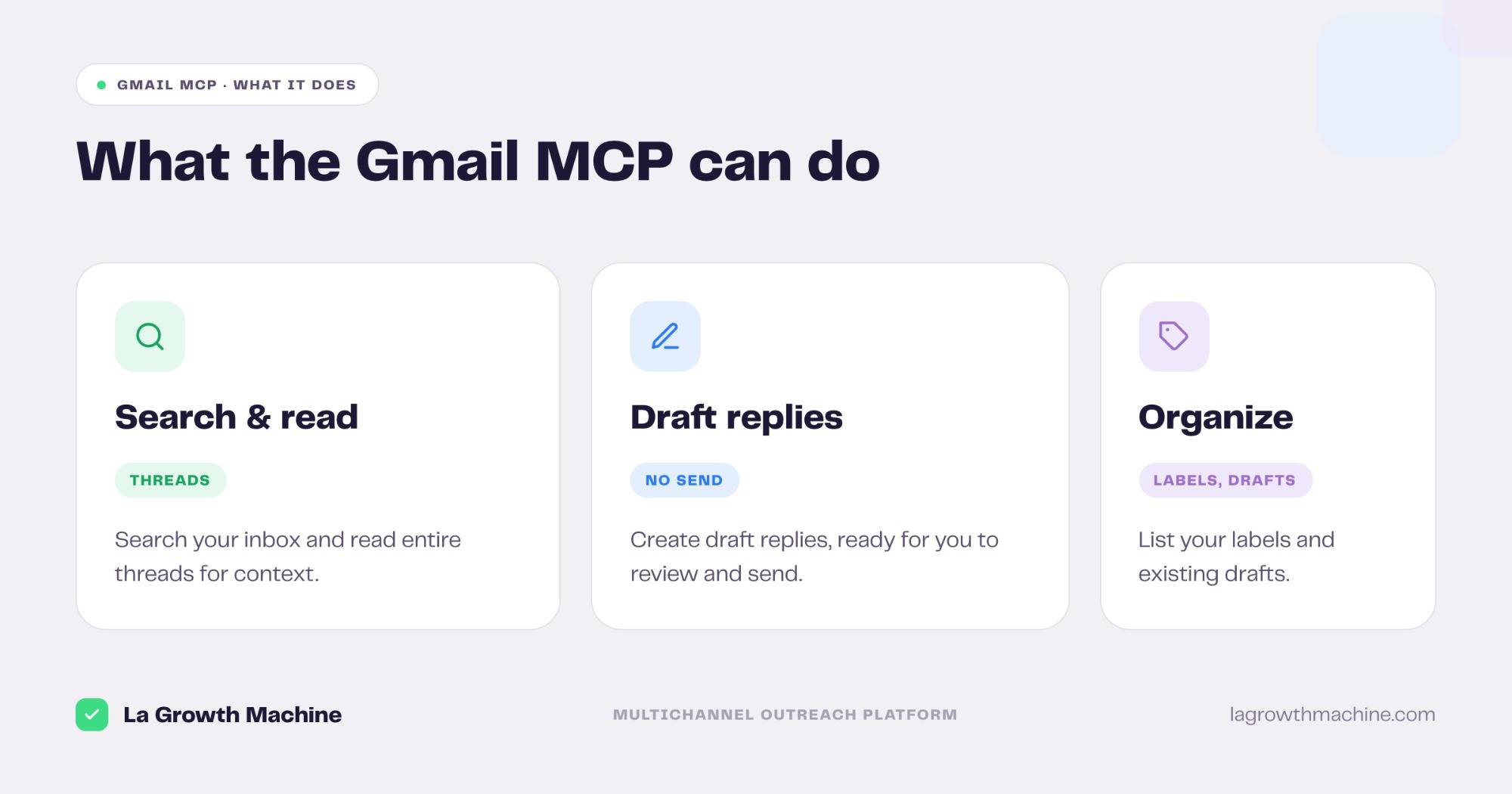
Gmail has an official MCP server, built by Google. It lets an AI assistant like Claude search your inbox, read full threads, and draft replies in plain language. In practice it can:
- search your threads to find a specific email
- read an entire thread for context
- create draft replies, ready for you to send
- list your labels and existing drafts
It works with Claude, ChatGPT (OpenAI), and any other assistant or LLM that supports the Model Context Protocol.
This guide covers what the Gmail MCP does, how to connect it, and how a go-to-market team uses it: finding and drafting replies to the outreach that lands in your inbox.
New to the protocol? Start with what an MCP server is.
What is the Gmail MCP
The Gmail MCP server is Google’s official implementation of the Model Context Protocol, the open standard that lets AI applications talk to external systems. It is a remote server, part of Google’s Workspace MCP offering.
It exposes your mailbox to an assistant as a small set of typed tools, so the AI can find, read, and draft on your behalf. It reads and drafts, it does not send on its own.
It works with Claude, ChatGPT (OpenAI), and any other assistant or LLM that supports the Model Context Protocol.
What the Gmail MCP lets you do
The server ships 5 focused tools:
- search_threads – find threads that match a query.
- get_thread – read an entire thread, with full context.
- create_draft – draft a reply, ready for you to review and send.
- list_drafts – see the drafts you already have.
- list_labels – read your Gmail labels.
A few examples:
- “Find the thread where I discussed pricing with Acme last month.”
- “Summarize this long thread before my call.”
- “Draft a reply that answers their two questions and proposes a time.”
How to install the Gmail MCP
Setup runs over OAuth.
- Connect your account. Point your MCP client at
https://gmailmcp.googleapis.com/mcp/v1and authenticate with an OAuth client ID and secret. See the Gmail developer docs. - Use it in ChatGPT and Codex too. OpenAI supports MCP, so you can add this server in ChatGPT through connectors or in OpenAI Codex.
For the full walkthrough on adding an MCP server to your assistant, see what an MCP server is and how to install one.
Concrete use cases: stay on top of your inbox
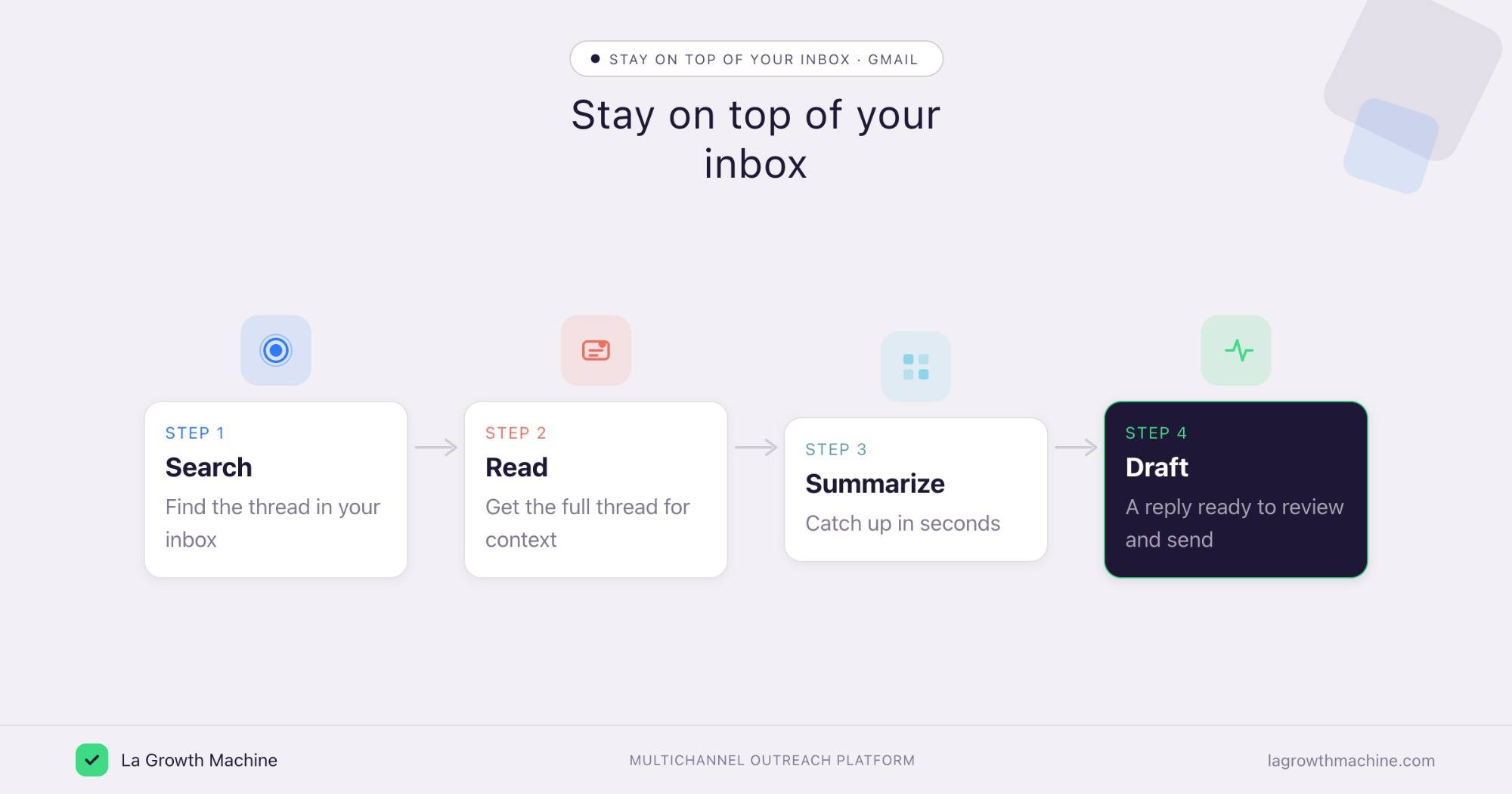
The Gmail MCP shines at the inbox work that eats a sales rep’s day: finding a buried email, catching up on a thread, and drafting the next reply.
Find and draft replies to your outreach
What it produces
When a prospect replies to your email outreach in your inbox, the assistant finds the thread, reads it for context, and drafts a response you can send.
Prompts to try:
- Find replies from this week’s outreach and draft a response for each.
- Read this thread and draft a reply that handles their objection.
See the Reply Manager skill.
Summarize a thread before a meeting
What it produces
A short summary of a long back-and-forth, so you walk into the call knowing exactly where things stand.
Prompts to try:
- Summarize my thread with this account and list the open points.
- What did we agree on in this chain, and what is still pending?
If you run email outreach in La Growth Machine, replies can land both in its unified inbox and in your Gmail. The Gmail MCP helps you find and draft the ones that reach your mailbox, while La Growth Machine keeps the campaign side in one place.
Tips and security
The Gmail MCP reaches your inbox, so scope it with care.
- Grant read and draft scopes only. It does not need send access to be useful.
- Review every draft. The assistant drafts, you decide what goes out.
- Use trusted connectors. Gmail’s connector is official, built by Google.
Frequently asked questions
Does Gmail have an official MCP server?
Yes. Google ships an official Gmail MCP server as part of its Workspace MCP offering, with 5 tools.
What can the Gmail MCP do?
It lets an assistant search threads, read a full thread, create draft replies, and list labels and drafts. It does not send mail on its own.
How do I connect Gmail to Claude?
Point your MCP client at https://gmailmcp.googleapis.com/mcp/v1 and authenticate with an OAuth client ID and secret. It works with Claude, ChatGPT (OpenAI), and other MCP hosts.
Can the Gmail MCP send emails?
No. It creates drafts and reads your inbox, but it does not send. You review and send each draft yourself.
How does this help with outreach?
Replies to your email campaigns can land in your inbox. Use the Gmail MCP to find them, read the context, and draft responses, alongside La Growth Machine for the campaign side.