
TL;DR
– Slack has an official MCP server, built by Slack, available as a connector for Claude and ChatGPT.
– Its 11 tools send messages, create and read canvases, and search and read messages, channels, threads and users.
– Install it from your assistant or point any client at mcp.slack.com/mcp, then grant least-privilege scopes.
– La Growth Machine has a native Slack integration for reply and identity alerts; with the MCP you draft and approve replies in Slack and post per-rep performance digests.
Slack has an official MCP server, built by Slack. It lets an AI assistant like Claude work inside your workspace in plain language. In practice it can:
- send messages to channels and threads
- create, update, and read canvases
- search messages, channels, and users
- read channels, threads, and user profiles
It connects through the official connector over OAuth, with no code.
This guide covers what the Slack MCP does, how to connect it, and two go-to-market use cases: approving outreach replies from Slack, and posting a campaign performance digest per sales rep.
New to the protocol? Start with what an MCP server is.
What is the Slack MCP server
The Slack MCP server is Slack’s official implementation of the Model Context Protocol, the open standard that lets AI applications talk to external systems. It is a remote, authenticated server.
It exposes your workspace to an assistant as a set of typed tools, so the AI can read and act in Slack on your behalf, with the scopes you grant.
It works with Claude, ChatGPT (OpenAI), and any other assistant or LLM that supports the Model Context Protocol.
What the Slack MCP lets you do
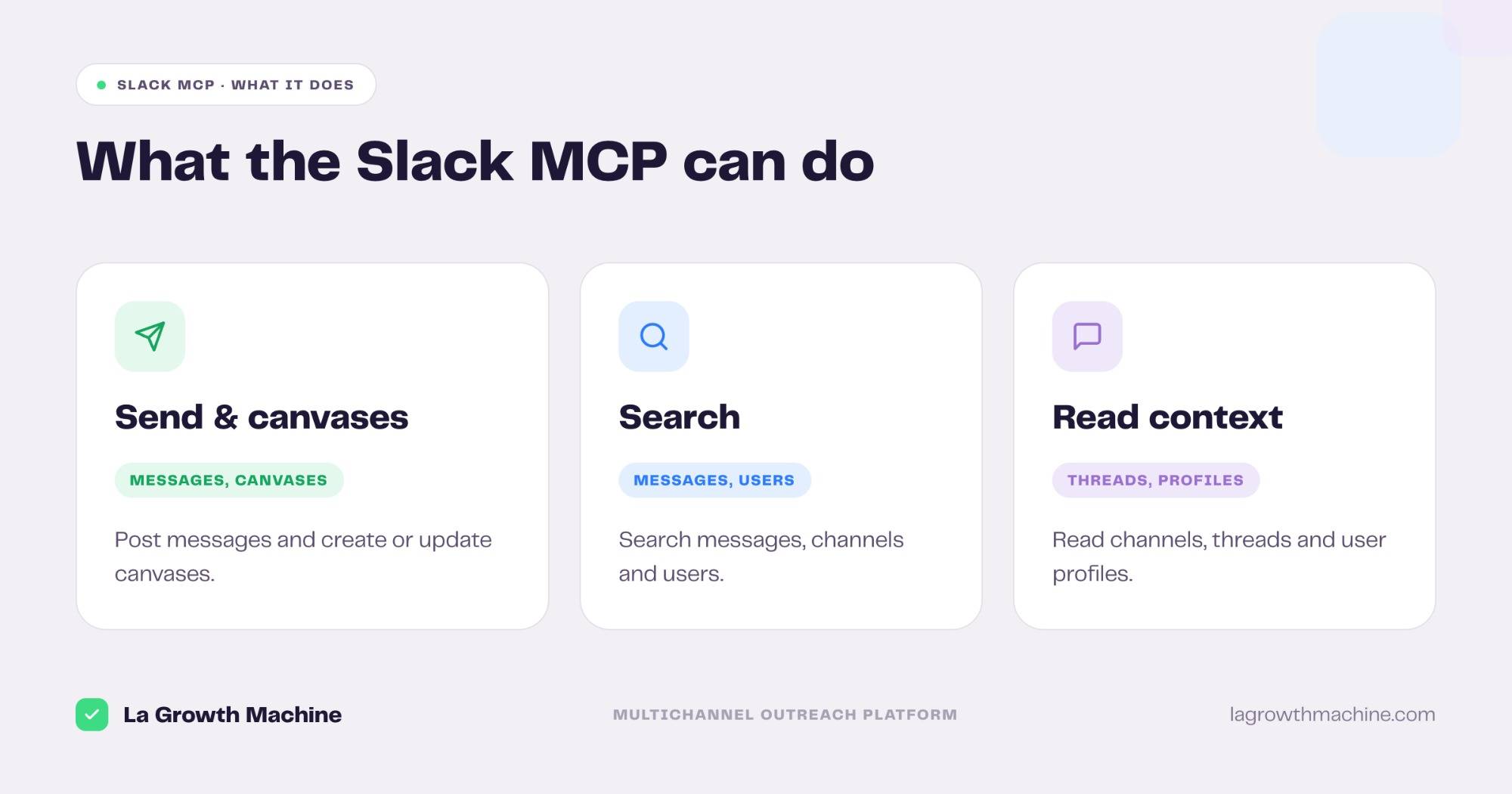
The official server ships 11 tools. Grouped:
- Send and collaborate –
slack_send_message, andslack_create_canvas,slack_update_canvas,slack_read_canvas. - Search –
slack_search_public_and_private,slack_search_public,slack_search_users,slack_search_channels. - Read context –
slack_read_channel,slack_read_thread,slack_read_user_profile.
That gives Claude the context to act where your team already works. A few examples:
- “Summarize the #sales channel since yesterday and post the recap as a canvas.”
- “Find every message that mentions Acme this week.”
- “Post the new lead reply to #revenue with a link to the conversation.”
How to install the Slack MCP
The Slack MCP is an official connector, so setup is quick.
- Add it as a connector. Add Slack in your assistant and authenticate with OAuth. In Claude.ai or Claude for Cowork you add it in the Customize panel.
- Or add the endpoint by hand. Point your MCP client at the remote endpoint
https://mcp.slack.com/mcp. It works with Claude, ChatGPT (OpenAI), and any other LLM or host that supports MCP. - Scope it. Grant the narrowest scopes the task needs. See Slack’s MCP server docs.
For the full walkthrough on adding an MCP server to your assistant, see what an MCP server is and how to install one.
Slack + La Growth Machine: native alerts
Before the MCP, La Growth Machine already pushes outreach into Slack. The native Slack integration is 100% native, with no webhooks or API keys.
It sends real-time alerts for the moments that matter:
- A prospect replies. You get an instant Slack alert with a direct link to the conversation in La Growth Machine.
- An identity disconnects. If a LinkedIn or email identity drops, you are notified at once, so you fix it before losing days of outreach.
The MCP picks up where those alerts stop: instead of just being notified, your assistant can act in Slack.
Concrete use cases
With the Slack MCP and the La Growth Machine MCP connected, Slack becomes the place where your team runs and reviews outreach.
Approve and send replies from Slack
What it produces
The Reply Manager triages every unhandled reply across a campaign, classifies each one by intent, and drafts an on-brand response ready to approve.
With the Slack MCP and La Growth Machine
The Reply Manager reads the replies from La Growth Machine, drafts each response, and posts it to a Slack channel or thread. Your rep edits and approves it right there in Slack, and the approved reply is sent back through La Growth Machine. No tab switching, the whole loop happens where the team already talks.
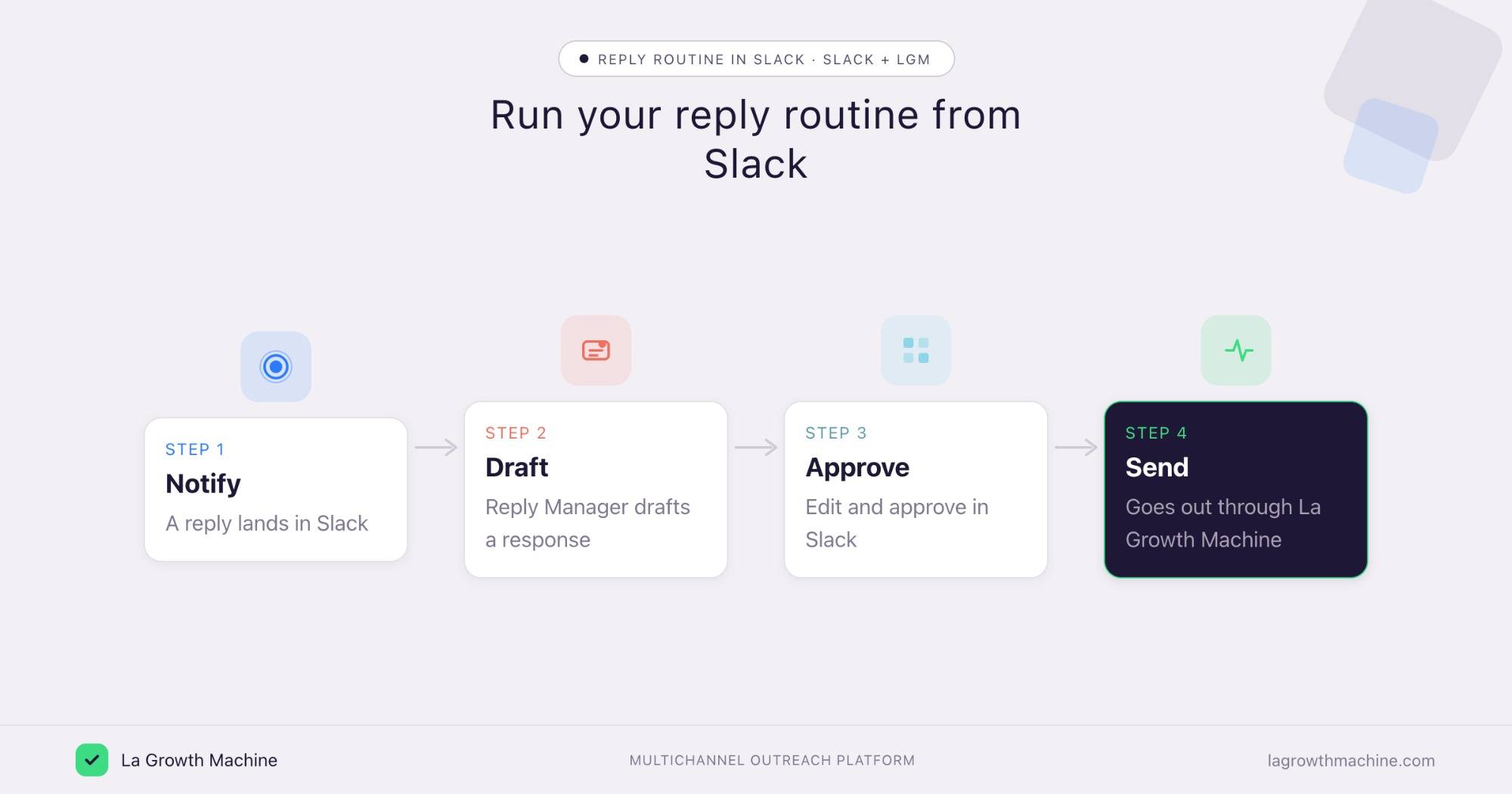
Example output of the skill:
Prompts to try:
- Draft a reply for each new answer in my campaign and post them to #replies for approval.
- When I react with a checkmark in Slack, send that reply through La Growth Machine.
- Every morning, queue the day’s draft replies in Slack for the team to review.
See the Reply Manager skill.
Post a performance digest per sales rep
What it produces
A clear performance summary, broken down by sales rep, that ties activity to outcomes: campaigns running, replies, and meetings booked.
With the Slack MCP and La Growth Machine
Run it daily or weekly. The assistant pulls campaign stats per identity from La Growth Machine, then posts a digest to a Slack channel, or builds a canvas, with one section per rep. Everyone sees the same numbers, and managers spot who needs help without asking.
Prompts to try:
- Post a daily digest in #sales with each rep’s campaigns, replies, and meetings booked.
- Every Monday, build a Slack canvas ranking my reps by meetings booked last week.
- Which identity has the lowest reply rate this week, and flag it in Slack?
Tips and security
The Slack MCP can read and post in your workspace, so scope it with care.
- Use trusted connectors. Slack’s connector is official, built by Slack. Only enable connectors from developers you trust.
- Grant least-privilege scopes. Give the assistant access to the channels and actions it needs, nothing more.
- Confirm before posting. Let it read and search freely, but confirm before it sends a message to a channel.
Frequently asked questions
Does Slack have an official MCP server? Yes. Slack ships an official MCP server, available as a connector for Claude, ChatGPT, Cursor, and Perplexity.
What can the Slack MCP do? It exposes 11 tools to send messages, create and read canvases, search messages, channels, and users, and read channels, threads, and profiles.
How do I connect Slack to Claude? Add Slack as a connector and authenticate with OAuth, or point any MCP client at https://mcp.slack.com/mcp.
Does the Slack MCP work with ChatGPT? Yes. It works with Claude, ChatGPT (OpenAI), Cursor, and Perplexity, and any other LLM or host that supports MCP.
Can I connect Slack and La Growth Machine? Yes. La Growth Machine has a native Slack integration for real-time reply and identity alerts. With the MCP, you go further: draft and approve replies in Slack, and post performance digests per rep.