
TL;DR
– Notion has an official MCP server, built by Notion, available as a connector for Claude and ChatGPT
– Its 13 tools search and fetch content, create and update pages and databases, move and duplicate pages, and manage comments
– Install it from the connector directory or point any client at mcp.notion.com/mcp, then share the pages it can reach
– La Growth Machine has no native Notion integration (yet): orchestrate both MCPs or use Zapier/n8n/Make to turn a Notion list into a campaign
Notion has an official MCP server, built by Notion. It lets an AI assistant like Claude work with your workspace in plain language. In practice it can:
- search and read pages and databases
- create and update pages and databases
- move, duplicate, and organize content
- add and read comments
It connects through the official connector, with no code.
This guide covers what the Notion MCP does, how to install it, and a go-to-market use case: turning a Notion list or brief into a campaign in La Growth Machine.
New to the protocol? Start with what an MCP server is.
What is the Notion MCP
The Notion MCP server is Notion’s official implementation of the Model Context Protocol, the open standard that lets AI applications talk to external systems. It is a remote, authenticated server.
It exposes your workspace to an assistant as a set of typed tools, so the AI can find, create, and organize content on your behalf. Notion’s permission model applies: the integration only reaches the pages and databases you share with it.
It works with Claude, ChatGPT (OpenAI), and any other assistant or LLM that supports the Model Context Protocol.
What the Notion MCP lets you do
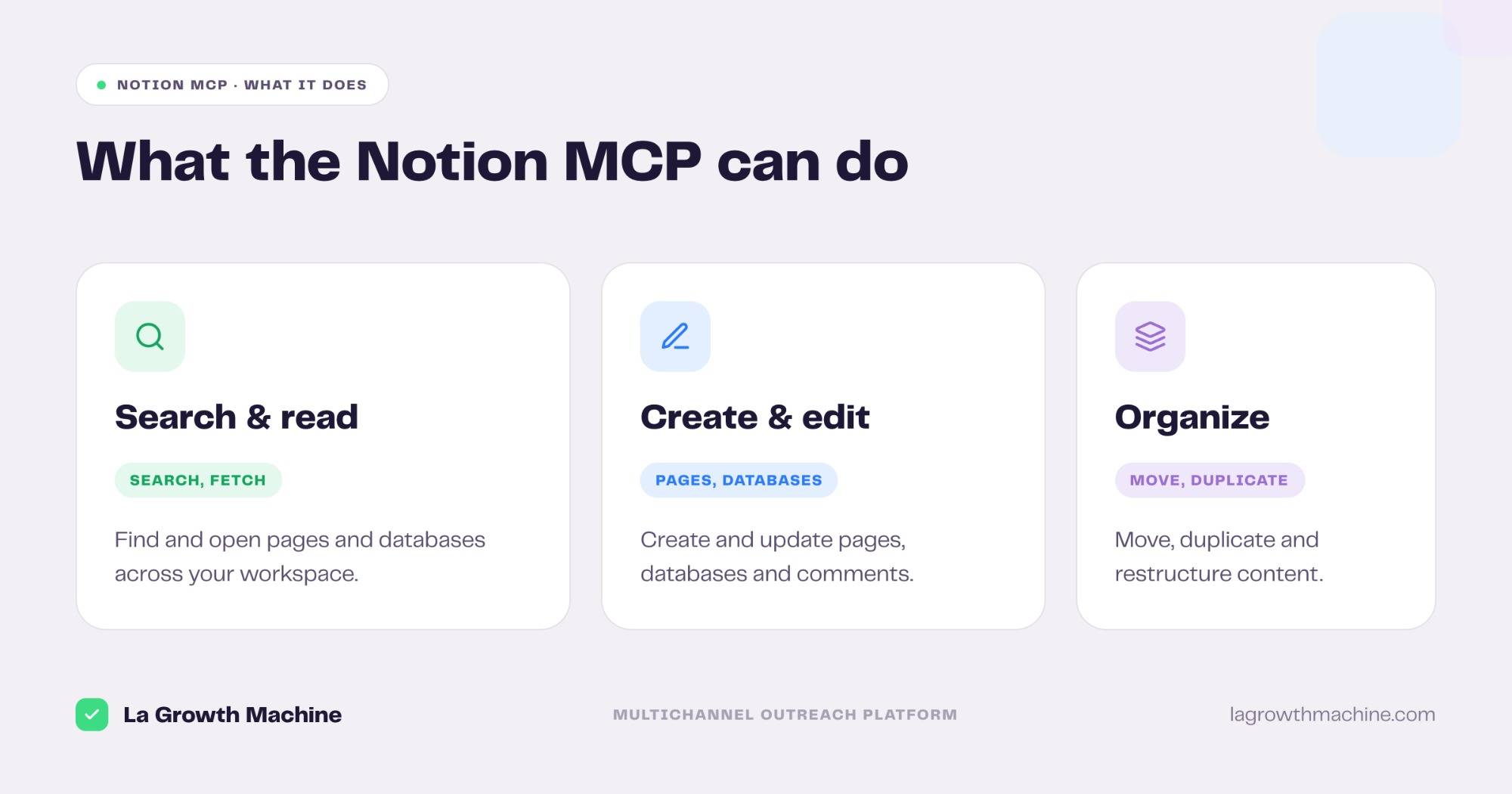
The server ships 13 tools that cover the full workspace. Grouped:
- Search and read –
searchandfetchto find and open pages and databases. - Create and edit –
create-pages,update-page,create-database, andupdate-database. - Organize –
move-pagesandduplicate-pageto restructure content. - Collaborate –
create-comment,get-comments, and read users withget-users,get-self, andget-user.
That turns your workspace into something you can run from a prompt. A few examples:
- “Find the Q3 launch plan and summarize the open tasks.”
- “Create a meeting-notes page in the Sales database from this transcript.”
- “Move these three pages under the Archive section.”
How to install the Notion MCP
The Notion MCP is an official connector, so setup is quick.
- Find it in the directory. Add Notion from the Claude connector directory, then authenticate with OAuth.
- Or add the endpoint by hand. Point your MCP client at the remote endpoint
https://mcp.notion.com/mcp. It works with Claude, ChatGPT (OpenAI), and any other LLM or host that supports MCP. - Share the right pages. Notion’s permission model means the integration only reaches pages and databases you explicitly share with it. See Notion’s MCP guide.
For the full walkthrough on adding an MCP server to your assistant, see what an MCP server is and how to install one.
This short demo shows the Notion MCP running from an assistant:
A GTM use case: Notion MCP + La Growth Machine
Many go-to-market teams keep their playbooks, account lists, and campaign briefs in Notion. That makes Notion a natural starting point for outreach.
The bridge
Read a target list or a brief from a Notion database, then launch a sequence in La Growth Machine, the multichannel outreach platform. The Notion MCP supplies the list and the context; La Growth Machine runs the outreach.
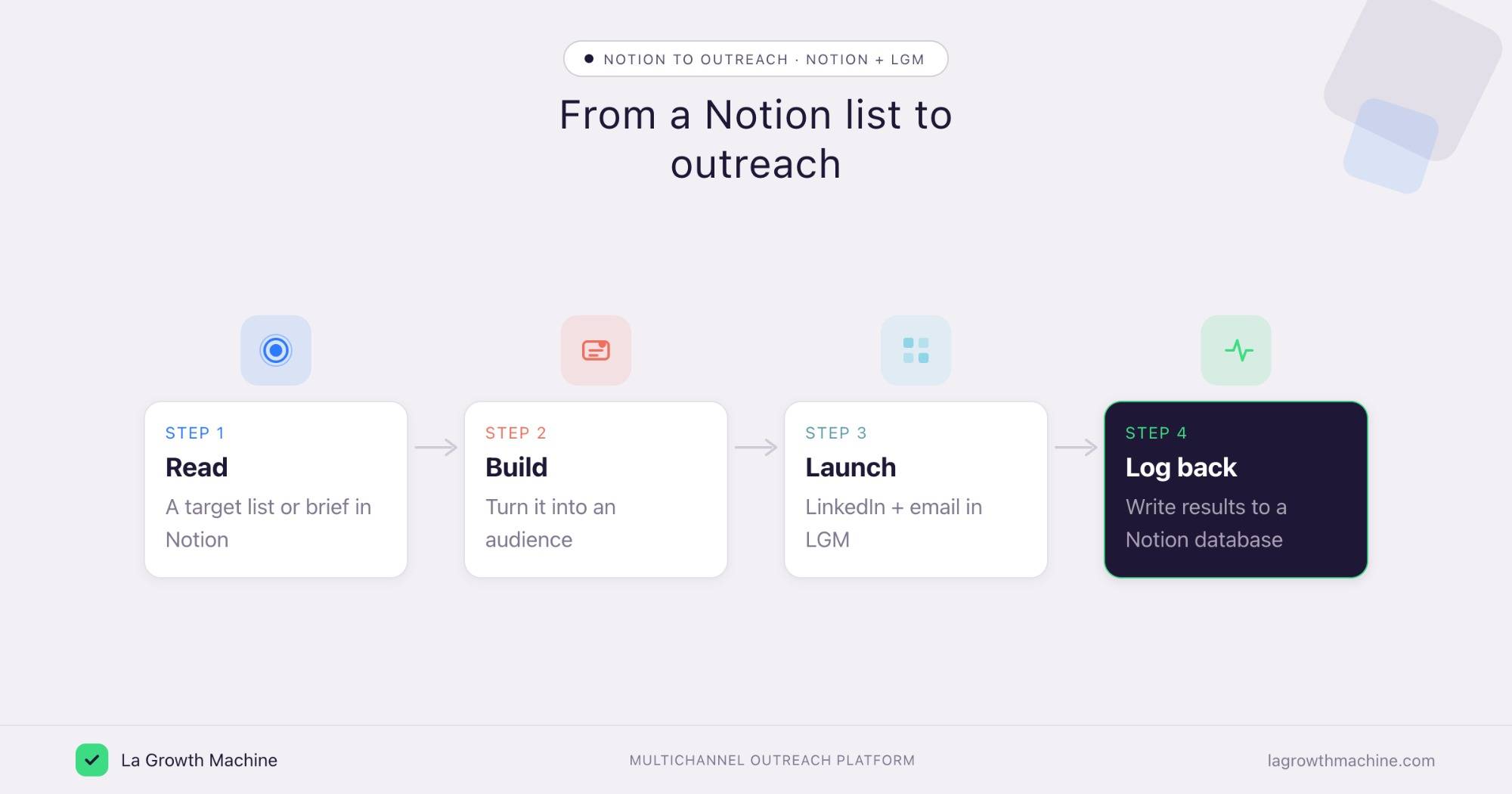
Here is the loop:
- Read a target list or campaign brief from a Notion database.
- Build an audience from it.
- Launch a LinkedIn and email sequence in La Growth Machine.
- Log back the campaign and its results into a Notion database.
⚠️ La Growth Machine does not have a native Notion integration (yet). You connect the two by orchestrating both MCP servers from the assistant, or through an automation layer like Zapier, n8n, or Make. See the La Growth Machine integrations.
Concrete use cases
Notion is more than a knowledge base for go-to-market teams. With the Notion MCP and the La Growth Machine MCP connected, it becomes the async review hub for your outreach.
Run your reply routine through Notion
What it produces
The Reply Manager triages every unhandled reply across a campaign, classifies each one by intent, finds the right resource, and drafts an on-brand response ready to approve.
With the Notion MCP and La Growth Machine
Run it as a scheduled routine. The Reply Manager reads the replies from La Growth Machine, drafts each response, and writes the conversation and its draft to a Notion database with a status, to review, approved, or sent. You review and approve the drafts in Notion, on your own time, and the approved ones get sent back through La Growth Machine. The Notion MCP is what lets the assistant read and write that conversations database.
Example output of the skill:
Prompts to try:
- Fetch the unhandled replies from my campaign, classify them by intent, and draft a response for each.
- Write each conversation and its draft to my Notion “Replies to review” database with a status.
- Every morning, draft replies for the new answers and queue them in Notion for me to approve.
See the Reply Manager skill.
Log campaign performance to Notion
What it produces
The Campaign Impact Analyzer ranks your active campaigns by meetings booked and pipeline, with a keep, stop, or adapt verdict for each.
With the Notion MCP and La Growth Machine
Run it weekly. It cross-references your La Growth Machine campaigns with your CRM deals, then writes the ranking to a Notion database so the whole team reviews performance in one place. Notion becomes the reporting hub, refreshed on a schedule.
Example output of the skill:
14 La Growth Machine campaigns cross-referenced against your HubSpot deals — ranked by the pipeline each one actually generated.
Prompts to try:
- Rank my active campaigns by pipeline and write the result to my Notion “Campaign performance” database.
- Every Monday, refresh the campaign ranking in Notion with last week’s numbers.
- Which campaigns should I stop, and flag them in the Notion database?
See the Campaign Impact Analyzer skill.
Turn your won deals into an ICP playbook
What it produces
The Won-Deal ICP Finder reads your closed-won deals, surfaces your proven ICP and the channel that won them, and outputs a lookalike search per archetype.
With the Notion MCP and La Growth Machine
Write the archetypes and their lookalike searches to a Notion page, so your ICP playbook lives where the team already works. Then build an audience from it and launch in La Growth Machine.
Example output of the skill:
Three archetypes account for 81% of closed-won revenue over the last 12 months. Each comes with a one-click Sales Nav search to find more.
Software Development · 51–200 · HubSpot stack · Series A–B
Marketing & Sales agencies · 11–50 · founder-led buying
Tech / Internet · 201–500 · Salesforce · multi-seat
Prompts to try:
- Find my proven ICP from my closed-won deals and document the archetypes on a Notion page.
- Add a lookalike Sales Navigator search to each archetype in Notion.
- Build an audience from the top archetype and launch a sequence in La Growth Machine.
See the Won-Deal ICP Finder skill.
Tips and security
The Notion MCP can read and change your workspace, so scope it with care.
- Share only what it needs. The integration reaches just the pages and databases you share, so keep that set tight.
- Use trusted connectors. Notion’s connector is official, built by Notion. Only enable connectors from developers you trust.
- Confirm before writes. Let the assistant search and read freely, but confirm before it creates or moves pages.
Frequently asked questions
Does Notion have an official MCP server? Yes. Notion ships an official MCP server, available as a connector for Claude, ChatGPT, and other MCP hosts.
What can the Notion MCP do? It exposes 13 tools to search and fetch content, create and update pages and databases, move and duplicate pages, manage comments, and read users.
How do I connect Notion to Claude? Add Notion from the connector directory and authenticate with OAuth, or point any MCP client at https://mcp.notion.com/mcp. Then share the pages you want it to reach.
Does the Notion MCP work with ChatGPT? Yes. It works with Claude, ChatGPT (OpenAI), and any other LLM or host that supports MCP.
Can I connect Notion and La Growth Machine? Not natively (yet). Orchestrate both MCP servers from the assistant, or connect them through Zapier, n8n, or Make, to turn a Notion list into a La Growth Machine campaign.