
TL;DR
– Attio has an official MCP server that connects an assistant to your whole CRM
– Its 23 tools look up records, log notes and tasks, search the pipeline, and tap meeting intelligence like call recordings and transcripts
– Connect it at mcp.attio.com/mcp with OAuth
– Pair it with La Growth Machine: turn won deals into lookalike outreach and personalize follow-ups from call insights
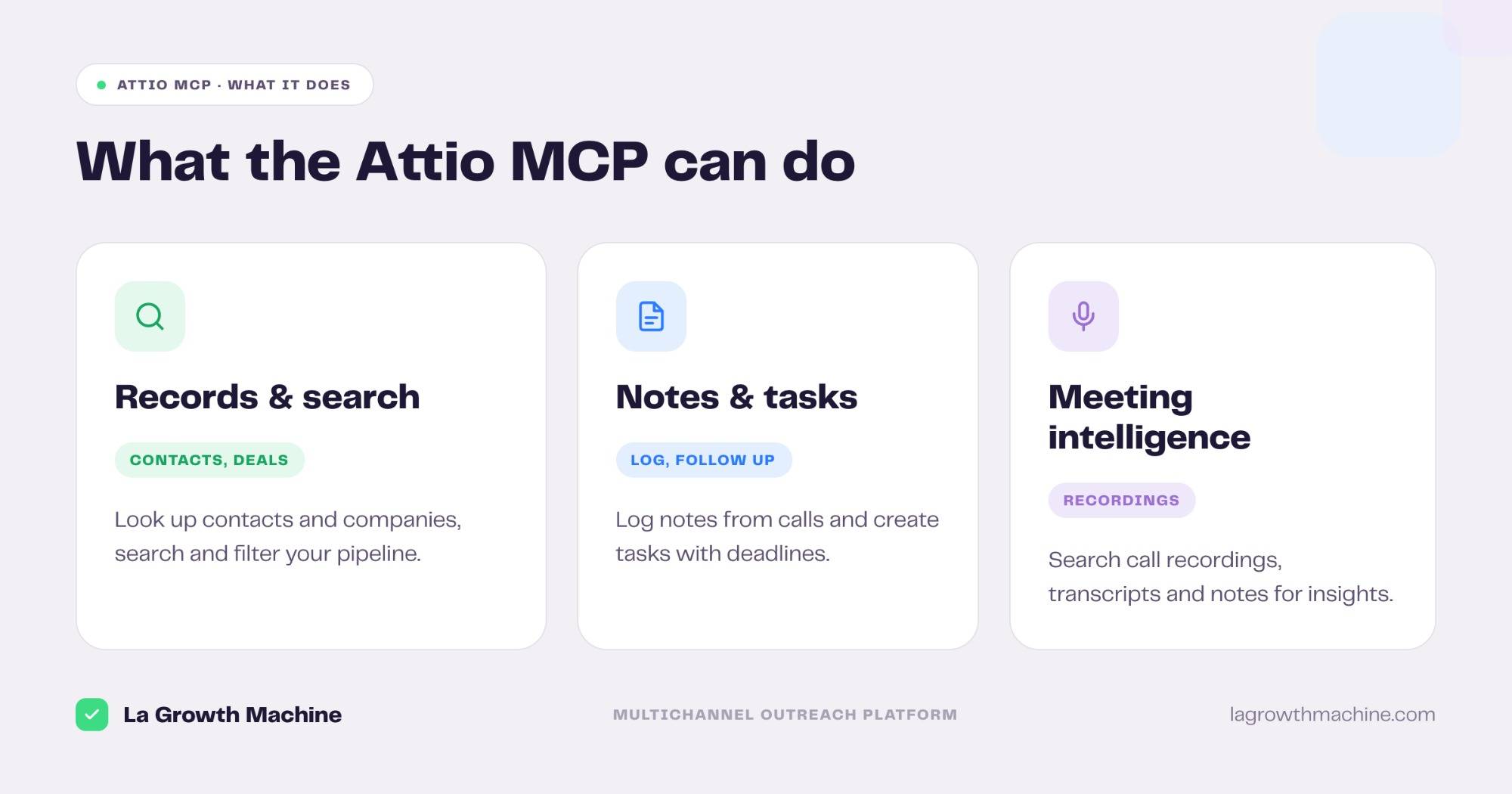
Attio has an official MCP server, built by Attio. It puts your whole CRM inside a Claude conversation: look up contacts and companies, log notes and tasks, search your pipeline, and tap into meeting intelligence. In practice it can:
- look up contacts and companies, and find decision makers
- log notes from calls and create follow-up tasks
- search and filter your pipeline by stage, role, or location
- search call recordings, transcripts, emails, and notes
It works with Claude, ChatGPT (OpenAI), and any other assistant or LLM that supports the Model Context Protocol.
This guide covers what the Attio MCP does, how to connect it, and a go-to-market angle: turning your CRM and your call insights into outreach in La Growth Machine.
New to the protocol? Start with what an MCP server is.
What is the Attio MCP
The Attio MCP server is Attio’s official implementation of the Model Context Protocol, the open standard that lets AI applications talk to external systems. It exposes your Attio workspace to an assistant.
So the AI can read and update CRM records, and search the meeting intelligence Attio captures, on your behalf.
It works with Claude, ChatGPT (OpenAI), and any other assistant or LLM that supports the Model Context Protocol.
What the Attio MCP lets you do
The server ships 23 tools across the CRM. Grouped:
- Records and search – search, list, get, create, update, and upsert records, with attribute definitions and pipeline filters.
- Notes and tasks – create and read notes, and create, list, and update tasks.
- Meeting intelligence – search call recordings and meetings, and read transcripts.
- Emails and semantic search – search emails and notes, including semantic search across them.
A few examples:
- “Find decision makers at our pipeline accounts in the Series B stage.”
- “Search my call recordings with Acme and summarize the objections.”
- “Log a note on this company and create a follow-up task for Friday.”
How to install the Attio MCP
Setup runs over OAuth.
- Connect your account. Point your MCP client at
https://mcp.attio.com/mcpand authenticate with OAuth. See the Attio MCP docs. - Use it in ChatGPT and Codex too. OpenAI supports MCP, so you can add this server in ChatGPT through connectors or in OpenAI Codex.
For the full walkthrough on adding an MCP server to your assistant, see what an MCP server is and how to install one.
Concrete use cases: from CRM to outreach
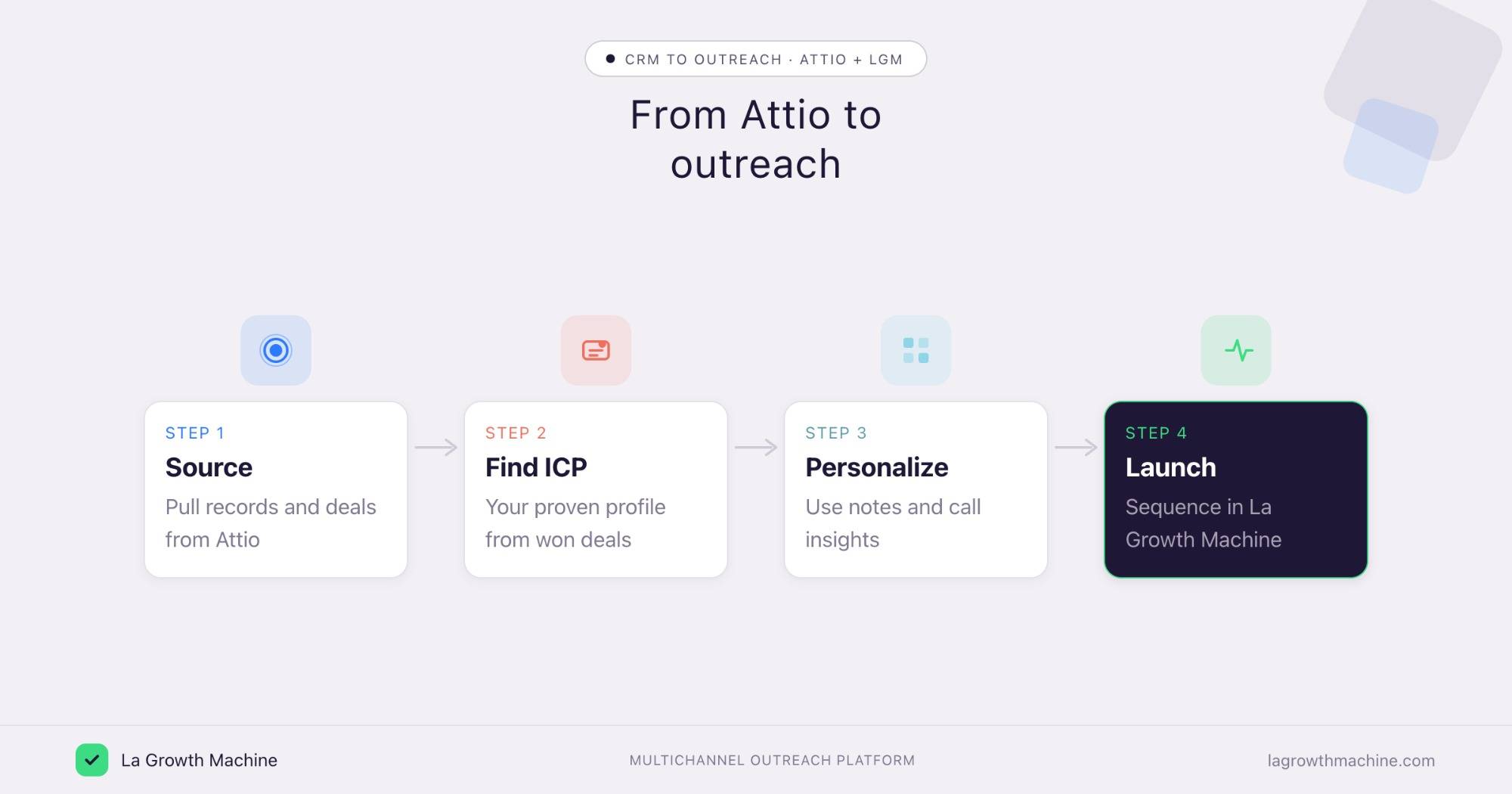
Attio holds your records and the intelligence from every call. La Growth Machine runs the outreach. Connect both to the assistant and your CRM feeds the next campaign.
Build new campaigns from your best deals
What it produces
The Won-Deal ICP Finder reads your closed-won records in Attio, surfaces your proven ICP and the channel that won them, and outputs a lookalike Sales Navigator search per archetype.
Example output of the skill:
Three archetypes account for 81% of closed-won revenue over the last 12 months. Each comes with a one-click Sales Nav search to find more.
Software Development · 51–200 · HubSpot stack · Series A–B
Marketing & Sales agencies · 11–50 · founder-led buying
Tech / Internet · 201–500 · Salesforce · multi-seat
Prompts to try:
- Read my won deals in Attio this quarter and group them into ICP archetypes.
- Build a lookalike search for the top archetype and hand it to La Growth Machine.
See the Won-Deal ICP Finder skill.
Rank campaigns by real pipeline
What it produces
A commented ranking of your active campaigns, sorted by meetings booked and pipeline rather than reply rate, with a keep, stop, or adapt verdict.
Example output of the skill:
14 La Growth Machine campaigns cross-referenced against your HubSpot deals — ranked by the pipeline each one actually generated.
Prompts to try:
- Cross-reference my La Growth Machine campaigns with my Attio pipeline and rank them by pipeline.
- Which campaigns should I stop or double down on given their impact?
See the Campaign Impact Analyzer skill.
Personalize follow-ups from meeting intelligence
What it produces
Outreach that references what was actually said. The assistant searches your Attio call recordings and notes, surfaces the key points, and personalizes a La Growth Machine sequence around them.
Prompts to try:
- Search my calls with this account, pull the objections, and draft a follow-up that addresses them.
- Find every prospect who mentioned pricing on a call and queue a tailored sequence.
⚠️ La Growth Machine does not have a native Attio integration (yet). You connect the two by orchestrating both MCP servers from the assistant, or through an automation layer like Zapier, n8n, or Make. See the La Growth Machine integrations.
Tips and security
The Attio MCP reaches customer data and call content, so scope it with care.
- Connect a least-privilege user. The assistant inherits that user’s access to the workspace.
- Confirm before writes. Let it search and read freely, but confirm before it creates or updates records.
- Mind the call content. Recordings and transcripts are sensitive, so review what the assistant can reach.
- Use trusted connectors. Attio’s connector is official, built by Attio.
Frequently asked questions
Does Attio have an official MCP server?
Yes. Attio ships an official MCP server at https://mcp.attio.com/mcp, with 23 tools across records, notes, tasks, and meeting intelligence.
What can the Attio MCP do?
It lets an assistant look up and update records, log notes and tasks, search and filter the pipeline, and search call recordings, transcripts, emails, and notes.
How do I connect Attio to Claude?
Point your MCP client at https://mcp.attio.com/mcp and authenticate with OAuth. It works with Claude, ChatGPT (OpenAI), and other MCP hosts.
Can I use Attio and La Growth Machine together?
Yes. Use Attio to source records and call insights, then La Growth Machine to run the outreach. There is no native integration (yet), so orchestrate both MCP servers from the assistant or connect them through Zapier, n8n, or Make.