
TL;DR
– Claude Code is Anthropic’s agentic coding tool that runs in your terminal
– It supports the Model Context Protocol, so you can connect external tools and let it act on live data, not just your codebase
– Add a server with claude mcp add, pick a transport (stdio, SSE or HTTP), then authenticate with the /mcp command
– Connect the La Growth Machine MCP to build audiences, launch sequences and read replies from the terminal
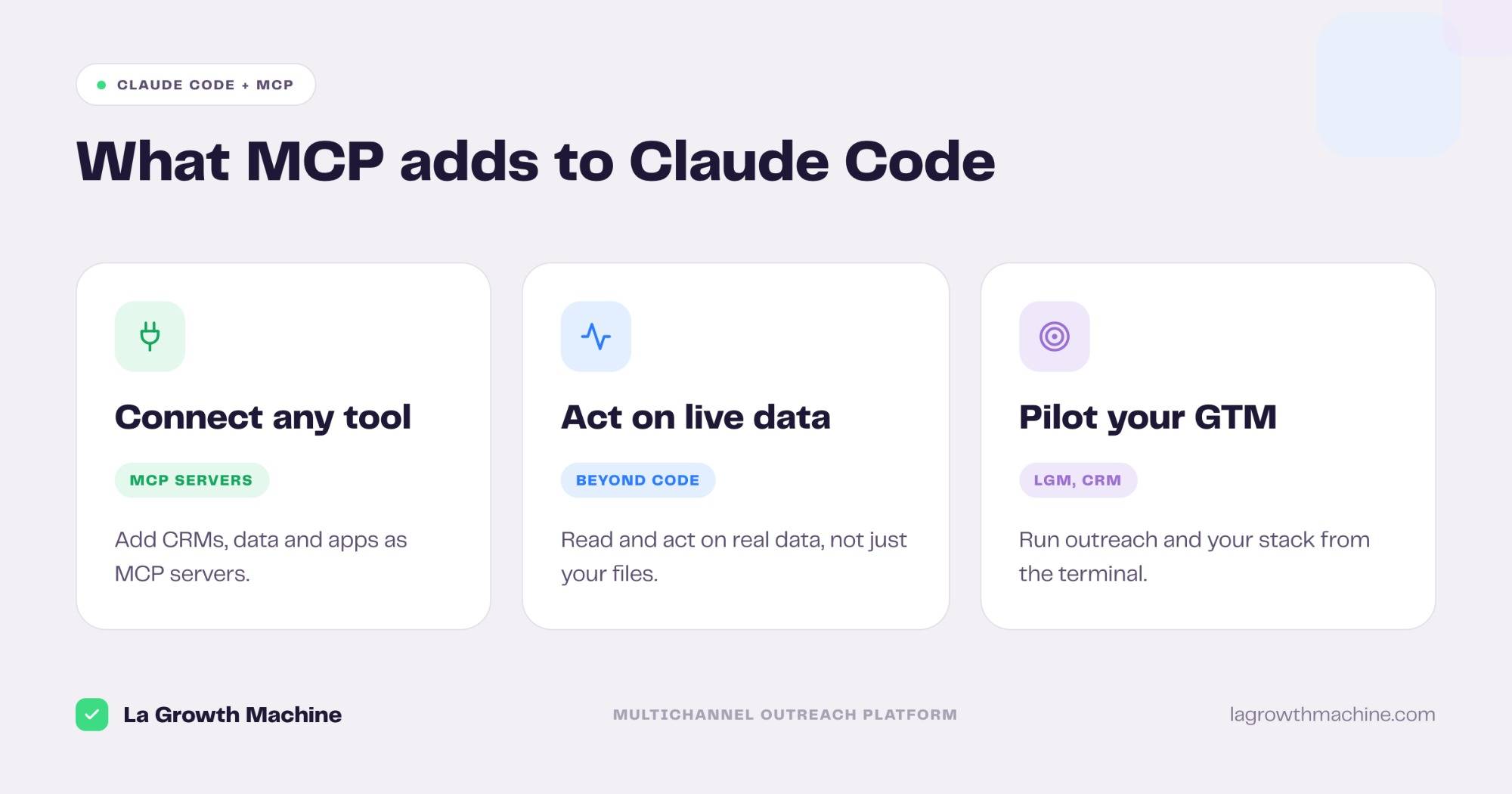
Claude Code is Anthropic’s agentic coding tool that runs in your terminal. It supports the Model Context Protocol (MCP), the open standard that lets an AI connect to external systems, so Claude Code can do more than edit your files: it can read live data and take real actions in the tools you already use. Connect an MCP server and you can, from the command line:
- pull data from a CRM, a database, or an analytics tool
- act on that data, not just answer questions about it
- pilot your go-to-market stack, including La Growth Machine
This is a practical tutorial: what Claude Code is, how it works, how to connect and run an MCP server, and why it is worth doing.
New to the protocol itself? Start with what an MCP server is.
What is Claude Code?
Claude Code is a command-line agent built by Anthropic. You run it in your terminal, point it at a project, and ask it to do work in plain language. It reads and writes files, runs commands, and chains several steps to complete a task, with you approving along the way.
Out of the box, it works on the code and files in your working directory. The Model Context Protocol is what extends it beyond that, to the systems where the rest of your work lives.
What is an MCP server, and why connect one?
An MCP server is a small bridge that exposes a tool’s capabilities, like a CRM’s records or an outreach platform’s campaigns, through the open Model Context Protocol. Any MCP-aware client, Claude Code included, can connect to it and use those capabilities.
Connecting one to Claude Code matters because it closes the gap between writing about your work and doing it. Instead of describing the data you want and copying it back and forth, you let Claude Code reach the source, read it, and act on it in the same conversation. It works the same way across Claude, ChatGPT (OpenAI), and any other assistant that supports MCP.
How to connect an MCP server to Claude Code
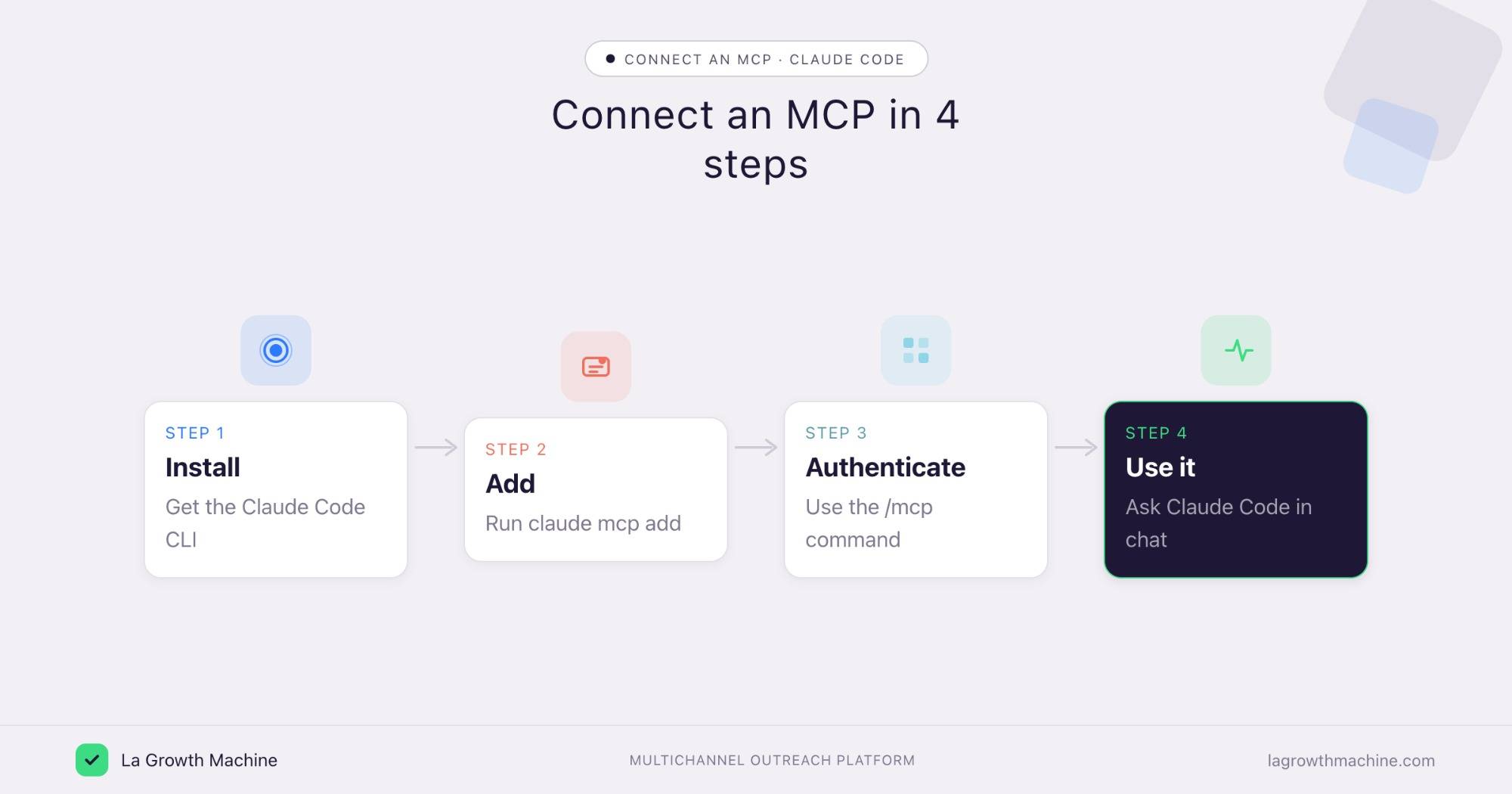
Adding a server takes one command. Claude Code supports three transports, depending on how the server runs.
- Add the server. Use the
claude mcp addcommand. For a remote server over HTTP, runclaude mcp add --transport http. For a server that streams over SSE, use--transport sse. For a local server that runs as a process on your machine, pass the command after--, likeclaude mcp add.-- - Pick a scope. A server is
localto you by default. Use-s projectto share it with your team through a.mcp.jsonfile committed to the repo, or-s userto make it available across all your projects. - Authenticate. Inside a Claude Code session, run the
/mcpcommand to see your servers and their status, and to complete OAuth for the ones that need it. - Use it. Once connected, just ask. Claude Code sees the server’s tools and calls them as part of its work.
MCP is host-agnostic, so the same server works in other assistants too, which we cover just below.
Add an MCP server in ChatGPT and Codex
Because MCP is an open standard, the same server you added to Claude Code works in OpenAI’s tools too. There are two common paths.
- ChatGPT, with connectors. In ChatGPT, open Settings, go to Connectors, and add a custom connector by pasting the server’s URL, then authenticate. ChatGPT exposes the server’s tools inside your chats. See OpenAI’s connectors guide.
- OpenAI Codex. Codex, OpenAI’s coding agent, reads MCP servers from its config with the
codex mcp addcommand, much like Claude Code. Add the server there and Codex can call its tools as part of a task. See the Codex MCP docs.
One thing to watch: a remote HTTP or SSE server connects almost anywhere, while a local stdio server needs a host that can launch a process on your machine. Pick the transport the host supports, and you can run the same La Growth Machine or CRM server across Claude Code, ChatGPT, and Codex.
Why use an MCP with Claude Code
The point of an MCP is to put Claude Code where your real work happens. For a go-to-market team, that means connecting the tools that hold your pipeline and run your outreach, then driving them from one prompt.
With the La Growth Machine MCP connected, you can do this from the terminal:
- Build an audience from a LinkedIn or Sales Navigator search.
- Launch a multichannel sequence across LinkedIn and email.
- Read and triage replies without opening the app.
Chain that with a CRM MCP and an enrichment MCP, and a single instruction can go from “find these people” to “they are enriched, in the CRM, and in a sequence.” Claude Code stops being a coding assistant and becomes the place you pilot the stack, moving from executor to operator to strategist.
Tips and security
An MCP server can reach real systems, so connect it deliberately.
- Mind the scope. Use
projectscope only for servers your whole team should share, and review a.mcp.jsonbefore you commit it. - Confirm before writes. Let Claude Code read and search freely, but confirm before it creates, updates, or sends anything.
- Use trusted connectors. Prefer official servers, and treat community ones with caution, since a server runs with the access you give it.
- Connect a least-privilege account. The agent inherits whatever the connected account can do.
Frequently asked questions
What is Claude Code MCP?
It is the use of the Model Context Protocol inside Claude Code, Anthropic’s terminal-based coding agent. Connecting an MCP server lets Claude Code read data and take actions in external tools, not just edit local files.
How do I add an MCP server to Claude Code?
Run claude mcp add. For a remote server use claude mcp add --transport http , then run the /mcp command in a session to check its status and authenticate.
What transports does Claude Code support for MCP?
Three: stdio for a local process, SSE, and HTTP for remote servers. You choose with the --transport flag, except for stdio where you pass the command directly.
Can I connect La Growth Machine to Claude Code?
Yes. Add the La Growth Machine MCP as an HTTP server, authenticate with /mcp, and you can build audiences, launch sequences, and read replies from the terminal.
Is Claude Code free to use with MCP?
Connecting MCP servers adds no extra cost on Claude Code’s side. You only pay for whatever the connected service itself charges, and MCP works in Claude, ChatGPT, and other hosts.