
TL;DR
– There is no dedicated Google Sheets MCP, you work with Sheets through the official Google Drive MCP
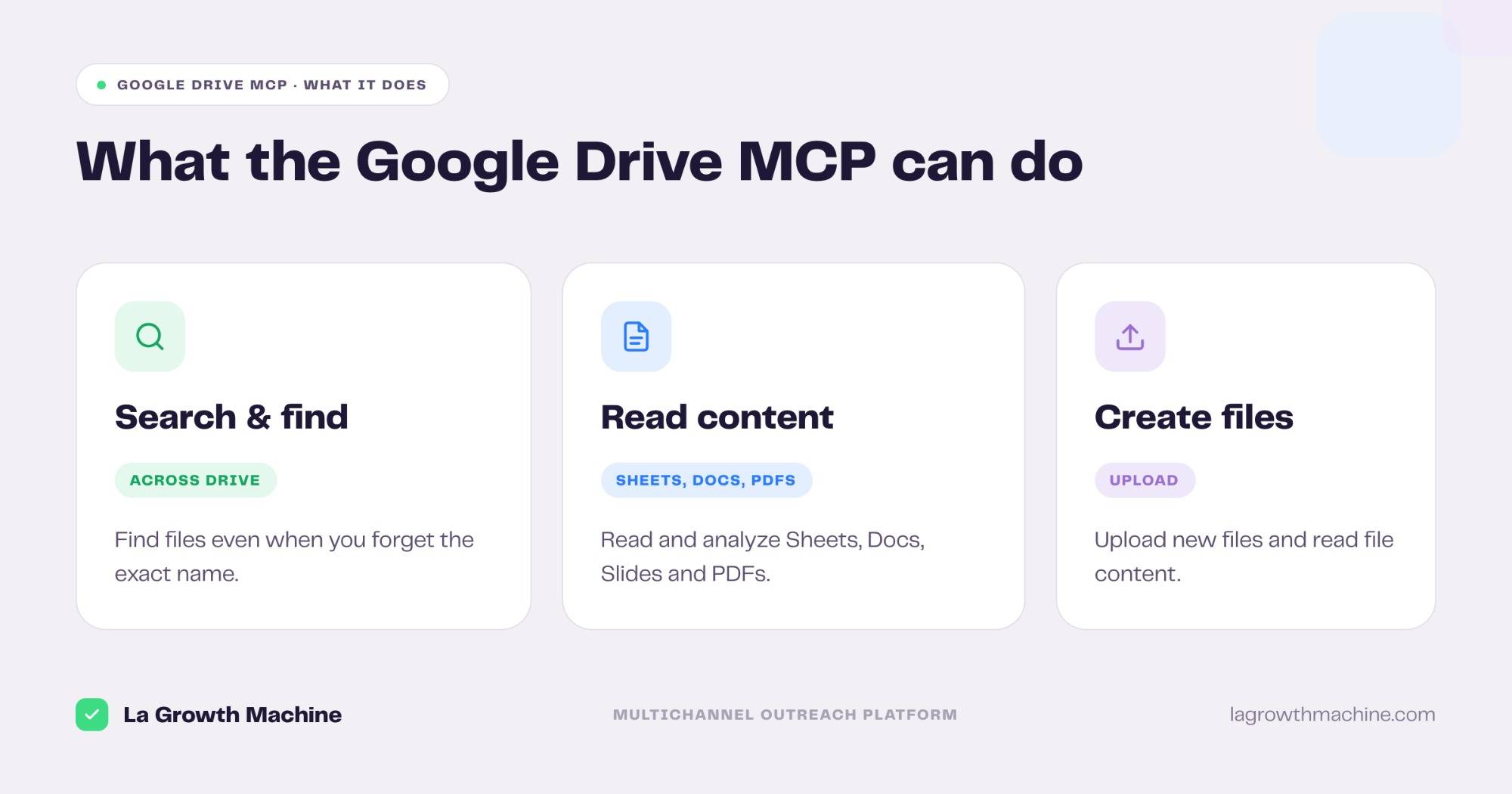
– Its 7 tools search and find files, read and analyze Sheets, Docs, Slides and PDFs, and create files
– Connect it at drivemcp.googleapis.com/mcp/v1 with OAuth
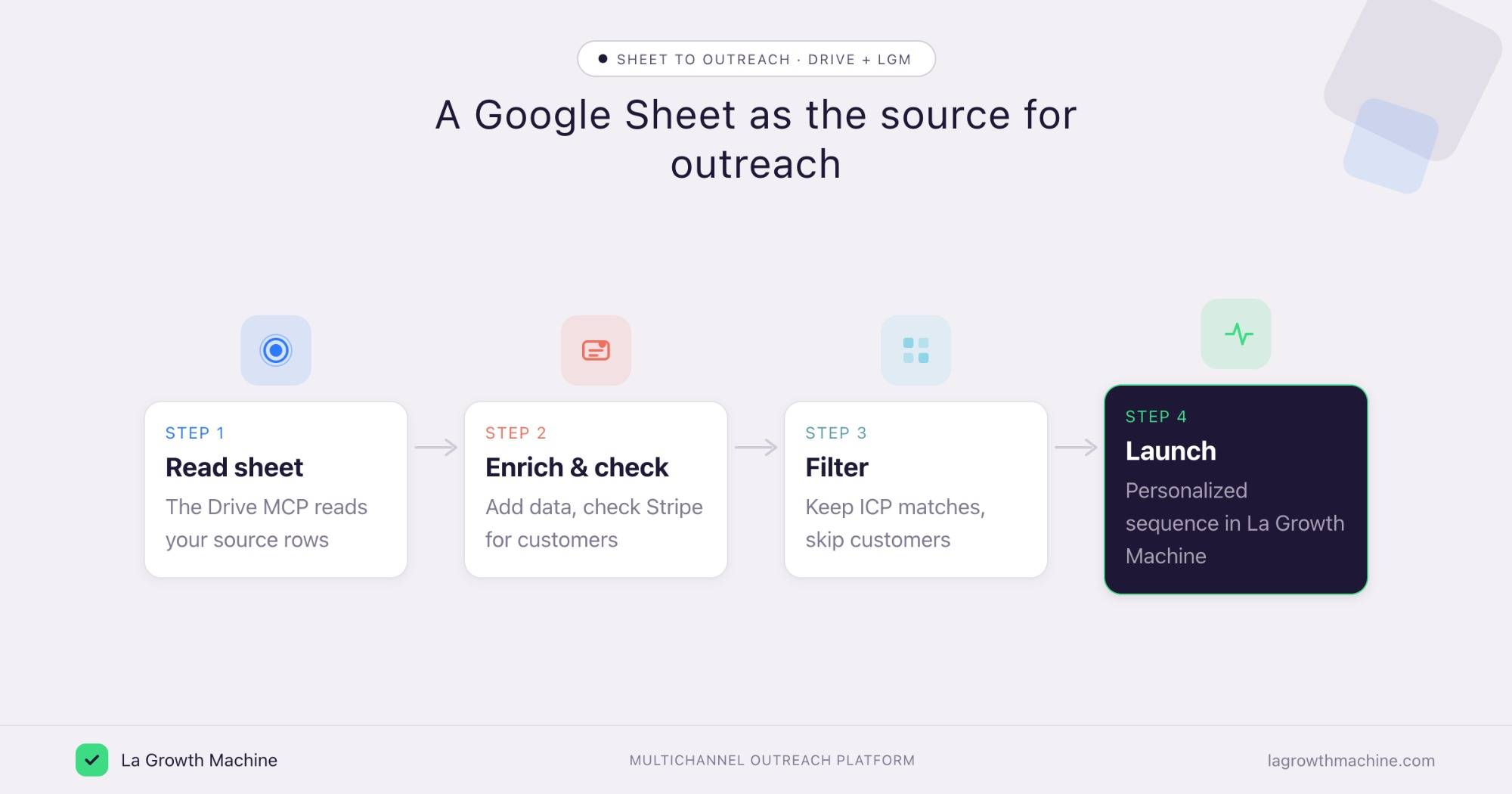
– Use a Google Sheet as the source for an outreach pipeline: read it, enrich, check Stripe, then launch a personalized La Growth Machine sequence
There is no dedicated Google Sheets MCP server. To work with a spreadsheet from Claude, you use the official Google Drive MCP, built by Google, which reads and creates Docs, Sheets, Slides, and PDFs across your Drive. In practice it can:
- search your Drive and find files even when you forget the name
- read and analyze the content of a Sheet, Doc, Slide, or PDF
- create and upload new files
- read file metadata and permissions
It works with Claude, ChatGPT (OpenAI), and any other assistant or LLM that supports the Model Context Protocol.
This guide covers what the Google Drive MCP does, how to connect it, and a go-to-market use case: using a Google Sheet as the source list for an outreach pipeline into La Growth Machine.
New to the protocol? Start with what an MCP server is.
Is there a Google Sheets MCP?
No, not a dedicated one. Google does not ship a Sheets-only MCP server. You reach your spreadsheets through the official Google Drive MCP, which reads a Sheet’s content like any other file and can create new files.
Community Sheets-specific MCP servers exist on GitHub with deeper, row-level read and write, if you need heavy write-back. Treat third-party connectors with the usual caution, and prefer the official Drive server for most work.
It works with Claude, ChatGPT (OpenAI), and any other assistant or LLM that supports the Model Context Protocol.
What the Google Drive MCP lets you do
The official server ships 7 tools across your Drive. Grouped:
- Search and find – search files and list recent files, even without the exact name.
- Read content – read and download the content of Sheets, Docs, Slides, and PDFs.
- Create files – upload a new file to your Drive.
- Metadata – read a file’s metadata and permissions.
A few examples:
- “Find the spreadsheet with this quarter’s lead list.”
- “Read this Sheet and tell me which rows have no email.”
- “Summarize this PDF and save the notes as a new file.”
How to install the Google Drive MCP
Setup runs over OAuth.
- Connect your account. Point your MCP client at
https://drivemcp.googleapis.com/mcp/v1and authenticate with OAuth. See the Google Drive developer docs. - Use it in ChatGPT and Codex too. OpenAI supports MCP, so you can add this server in ChatGPT through connectors or in OpenAI Codex.
For the full walkthrough on adding an MCP server to your assistant, see what an MCP server is and how to install one.
A use case: a Google Sheet as the source for outreach
A lot of lead lists live in a Google Sheet: post engagers, event signups, an export someone dropped in Drive. The Drive MCP reads that sheet as the source for an outreach pipeline, and La Growth Machine runs the sequence.
- Read the sheet – the Drive MCP reads the rows as your source list.
- Enrich and check – enrich each contact and check Stripe for existing customers.
- Filter – keep the ICP matches who are not already customers.
- Launch – push the matches into a La Growth Machine sequence, personalized to the context in the sheet.
Example output of the skill that writes the sequence:
Cold outbound to Heads of Sales at French B2B SaaS startups. Lead angle: “your reps spend 40% of the week on manual prospecting.”
Prompts to try:
- Read my “Engagers” Google Sheet and list the rows that match our ICP.
- Enrich the matches, drop anyone already paying in Stripe, and queue the rest to a La Growth Machine sequence.
See the Multichannel Campaign Builder skill.
⚠️ The Drive MCP reads a Sheet and creates files, but it is not a row-level database API, so updating each row in place with enrichment and a status is limited. For a read-write working table, the Airtable MCP is the better fit. There is no native Google Sheets integration with La Growth Machine (yet), so connect them by orchestrating the MCP servers from the assistant, or through Zapier, n8n, or Make. See the La Growth Machine integrations.
More ways GTM teams use it
Beyond the pipeline, the Drive MCP is handy across the workspace.
- Analyze a sheet in the conversation. Ask questions of a spreadsheet and get a read without exporting.
- Find a doc you half-remember. Search by content, not just the file name.
- Prep meeting materials. Pull the relevant files and summarize them before a call.
- Save outputs back to Drive. Create a file with the notes or list the assistant produced.
Tips and security
The Drive MCP reaches your files, so scope it with care.
- Connect a least-privilege user. Give it access to the files the task needs.
- Mind the data. Sheets and Docs often hold customer data, so review what the assistant can read.
- Confirm before it creates files. Let it read and search freely, but confirm new uploads.
- Use trusted connectors. The Drive connector is official, built by Google.
Frequently asked questions
Is there a Google Sheets MCP server?
Not a dedicated one. You work with Sheets through the official Google Drive MCP, which reads a Sheet’s content and creates files. Community Sheets-specific servers exist for deeper write-back.
What can the Google Drive MCP do?
It lets an assistant search and find files, read and download the content of Sheets, Docs, Slides, and PDFs, create files, and read metadata and permissions.
How do I connect Google Drive to Claude?
Point your MCP client at https://drivemcp.googleapis.com/mcp/v1 and authenticate with OAuth. It works with Claude, ChatGPT (OpenAI), and other MCP hosts.
Can it update a spreadsheet row by row?
The official Drive MCP reads Sheets and creates files, but it is not a row-level database API. For a read-write working table, use the Airtable MCP or a community Sheets MCP server.
Can I connect Google Sheets and La Growth Machine?
Not natively (yet). Read the sheet with the Drive MCP and push matches to La Growth Machine through its MCP, or connect them with Zapier, n8n, or Make.