
TL;DR
– monday.com has an official MCP server that connects an assistant to your workspace
– Its 20 tools search boards, create and update items and columns, assign owners, set timelines, and post updates
– Connect it at mcp.monday.com/mcp with OAuth
– Run a project from chat: spin up a board, assign owners and timelines, and report on what is at risk
monday.com has an official MCP server, built by monday.com. It exposes the core of monday to an AI assistant like Claude: search boards, create and update items and columns, assign owners, set timelines, and post updates. In practice it can:
- search boards and find items by name
- create boards, items, columns, and groups
- assign owners, set timelines, and change column values
- post updates and run any monday API call
It works with Claude, ChatGPT (OpenAI), and any other assistant or LLM that supports the Model Context Protocol.
This guide covers what the monday MCP does, how to connect it, and concrete project-management use cases, from spinning up a board to reporting on what is at risk.
New to the protocol?
Start with what an MCP server is.
What is the monday MCP
The monday MCP server is monday.com’s official implementation of the Model Context Protocol, the open standard that lets AI applications talk to external systems. It connects an assistant to your monday workspace.
So the AI can run real work management across teams and departments, not just answer questions about it.
It works with Claude, ChatGPT (OpenAI), and any other assistant or LLM that supports the Model Context Protocol.
What the monday MCP lets you do
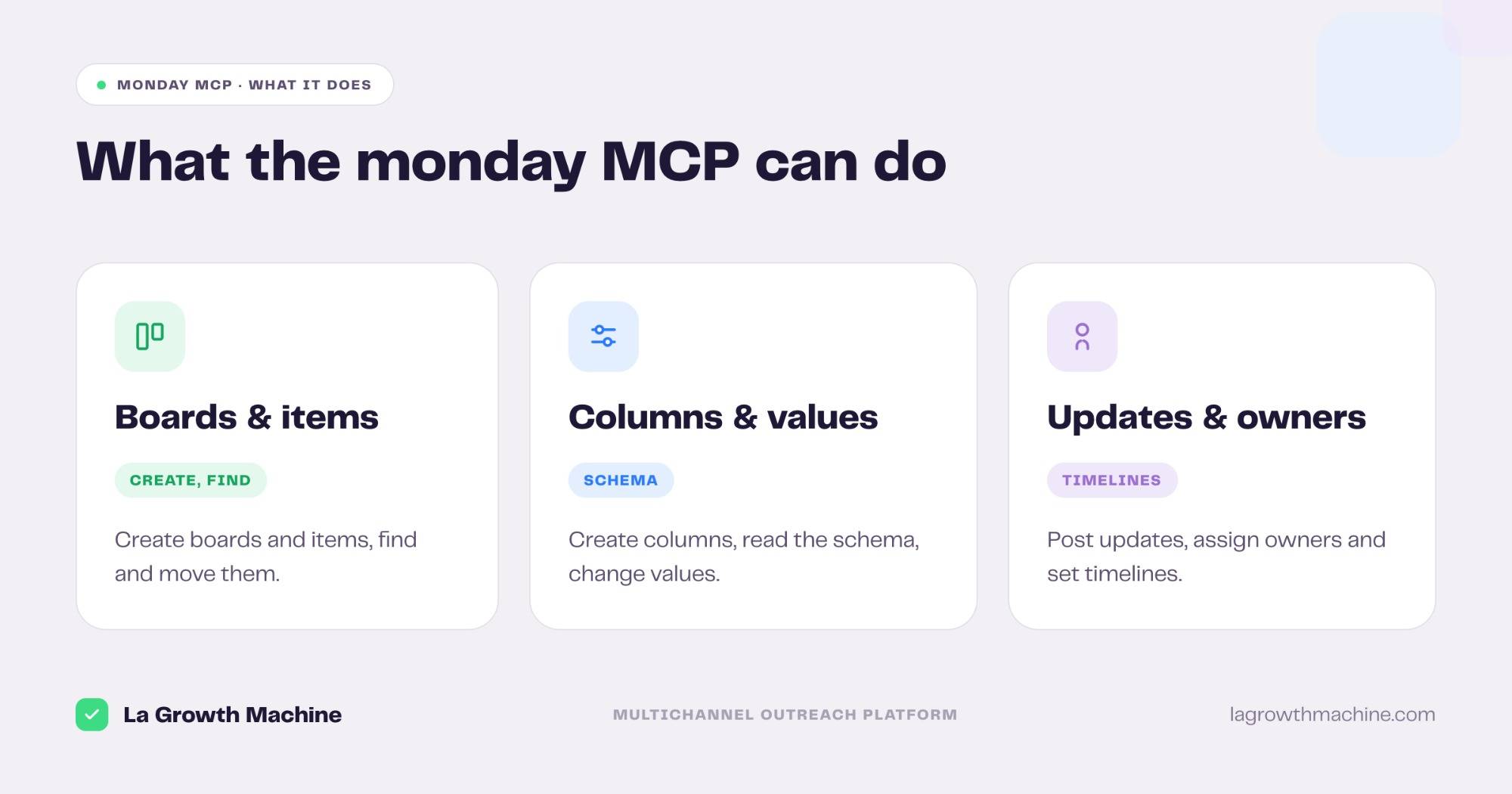
The server ships 20 tools across your workspace. Grouped:
- Boards and items – create boards, items, and groups, find items by name, and move them.
- Columns and values – create and delete columns, read the board schema, and change values.
- Updates, owners, and timelines – post updates, assign owners, and set timeline items.
- Power tools – run any monday API call, read the GraphQL schema, read docs, and get workspace info.
A few examples:
- “Create a launch board with items for brief, copy, build, and QA.”
- “Assign the copy item to Marc and set its timeline to next week.”
- “What is overdue on the launch board, and who owns it?”
How to install the monday MCP
Setup runs over OAuth.
- Connect your account. Point your MCP client at
https://mcp.monday.com/mcpand authenticate with OAuth. See the monday MCP docs. - Use it in ChatGPT and Codex too. OpenAI supports MCP, so you can add this server in ChatGPT through connectors or in OpenAI Codex.
For the full walkthrough on adding an MCP server to your assistant, see what an MCP server is and how to install one.
Concrete use cases: run a project from chat
monday is where many teams run their projects. The MCP lets you drive a board from the assistant, without clicking through the UI.
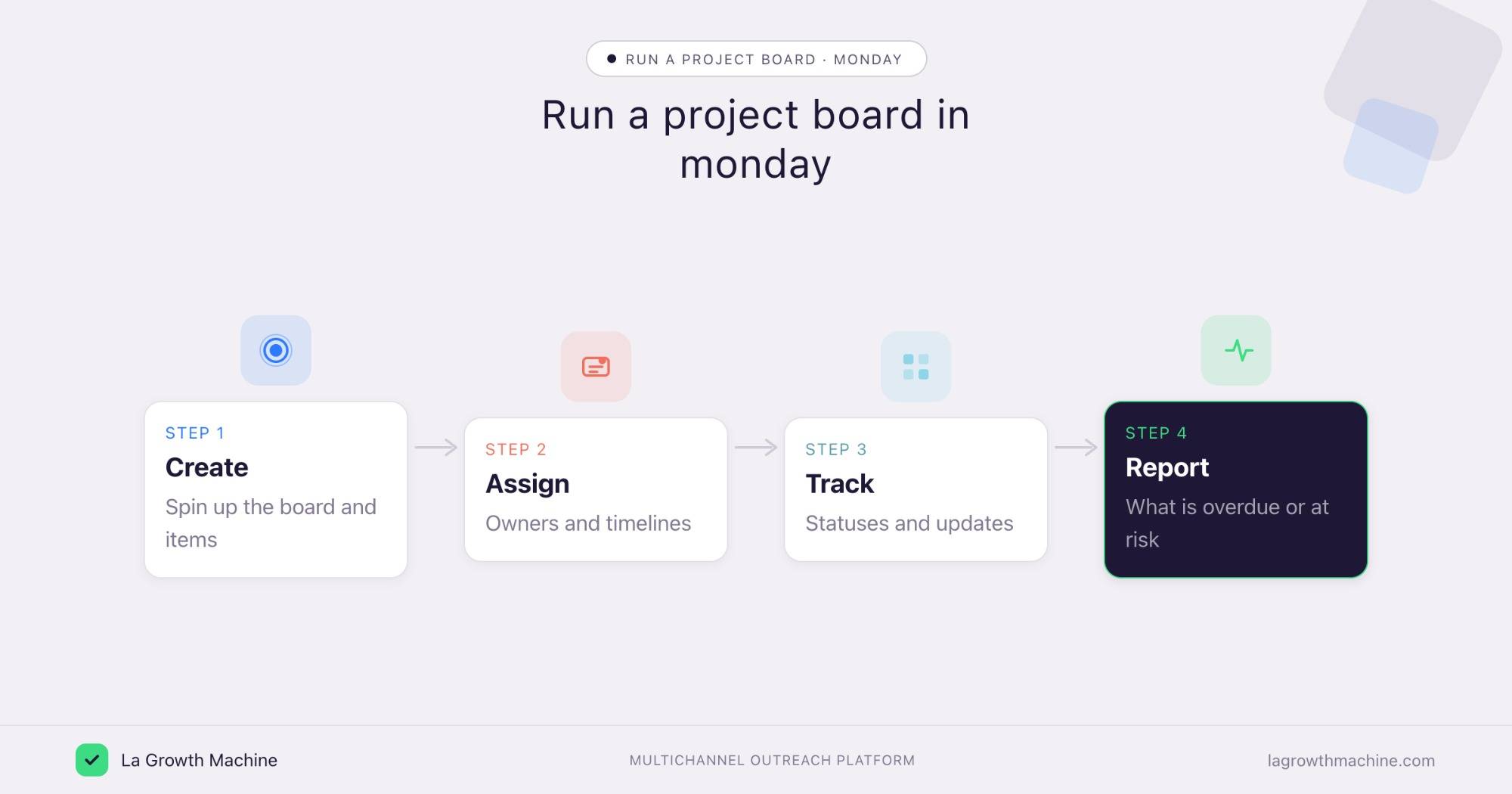
Spin up and run a project board
What it produces
A ready board with items, owners, and timelines, created from a one-line brief instead of a manual setup.
Example of what the assistant produces:
Prompts to try:
- Create a launch board with items for brief, copy, build, and QA, and set timelines.
- Assign each item to the right owner from my team.
Keep work moving from chat
What it produces
Status changes, moves, and updates applied without leaving the conversation, so the board stays current.
Prompts to try:
- Move the copy item to Done and post an update on what is next.
- Change the status of every blocked item to Stuck and tag the owner.
Report on a project
What it produces
A quick read on a board: what is overdue, what is blocked, and who owns it.
Prompts to try:
- What is overdue on the launch board, and who owns each item?
- Summarize this week’s progress across the board.
If your go-to-market team runs on monday, you can track your outreach projects there too, alongside the campaigns you run in La Growth Machine.
Tips and security
The monday MCP can read and change your workspace, so scope it with care.
- Connect a least-privilege user. Limit it to the boards the task needs.
- Confirm before writes. Let it read and search freely, but confirm before it creates or deletes items and columns.
- Use trusted connectors. monday’s connector is official, built by monday.com.
Frequently asked questions
Does monday.com have an official MCP server?
Yes. monday.com ships an official MCP server at https://mcp.monday.com/mcp, with 20 tools across boards, items, columns, and updates.
What can the monday MCP do?
It lets an assistant search boards, create and update items and columns, assign owners, set timelines, post updates, and run any monday API call.
How do I connect monday to Claude?
Point your MCP client at https://mcp.monday.com/mcp and authenticate with OAuth. It works with Claude, ChatGPT (OpenAI), and other MCP hosts.
How is this different from the Linear or Asana MCP?
All three manage work. monday fits broad, cross-department work management, the Linear MCP is built for engineering issues and cycles, and the Asana MCP suits campaign and team coordination. Use the one your team runs on.