
TL;DR
– Adding a skill means making it available so Claude loads it when a task matches
– From the command line: install one skill, a whole set, or skills plus an MCP in one command (works in Claude Code, Cursor and Codex)
– In the Claude app: turn on Code execution and File creation, then enable or upload a skill under Settings, Customize, Skills
– Our open-source GTM skills install in one command and pair with the La Growth Machine MCP to run outreach from Claude
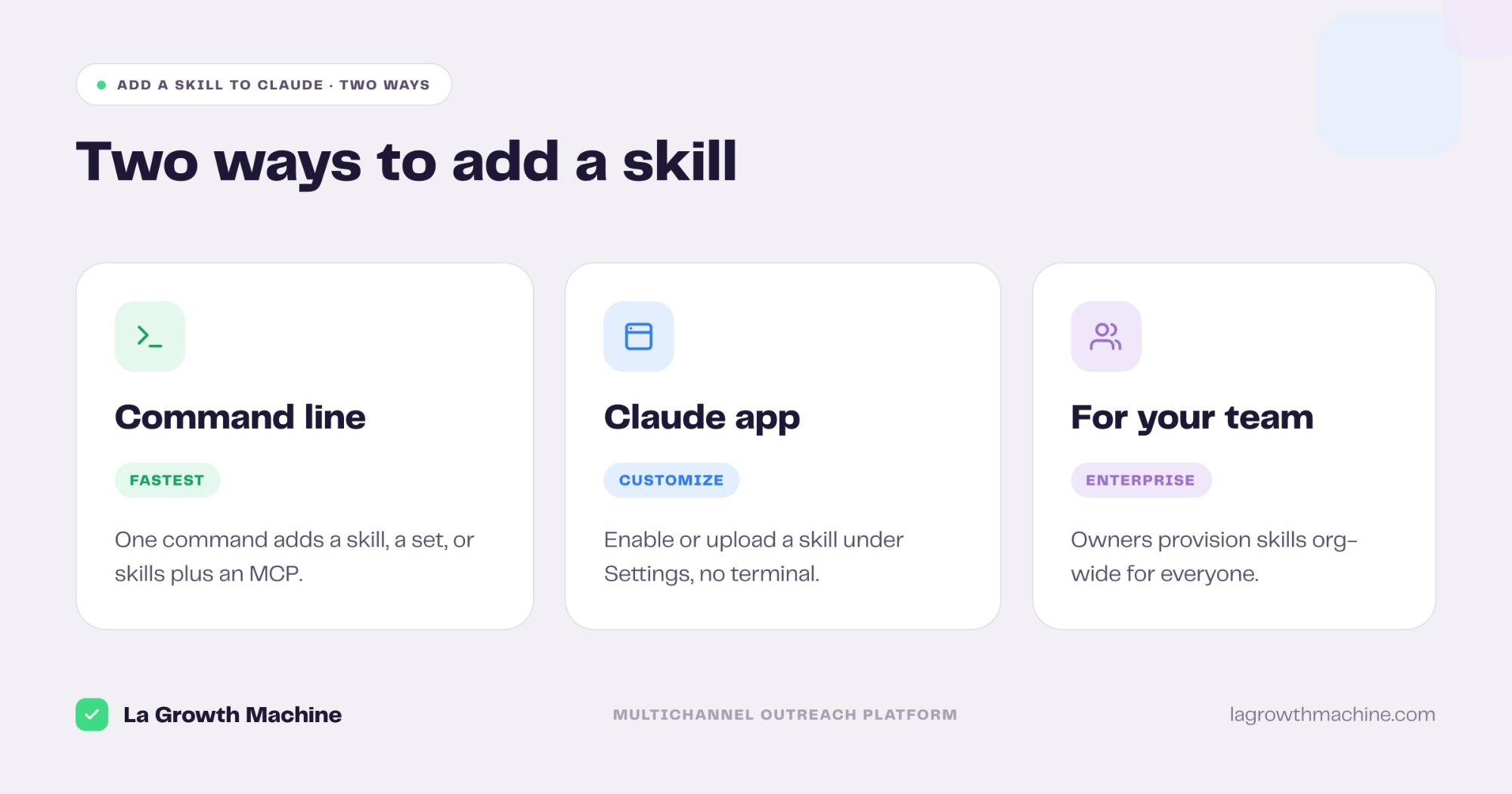
Adding a skill to Claude means making it available so Claude loads it automatically when a task matches. There are two ways to do it:
- From the command line: the fastest route, and the one that scales to a whole library at once
- In the Claude app: a few clicks under Settings, no terminal needed
This guide walks through both. If you want the bigger picture on what skills are and how they work, see how to use Claude Skills. If you want to build your own from scratch, see how to create a Claude Skill.
Method 1: Add a skill from the command line
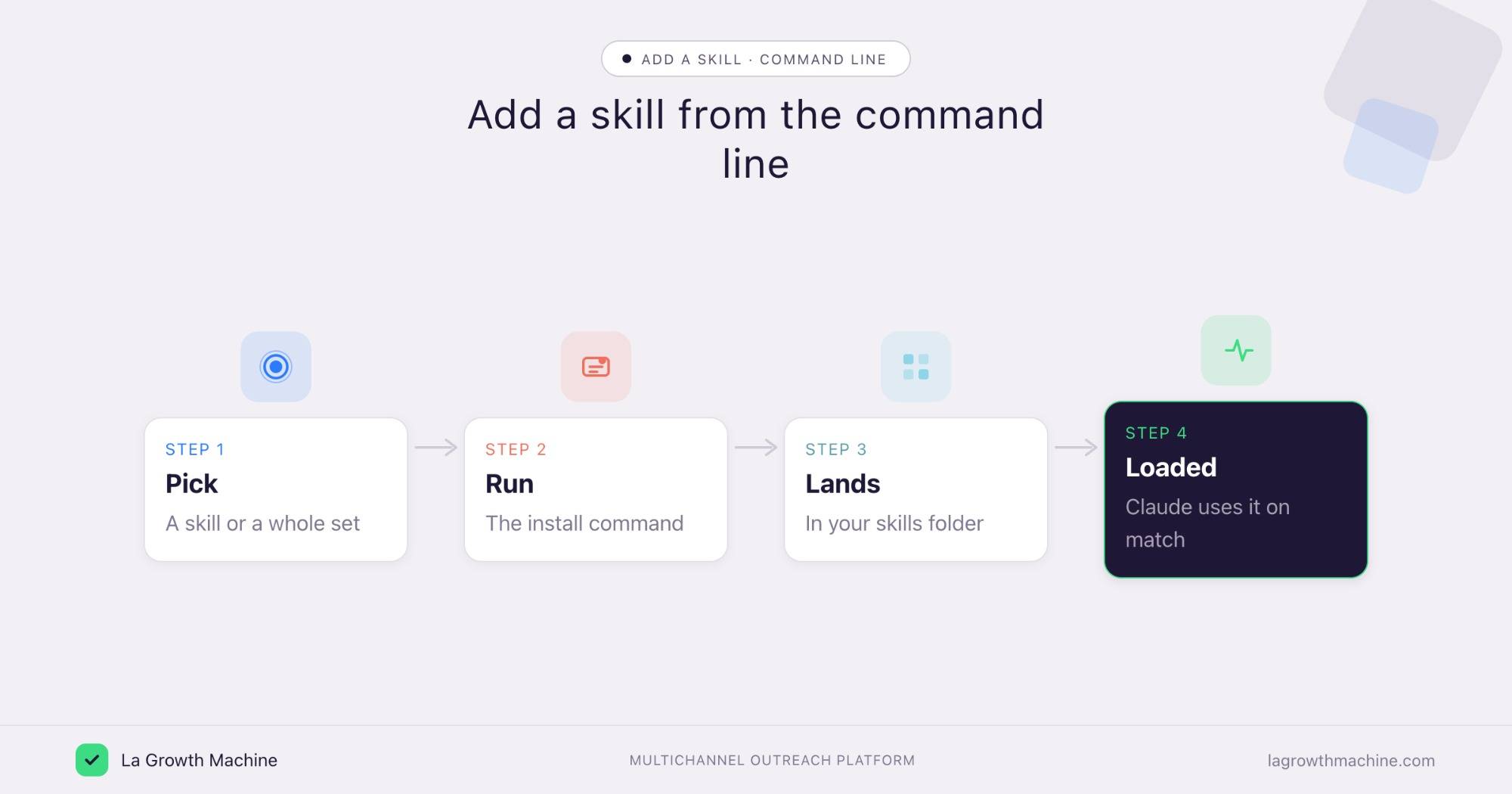
This is the fastest way, and the one developers reach for. With one command you can add a single skill, a whole set, or skills plus an MCP server. It works with Claude Code, Cursor, Codex, and many other agents.
The cleanest example is our own open-source library. Install all of the GTM skills on GitHub in one command:
curl -fsSL https://raw.githubusercontent.com/LaGrowthMachine/gtm-system/main/install.sh | shHere is how it works. The script installs the skills through the Vercel Labs skills CLI, which drops each skill folder into your skills directory so your agent picks it up. It then offers to register the La Growth Machine MCP with Claude Code, asking for your API key so Claude can act in your workspace. The script is idempotent, so re-running it is safe.
Prefer to add just one skill? Use the skills CLI directly:
npx skills add LaGrowthMachine/gtm-system/skills/fuel-my-pipeline/sales-nav-search-builderAdd -g for a global install. You can also clone the repo and copy a skill folder by hand:
git clone https://github.com/LaGrowthMachine/gtm-system.git
cp -r gtm-system/skills/fuel-my-pipeline/sales-nav-search-builder ~/.claude/skills/
Inside Claude Code specifically, you have two more options:
- run
/pluginto install a skill bundled in a plugin from a marketplace - then
/skillsto confirm it loaded
A skill is just a folder with a SKILL.md, so dropping it in ~/.claude/skills/ (personal) or .claude/skills/ (a project) is all it takes.
Method 2: Add a skill in the Claude app
If you work in the Claude web or desktop app, you can add a skill without the terminal.
First, turn on the prerequisite. Skills run code, so go to Settings → Capabilities and enable Code execution and File creation. Without these, a skill will not work.
Then add the skill in Settings → Capabilities → Skills:
- Enable an example skill: toggle on one of Anthropic’s built-in skills to use it right away.
- Upload your own: click Add, then upload a skill, and select your skill ZIP or folder. Toggle it on once it appears.
- Create with Claude: click to create a new skill and build it in conversation, with Claude scaffolding it for you.
The walkthrough below shows the full create-and-deploy flow in the app.
Add skills for your team
On Team and Enterprise plans, an owner sets this up once for everyone. In Organization settings → Skills, enable Code execution, File creation, and Skills, then upload skills to provision them organization-wide. Those skills appear automatically for every user.
Your skills list then splits into three groups: Personal skills you added, Shared skills you can switch on, and Organization skills pushed to everyone. It is the clean way to give a whole sales team the same setup.
Pair your skills with the La Growth Machine MCP
Adding a skill is step one. To let it act on your data, connect an MCP. With the La Growth Machine MCP, the GTM skills stop being advice and start doing the work: they import audiences, pull your inbox, and send your replies from the chat. The one-line installer above sets both up together, so a rep adds the skills and the connector in a single step.
Frequently asked questions
How do I add a skill to Claude?
Two ways. From the command line, install it with the skills CLI or our one-line installer, which drops the skill into your skills directory. In the Claude app, go to Settings, Capabilities, Skills, then enable or upload a skill.
Do I need anything turned on first?
In the Claude app, yes. Go to Settings, Capabilities and turn on Code execution and File creation before adding a skill, or it will not run. The command-line route does not need this.
How do I add a skill in Claude Code?
Run our installer or npx skills add , or drop a skill folder into ~/.claude/skills/. You can also use /plugin to install one from a marketplace, then /skills to confirm.
Can I add skills for my whole team?
Yes, on Team and Enterprise plans. An owner enables Skills in Organization settings and uploads them to provision them organization-wide, so they appear for every user.
Where do I find skills to add?
Browse the best Claude Skills for examples, or our open-source GTM skills on GitHub for sales and outreach ones.