



Never miss a reply again.
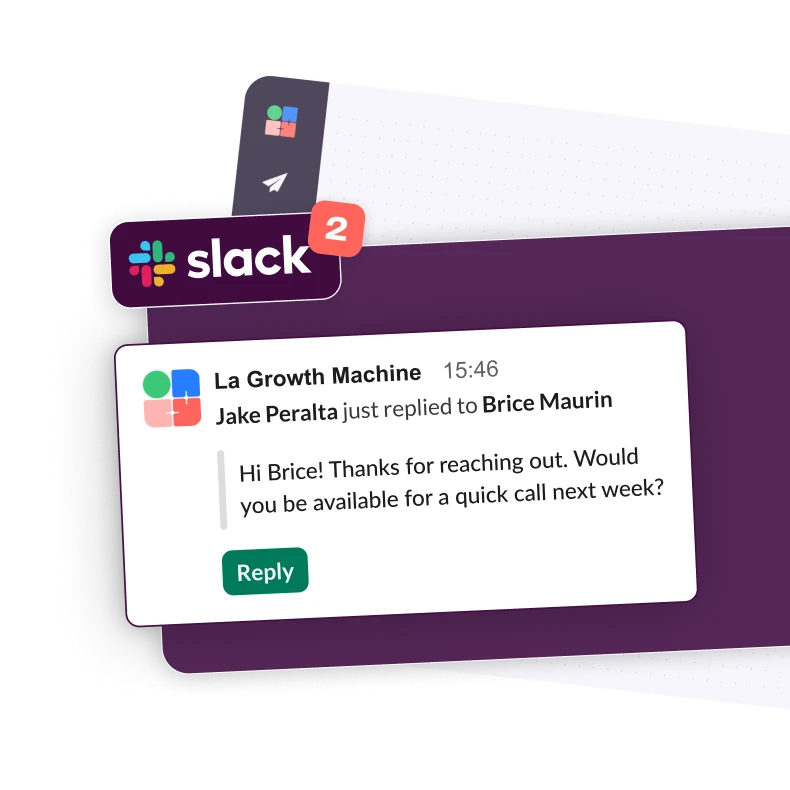
In outbound, timing is key. Replying within an hour can multiply x7 your chances of qualifying a lead. But you don’t live in your inbox. With our native Slack integration, La Growth Machine brings every important call to action into the channels your team already uses. You don’t miss any opportunity. We notify you where you work. On Slack.
Turn Slack into your command center
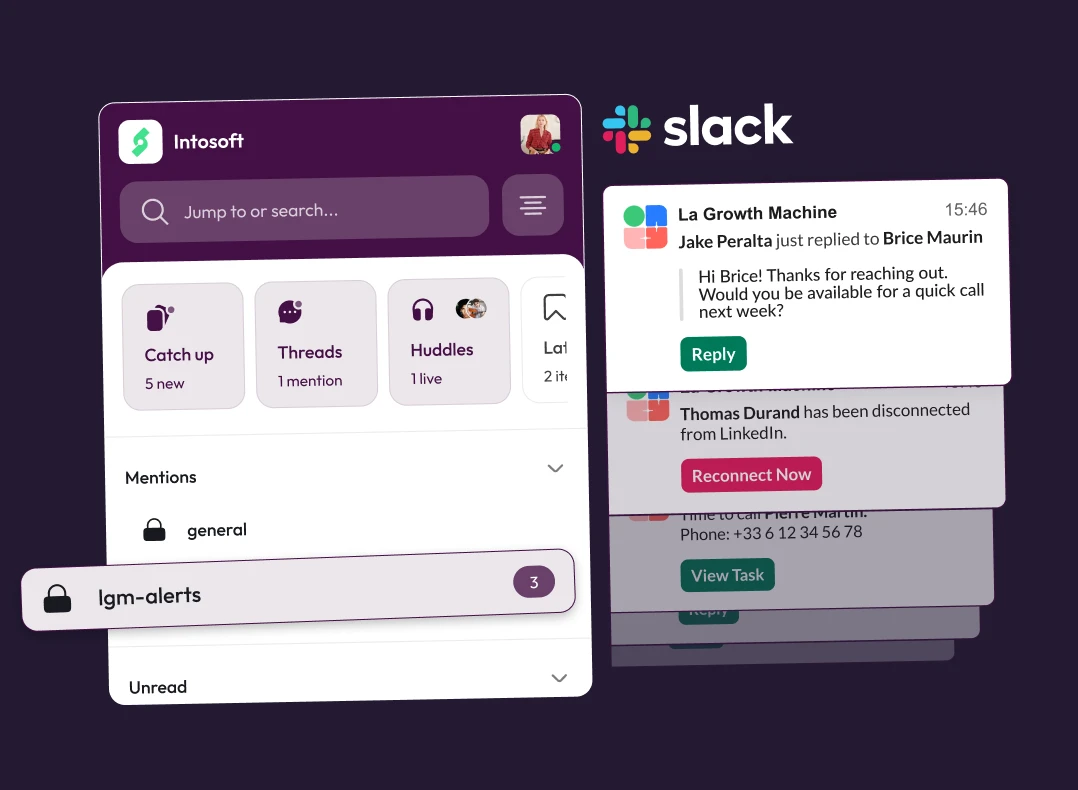
When a prospect replies, you should not have to go hunting inside email inboxes, or Linkedin DMs. With Slack connected to La Growth Machine, you and your team know in real time: When a lead reply, if your email account gets disconnected, when there is a manual task to handle, if a conversation is unsnoozed
Make prospecting a team sport
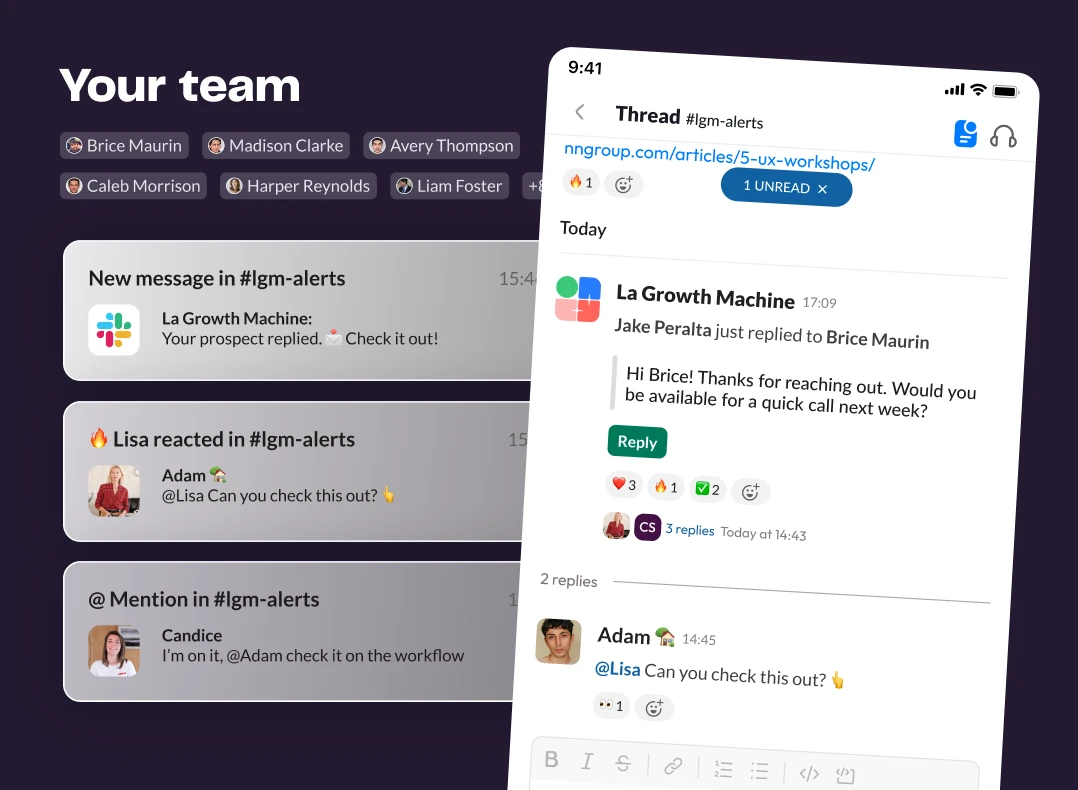
Prospecting works better when everyone knows what is happening. Not just the person who created the sequence. Each Slack message includes the right level of context and a direct link to take action in La Growth Machine. Every team member has a clear view of activity while LGM continues to run multichannel campaigns in the background.
Stay focused on key actions only
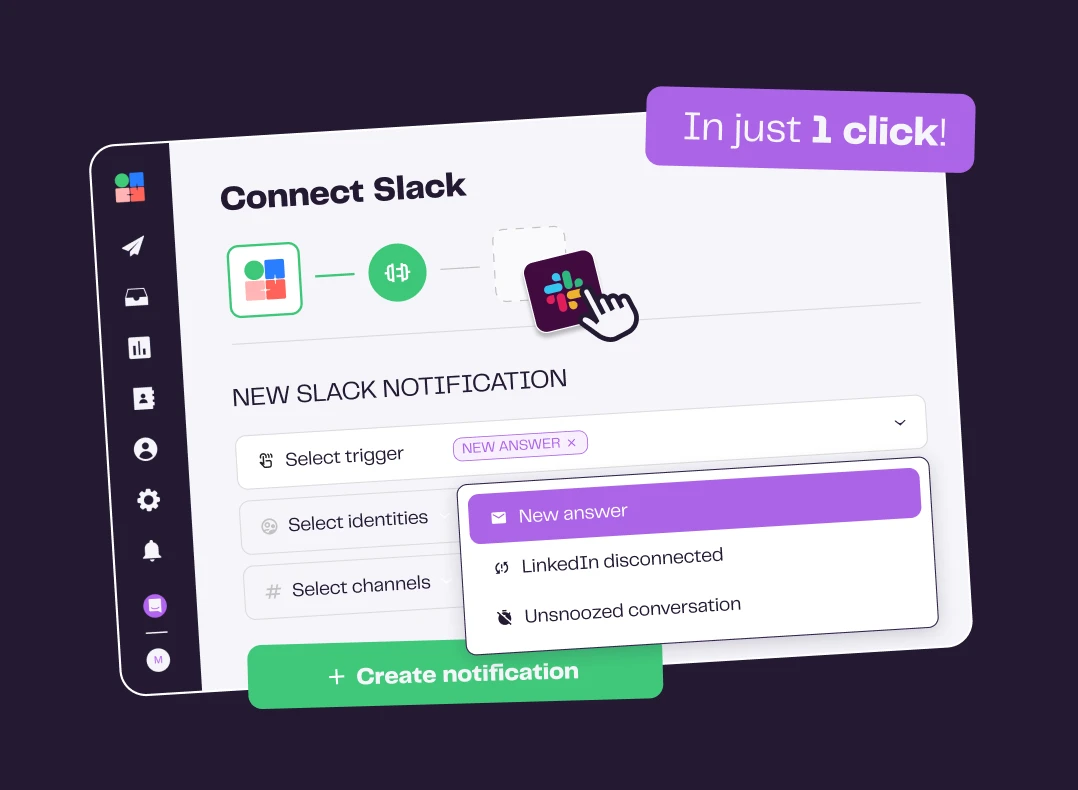
The goal is not “more notifications”. Our integration lets you configure in La Growth Machine which signals go to Slack: lead replies, manual actions to perform (like a Call step), leads that come back from snooze and are ready to engage again, disconnected email or LinkedIn account
How to get started?
Discover step by step how to use the integration.


Connect Slack in Settings

Choose your channels

Set the alerts that matter

Receive key alerts.


How to Build Your First Multichannel AI Sales Agent


How to Attract New B2B Customers with Multichannel


Book 30 Meetings with a Single Viral LinkedIn Post


How to Build Hyper-Targeted, Human-like Outbound