
How to Build Hyper-Targeted, Human-like Outbound
All you need
Summary of what you'll do
Duplicate campaign in5steps!
Find companies similar to your best customers with Lookalike Search
Lookalike Search helps you find companies that closely resemble your best clients, ranked by similarity score. Instead of manually filtering through databases, you can discover high-fit accounts in seconds by entering one of your top customers.
How-to:
- Go to LGM Database → Lookalike Search
- Enter one of your best customer companies (ex: Salesforce, Revolut)
- Refine with filters:
- Company size (ex: 51–200 employees)
- Location (ex: United Kingdom)
- Industry (ex: Software Development)
- Review your list of similar companies with similarity scores

Find the right contacts and create your audience
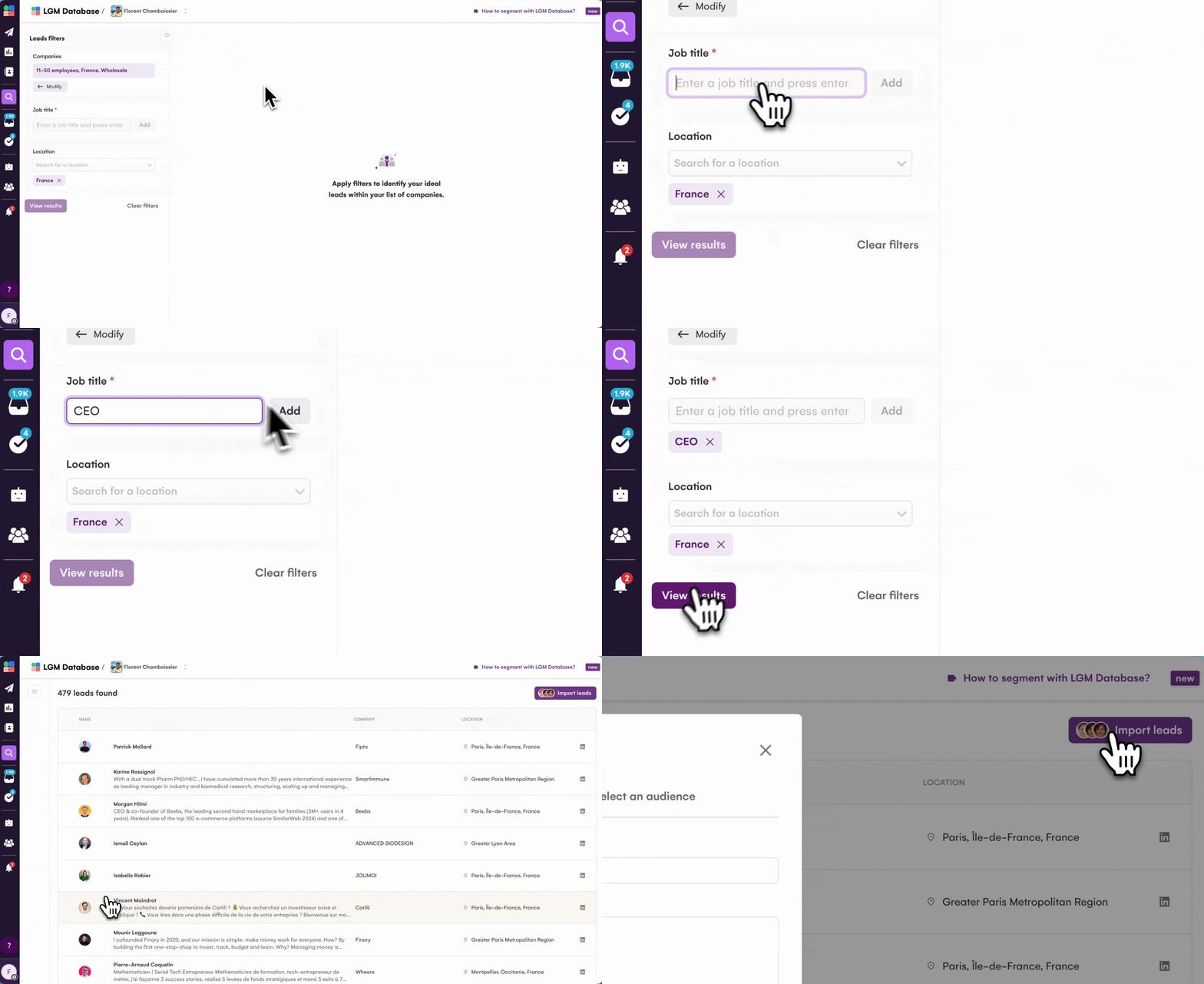
Once you've identified high-fit companies, the next step is finding the right decision-makers. You can add job titles and language filters to surface the contacts you need, then import them directly into an audience without losing your search.
How-to:
- From your Lookalike Search results, click Find contacts
- Add filters:
- Job titles (ex: Head of Sales, VP Marketing)
- Language (optional)
- Select the contacts you want
- Click Import to Audience → Create new (or add to existing audience)
Pro tip: After a positive reply, Lookalike automatically suggests similar companies through Opportunities Flow, so your pipeline grows with high-fit accounts without manual work.
Layer intent signals for prioritization
In the Leads tab, click Import leads and choose from:
- People who liked or commented on a post (yours or a competitor's)
- Company page followers
- Event attendees
- Sales Navigator searches with Buyer Intent filter enabled
This creates a super-precise audience of high-fit accounts showing active interest.
Set up your LGM campaign
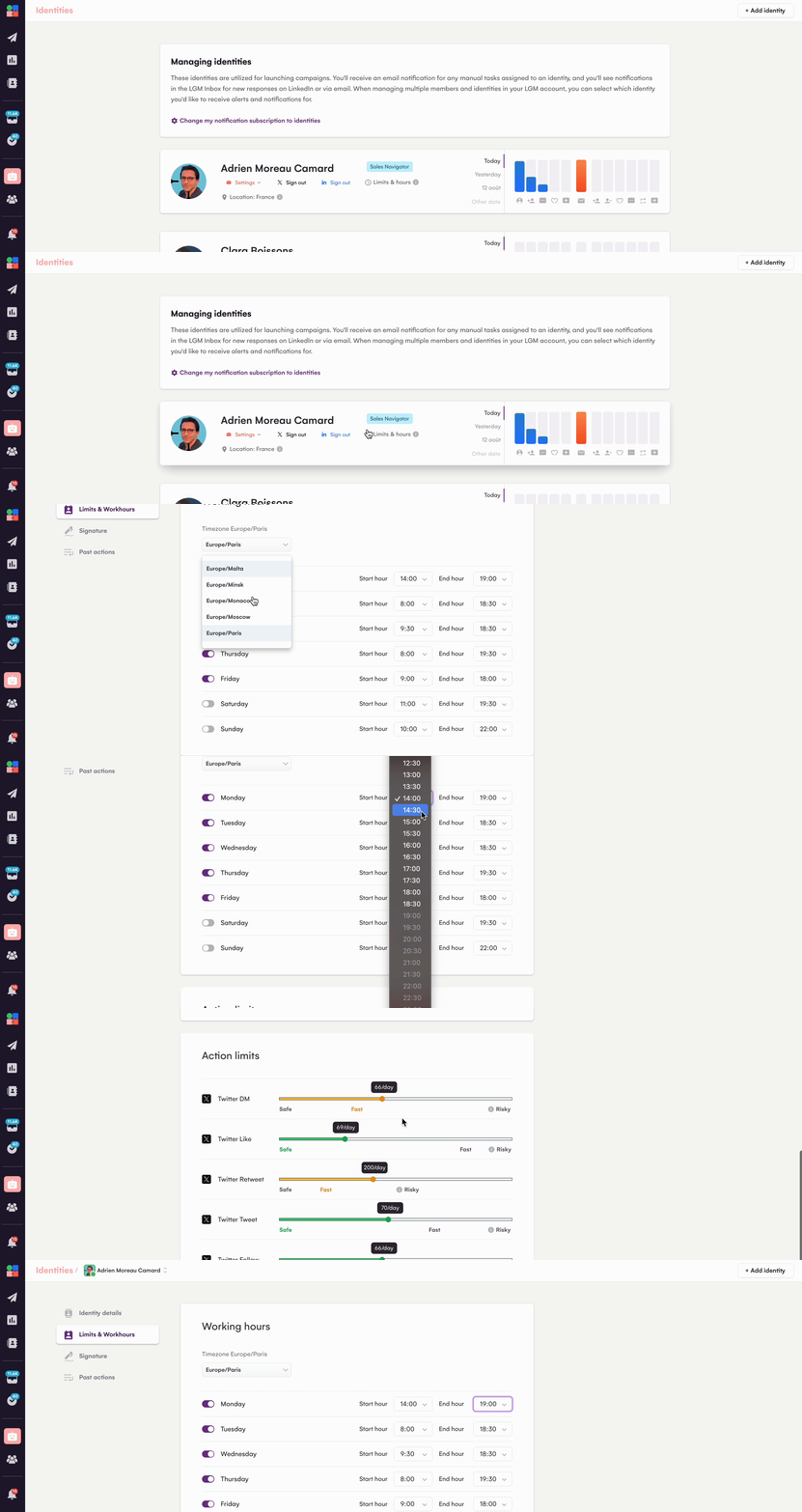
- Connect channels and limits: link your LinkedIn identity and email, confirm sending windows, and set safe daily limits before launch.
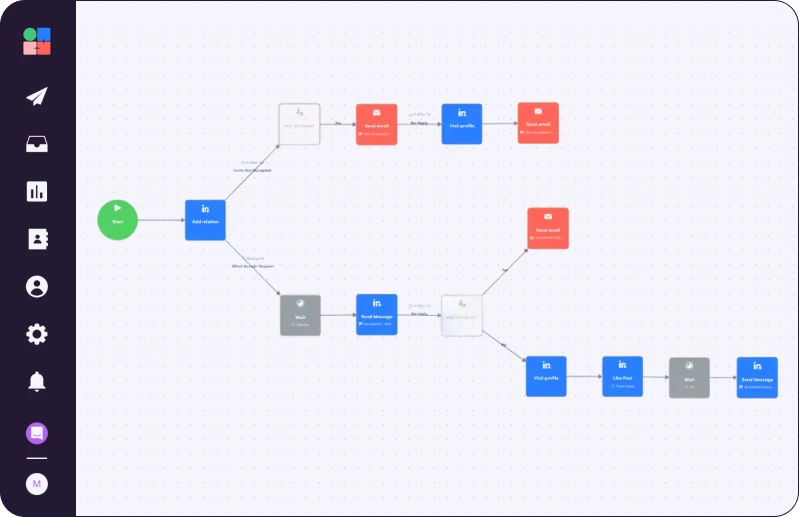
- Personalize the sequence: confirm social warming order (Visit, Follow, Like), decide on connection note vs no‑note, and enable Real Chat Mode on LinkedIn messages
Duplicate Alan's campaign

Read Next


How to Build Your First Multichannel AI Sales Agent


Turn Cold Prospects into $3,000+ Clients


How to Become “Product of the Day” on Product Hunt