

TL;DR
– 25 LinkedIn automation tools compared on price, architecture and channel coverage, 10 of them tested on real outbound campaigns
– Cloud beats browser extension on account safety: a dedicated IP per identity instead of your browser session, which is what LinkedIn pattern detection actually reads
– La Growth Machine runs LinkedIn, native email with inbox rotation and waterfall enrichment in one sequence from €60/month, with the API, webhooks and MCP server to stay composable with Clay, n8n and your CRM
– Best fit: B2B software, tech, finance and agencies from 11 to 500 employees, sales teams scaling outbound or GTM teams building the motion
Last updated: July 2026 – By Erwann, La Growth Machine
Price out a LinkedIn outbound stack piece by piece and the numbers get ugly fast. A LinkedIn-only sequencer runs $99 a month. Add an email tool at $69, a data enrichment service at $49, and a scraper at $59, and you are at $276 a month before a single message goes out. Then you discover the LinkedIn thread lives in one tool and the email thread in another, and nobody can tell you what a given prospect has already been sent.
The other constraint is harder. LinkedIn caps most accounts at roughly 100 connection invitations per week. That ceiling does not move because you bought software. What changes is how much of your team’s time each invitation costs, how well the follow-up is sequenced, and whether your account survives the year.
We ran 10 of these tools across real outbound campaigns and compared 25 on pricing, architecture, and channel coverage. Here is what we found.
Which LinkedIn automation tool is the best?
There is no single winner, because these tools solve different jobs. Find your situation:
| If you are | Best pick | From | Why |
|---|---|---|---|
| A B2B team running LinkedIn and email | La Growth Machine | €60/mo | LinkedIn, email with inbox rotation and waterfall enrichment run as one sequence, plus API, webhooks and CRM sync so it fits an existing stack instead of replacing it |
| LinkedIn-only and you want real branching | Expandi | $99/seat | The deepest if/else conditional logic of any LinkedIn-only tool |
| LinkedIn-only on a budget | Dripify | $39/mo | Conditional logic at the lowest price of any cloud sequencer |
| An agency running 10 to 50+ client accounts | HeyReach | $79/sender | The only multi-sender architecture with a unified inbox across accounts |
| Testing whether automation fits at all | Waalaxy | Free plan | The most usable free tier for real outreach, volume-capped and extension-based |
| Starting on the smallest possible budget | Dux-Soup or Octopus CRM | $9.99 to $14.99/mo | Sends invitations and messages. Both are browser extensions, so accept the account risk knowingly |
| Building the data layer, not the sending | Sales Navigator, Evaboot, Clay | $9 to $167/mo | Targeting and enrichment. None of them send messages, they feed whatever sequencer you run |
⚠️ On the free question specifically: Apollo.io is free forever but it is a data and email product, not a LinkedIn sequencer, and Wiza (20 verified emails) and Clay (500 actions a month) only cover data. The honest read is that free tiers answer one question, whether automation fits your motion. None of them run a real outbound program, and a 14-day trial on a paid tool tells you more.
The rest of this article is the evidence behind those answers.
How we tested and compared these 25 tools
Two different levels of evidence sit in this article, and it is worth being explicit about which is which.
10 tools tested on real campaigns. These are the tools we ran on live outbound, with real audiences and real reply data. They get full profiles with an honest verdict.
15 tools compared on public data. Category, architecture, channel coverage, and entry pricing verified on each vendor’s own pricing page in July 2026. They get condensed entries. We are not going to invent a field verdict for a tool we have not run.
⚠️ Disclosure: La Growth Machine is our product. It ranks first on one specific thing we weight heavily: no other tool in this list runs LinkedIn, email and waterfall enrichment as a single native sequence. If you only need LinkedIn sequencing, several tools below beat it on price, and we say so.
Every tool was evaluated on the same five criteria:
| Criterion | The question we asked | What separates the tools |
|---|---|---|
| LinkedIn safety | Does the tool run from dedicated servers or inside your browser session? | Cloud tools get a fixed IP per identity. Extensions act through your logged-in session, which is far more exposed to LinkedIn pattern detection |
| Sequence depth | Can it branch on whether a prospect accepted your connection request? | Real if/else logic, voice messages, profile warming and intent triggers, versus a linear list of steps on a timer |
| Multichannel capability | Are LinkedIn and email one sequence, or two tools stitched together? | Native multichannel keeps one conversation history per prospect. Bolt-on email splits the thread across systems |
| Enrichment | Can it find a verified email without you leaving the platform? | Waterfall enrichment cascades across multiple providers and holds match rates. Single-source lookups drop off fast |
| Real cost of ownership | What does the working setup cost, not the entry seat? | Add enrichment, extraction and CRM integrations. Some cheap tools end up above a full platform once assembled |
Quick comparison: all 25 LinkedIn automation tools
| Tool | Best for | From | Cloud or extension | Native email | Free plan or trial |
|---|---|---|---|---|---|
| La Growth Machine | Multichannel outbound | €60/mo | Cloud | Yes, native | 14-day trial |
| Expandi | LinkedIn conditional logic | $99/seat | Cloud | Bolt-on | Trial |
| HeyReach | Agencies, many accounts | $79/sender | Cloud | No | Trial |
| Waalaxy | Beginners | ~$112/mo | Extension | Basic | Free plan |
| Meet Alfred | Cheap multichannel | ~$49/mo | Cloud | Basic | Trial |
| Dripify | Budget LinkedIn sequencing | $39/mo | Cloud | Bolt-on | Trial |
| Dux-Soup | Cheapest entry point | $14.99/mo | Extension, cloud tier | No | 14-day trial |
| Skylead | LinkedIn plus email in one seat | $100/mo | Cloud | Yes | 7-day trial |
| PhantomBuster | Data extraction | ~$59/mo | Cloud | No | Trial |
| Sales Navigator | Prospect research | $99/mo | Cloud | No | Trial |
| Octopus CRM | Very low budget | $9.99/mo | Extension | No | 7-day trial |
| Linked Helper | Local-first setups | $15/mo | Desktop app or cloud | Basic | 14-day trial |
| Zopto | Managed agency volume | $120/seat | Cloud | Bolt-on | Demo |
| Salesflow | Agency seats at scale | $99/seat | Cloud | Bolt-on | Demo |
| We-Connect | Cloud LinkedIn plus email | $49/seat | Cloud | From $59 tier | Free trial |
| Lemlist | Email-led sequences | $69/mo | Cloud | Yes | 14-day trial |
| Reply.io | Email teams adding LinkedIn | $49/user | Cloud | Yes | Trial |
| Apollo.io | Data plus email on a budget | Free tier | Cloud | Yes | Free plan |
| Closely | Cheap LinkedIn plus email | $49/mo | Cloud | Yes | Trial |
| Evaboot | Sales Navigator exports | $9/mo | Extension | No | Credits |
| Wiza | Email and phone lookup | $49/mo | Extension | No | Free tier |
| TexAu | Automation workflows, API | $79/mo | Cloud | No | 14-day trial |
| Clay | GTM data orchestration | $167/mo | Cloud | Via integrations | Free tier |
| Taplio | LinkedIn personal brand | $39/mo | Cloud | No | 7-day trial |
| AuthoredUp | LinkedIn content and analytics | $19.95/mo | Extension | No | Free trial |
Prices are entry-tier list prices verified on each vendor’s pricing page in July 2026, converted to monthly. Annual billing is cheaper on most of them.
The 10 best LinkedIn automation tools (tested in depth)
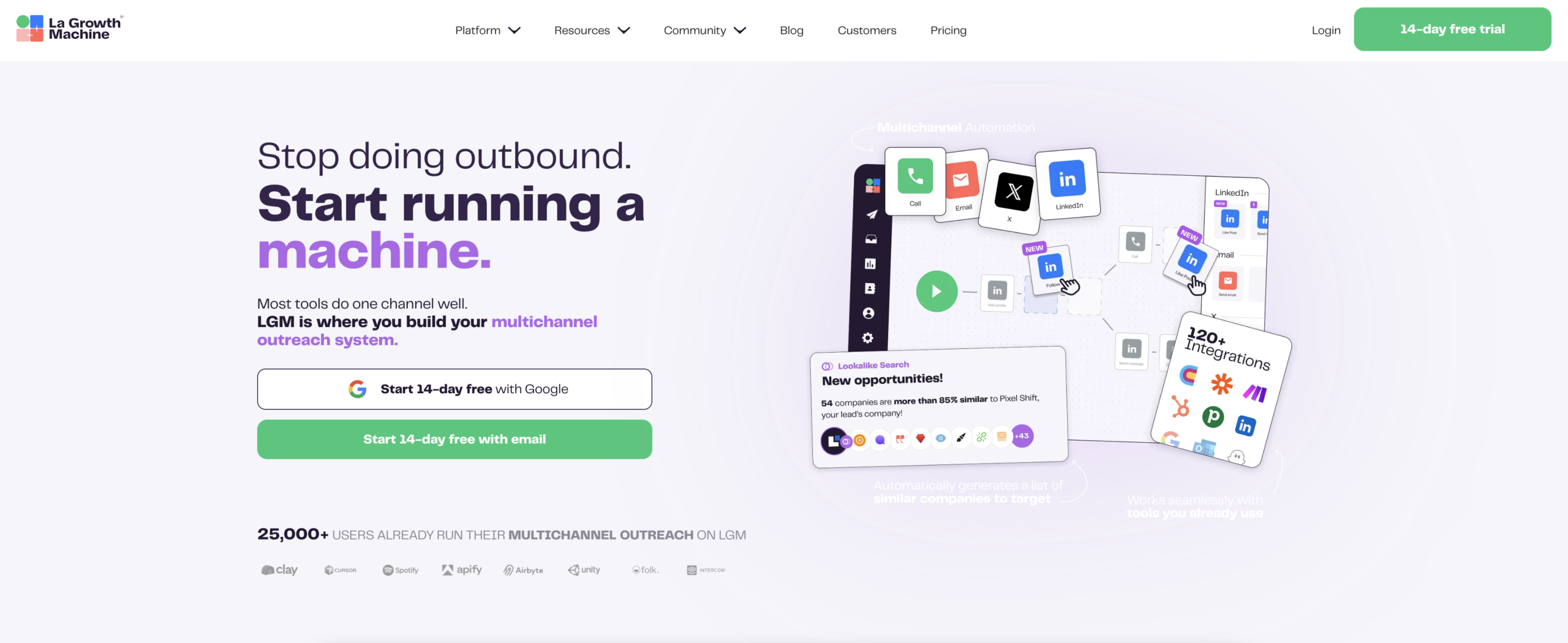
1. La Growth Machine: best for multichannel outbound
Overview. La Growth Machine combines LinkedIn sequencing, native email outreach, X outreach, waterfall enrichment, and AI voice messages in a single platform, with no third-party integration required for any of it. You connect your LinkedIn identity, your inbox, and optionally your X account. Sequences run from cloud infrastructure with a dedicated IP per identity, so your LinkedIn account is not exposed to the browser-session patterns that trigger restrictions.
Key features.
- Social Warming visits prospects’ profiles and interacts with their content before your connection request goes out, so the first contact is not cold.
- LinkedIn Intents trigger sequences on behavioral signals: profile visitors, post engagers, or leads matching set criteria.
- Voice Messages AI generates personalized audio at scale, a format most recipients have not yet seen from automated outreach.
- Waterfall enrichment cascades across multiple email data providers, so match rates hold up without a separate enrichment subscription.
- Inbox rotation spreads email volume across several connected inboxes instead of loading one, which is what lets a team scale sending without burning a single sender.
- Conditional logic branches on real behavior: accepted within three days, send the follow-up; no acceptance, switch to email; opened twice without replying, send a voice message.
- Campaign analytics break down by channel and by individual sequence step, so you see which message in the sequence produced the reply, not just a campaign-level average. The won/lost view splits replies into interested, call booked, negotiating and converted, with deal count and amount, and native CRM sync pushes it all into HubSpot or Pipedrive so attribution is computed where your pipeline already lives.
Where it sits in a GTM stack. This is the part most listicles skip. LGM is the execution layer, not a replacement for your data layer. It has a public API, webhooks, native HubSpot and Pipedrive sync, and an MCP server that lets you drive campaigns and pull reply data from Claude or any MCP client, which is the difference between a reporting tab and data you can actually query. If you already run Clay for enrichment orchestration and n8n for workflow logic, LGM plugs in underneath them as the thing that sends and tracks the conversation.
Pros and cons.
- ✅ The only tool here running LinkedIn, native email with inbox rotation and waterfall enrichment in a single sequence
- ✅ Cloud infrastructure with a dedicated IP per identity, and a published restriction rate below 0.1%
- ✅ API, webhooks, CRM sync and MCP server, so it composes with Clay, n8n and Claude rather than fencing you in
- ✅ Replaces three or four subscriptions, which is where the real cost comparison lands
- ⚠️ No free plan, only a 14-day trial
- ⚠️ Overkill if LinkedIn is the only channel you will ever use
- ⚠️ Not the right fit below roughly 10 employees, where a single extension-based tool is usually enough
Pricing. Basic €60/month per identity (LinkedIn, email, Social Warming, Voice Messages AI, waterfall enrichment). Pro €120/month adds LinkedIn Intents, Real Chat Mode, and A/B testing. Ultimate €180/month adds X outreach and native HubSpot and Pipedrive sync.
Best for. B2B companies of roughly 11 to 500 employees, typically software, tech, finance, and agencies, where a sales team is scaling its outbound or a GTM team is building the motion. Concretely: you run LinkedIn and email together, you have more than one identity sending, and a restricted account would cost you real pipeline.
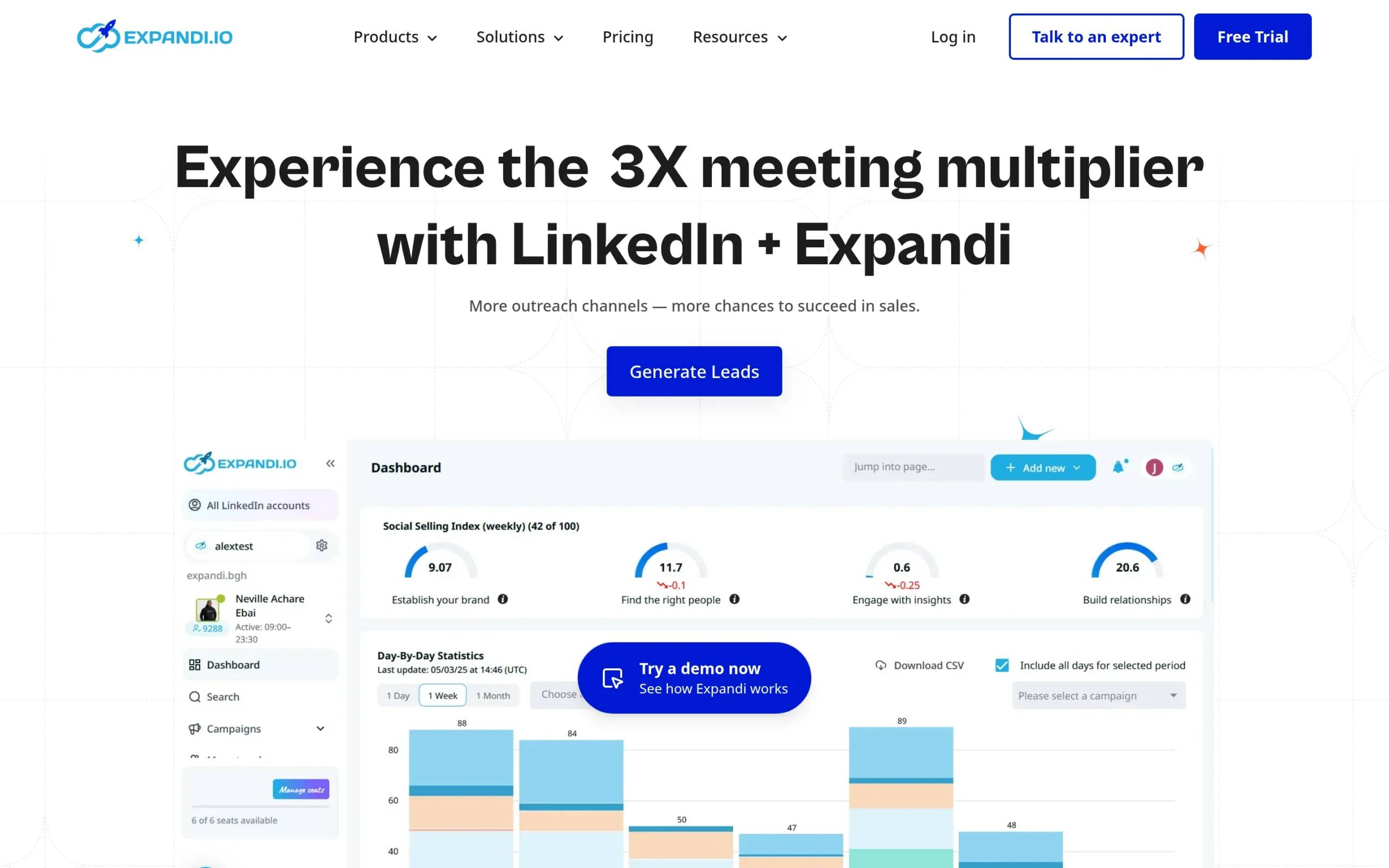
2. Expandi: best for LinkedIn-only conditional logic
Overview. Expandi is a cloud-based LinkedIn sequencer running on dedicated servers rather than a browser extension. Its conditional branching is the strongest of any LinkedIn-only tool we tested. If you live on LinkedIn and do not need email natively, this is the most capable option in that tier.
Key features. If/else branching on connection acceptance, timed windows per path, smart sequences that adapt mid-campaign, and dedicated IP per account.
Pros and cons.
- ✅ Genuinely adaptive sequences, rare among LinkedIn-only tools
- ✅ Cloud architecture, no browser dependency
- ⚠️ Email is a bolt-on rather than a native step, so the thread lives in two places
- ⚠️ Enrichment needs a separate tool
Pricing. $99/month per seat, around $79/month on annual billing.
Best for. Solo reps and small teams doing LinkedIn-first outbound who want branching logic without paying for multichannel features they will not use.
3. HeyReach: best for agencies running many LinkedIn accounts
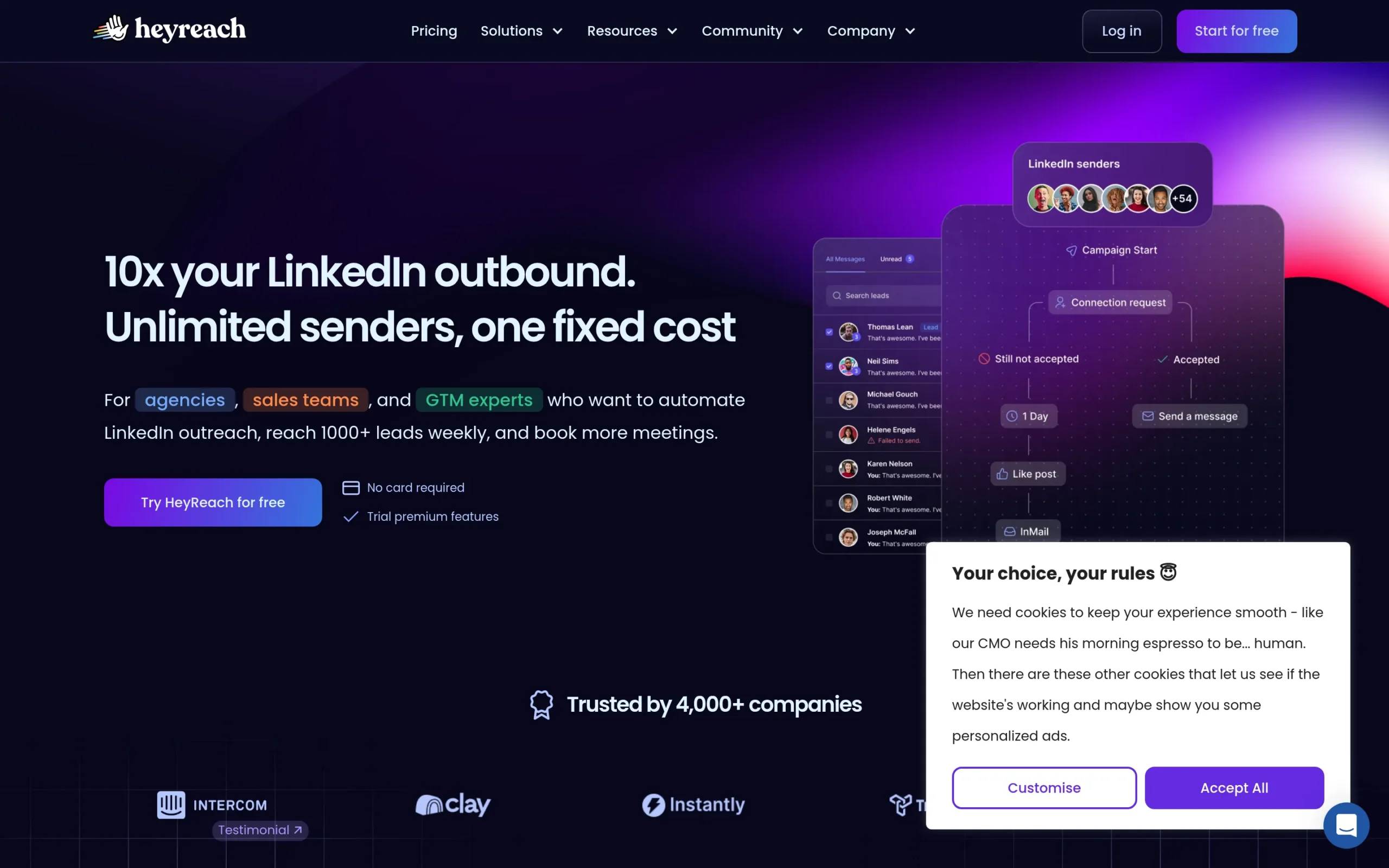
Overview. HeyReach is built for one job: running high-volume outreach across 10 to 50 or more LinkedIn accounts from a single dashboard. For an agency managing client accounts, nothing else in this list matches it.
Key features. Multi-sender architecture, unified inbox across all accounts, campaign consolidation, and per-account limit management that spreads volume rather than concentrating it.
Pros and cons.
- ✅ Per-account volume limits stop being the binding constraint when you spread across 20 accounts
- ✅ One inbox for every conversation across every client
- ⚠️ No email at any price point, it is LinkedIn only
- ⚠️ Priced per sender, so cost scales linearly until the agency tier
Pricing. $79/month per sender, or $999/month on the Agency plan with unlimited senders.
Best for. Agencies managing multiple client LinkedIn accounts who need volume and consolidated visibility.
4. Waalaxy: best for beginners, with a safety tradeoff
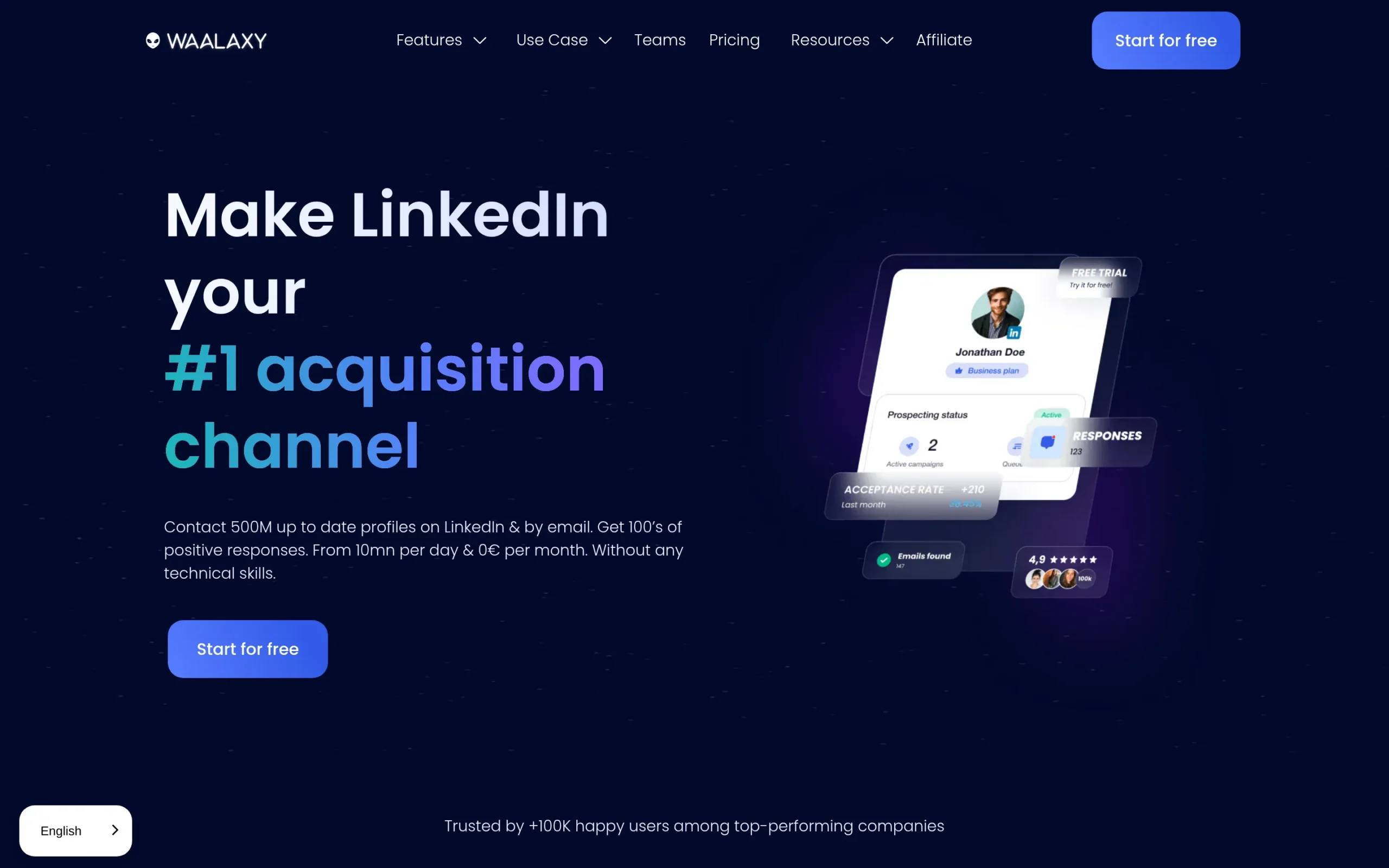
Overview. Waalaxy is the most beginner-friendly tool here. Clean interface, basic email sequences included, and a free plan to start on. It is also extension-based, which is the tradeoff.
Key features. Template-driven sequences, LinkedIn plus basic email, a free tier, and a setup you can complete without reading documentation.
Pros and cons.
- ✅ The lowest learning curve of anything in this list
- ✅ Free plan available
- ⚠️ Runs as a Chrome extension, so activity flows through your browser session and is more detectable
- ⚠️ Email is basic, with no shared conversation view across channels
- ⚠️ Paid tiers cost more than several cloud tools with deeper features
Pricing. Around $112/month Advanced, around $160/month Business.
Best for. Beginners who want a simple tool and accept the extension risk.
5. Meet Alfred: best for cheap multichannel
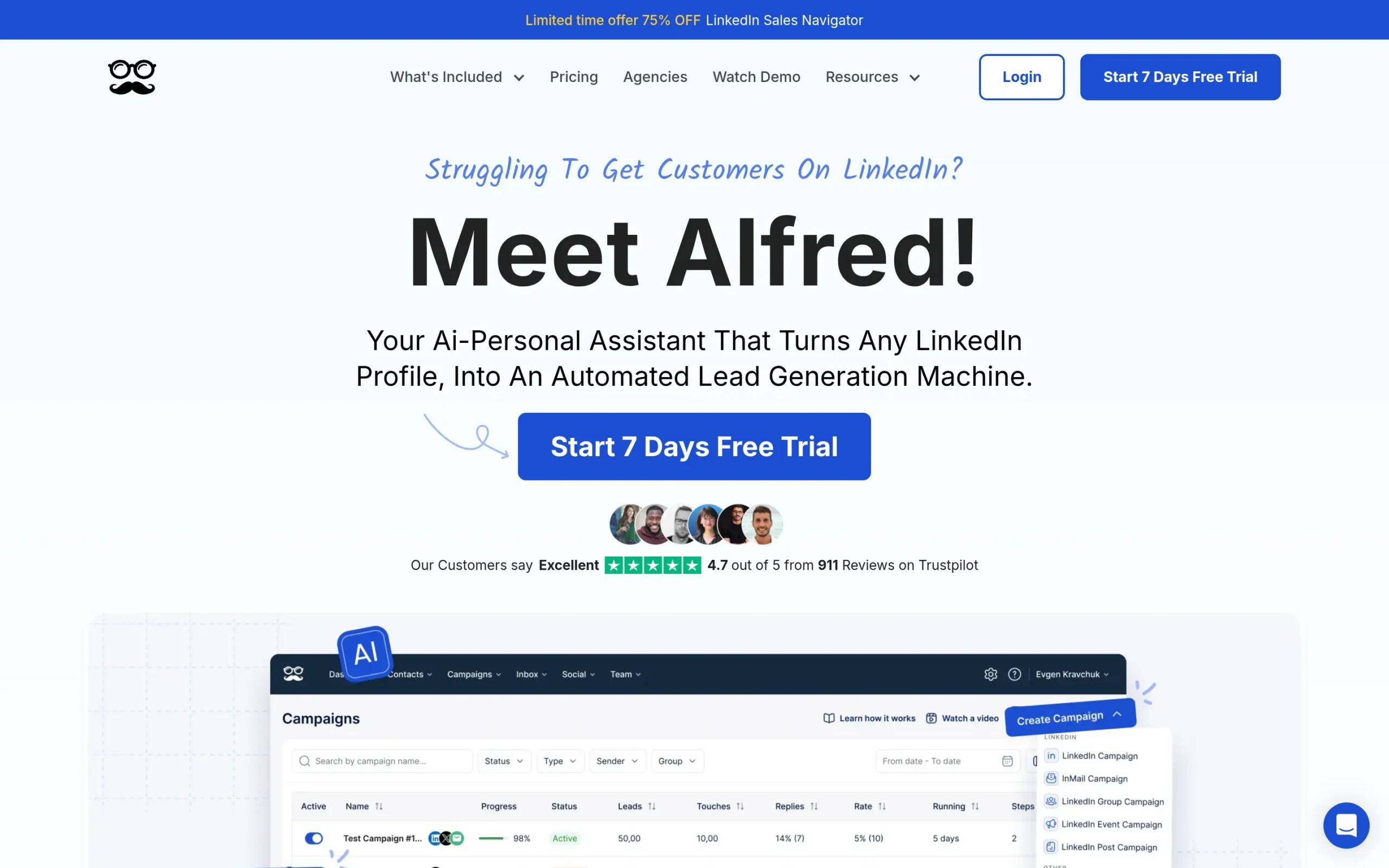
Overview. Meet Alfred is a cloud-based multichannel tool covering LinkedIn, email, and X at a lower entry price than a full platform. For teams that need cross-channel reach without deep enrichment or complex logic, it covers the basics.
Key features. Three channels in one sequence builder, cloud execution, CRM integrations, and a template library.
Pros and cons.
- ✅ Multichannel coverage at a low entry price
- ✅ Cloud-based, not an extension
- ⚠️ Email is basic and sequence depth is shallow next to Expandi or LGM
- ⚠️ Sequence depth is limited next to Expandi or LGM
Pricing. Around $49/month Personal, around $89/month Business.
Best for. Teams wanting LinkedIn, email, and X in one place who do not need waterfall enrichment or deep conditional logic.
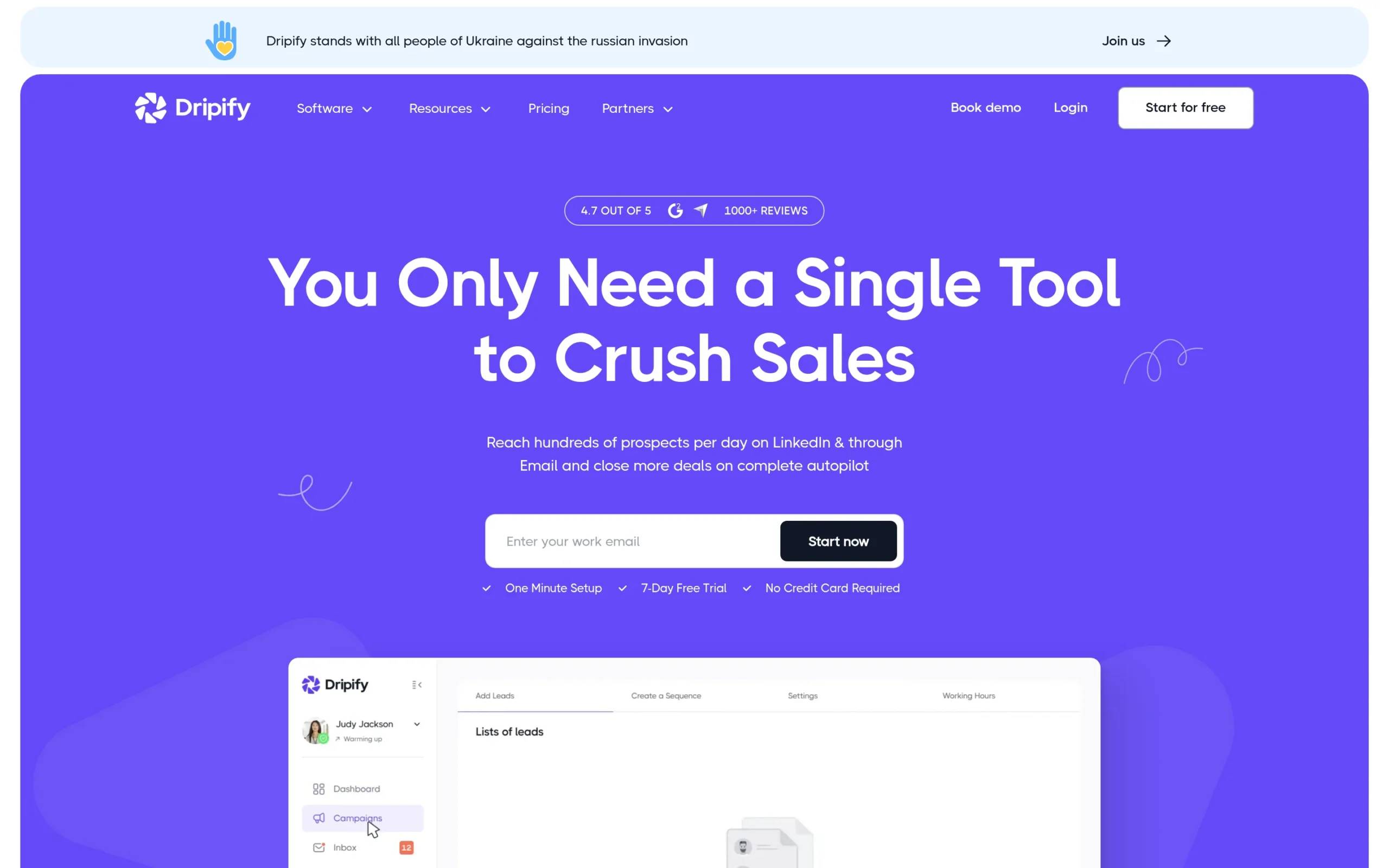
6. Dripify: best for budget LinkedIn sequencing
Overview. Dripify is a cloud-based LinkedIn sequencer with solid conditional logic at the lowest price of any serious sequencer here. If budget is the constraint and you are LinkedIn-only, it delivers more than the price suggests.
Key features. Drip campaigns with conditional steps, team management, activity analytics, and cloud execution.
Pros and cons.
- ✅ Conditional logic at $39/month is rare at this price
- ✅ Reliable cloud infrastructure
- ⚠️ Email is a bolt-on only, not a native sequence step
- ⚠️ Narrower feature set than Expandi once you annualize the cost difference
Pricing. $39/month Advanced, $59/month Pro.
Best for. Budget-conscious teams running LinkedIn-only sequences who still want branching.
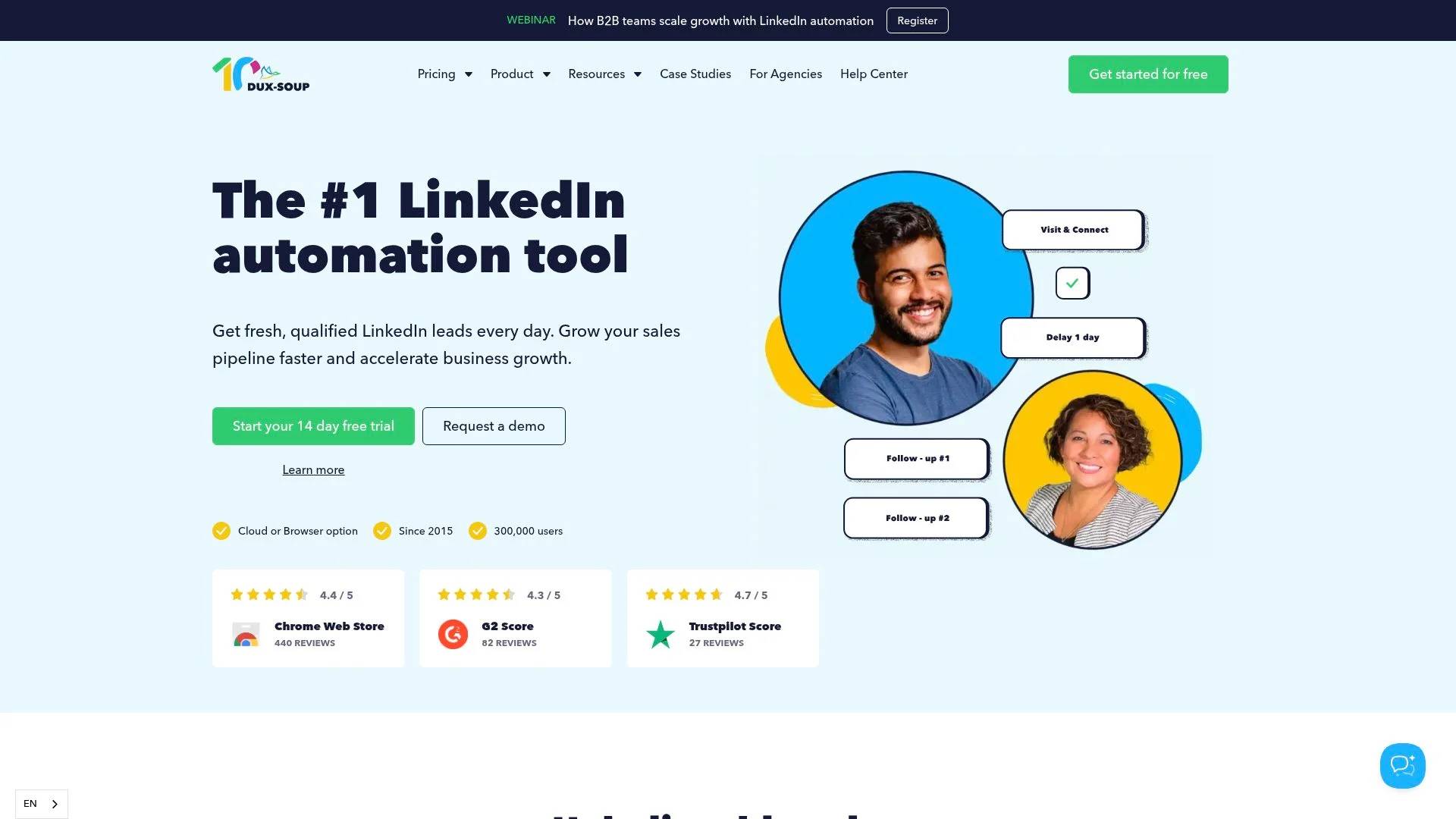
7. Dux-Soup: best cheapest entry point
Overview. Dux-Soup is one of the oldest tools in the category and still the cheapest credible way in. The Pro tier is a browser extension running on your own machine. A separate Cloud plan runs on their infrastructure instead, which matters for the safety question.
Key features. Personalized connection invitations, messaging to first-degree connections, profile visiting, tagging and export for contact management, and team note sharing on higher tiers.
Pros and cons.
- ✅ $14.99/month is the lowest entry price of any tool we tested
- ✅ A cloud tier exists if you want to move off the extension
- ⚠️ The entry tiers run on your infrastructure, with the detection exposure that implies
- ⚠️ No native email, so it is one piece of a stack rather than a platform
Pricing. Pro Dux from $14.99/month, or $11.25/month billed annually. 14-day free trial, no card required. Cloud plan priced separately.
Best for. Solo users testing LinkedIn automation for the first time on the smallest possible budget.
8. Skylead: best for LinkedIn plus email in a single seat
Overview. Skylead is a cloud-based sequencer that bundles LinkedIn automation, unlimited email automation, and a built-in email finder and verifier into one all-in-one plan. There is no tier puzzle to solve, which is either simplifying or expensive depending on your volume.
Key features. Smart sequences with conditional branching, unlimited email automation, cloud-based email finder and verifier, and image and GIF personalization.
Pros and cons.
- ✅ One plan, both channels, enrichment included
- ✅ Cloud-based execution
- ⚠️ $100/month is a hard floor with no cheaper entry tier
- ⚠️ Trial is only 7 days, shorter than most
Pricing. $100/month for the all-in-one plan. 7-day free trial.
Best for. Solo operators who want LinkedIn, email, and email finding in one seat and are willing to pay a flat rate for it.
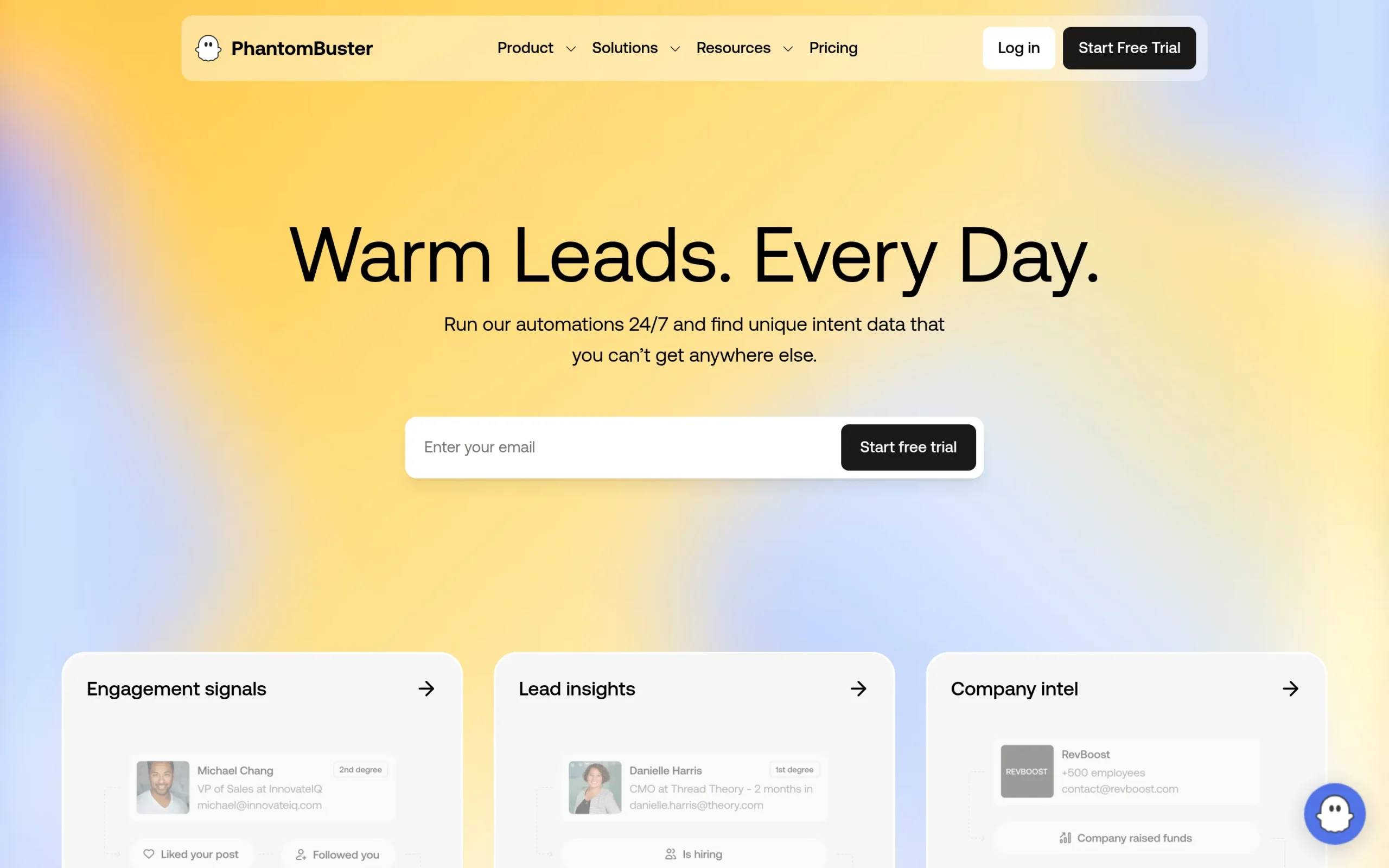
9. PhantomBuster: best for data extraction
Overview. PhantomBuster is not a sequencer. It is a script-based automation platform built to extract data from LinkedIn at scale: scraping lead lists, enriching profiles, and building audiences from groups or event attendees.
Key features. A large library of “Phantoms” for specific extraction jobs, scheduled runs, chained workflows, and CSV or API output.
Pros and cons.
- ✅ The most flexible extraction tool here, by a distance
- ✅ Pulls audiences no search filter can build, like event attendees or group members
- ⚠️ No follow-up workflows, no conditional logic, no inbox
- ⚠️ You still need a sequencer for the outreach itself
Pricing. Around $59/month Starter, around $139/month Pro.
Best for. List building and audience research. Pair it with a sequencer for the outreach.
10. Sales Navigator: best for prospect research
Overview. Sales Navigator is LinkedIn’s own advanced search product, not an automation platform. It sends no connection requests and runs no sequences. It is where you decide who to contact.
Key features. Advanced filters on seniority, headcount, function, and growth signals. Saved searches, lead alerts, InMail credits, and CRM sync.
Pros and cons.
- ✅ Search filters and account insights nothing else matches
- ✅ It is first-party, so there is no detection question at all
- ⚠️ Automates nothing, so it is always half a stack
- ⚠️ Priced like a tool that does more than search
Pricing. $99/month Core, $149/month Advanced.
Best for. Finding the right prospects before outreach. Most cloud sequencers, La Growth Machine included, import saved searches directly.

15 more LinkedIn automation tools worth knowing
These are compared on public data, not tested by us. Category, architecture, and entry price are verified on each vendor’s own pricing page.
LinkedIn sequencers
- Octopus CRM ($9.99/mo, extension). The cheapest entry point in the category. Connection requests, bulk messaging, and a basic funnel view. 7-day trial. Best for testing the concept before committing.
- Linked Helper ($15/mo local, $29.90/mo cloud). Unusual in offering a local storage version where your data stays on your machine, plus a cloud alternative. 14-day trial with full feature access. Best for people who want their prospect data off someone else’s servers.
- Zopto ($120/seat/mo, cloud). Priced above the category with strategy support and masterclasses attached to higher tiers. Best for teams buying managed volume rather than software alone.
- Salesflow (from $99/seat/mo, cloud). Per-seat price drops sharply with team size and commitment length, down to under $25/seat at the top end. Best for agencies buying many seats at once.
- We-Connect (from $49/seat/mo, cloud). Explicitly cloud-based with no browser extension. LinkedIn plus email multichannel starts at the $59 Professional tier. Free trial with no card. Best for small teams wanting cloud safety at an entry price.
Multichannel and email-led
- Lemlist ($69/mo, cloud). Email-first with LinkedIn steps included across plans: profile visits, invites, text messages, and voice messages. 14-day trial. Best for teams whose sequences lead with email.
- Reply.io (from $49/user/mo, cloud). ⚠️ LinkedIn Automation is a paid add-on at $69/month per account, not part of the base seat. Budget for both. Best for existing email teams bolting LinkedIn onto an established motion.
- Apollo.io (free Starter plan, cloud). A database and email engagement platform rather than a LinkedIn sequencer. LinkedIn shows up through the extension and integrations, not as native sequencing. Best for a data-plus-email budget stack.
- Closely ($49/mo Starter, $29/mo annual, cloud). LinkedIn campaigns plus unlimited email accounts, whitelabel included on the entry tier. Best for cheap multichannel with client-facing branding.
Enrichment and data
- Evaboot ($9/mo for 100 credits, extension). A focused Sales Navigator scraper: export leads, clean the data, find and verify emails. Credits roll over. Best as a cheap feed into whatever sequencer you run.
- Wiza (free tier, $49/mo Starter, extension). Email and phone lookup with a free tier of 20 verified emails and 5 phone numbers. Best for topping up contact data without an annual contract.
- TexAu ($79/mo Solo, cloud). Enrichment and GTM automation with an API and MCP interface for engineers embedding it in their own products. Credits deducted only on a match. 14-day trial. Best for technical teams building custom workflows.
- Clay (free tier, $167/mo Launch, cloud). Orchestrates 150+ data providers into enrichment and research workflows. It does not send LinkedIn messages itself, so it sits upstream of a sequencer rather than replacing one. Best for GTM engineers building data-heavy plays.
Engagement and content
- Taplio ($39/mo, cloud). LinkedIn personal brand tooling: post creation, scheduling, content ideas, engagement automation, and analytics. 7-day trial. Best for founders building inbound alongside outbound.
- AuthoredUp ($19.95/mo, extension). A LinkedIn writing environment with formatting, previews across devices, hook and CTA libraries, and post analytics. Free trial, no card. Best for people who post consistently and want to know what worked.
⚠️ One name you will still find on competitor lists is worth flagging: Shield, the LinkedIn analytics tool, has shut down. Its founders ended the product after pressure from Google and LinkedIn. If a 2026 listicle still recommends it, that list has not been checked.
Best LinkedIn automation tool by use case
The right tool depends on your situation, not on which vendor has the longest feature list.
Best LinkedIn automation tool for agencies
HeyReach, or Salesflow if seat economics dominate. Agencies have one problem the rest of the market does not: many LinkedIn accounts, many clients, one team watching all of them. HeyReach’s multi-sender architecture and unified inbox are built for exactly that, and the $999 unlimited-sender tier stops per-seat pricing from scaling with your client list. Salesflow is the alternative when you are buying a lot of seats and can commit annually, since the per-seat price falls under $25 at volume. Zopto fits if you want strategy support bundled with the software.
Best free LinkedIn automation tools
Free tiers exist, and they are narrow. Waalaxy has the most usable free plan for actual outreach, capped in volume. Apollo.io has a free-forever Starter plan, but it is a data and email product rather than a LinkedIn sequencer. Wiza gives you 20 verified emails and 5 phone numbers free, and Clay gives 500 actions a month.
Where they stop is predictable. Free tiers cap volume at exactly the point outbound starts producing replies, which is also the point you would need to pay. Every working tool in this list sits between $15 and $100 a month, and a 7 to 14 day trial run on a real audience will tell you more than a permanently limited plan.
Best LinkedIn automation tool for small businesses
Split this by headcount, because the answer flips around 10 employees.
Under 10 people with one person sending, Dux-Soup at $14.99 or Octopus CRM at $9.99 will send connection requests and messages. Both are extension-based, so accept the account risk knowingly. Dripify at $39 buys you cloud infrastructure at the point where that starts to matter.
From roughly 11 employees, once two or more identities are sending and someone owns outbound as a job, the calculation changes. La Growth Machine at €60/month per identity or We-Connect from $49/seat put you on cloud infrastructure with email in the same sequence. The trap at this size is buying four cheap tools instead of one adequate one. A $39 sequencer plus a $49 enrichment tool plus a separate email tool is not cheaper than a single platform, it is just billed separately and it fragments the conversation history.
Best LinkedIn automation tool for sales teams
La Growth Machine for teams running LinkedIn and email together, Expandi for LinkedIn-only teams that want deep branching, Reply.io for teams already standardized on an email platform who want to add LinkedIn to an existing motion.
The question that decides it for a sales team is not features, it is where your replies land and what happens to them. Rep A sends a LinkedIn invite from one tool, rep B follows up by email from another, and the prospect’s history lives in two places with the CRM seeing neither. A multichannel platform with a shared conversation view and native CRM sync beats a stack of specialists that each own a fragment of the thread, because the fragment is what breaks reporting and handoffs.
This is where LGM is built to sit: B2B software, tech, finance, and agencies between 11 and 500 employees, with a sales team scaling outbound or a GTM team building the motion. Below that size the fragmentation problem does not exist yet, and a cheaper single-channel tool is the right call.
Solo founders and startups
One identity, no budget for a stack, no time to administer four tools. Dux-Soup or Octopus CRM to test the motion for under $15, or Skylead at $100 if you want LinkedIn, email, and email finding in a single seat without assembling anything. Skip enrichment platforms like Clay at this stage, since $167/month buys data volume you do not yet have the pipeline to use. Move up to a full multichannel platform when a second identity starts sending, not before.
Need LinkedIn and email in one platform? Meet La Growth Machine
Most of the tools above solve one slice. LinkedIn sequencing, or email, or enrichment, or extraction. The stack math from the top of this article is the consequence: $276 a month across four vendors, four logins, four billing cycles, and a prospect’s conversation split across tools that do not talk to each other.
Who this is for. B2B companies of roughly 11 to 500 employees, mostly software, tech, finance, and agencies. Two situations in particular: a sales team scaling outbound past the point where one rep can run it manually, and a GTM team building the motion from scratch and deciding what the execution layer should be.
La Growth Machine runs LinkedIn, native email with inbox rotation, X, and waterfall enrichment from one platform, on cloud infrastructure with a dedicated IP per identity. Sequences branch on real behavior across channels, so a prospect who ignores a connection request can be picked up by email and closed on a voice message without you moving them between tools.
It is a layer, not a walled garden. If you already have a stack you like, LGM composes with it. A public API and webhooks for your own workflows. Native HubSpot and Pipedrive sync, so the CRM stays the source of truth and attribution is computed where your pipeline lives. An MCP server to launch campaigns, pull reply data, and analyze performance directly from Claude.
Clay stays your enrichment orchestration, n8n stays your workflow logic. LGM is what sends and tracks the conversation.
Basic starts at €60/month per identity, with a 14-day trial and no card required.
LinkedIn automation safety: cloud versus extension
This is the most consequential technical decision in LinkedIn automation, and most listicles skip it.
How LinkedIn detects automation
LinkedIn does not look for the tool, it looks for the pattern. Volume spikes, machine-regular timing between actions, connection requests to profiles you have no plausible path to, and sessions originating from IP addresses that keep changing. Account restrictions follow the pattern, not the software brand.
LinkedIn limits in 2026
Most accounts are capped around 100 connection invitations per week. Treat that as the ceiling, not the target. Practical working limits sit near 20 to 30 connection requests a day for an established account, and lower for a new one. A tool that offers to blow through the weekly cap is offering you risk, not leverage.
Cloud-based versus extension-based
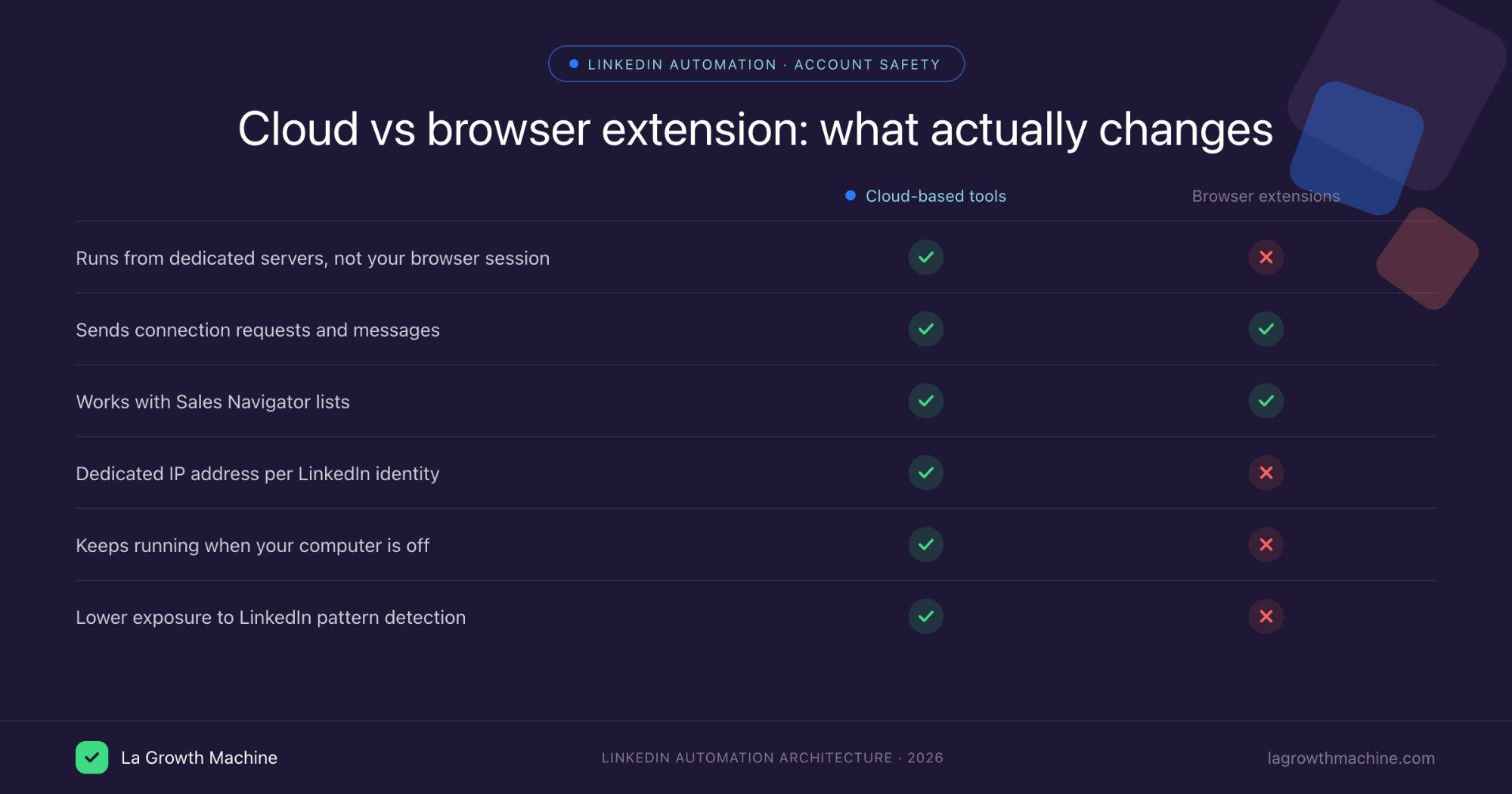
Extension-based tools (Waalaxy, Octopus CRM, Dux-Soup on its entry tiers, Evaboot, Wiza, AuthoredUp) run inside your browser session. Your account is logged in on your machine and the extension acts through that session. LinkedIn can see one account generating request volumes and profile-view speeds that do not match human behavior, from an IP that shifts between your home, your office, and your phone. Detection exposure is meaningfully higher.
Cloud-based tools (La Growth Machine, Expandi, HeyReach, Meet Alfred, Dripify, Skylead, Zopto, Salesflow, We-Connect, Closely) run from dedicated servers with an IP assigned per identity. Activity looks like it comes from one consistent source. There is simply less signal for pattern detection to work with.
Cloud is not zero risk. But La Growth Machine publishes a LinkedIn account restriction rate below 0.1% across its user base, and that number is a property of the infrastructure, not the marketing. For any team where LinkedIn accounts represent real pipeline, the gap between cloud and extension decides the purchase.
LinkedIn automation best practices
- Warm up new identities gradually. Two weeks of low, irregular volume before full campaigns.
- Stay inside 20 to 30 connection requests a day, and vary the number.
- Segment before you send. A message that lands wrong generates reports, and reports generate restrictions faster than volume does.
- Personalize past the first name. Generic sequences at scale are the pattern LinkedIn is looking for.
- Watch acceptance rate as a health metric. A sharp drop usually means targeting drift, and targeting drift precedes account trouble.
Is LinkedIn automation against the terms of service?
LinkedIn’s user agreement prohibits third-party automated access to the platform. In practice, enforcement targets behavior rather than tooling, which is why thousands of B2B teams run automation without incident while some accounts get restricted in a week. Nothing in this article makes automation officially sanctioned. What changes your odds is architecture, volume discipline, and targeting quality.
How to choose the right LinkedIn automation tool
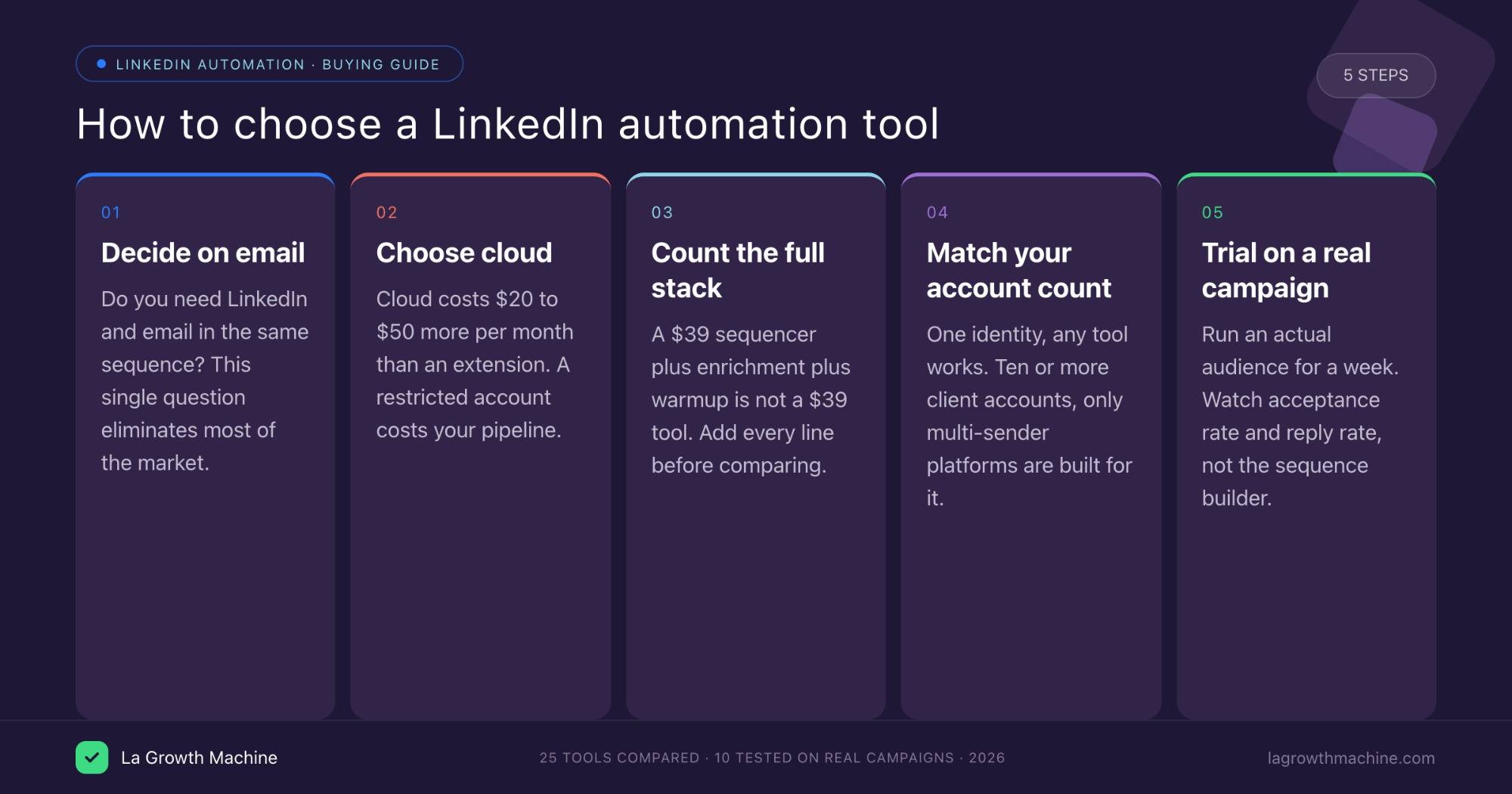
1. Decide if you need email in the same sequence. This is the fork that eliminates most of the list. If yes, you are looking at La Growth Machine, Skylead, Lemlist, Closely, We-Connect’s Professional tier, or Reply.io with the paid add-on. If no, Expandi and Dripify are cheaper and deeper on LinkedIn alone.
2. Choose cloud unless you have a reason not to. The price difference between an extension tool and a cloud tool is $20 to $50 a month. The cost of a restricted LinkedIn account is your pipeline.
3. Count the whole stack, not the sticker price. A $39 sequencer that needs a $49 enrichment tool and a separate email platform is not a $39 tool. Add every line item before comparing.
4. Match the architecture to your account count. One identity, any tool works. Ten or more client accounts, only multi-sender platforms like HeyReach or Salesflow are built for it, and everything else will fight you.
5. Use the trial on a real campaign. Not a test list. Run an actual audience for a week and look at acceptance rate and reply rate, because a tool’s sequence builder tells you nothing about whether its sending behavior gets accepted.
Frequently asked questions
What is the best LinkedIn automation tool in 2026?
For B2B teams that need LinkedIn and email in the same sequence, La Growth Machine is the most complete option, because native email with inbox rotation and waterfall enrichment sit in the same sequence rather than in a second tool. For LinkedIn-only sequencing with real conditional logic, Expandi leads that tier. For agencies running many client accounts, HeyReach is purpose-built. For the cheapest credible start, Dux-Soup at $14.99/month. There is no universal winner, there is a right answer per workflow.
How much do LinkedIn automation tools cost?
Entry pricing runs from $9.99/month to around $180/month. Octopus CRM at $9.99 and Dux-Soup at $14.99 are the cheapest working options, both extension-based. Serious cloud sequencers start around $39 to $60: Dripify at $39, We-Connect at $49, La Growth Machine at €60. Multichannel platforms with native email and enrichment included sit at $100 to $180.
The number that matters is the assembled stack. A LinkedIn sequencer at $99, an email tool at $69, enrichment at $49, and a scraper at $59 totals $276 a month, which is more than any single platform in this list.
Are free LinkedIn automation tools worth using?
They are worth using to answer one question: does automated outreach fit your motion at all. Waalaxy’s free plan and Apollo’s free Starter tier both let you send something. Wiza and Clay have free credit tiers for data.
Beyond that they run out fast. Free tiers cap volume precisely where outbound starts working, and none of them let you run LinkedIn and email as one sequence, which is where multichannel outbound actually earns its reply rate. A 14-day trial on a paid tool, run on a real audience, gives you a far better answer than a free plan you can never scale.
Do I need Clay plus PhantomBuster plus HeyReach, or is there an all-in-one?
Those three tools sit in three different layers, which is why the question keeps coming up.
- Data layer: Clay orchestrates enrichment across providers. PhantomBuster extracts lists LinkedIn search cannot build.
- Execution layer: HeyReach sends and tracks the conversation.
You always need both layers. What you can consolidate is how many vendors cover them. That stack runs roughly $167 plus $59 plus $79 per sender, and none of the three send email.
If you are an agency running 20 client accounts, it is defensible, because HeyReach’s multi-sender architecture has no real single-platform equivalent. If you are one B2B team running your own outbound, it is over-built. La Growth Machine covers waterfall enrichment plus LinkedIn and email execution from €60/month per identity, and Sales Navigator or Evaboot at $9 covers most of what you were using PhantomBuster for.
If you like Clay and want to keep it, you do not have to choose. LGM exposes an API, webhooks, and an MCP server, so Clay stays your enrichment brain and LGM becomes the execution layer underneath it, with the whole conversation history in one inbox and synced to your CRM. The real question is not all-in-one versus stack, it is how many places a single prospect’s history is allowed to live.
What automation is acceptable on LinkedIn, and how do I warm up an account?
LinkedIn’s terms prohibit third-party automated access, so nothing is formally acceptable. Enforcement in practice targets patterns: volume, timing regularity, targeting quality, and IP consistency.
To warm up an account, run two weeks below normal volume before any campaign. Start at 5 to 10 connection requests a day and increase gradually toward 20 to 30, varying the daily number. Post and engage manually during that period so the account has non-automated activity. If you are using a cloud tool, keep the identity on one dedicated IP throughout rather than switching. New accounts and accounts that have previously been restricted need a longer ramp than established ones.
Conclusion: our top picks
Best overall for B2B teams: La Growth Machine, for B2B software, tech, finance and agencies between 11 and 500 employees with a sales team scaling outbound or a GTM team building the motion. LinkedIn, native email with inbox rotation, X, and waterfall enrichment in one platform from €60/month, with the API, webhooks, CRM sync and MCP server to keep it composable with the rest of your stack. See pricing.
Best LinkedIn-only: Expandi at $99/seat for depth, Dripify at $39 for budget.
Best for agencies: HeyReach, with Salesflow as the seat-economics alternative.
Best cheapest start: Dux-Soup at $14.99/month, accepting the extension tradeoff.
Best data layer: Sales Navigator for targeting, Evaboot at $9/month for clean exports, Clay at $167 if you are building data-heavy plays.
Whatever you pick, choose cloud over extension if your LinkedIn account carries real pipeline value, and count the whole stack before you compare prices.