

TL;DR
– HeyReach rotates many LinkedIn sending accounts and bills per sender at $79/month, but has no email channel of its own
– Expandi puts custom images and GIFs inside LinkedIn messages from $99/month per seat, with email running on your own mailbox
– Waalaxy is the cheapest way in at €19/user/month and includes an email finder allowance, but you cannot build your own sequence
– La Growth Machine runs LinkedIn and email in one conditional sequence from €60/month per identity, with skip rules, an MCP server and enrichment on a monthly credit allowance
– Choose on channel count and billing unit: per sender when the constraint is accounts, per identity when one prospect needs both channels
Most teams price LinkedIn outreach wrong: they compare one monthly figure and stop there.
Two things break that comparison. The first is the billing unit. HeyReach publishes $79 per month per sender, so an agency running five client accounts pays $395, not $79. Waalaxy publishes €19 per user per month, but cold email only starts two tiers up. The headline number and the number on your invoice are rarely the same.
The second cost is harder to see. When a prospect replies on LinkedIn while mid-sequence on email, someone has to notice. In a split stack, nobody does.
That is the real dividing line between the tools below. Not features, not price: whether LinkedIn outreach and email live in one sequence with one contact history, or in two systems you are responsible for reconciling.
Which LinkedIn outreach tool is the best?
La Growth Machine is the strongest pick for B2B teams running LinkedIn and email in one sequence from €60/month; HeyReach wins on agency-scale multi-account volume, Expandi on visual personalisation, and Waalaxy on the smallest budget.
| If you are | Best pick | From | Why |
|---|---|---|---|
| A B2B team running LinkedIn and email as one motion | La Growth Machine | €60/month per identity | Both channels in one conditional sequence, with skip rules and an MCP server |
| An agency rotating many client LinkedIn accounts | HeyReach | $79/month per sender | Billed per sender, not per user, with unified multi-account reporting |
| A team investing in visual personalisation | Expandi | $99/month per seat | Custom images and GIFs inside LinkedIn messages, on a dedicated IP |
| A solo user on the tightest budget | Waalaxy | €19/user/month | Lowest entry price of the four, with an email finder allowance included |
⚠️ Three of these four bill per sending profile, so multiply before comparing. Waalaxy’s price is also rendered by geography, and the euro figure above is what a European buyer sees.
How we tested and compared these 4 tools
We used one of these tools in production and compared the other three on public evidence only. That split matters, because a comparison claiming hands-on experience it does not have is worth nothing to you. Here is what sits behind every verdict on this page, stated before the verdicts themselves.
1 tool used daily in production: La Growth Machine. It is our own product, and we run our outbound on it.
3 tools compared on public evidence only: HeyReach, Expandi and Waalaxy, from vendor documentation, pricing pages and help centres, read on 21 August 2026. We do not publish field verdicts on tools we have not run, so you will not find claims about their deliverability or support quality here.
Disclosure. La Growth Machine is our own product. We rank it first on one named axis, running LinkedIn and email in a single conditional sequence, and we say plainly where the others beat it: HeyReach on multi-account volume and on shipping two-way CRM sync without a top-tier plan, Expandi on visual personalisation, Waalaxy on entry price.
| Criterion | The question we asked | What separates the tools |
|---|---|---|
| Where the code runs | Cloud, or the rep’s browser session? | All four are cloud-based. This is the baseline now, not a differentiator |
| Channel coverage | Is email first-class in the sequence builder? | HeyReach has no email channel of its own; the other three do |
| Branching | Can you build your own conditional logic? | Waalaxy conditions exist only inside pre-built templates |
| Programmable surface | Can an orchestrator drive it, and what fires on a reply? | All four expose an API. Only two document a two-way CRM sync |
| CRM depth | One-way push, or two-way sync? | Most integrations push one way. Two-way sync is rarer than vendor pages suggest |
| Billing unit | Per user, per seat, or per sending account? | Changes real cost by 3× or more at the same headline price |
Quick comparison: all 4 tools at a glance
The two columns that decide most purchases are the native email channel and the billing unit. Everything else here is closer than the marketing suggests, and two tools that look similarly priced can differ threefold once you count real sending accounts.
| Tool | Best for | Starting price | Native email channel | Own branching logic | API, webhooks and CRM direction |
|---|---|---|---|---|---|
| La Growth Machine | LinkedIn and email as one sequence | €60/month per identity | Yes | Yes | API and webhooks from Pro, MCP server, two-way CRM sync on Ultimate |
| HeyReach | Agencies running many sender accounts | $79/month per sender | No, via partner tools | Limited | API, webhooks, CLI and MCP server, two-way HubSpot sync |
| Expandi | Visual personalisation at scale | $99/month per seat | Yes, with your own mailbox | Yes | API and webhooks, CRM sync documented one-way |
| Waalaxy | Lowest entry price | €19/user/month | Business plan only | No, templates only | API from Advanced, HubSpot sync one-way |
None of the four has a free plan; each runs a time-limited trial instead.
Prices read on each vendor’s official pricing page, 21 August 2026. La Growth Machine figures are monthly; billing annually costs less.
The 4 best tools to automate LinkedIn outreach
Each tool below is reviewed in the same five blocks, in the same order, so you can read one block across all four rather than four separate pitches: overview, key features, pros and cons, pricing, and who it is genuinely for. All prices were read on the vendors’ own pages.
1. La Growth Machine: best for LinkedIn and email in one sequence
Overview
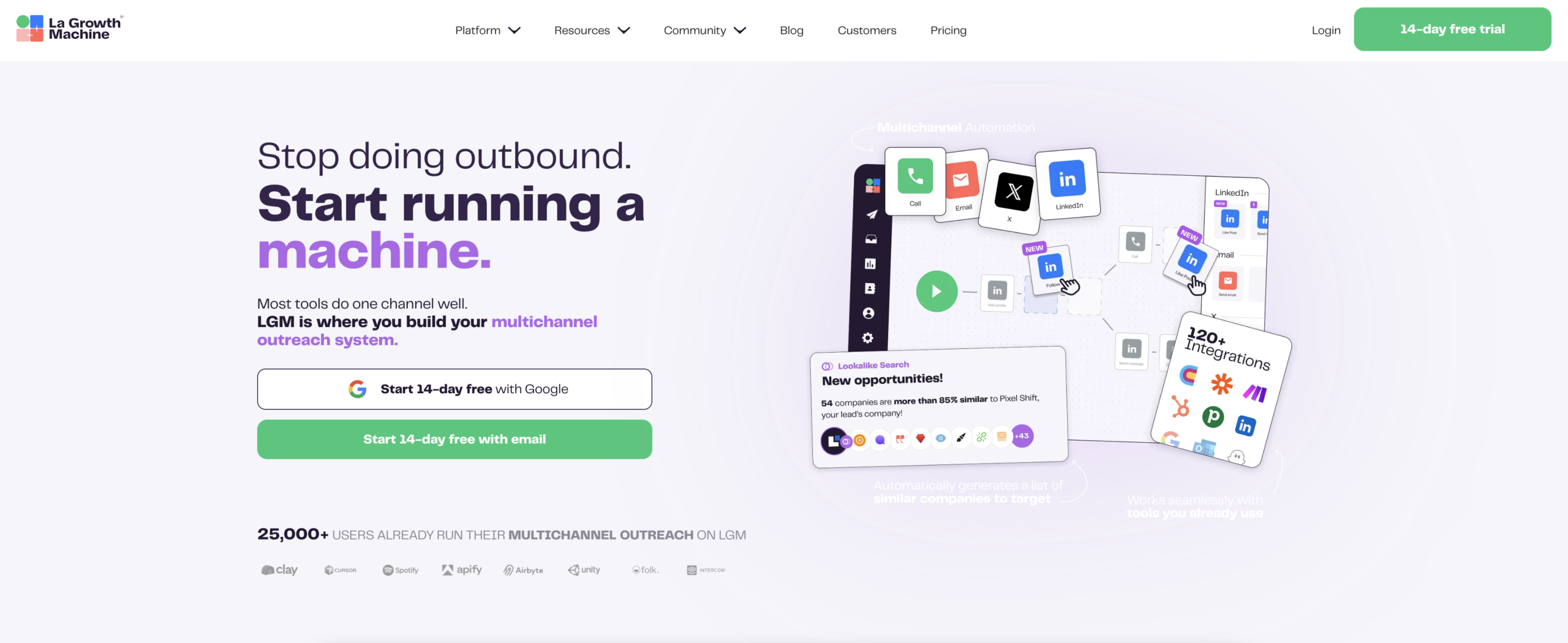
La Growth Machine is a multichannel outreach platform that runs LinkedIn, email, X and calls from one sequence builder. It covers the contact and post-contact layer: running campaigns, handling replies in a shared inbox, and pushing the history into the CRM. It does not build lists from scratch or replace the enrichment tools upstream of it.
Key features
- Conditional sequence builder with if/then branching across channels. If a lead replies on LinkedIn, the email branch stops on its own
- One contact story per person across channels, rather than two parallel threads
- REST API, webhooks and an open-source MCP server exposing 40+ actions, so campaigns can be driven from an orchestrator or an AI client
- Signals (intent data) imports leads continuously on a trigger: a job change, a like, a profile visit, a form submission, a CRM event. From the Pro plan
- Skip rules that drop a lead already enrolled in another campaign, instead of double-messaging them
- Social Warming likes recent posts and follows profiles before the connection request goes out
- Waterfall enrichment that cascades through providers to find a verified email
- Two-way CRM sync that writes sent and replied messages onto the contact timeline and lets CRM lists drive enrolment, with no middleware. HubSpot and Pipedrive sync sits on the Ultimate plan
Pros & cons
- ✅ LinkedIn and email carry equal weight in one sequence, with shared conditions
- ✅ Two-way CRM sync makes outreach activity attributable to pipeline
- ✅ An API, webhooks and an MCP server, so the platform is drivable from outside
- ⚠️ Credits do not roll over, so high-volume list work still belongs upstream
- ⚠️ The plan ladder gates the parts an engineer wants: calls and the API at Pro, X and CRM sync at Ultimate
- ⚠️ Each identity is billed separately, so cost scales with sending profiles
Pricing
From €60/month per identity on Basic, billed monthly. We are not quoting Pro and Ultimate figures: the pricing page renders them inconsistently today, and an unverifiable price does not belong in a comparison. An identity is one sending profile and each is billed separately: Basic caps you at three, Pro and Ultimate are uncapped. A three-person team pays three times the entry price, exactly as on a per-sender tool. Enrichment runs on credits: 1,250 per month on Basic, 2,000 on Pro, 5,000 on Ultimate, where lead data costs 1 credit and a verified email costs 5. Credits reset each cycle and do not carry over. 14-day trial, no credit card.
Best for
B2B teams of 11 to 500 people running LinkedIn and email as one motion, who need that activity to land in a CRM they can report on.
2. HeyReach: best for agencies running many LinkedIn accounts
Overview
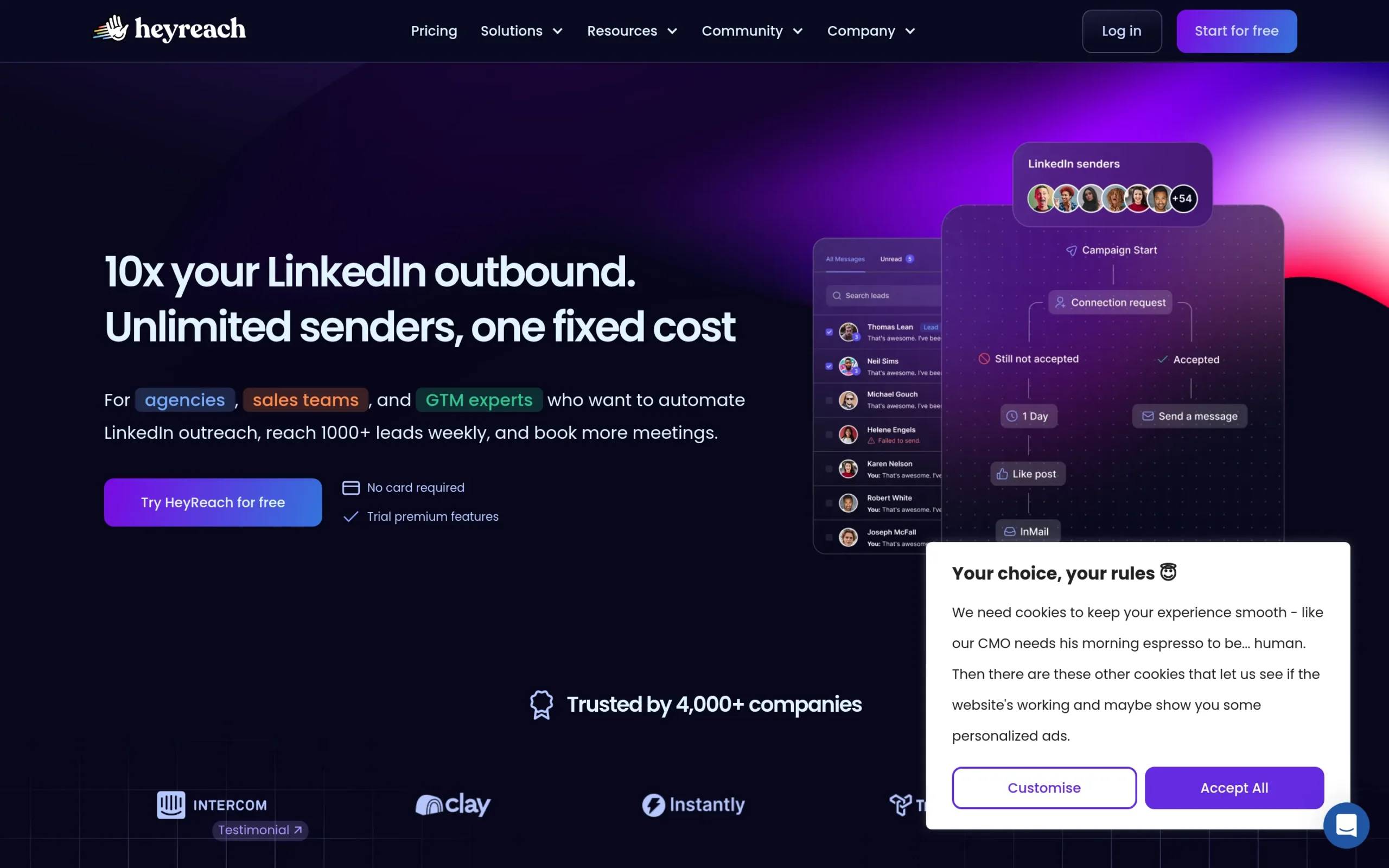
HeyReach is a cloud LinkedIn tool built around multi-account operations. You connect several accounts, rotate sending across them, and report on all of it from one dashboard. Billing follows that design: you pay per sending account rather than per user, so adding teammates, VAs or client reviewers costs nothing extra.
Key features
- Multi-account rotation with combined reporting across every connected sender
- Billing per sender rather than per user, with no per-teammate charge
- Email finding inside the platform, on a per-sender credit allowance
- Two-way HubSpot sync: static or dynamic contact lists pull straight in as a campaign source, and activity is logged back
- Email sending through native integrations with dedicated email platforms
- Public API, webhooks, a CLI and an MCP server
Pros & cons
- ✅ The cleanest multi-account model of the four, and the only one that does not bill per user
- ✅ Genuine two-way HubSpot sync, which is rarer than vendor pages suggest
- ✅ Strong programmable surface for a LinkedIn-first tool
- ⚠️ No email channel of its own. Email runs through a separate platform, which means a second subscription and a second reporting surface
- ⚠️ Conditional logic is limited to a small set of conditions rather than a full branching builder
- ⚠️ Pipedrive and Salesforce sync appear on the public feature-request board, not in the shipped integration list
Pricing
From $79/month per sender on the Growth plan, billed monthly, with roughly 10% off quarterly and 20% off annually. Agency and higher tiers are published at $999 and $2,999 per month. Only the done-for-you tier is quoted on request. Read 21 August 2026.
Best for
Agencies and lead-gen teams whose main constraint is the number of LinkedIn accounts in play, and who already run email somewhere else. If email coverage is the deciding factor, how HeyReach compares with Instantly on multichannel coverage is the more useful comparison.
3. Expandi: best for visual personalisation at LinkedIn scale
Overview
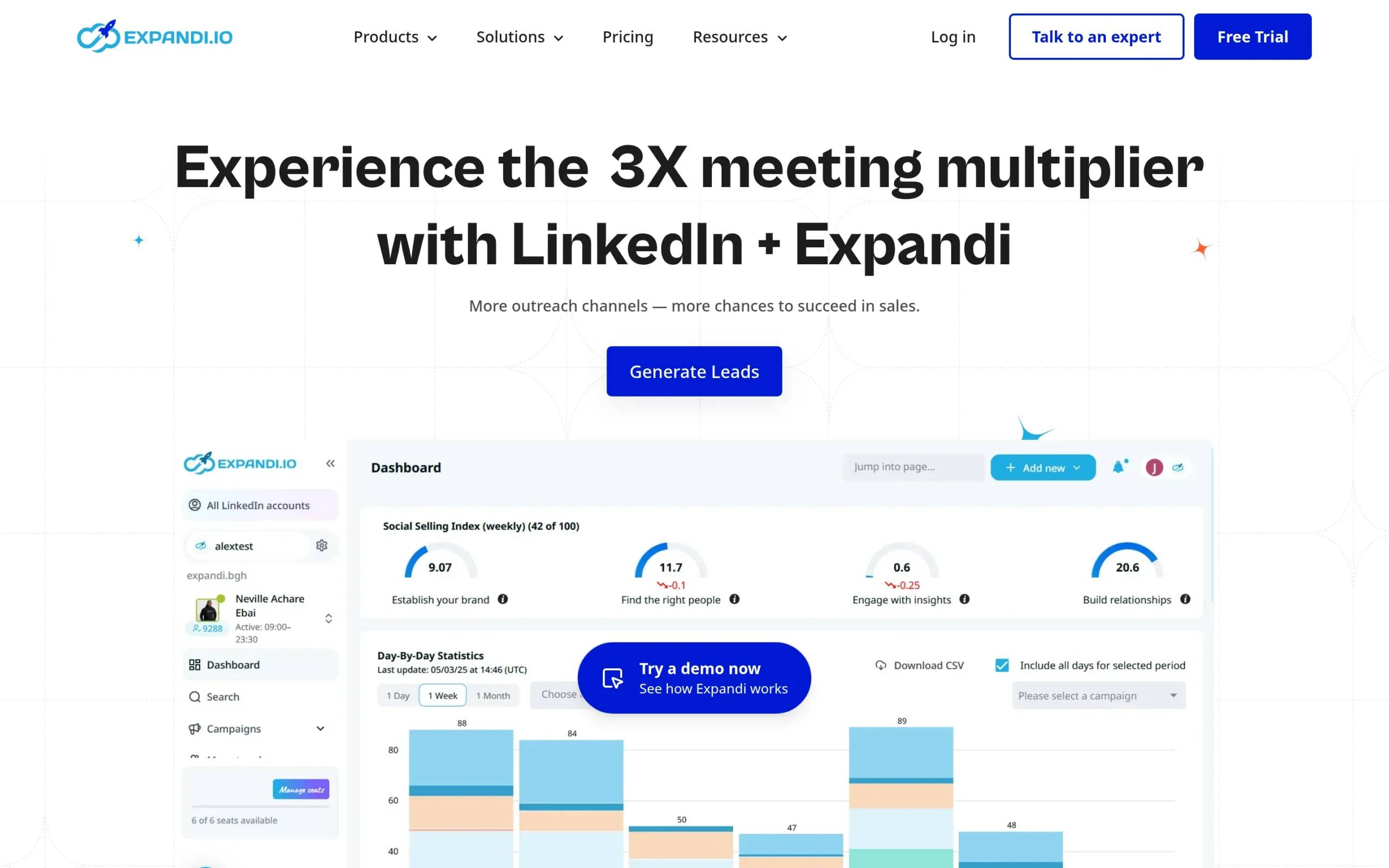
Expandi is a cloud LinkedIn platform built around personalisation you can see. Its signature capability is inserting custom images and GIFs into messages, generated per prospect. It runs on a dedicated country-based IP, and its campaign builder supports genuine if/then conditions rather than fixed templates.
Key features
- Custom images and GIFs generated per prospect inside LinkedIn messages
- Campaign builder with real conditional actions, including “if connected”, “if open profile” and “if email exists”
- A native email action in the sequence builder, once you connect your own mailbox
- Connection requests, messages, InMails and profile visits in multi-step sequences
- Cloud-based execution with a dedicated country-based IP address
- Public API with a Swagger reference, plus webhooks
- Documented direct integrations with HubSpot, Pipedrive and Salesforce, without Zapier in the middle
Pros & cons
- ✅ The strongest visual personalisation of the four, and it is a real differentiator in a crowded inbox
- ✅ Proper conditional branching, unlike the template-bound approach elsewhere
- ✅ Direct CRM integrations that do not require a middleware layer
- ⚠️ Email is native in the builder but runs on your own mailbox, so sending infrastructure and reputation stay your problem
- ⚠️ The documented CRM sync direction is Expandi to CRM. Two-way behaviour is not documented
- ⚠️ Visual personalisation only pays off if someone is producing the visual assets
Pricing
From $99/month per seat on the Business plan billed monthly, or $79 per month billed annually. The Agency tier starts at 10 seats and is quoted on request. A 7-day free trial is available. Read 21 August 2026.
Best for
LinkedIn-first teams with the design capacity to feed personalised visuals, and who want branching logic without moving to a full multichannel platform. For the narrower decision between the two lowest-priced options here, a head-to-head between Expandi and Waalaxy goes deeper than this section can.
4. Waalaxy: best for solo users on the smallest budget
Overview
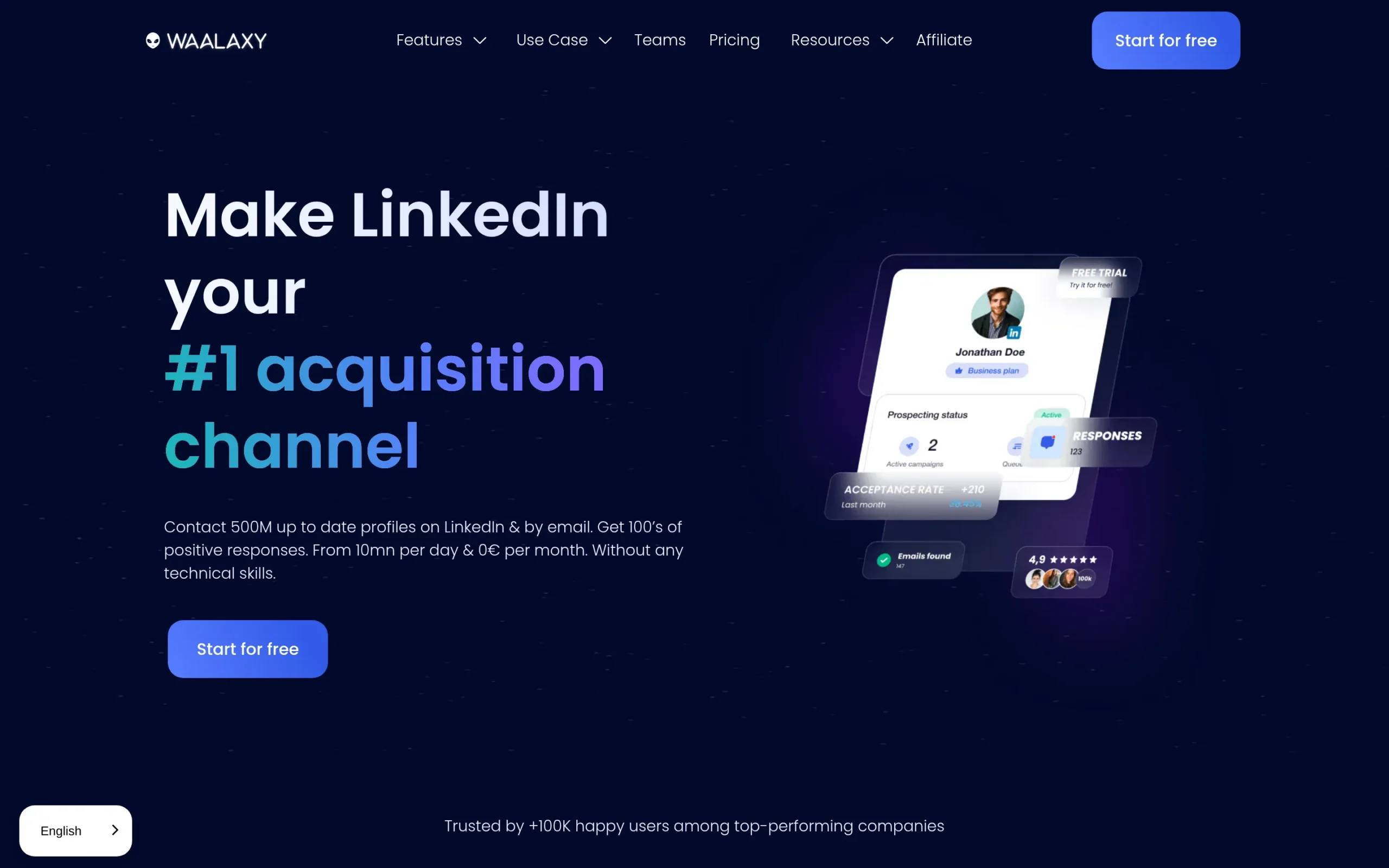
Waalaxy is the lowest-priced entry point of the four. It runs LinkedIn sequences from a template library, adds cold email on its top plan, and includes an email finder allowance in every paid tier. The trade is deliberate: a working motion quickly, in exchange for the ability to design the sequence yourself.
Key features
- Template-driven LinkedIn sequences you can launch without configuration
- Built-in email finder on a credit allowance, from 25 per month on Pro up to 500 on Business
- Cold email and LinkedIn-plus-email campaigns on the Business plan
- Conditions such as “connected”, “has email” and “did not reply”, inside the supplied templates
- HubSpot integration, documented by Waalaxy as one-way
- Public API from the Advanced plan up
Pros & cons
- ✅ The lowest entry price here by a wide margin
- ✅ An email finder allowance at every paid tier, which is not true of every tool at this price
- ✅ Fast to launch, because the templates remove most of the setup
- ⚠️ You cannot build your own sequence. Waalaxy’s documentation states that creating one, or modifying the supplied steps, is not possible
- ⚠️ Email is Business-plan only, so the cheapest tier is LinkedIn-only in practice
- ⚠️ The HubSpot sync is one-way; Waalaxy documents that third-party software cannot push data back into it
- ⚠️ There is no free plan, only a 14-day trial
Pricing
From €19/user/month on Pro, billed monthly, with quarterly and annual discounts. Advanced and Business sit above it, and Business is the first tier with cold email. Read 21 August 2026. ⚠️ Waalaxy renders prices by geography, so a buyer outside Europe sees a different currency and figure on the same page.
Best for
Solo founders and very small teams validating a first outreach motion, where entry price matters more than sequence control.
Best tool to automate LinkedIn outreach by use case
The right tool depends on which constraint binds first: the number of channels, the number of sending accounts, or account safety. Those three point to different answers, and a tool that solves one well often ignores the other two. Here is how the four split across them.
…for teams running LinkedIn and email in the same sequence
La Growth Machine is the pick here, because LinkedIn and email carry equal weight in one conditional sequence rather than running as two coordinated tools. A reply on either channel stops the other branch without anyone intervening, and both land in the same inbox and CRM record.
Expandi can do this with your own mailbox connected, which works but leaves sending reputation on your side. Waalaxy reaches it only on the Business plan. HeyReach does not do it at all, and sends you to a separate email platform.
If you need a third channel, read the plan tiers carefully. In La Growth Machine, calls start at Pro and X starts at Ultimate. The Basic plan at €60 covers LinkedIn and email, and nothing beyond that.
…for agencies and teams running several sender accounts
HeyReach is the pick, and the billing model is why. It charges per sending account rather than per user, so an agency can give every client and VA a login without cost scaling with headcount. Rotation and combined reporting are its core design, not an add-on.
La Growth Machine also bills per identity, capped at three on Basic, so its cost scales with sending profiles the same way. The difference is what the unit buys: a HeyReach sender is a LinkedIn account, an identity is a profile across every channel on your plan. The honest split: if the count that matters is bare LinkedIn accounts, HeyReach is cheaper per account. If it is channels per prospect, it is not. Our full HeyReach review goes through the multi-account setup in detail.
…for teams whose first concern is account safety
All four run in the cloud, so the old browser-extension risk does not apply to any of them. Safety is no longer a tool-selection criterion the way it was three years ago, and anyone selling it as one is selling you the baseline.
What still differs is volume behaviour: a tool that rotates across several sending accounts spreads the same total volume thinner per account. That is structural, not a claim about any vendor’s record, and it is the only part of this question a tool choice decides.
What our own 2026 data says about LinkedIn-only vs LinkedIn-plus-email
The whole page argues that the LinkedIn-only versus LinkedIn-plus-email split is the decision that matters more than any feature comparison. That is not a preference we are asserting, and it is not borrowed from a vendor deck. We have published the number behind it, and here is what our own campaigns show.
In our own 2026 data, sequences that combine LinkedIn and email reply at 42%, against 12% for LinkedIn-only sequences. How those sequences were built is in our LinkedIn automated messaging guide.
Two caveats, because the number is easy to misread. It is measured across our own campaigns and audience mix, which includes warm and inbound-sourced leads, so it is not a cold-outreach benchmark to plan against. And it counts channel coverage, not copy quality: the gap says a second channel catches people the first one missed.
What it does establish is that channel coverage is worth more than the feature comparisons most listicles lead with, including this one’s.
Who La Growth Machine is for
La Growth Machine fits B2B teams of roughly 11 to 500 people in software, tech, finance and agencies, where a sales or GTM team is scaling a motion that already works. It is the contact and post-contact layer: it runs the sequence, handles replies, and connects the result to the CRM.
It is a poor fit in two cases. If your bottleneck is building large lists from scratch, that work belongs upstream in a data platform, and La Growth Machine integrates with those rather than replacing them. And if you only ever send on LinkedIn, you are paying for a second channel you will not use.
The 14-day trial runs without a credit card, which is enough to rebuild one existing sequence and compare it against what you run today.
Automating LinkedIn outreach without getting the account restricted
Account restriction is the risk everyone asks about and almost nobody sources properly. The honest answer in 2026 comes in three parts, and only the last is a tooling decision: what LinkedIn publishes about limits, how the platform enforces against vendors rather than users, and what your tool genuinely controls for you.
On limits. LinkedIn does not publish a single official daily connection-request number, which is why the figures repeated across the web vary so widely. Most cloud tools default to roughly 20 to 30 per day, a figure vendors converged on rather than one from LinkedIn’s documentation. Treat any hard number you read, including that one, as a vendor convention rather than a published rule. If your volume needs to go beyond what connection requests allow, tools built for LinkedIn InMail sequences solve a different part of the same problem.
On enforcement. The most instructive event of the year happened to a vendor, not a user. On 25 March 2026, LinkedIn removed HeyReach’s company page and restricted several executives’ personal profiles. The product kept running, and HeyReach put it plainly: if you were sending connection requests through HeyReach on 25 March, you kept sending them on 26 March. It shows where platform risk actually sits, and it is worth stating accurately: HeyReach remains in operation and still supports LinkedIn today.
On what your tooling actually controls. Rotation and throttling are the two levers a tool genuinely owns. Everything else on this page that gets sold as safety is either the cloud baseline, which all four share, or a habit you bring yourself: warming a new account, keeping daily volume below the default, and not running three campaigns at the same person. The comparison table above covers which tool exposes those controls to an orchestrator.
How to choose the right LinkedIn outreach tool
Work through these six questions in order rather than comparing feature grids. The first that produces a hard constraint usually decides the tool on its own, and the rest become confirmation. Most teams who regret a choice skipped question three, which no pricing page answers.
- How many channels does one prospect need? If the answer is LinkedIn only, the cheapest capable tool wins. If it is LinkedIn and email, rule out anything that treats email as a separate system.
- What is your billing unit? Per user, per seat and per sending account produce very different bills at the same headline price. Multiply by your real account count before comparing.
- What happens after a reply? Ask where replies land, whether that history reaches the CRM, and whether a lead already enrolled elsewhere gets skipped rather than double-messaged. This is where split stacks fail, and it never appears on a pricing page.
- How much enrichment do you actually need? Every tool here meters it. Compare monthly allowances against your real list volume, not against the word “included”.
- How deep does the CRM sync go? Ask whether it is one-way or two-way, and on which plan. That single answer decides whether you can attribute pipeline to outreach later.
- Can something outside the tool drive it? If you orchestrate from n8n, a script or an AI client, check for an API, webhooks and an MCP server, and check which plan they start on. This is the question that separates a tool you operate from one you can build on.
Frequently asked questions
What is the best tool to automate LinkedIn outreach without getting the account restricted?
All four run in the cloud rather than from your browser, which removes the main structural risk of older extension-based tools. Beyond that, the lever is volume per account rather than the brand on the dashboard: spreading the same volume across more sending accounts puts less load on each.
Do I need a separate tool for email?
Not with La Growth Machine, Expandi or Waalaxy on Business, all of which send email from inside the sequence. You do with HeyReach, which has no email channel of its own and connects to a dedicated email platform instead. That means a second subscription, a second reporting surface, and the job of matching the two.
Which LinkedIn outreach tools integrate with Clay?
La Growth Machine has a native Clay integration in both directions: Clay can push enriched leads straight into an audience, and campaign activity can be written back to a Clay table. The other three connect to Clay through webhooks or a general-purpose automation platform, which works but adds a layer you maintain.
How many LinkedIn connection requests can I send per day?
There is no officially published daily figure, which is why the numbers you find online disagree. See the limits section above for where the commonly quoted range comes from. In practice: start below your tool’s default, increase slowly on a warmed account, and if you push leads in from an orchestrator, check whether the tool queues and throttles them or expects you to throttle upstream.
How much does it cost to automate LinkedIn outreach?
Entry prices run from €19/user/month for Waalaxy to $99/month per seat for Expandi, with La Growth Machine at €60/month per identity and HeyReach at $79/month per sender, all read on 21 August 2026. The number that matters is the total: add enrichment, email sending and any middleware the tool does not cover, then multiply by your account count.
Conclusion: our top picks
La Growth Machine is the strongest option for B2B teams running LinkedIn and email as one sequence, with the result landing in a CRM they can report on. HeyReach is the better answer when the binding constraint is the number of sending accounts. Expandi earns its place for teams that can feed personalised visuals and want real branching. Waalaxy is the entry point when price decides.
The comparison that will cost you money is not between these four headline prices. It is between one platform covering the sequence end to end and a stack of three or four you assemble and maintain yourself. Price both, at your real account count, before choosing. Our pricing page lists what each plan covers.