

TL;DR
– 8 InMail automation tools compared (Waalaxy, HeyReach, Expandi, Dripify, Skylead, Dux-Soup, Meet Alfred, Linked Helper), each pulling credits from your own LinkedIn plan
– InMail is capped and expensive: 5 to 50 credits a month by plan, and extra credits jumped to $21 each after LinkedIn’s ~700% hike in October 2025
– La Growth Machine skips InMail: connection requests with notes are free and uncapped, and LinkedIn-native outreach replied 15% vs 3.1% for cold email across 4.7M prospects in 2026
– Automate InMail if you must, but the cheaper path is to stay on LinkedIn without spending a credit
LinkedIn InMail is the paid way to message someone you are not connected to. The catch is that you never get many, and the ones you buy on top are expensive.
Premium Career gives you 5 InMail credits a month. Premium Business gives you 15. Sales Navigator Core gives you 50, capped at 150 saved up, and it does not let you buy more. When you run out on a Premium plan, extra credits now run $21 each, up from $3 before LinkedIn raised the price around 700% in October 2025.
So the real question is not “which tool sends InMail for me.” Every tool below does that. The question is how to reach the same people at volume without paying per message. This guide ranks the 8 tools that automate InMail, then shows the LinkedIn-native way to skip the credit cap entirely.
One thing to be clear about up front. No tool gives you free InMail credits. They automate the sending, but the credits still come from your own LinkedIn Premium or Sales Navigator subscription.
Which InMail automation tool is the best?
Different tools win for different situations. Here is the short version before the detail.
| If you are | Best pick | From | Why |
|---|---|---|---|
| Running InMail across many LinkedIn accounts | HeyReach | $59/mo | Built for agencies and multi-account rotation, InMail as a sequence step |
| Wanting safe cloud automation on one account | Expandi | $99/mo | Cloud-based, InMail fires only when a connection request is ignored |
| On a tight budget | Linked Helper | $15/mo | Cheapest entry point with InMail automation in the Pro plan |
| Combining InMail with native email in one sequence | Skylead | $100/mo | Smart sequences fall back to InMail or email automatically |
| Tired of paying per InMail credit | La Growth Machine | €60/mo | Skips InMail: connection requests with notes are free, email as fallback |
⚠️ Prices are the starting monthly plan on each vendor’s site, verified July 2026. InMail credits are never included, they come from your LinkedIn subscription.
Most of these tools rely on the same trick: send an InMail only if a connection request goes unanswered. That saves credits, but you are still capped by your plan. The last row is the different answer, and we come back to it below.
How we tested and compared these 8 tools
We run outbound on LinkedIn every day and keep in-depth pricing and feature breakdowns on Waalaxy, HeyReach, Expandi and Dripify, so those four are assessed from hands-on use and our own research. The other four (Skylead, Dux-Soup, Meet Alfred, Linked Helper) were verified on their official pricing and feature pages in July 2026. We do not hand out field verdicts on tools we have not run.
Full disclosure: La Growth Machine is our own product. It does not appear in the ranked list of InMail tools, because we do not do InMail. It appears further down as the alternative to InMail, and we name the tools that beat it if InMail is what you specifically need.
Here is what we looked at.
| Criterion | The question we asked | What separates the tools |
|---|---|---|
| InMail automation | Can it send InMail as a real sequence step? | Some only fire InMail as a fallback branch |
| Architecture | Cloud, desktop app, or Chrome extension? | Cloud is safer to run than a browser extension |
| Native email | Can it run email in the same sequence? | Most LinkedIn tools cannot, or bolt it on |
| Real price | What does the entry plan actually cost? | Per-seat and per-account pricing hides the real bill |
| Free trial | Can you test before paying? | Trial length ranges from none to 14 days |
Quick comparison: all 8 tools at a glance
| Tool | InMail automation | Sequence builder | Native email | Starting price | Free trial |
|---|---|---|---|---|---|
| Waalaxy | Yes (fallback step) | Yes | Add-on | €19/mo | Free plan |
| HeyReach | Yes (sequence step) | Yes | No | $59/mo | 14 days |
| Expandi | Yes (via Sales Nav) | Yes | Limited | $99/mo | 7 days |
| Dripify | Yes (InMail step) | Yes | No | $59/mo | 7 days |
| Skylead | Yes (smart fallback) | Yes | Yes | $100/mo | 7 days |
| Dux-Soup | Yes (higher tiers) | Yes | No | €12.99/mo | Free trial |
| Meet Alfred | Yes | Yes | Limited | $59/mo | Free trial |
| Linked Helper | Yes (Pro plan) | Yes | No | $15/mo | 14 days |
| La Growth Machine | No (by design) | Yes | Yes, native | €60/mo | 14 days |
Prices verified on each vendor’s official pricing page in July 2026. Plans change often, so check the vendor before you buy. La Growth Machine is listed for the native-email column, not as an InMail tool.
The 8 best tools to automate LinkedIn InMail
1. Waalaxy: best for solo users starting out
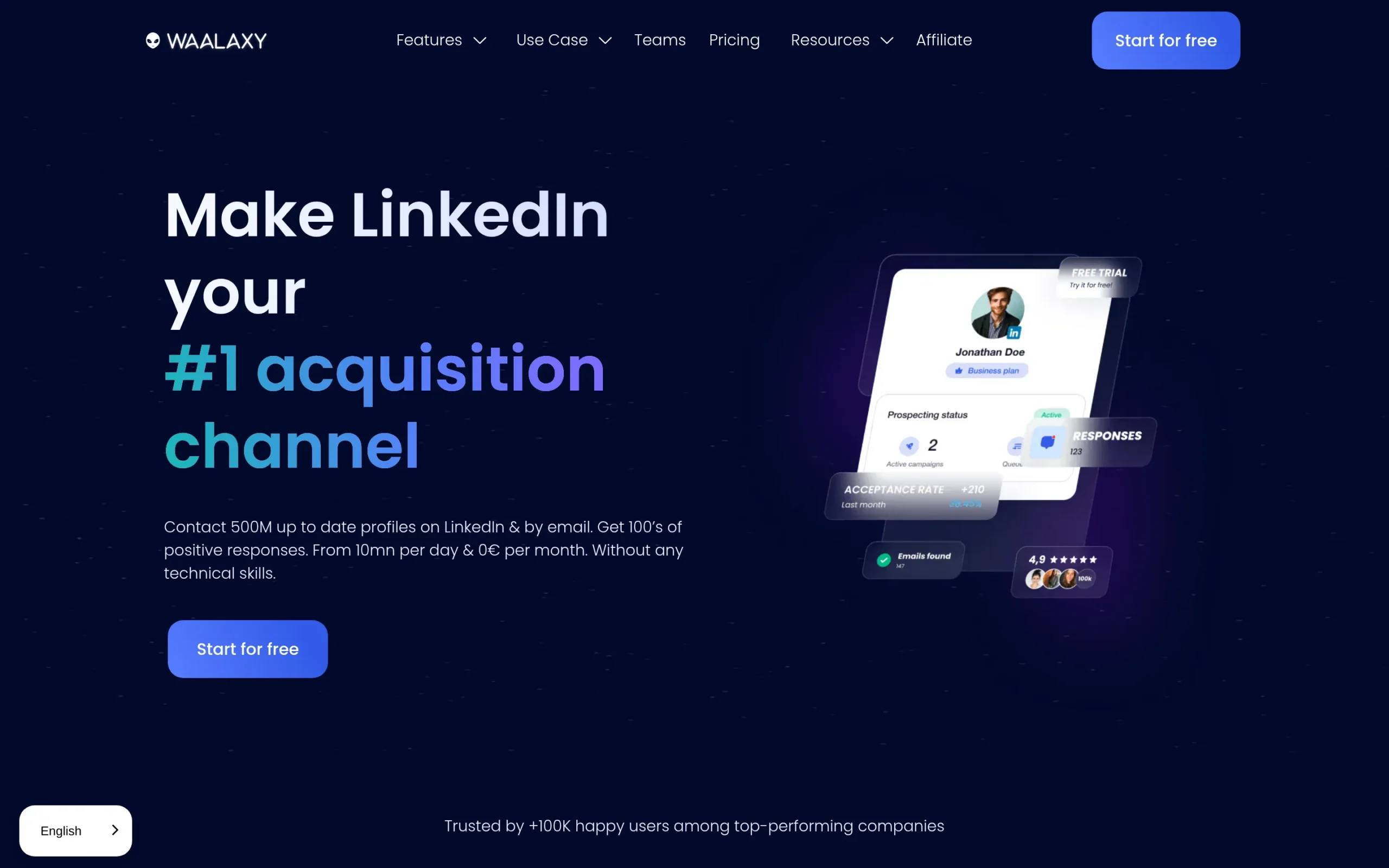
Overview. Waalaxy is a Chrome extension that automates LinkedIn prospecting from your browser. It is one of the easiest tools to pick up, with a large library of prebuilt sequences, including a “connect, then InMail if no reply” flow.
Key features. Prebuilt LinkedIn sequences, automated connection requests and follow-ups, an InMail fallback step, an email finder on higher plans, and a shared inbox.
Pros and cons.
- ✅ Very easy to start, low entry price
- ✅ Good template library for common flows
- ⚠️ Chrome extension architecture is easier for LinkedIn to detect than cloud tools
- ⚠️ Email is an add-on, not a native channel
Pricing. Free plan available. Paid plans run from €19/mo (Pro) up to €69/mo (Business), verified July 2026. Annual billing roughly halves the monthly rate.
Best for. Solo users and small teams who want a simple, cheap way to automate LinkedIn and occasionally drop in an InMail.
2. HeyReach: best for agencies and multi-account outreach
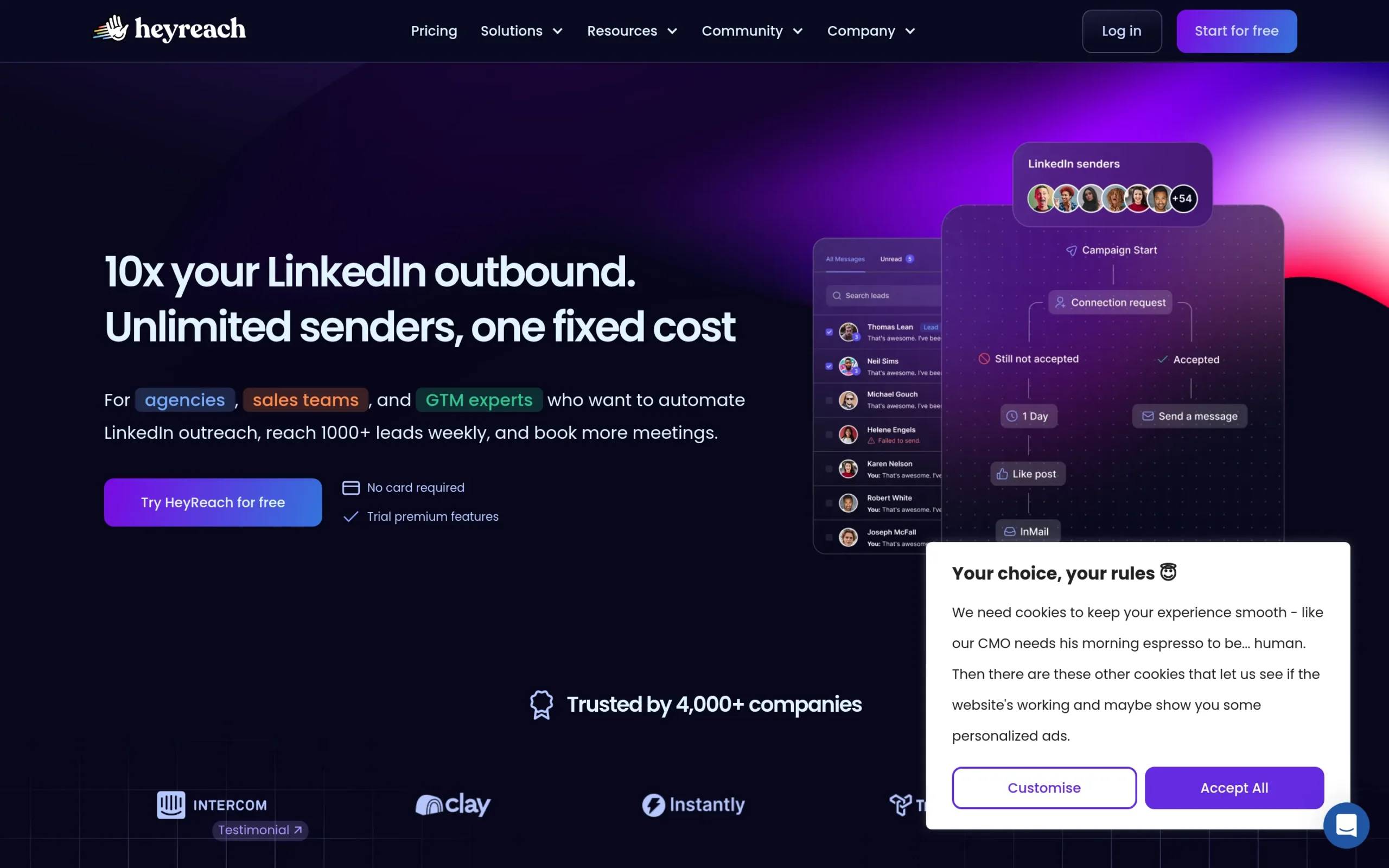
Overview. HeyReach is built for volume across many LinkedIn accounts at once. It rotates sending between accounts, which is why agencies and larger sales teams reach for it. InMail works as a sequence step, with credits pulled from each account’s LinkedIn subscription.
Key features. Multi-account rotation, InMail as a sequence step, conditional branching, A/B testing, unified inbox, and agency reporting.
Pros and cons.
- ✅ Strong at scale across many seats
- ✅ Clean reporting for agencies managing clients
- ⚠️ No native email channel
- ⚠️ Per-seat and agency plans get expensive fast
Pricing. Growth starts at $59/mo (or $44/seat/mo billed annually). Agency is $999/mo, verified July 2026. Sales Navigator, if you want it for filtering, is a separate $99/mo.
Best for. Agencies and teams running LinkedIn outreach across many accounts who need account rotation and reporting.
3. Expandi: best for safe cloud automation on a single account
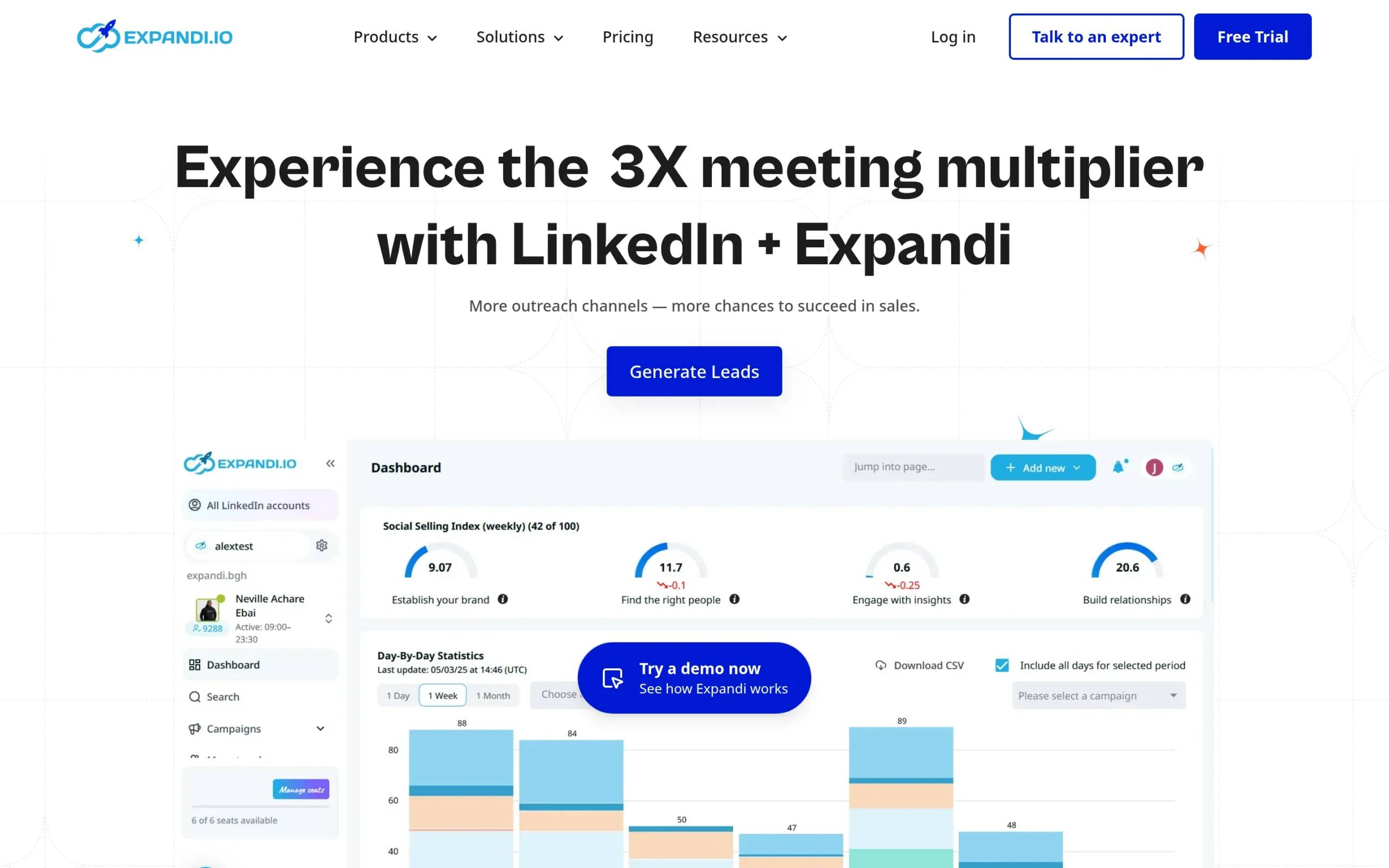
Overview. Expandi is a cloud-based tool with a reputation for safer LinkedIn automation and smart, behavior-based sequences. Its InMail runs through Sales Navigator as a branch: if a connection request goes unanswered for a week, the campaign switches to InMail automatically.
Key features. Cloud-based sending, dynamic personalization, behavior-based sequences, InMail via Sales Navigator, and webhooks for integrations.
Pros and cons.
- ✅ Cloud architecture, no browser extension to run
- ✅ Flexible conditional sequences
- ⚠️ Priced per LinkedIn account, so teams add up
- ⚠️ Image and video personalization need paid third-party tools
Pricing. Business is $99/mo per account, or $79/mo billed annually. Agency is $149/seat/mo, verified July 2026. Free trial is 7 days.
Best for. Solo operators and teams who want cloud-based automation with careful sending limits on a single account.
4. Dripify: best for simple drip sequences
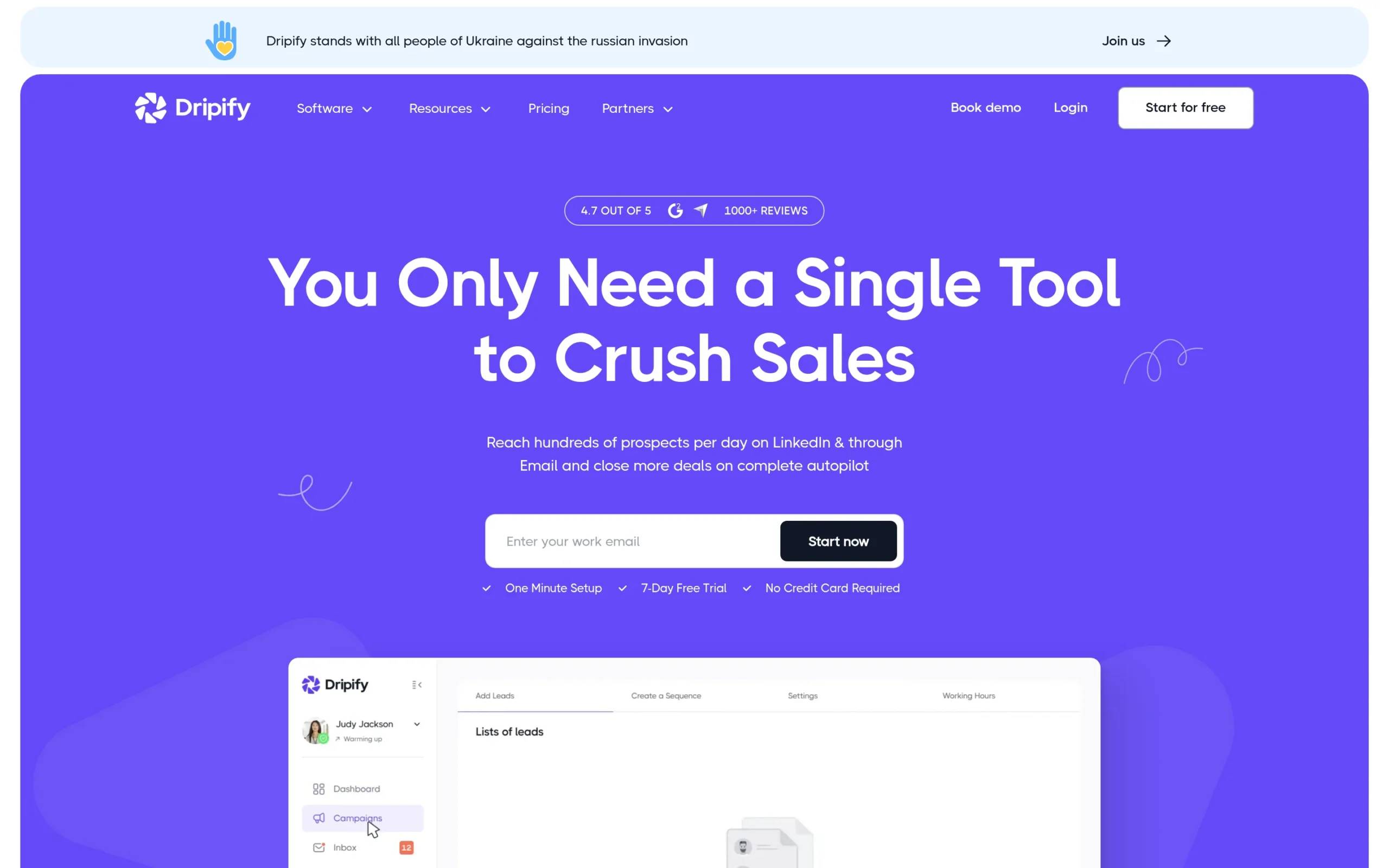
Overview. Dripify is a cloud-based LinkedIn tool built around straightforward drip campaigns. It supports InMail steps alongside connection requests, messages, and profile visits, with conditional logic based on how a prospect responds.
Key features. Drip sequences, InMail steps, conditional actions, basic analytics, and a team dashboard.
Pros and cons.
- ✅ Simple to set up, clean interface
- ✅ Cloud-based, priced per user
- ⚠️ No native email, so you need a separate tool for that channel
- ⚠️ Reporting is thin compared with agency-focused tools
Pricing. Basic $59/mo, Pro $79/mo, Advanced $99/mo, all per user. Annual billing cuts roughly half. Free trial is 7 days, verified July 2026.
Best for. Individuals and small teams who want an easy LinkedIn drip tool and already handle email elsewhere.
5. Skylead: best for InMail plus native email in one flow
Overview. Skylead is a cloud-based tool whose “smart sequences” branch on prospect behavior and fall back to InMail or email when a connection request is ignored. It is one of the few LinkedIn tools with unlimited native email built in.
Key features. Smart sequences with if/else logic, InMail fallback, native unlimited email, an email finder, image and GIF personalization, and a unified inbox.
Pros and cons.
- ✅ Native email in the same sequence as LinkedIn
- ✅ Flexible conditional flows that branch on behavior
- ⚠️ Single plan, no cheaper entry tier
- ⚠️ Custom pricing kicks in for larger teams
Pricing. One plan at $100/seat/mo billed annually, or $129/seat/mo monthly, verified July 2026. Free trial is 7 days.
Best for. Teams that want InMail and native email combined in one conditional sequence.
6. Dux-Soup: best for a low-cost entry to InMail
Overview. Dux-Soup is a long-running LinkedIn automation tool that started as a Chrome extension and now offers a cloud version too. InMail automation shows up on its higher tiers, with the Team plan advertising unlimited InMails (still bounded by your own LinkedIn credits).
Key features. Automated connection requests and messages, profile visits, InMail on higher plans, drip campaigns, and CRM integrations.
Pros and cons.
- ✅ Cheap starting point
- ✅ Long track record
- ⚠️ The cheap Pro tier is a browser extension
- ⚠️ Interface feels dated next to newer cloud tools
Pricing. Pro Dux €12.99/mo (extension), Turbo Dux €49/mo, Cloud Dux €88/mo, verified July 2026. Free trial available.
Best for. Budget-conscious users who want a proven tool and do not mind an older interface.
7. Meet Alfred: best for multichannel-minded small teams
Overview. Meet Alfred automates LinkedIn, and layers in email and X on top, with InMail available in its sequences. It leans toward small teams that want more than one channel from a single tool.
Key features. LinkedIn automation, InMail steps, email and X channels, a campaign builder, and team management.
Pros and cons.
- ✅ More than one channel from one tool
- ✅ Team-oriented plans
- ⚠️ Email and X support is lighter than dedicated tools
- ⚠️ Team plan needs a three-seat minimum
Pricing. Basic $59/mo, Pro $99/mo, Team $79/seat/mo (three-seat minimum), verified July 2026. Quarterly billing takes 20% off, annual takes 50% off.
Best for. Small teams who want LinkedIn plus a bit of email and X without buying several tools.
8. Linked Helper: best for the cheapest InMail automation
Overview. Linked Helper is a desktop app that has run LinkedIn automation since 2016. It is the cheapest way onto this list, and its Pro plan includes InMail automation as part of its workflows.
Key features. Workflow automation, InMail automation on Pro, message templates, a built-in CRM, and email finding.
Pros and cons.
- ✅ Lowest price of any tool here
- ✅ Deep feature set for the money
- ⚠️ Desktop app must stay open to run
- ⚠️ Steeper learning curve than polished cloud tools
Pricing. From $15/mo, with a 14-day free trial, verified July 2026.
Best for. Hands-on users on a tight budget who want maximum control and do not mind running a desktop app.
Or skip InMail entirely: meet La Growth Machine
Here is the honest part. Every tool above automates InMail, but none of them fixes the actual problem, which is the credit cap. Sales Navigator Core gives you 50 InMails a month and will not sell you more. Premium Business gives you 15. When you burn through those, you are done for the month, or you pay $21 per extra credit on the plans that even allow it, up from $3 before LinkedIn’s October 2025 increase.
La Growth Machine does not do InMail. On purpose. It reaches the same people a different way, and stays inside LinkedIn to do it.
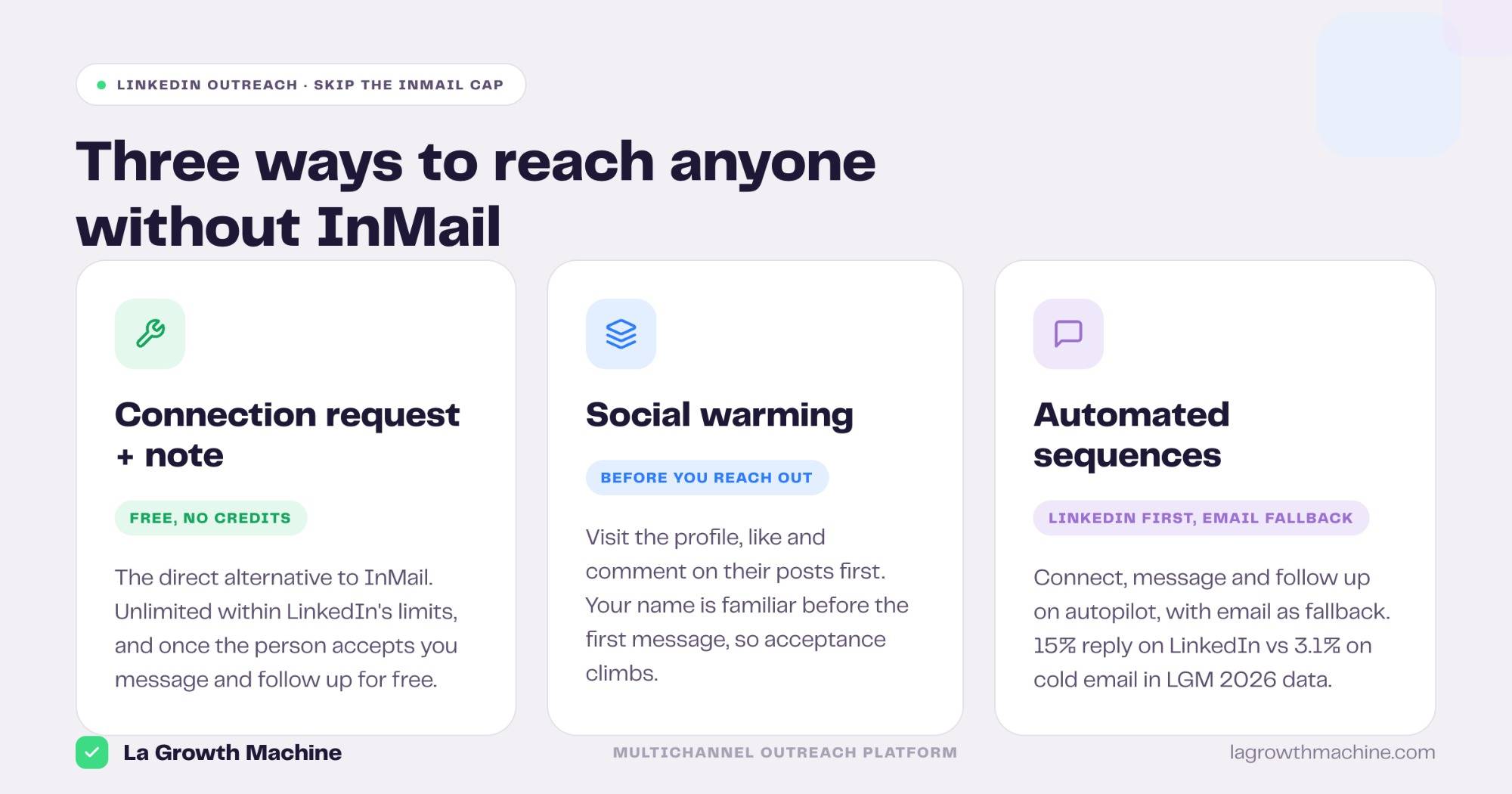
A connection request with a note is free. It does not touch your InMail credits. Within LinkedIn’s weekly invitation limits, you can send far more of them than you will ever have InMail credits. Add social warming (engaging with a prospect before you contact them so your name is familiar), automated LinkedIn message sequences once they connect, and email as a fallback channel when LinkedIn is not enough.
Run the math on first touches.
| Approach | Monthly volume | Cost per message |
|---|---|---|
| InMail on Sales Navigator Core | 50, hard cap | Included, then you cannot buy more |
| InMail on Premium Business | 15, then paid | Included, then $21 each |
| Connection request + note (LGM) | Hundreds, within LinkedIn limits | $0 |
Even at LinkedIn’s cautious weekly invite limits, connection requests with notes put you at hundreds of first touches a month against 50 capped InMails. That is roughly 8 to 25 times the reach depending on which InMail plan you are stuck on, at no per-message cost, before email even enters the picture. And volume is only half of it: across 4.7 million prospects contacted through La Growth Machine in 2026, LinkedIn-native outreach (connection request with a note, then messages once connected) returned a 15% reply rate versus 3.1% for cold email, so the cheaper channel is also the one that answers more often.
⚠️ LinkedIn enforces weekly invitation limits (commonly around 100 to 200 a week) and limits how many note invites free accounts can send. Volume is not infinite, it is just far higher and far cheaper than InMail. This is about staying on LinkedIn and reaching more people, not about swapping LinkedIn for email.
Want to understand how InMail itself works before deciding? Read our full guide to LinkedIn InMail. If you would rather skip the credit cap, La Growth Machine runs LinkedIn automation and native multichannel enrichment and email from one place.
Who this is for
La Growth Machine fits B2B teams in software, tech, finance and agencies, roughly 11 to 500 employees, with a sales team that is scaling or a GTM team building the motion. If that is you, connection requests with notes plus email as a fallback beat paying per InMail. If you specifically need to send InMail at volume and nothing else, HeyReach or Expandi are the better picks above.
Best InMail automation tool by use case
For automating InMail at volume across accounts
If your job is to push InMail across many LinkedIn accounts, HeyReach is built for it, with account rotation and agency reporting. Expandi is the single-account equivalent, firing InMail only when a connection request is ignored so you do not waste credits.
For sending LinkedIn and email sequences automatically
This is the search that brings most people here, and InMail-only tools do not answer it well. Skylead runs LinkedIn and native email in one smart sequence. La Growth Machine does the same without spending InMail credits at all, using connection notes plus email as the fallback.
For building a multi-step sequence with A/B testing
If you want a six-step sequence with LinkedIn touchpoints and A/B testing, look at HeyReach and Expandi for InMail-heavy flows, or La Growth Machine when you want connection requests, messages and email combined with split testing.
For the smallest budget
Linked Helper at $15/mo and Dux-Soup at €12.99/mo are the cheapest ways to automate InMail. Both trade polish for price, and both still draw InMail credits from your own LinkedIn plan.
How to choose an InMail automation tool
- Check the architecture first. Cloud tools (Expandi, Dripify, Skylead, HeyReach) are safer to run than Chrome extensions (Waalaxy, cheaper Dux-Soup), which LinkedIn detects more easily.
- Remember InMail credits are not included. Every tool here needs your LinkedIn Premium or Sales Navigator subscription for the credits. Budget for that on top of the tool.
- Decide if you need native email. Most LinkedIn tools do not have it. Skylead and La Growth Machine do, which matters if you want one sequence across channels.
- Match the plan to your account count. Per-account pricing (Expandi) and per-seat pricing (HeyReach, Meet Alfred) add up fast for teams. Read the real bill, not the headline price.
- Ask whether you need InMail at all. If the goal is reaching people you are not connected to, connection requests with notes do that for free, at higher volume, inside LinkedIn.
Frequently asked questions
How do you automate LinkedIn InMail?
You use a tool like HeyReach, Expandi, Dripify or Waalaxy to send InMail as a step in an automated sequence. Most set it up as a fallback: the tool sends a connection request first, and only fires an InMail if the request goes unanswered after a set number of days. The InMail credits still come from your own LinkedIn Premium or Sales Navigator plan.
Can LinkedIn InMail be automated safely?
Yes, within limits. Cloud-based tools that respect LinkedIn’s sending caps are safer than browser extensions, which are easier for LinkedIn to detect. Whatever tool you use, stay under LinkedIn’s activity limits and personalize your messages. Automation that blasts identical InMail at maximum speed is what gets accounts flagged.
How do you send LinkedIn and email sequences automatically?
Use a tool that runs both channels in one sequence. Skylead and La Growth Machine let you chain LinkedIn actions and native email together, so a prospect who ignores your LinkedIn message gets an email follow-up automatically. InMail-only tools cannot do this without a separate email tool bolted on.
Is automating InMail worth it if I am capped at 50 a month?
Often not. If your whole outreach depends on volume, 50 capped InMails will not carry it. That is why many teams automate connection requests with notes instead, which are free and far less limited, and keep InMail for the few high-value prospects where a paid message makes sense.
Conclusion: our top picks
If you specifically need to automate InMail, HeyReach wins for agencies and multi-account outreach, Expandi for safe cloud automation on one account, and Linked Helper for the smallest budget. All three draw InMail credits from your own LinkedIn subscription, so factor that into the cost.
If your real goal is reaching people you are not connected to, the credit cap is the thing to escape, not automate. La Growth Machine stays on LinkedIn and reaches them through connection requests with notes, social warming and automated sequences, with email as a fallback, for far more volume at no per-message cost. Plans start at €60/mo with a 14-day free trial. See pricing.