

TL;DR
– Use cloud-based tools instead of browser extensions to avoid LinkedIn’s fingerprint detection and reduce account restriction risk.
– Respect daily limits: 20-30 connection requests and 50-80 messages per day, spread across randomized time windows, mirrors human behavior and stays below detection thresholds.
– Warm up your account before automating at full volume — start at 25% of target volume and scale up by 25% each week. La Growth Machine’s Social Warming feature automates profile visits and post interactions before connection requests fire.
– Personalize every message with dynamic variables and build conditional logic into your sequence so prospects who reply never receive another automated follow-up.
LinkedIn follow-ups are one of the highest-leverage activities in any outreach sequence. A single well-timed follow-up can double your reply rate. But doing them manually at scale is unsustainable, and doing them the wrong way with automation gets your account restricted faster than almost anything else.
The good news is that there is a right way to do it. Tools that operate in the cloud, combined with smart sequencing and realistic daily volumes, let you run consistent follow-up sequences across hundreds of prospects without ever triggering LinkedIn’s detection systems. This guide walks through the full picture: why LinkedIn flags automated activity, the framework for safe automation, and a step-by-step setup using La Growth Machine.
Why LinkedIn Restricts Automated Activity
LinkedIn monitors account behavior through a combination of usage patterns, browser fingerprinting, and machine learning. The platform is not trying to eliminate all third-party tools. It is trying to protect the user experience from spam. When your activity looks like a bot rather than a person, LinkedIn acts.
The most common triggers for account restrictions are:
- Browser extensions that inject automation into the LinkedIn interface. These tools send actions directly through the browser session, which LinkedIn can detect via fingerprinting. Even if the actions are spaced out, the pattern of activity still raises flags.
- Unnatural sending patterns. Sending 200 connection requests in two hours, or messaging every accepted connection within minutes, does not look human. LinkedIn’s systems are trained on millions of user sessions and know what normal behavior looks like.
- Too many connection requests per day. LinkedIn has enforced a soft limit on new connections for several years. Exceeding around 100 requests per week consistently will put your account under review.
- No warm-up period. Jumping from zero automated activity to full-volume outreach on a fresh or dormant account is a reliable way to get restricted within days.
What “getting banned” actually means
LinkedIn rarely permanently bans accounts on the first offense. What most users experience is a temporary restriction: connection requests are blocked for a few days, messages are limited, or a verification checkpoint appears. Permanent restrictions happen when the same account repeatedly violates limits or sends mass spam that generates reports. The goal of a safe automation framework is to stay far enough below the detection threshold that you never see a restriction at all.
The Safe Automation Framework
Running automated LinkedIn follow-ups without account issues comes down to four principles. Follow all four and the risk of restriction drops close to zero.
1. Use Cloud-Based Automation, Not Browser Extensions
Cloud-based tools operate from dedicated servers using LinkedIn’s API or a clean headless browser session that is not linked to your personal browser fingerprint. LinkedIn cannot distinguish this activity from a user logging in from a different device.
Browser extensions, by contrast, sit inside your browser session. LinkedIn can see the extension’s fingerprint, the unusual timing patterns it creates, and the fact that actions are being taken while the browser tab is not in focus. This combination triggers detection far more reliably than any cloud tool.
If you are currently using a browser extension for LinkedIn automation, switching to a cloud-based tool is the single highest-impact change you can make for account safety.
2. Respect Daily Limits
Volume limits are not just LinkedIn’s rules. They are a proxy for what human behavior actually looks like. A thoughtful salesperson working LinkedIn full-time might send 25-30 connection requests on a busy day and exchange 40-50 messages. These numbers are the ceiling, not the floor.
Recommended safe daily volumes:
- Connection requests: 20-30 per day, up to 100-150 per week
- LinkedIn messages: 50-80 per day across all sequences
- Profile visits: 80-100 per day (these signal intent, not spam)
- InMails (premium accounts): 10-15 per day
Spreading these actions across the day through randomized time windows matters as much as the raw numbers. A cloud-based tool handles this automatically.
3. Warm Up Your Account Before Automating at Full Volume
A warmed-up LinkedIn account has a history of organic activity: regular logins, profile views, post reactions, and a steady connection growth rate. When you start automation on this kind of account, the incremental volume is invisible against that background.
The warm-up process for a new or dormant account:
- Log in daily for two weeks before starting any automation
- Accept and send 5-10 connections manually per day
- React to and comment on posts in your feed
- Start automation at 25% of your target volume for the first two weeks

- Increase by 25% each week until you reach your target
La Growth Machine includes a Social Warming feature that automates part of this process by scheduling profile visits and content interactions before the connection request is sent.
4. Personalize Messages to Avoid Spam Reports
LinkedIn’s spam detection is partly algorithmic and partly human. When prospects report your messages as spam, it generates a signal that affects your account’s trust score. Generic mass messages get reported. Personalized messages that reference something specific about the prospect almost never do.
Personalization does not mean writing every message from scratch. It means using dynamic variables to pull in the prospect’s name, company, job title, or a specific piece of context from their profile. Tools like La Growth Machine let you build this into the sequence template so every message feels 1:1 at volume.
How to Set Up Automated LinkedIn Follow-Ups with La Growth Machine
La Growth Machine is a cloud-based multichannel sales automation platform. Sequences run from LGM’s infrastructure rather than your browser, so your LinkedIn account fingerprint stays clean. The platform supports conditional logic, email fallback, and social warming out of the box.
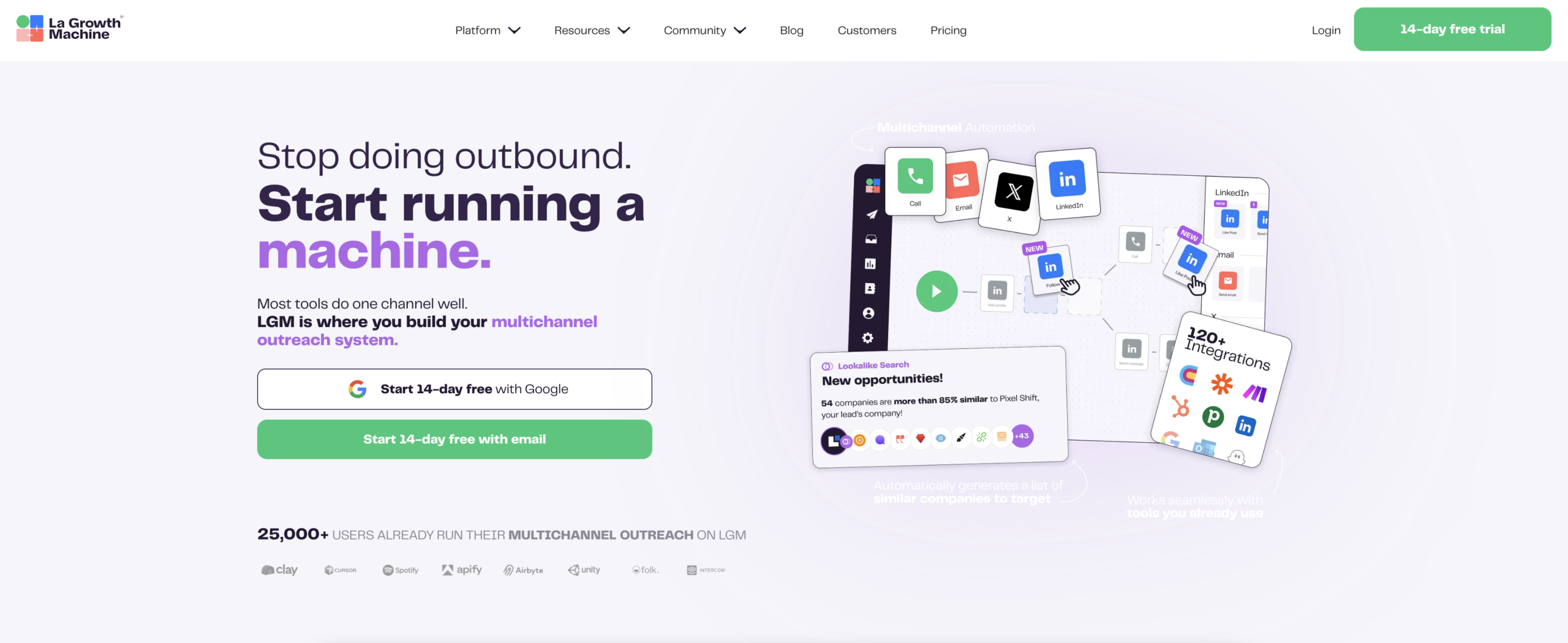
Here is how to build a full LinkedIn follow-up sequence from scratch.
Step 1: Build Your Sequence in the Visual Builder
Start by creating a new campaign in LGM and opening the sequence builder. The visual builder uses a drag-and-drop canvas where each node is a step in the sequence.
A standard LinkedIn follow-up sequence looks like this:
- Profile visit (optional, but recommended as a warm signal before the connection request)
- Connection request with a short personalized note (300 characters max)
- Follow-up message 1 sent 3 days after the connection is accepted
- Follow-up message 2 sent 5 days after follow-up 1 if no reply
- Email fallback for prospects who have not accepted the connection request after 7 days
Each step uses LGM’s variable system to pull in dynamic data from the prospect’s profile. Variables like {{firstName}}, {{company}}, and {{jobTitle}} get resolved automatically at send time.
Step 2: Set Timing and Delays
Timing is where most LinkedIn automation breaks down. Sending follow-ups the moment a connection is accepted looks automated. Waiting two weeks makes you forgettable.
The optimal delay structure:
- Connection request to first follow-up message: 2-3 days after acceptance
- First follow-up to second follow-up: 4-5 days
- Second follow-up to final message or email fallback: 5-7 days
In LGM, set delays using the delay node between each step. Use the “business days only” option to avoid sending on weekends, which has a noticeable impact on reply rates.
Step 4: Add Conditional Logic
Conditional branches let you send different follow-ups based on what actually happened. This is where LGM’s sequence builder goes beyond simple drip tools.
Key conditional branches to add:
- If connection accepted: route to LinkedIn follow-up message 1
- If connection not accepted after 7 days: route to an email outreach branch
- If message replied: exit the sequence automatically (LGM detects replies and pauses the sequence)
- If no reply after follow-up 2: send a final “closing the loop” message or move to email
Conditional logic means your prospects never receive a LinkedIn follow-up after they have already replied. This alone eliminates most of the spam report risk from automated sequences.
Step 5: Monitor Acceptance and Reply Rates in the Dashboard
LGM’s analytics dashboard shows you connection acceptance rate, reply rate, and sequence completion rate for every campaign. Check these numbers weekly.
Benchmarks to watch:
- Connection acceptance rate: 25-40% is healthy for cold outreach; below 20% means your connection note needs revision
- Reply rate on follow-up messages: 8-15% per follow-up step is a strong result
- Sequence completion rate: High completion with low reply rate usually means the messaging, not the sequence structure, needs work
If acceptance rate drops suddenly, reduce daily volume for a week and check for any LinkedIn notification about unusual activity. LGM also surfaces account health warnings directly in the dashboard.
LinkedIn Follow-Up Best Practices
Automation handles the logistics. The message content and timing strategy determine whether your pipeline actually converts.
Keep follow-up messages short. The first follow-up should be 2-3 sentences. You are not pitching again. You are confirming your first message landed and offering a simple next step. LinkedIn messages are read on mobile as often as desktop. Short messages get replies.
Reference the first touchpoint. A follow-up that opens with “Following up on my last message” is weak. A follow-up that opens with “Saw you recently posted about scaling SDR teams” ties the conversation to something the prospect cares about and shows you are paying attention.
Know when to stop. Two LinkedIn follow-ups plus one email fallback is enough for cold outreach. More than that damages your sender reputation and wastes sequence steps on prospects who have made their lack of interest clear. The best-performing LGM users run 3-4 touch sequences, not 8-10.
Vary the angle between follow-ups. Each follow-up should approach the conversation from a different angle: social proof in follow-up 1, a specific use case in follow-up 2, a low-commitment CTA in follow-up 3. Repeating the same pitch in different words is not follow-up. It is spam.
Use time-of-day data. LinkedIn messages sent between 8am-10am and 5pm-7pm in the prospect’s timezone get higher reply rates. LGM’s scheduling settings let you define send windows by timezone so this is handled automatically at scale.
Tools Comparison: Cloud-Based vs Browser Extension
The most important decision in LinkedIn automation is not which specific tool you use. It is whether the tool operates from the cloud or from your browser. That single factor determines your account risk profile more than any other variable.
| Tool | Type | Key Feature | Risk Level |
|---|---|---|---|
| La Growth Machine | Cloud | Multichannel, conditional logic, Social Warming | Low |
| Waalaxy | Cloud | Simple setup, LinkedIn + email | Low |
| Dripify | Cloud | LinkedIn-only, good analytics | Low |
| Browser extensions (generic) | Browser | Low cost, easy setup | High |
La Growth Machine
La Growth Machine is the recommended option for teams that need multichannel sequencing with real conditional logic. The platform connects LinkedIn, email, and Twitter into a single sequence canvas, so you can build a follow-up flow that moves from LinkedIn connection request to email fallback to Twitter DM based on what actually happens at each step.
LGM runs entirely in the cloud, supports Social Warming, and has built-in reply detection that pauses sequences the moment a prospect responds. Pricing starts at €60/month per identity on the Basic plan, €120/month on Pro, and €180/month on Ultimate.
Waalaxy
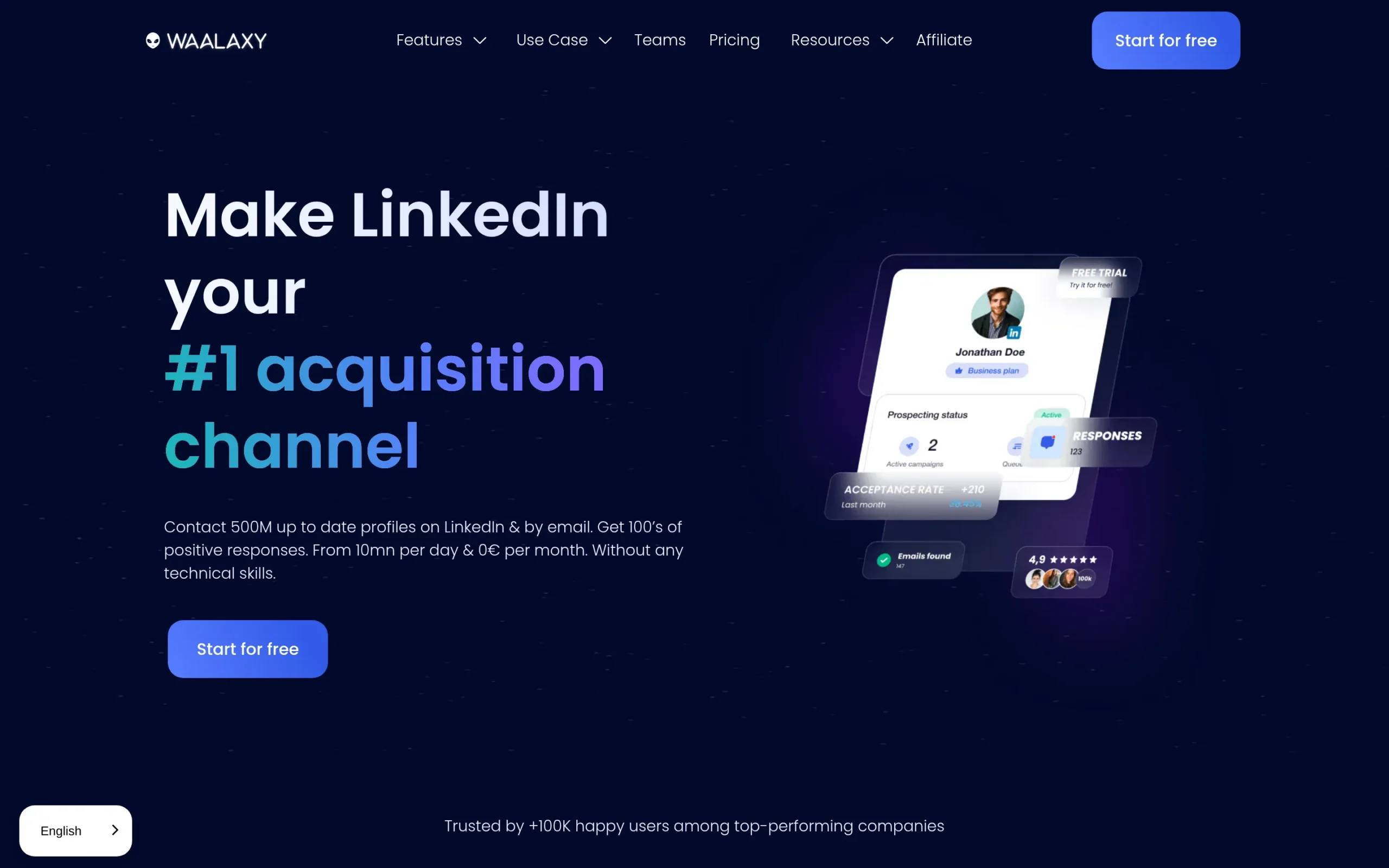
Waalaxy is a cloud-based tool focused on LinkedIn and email. The interface is simpler than LGM and the onboarding is fast. It works well for solo users or small teams running straightforward connection request and follow-up sequences. It does not support conditional branching or multichannel sequences beyond LinkedIn and email.
Dripify
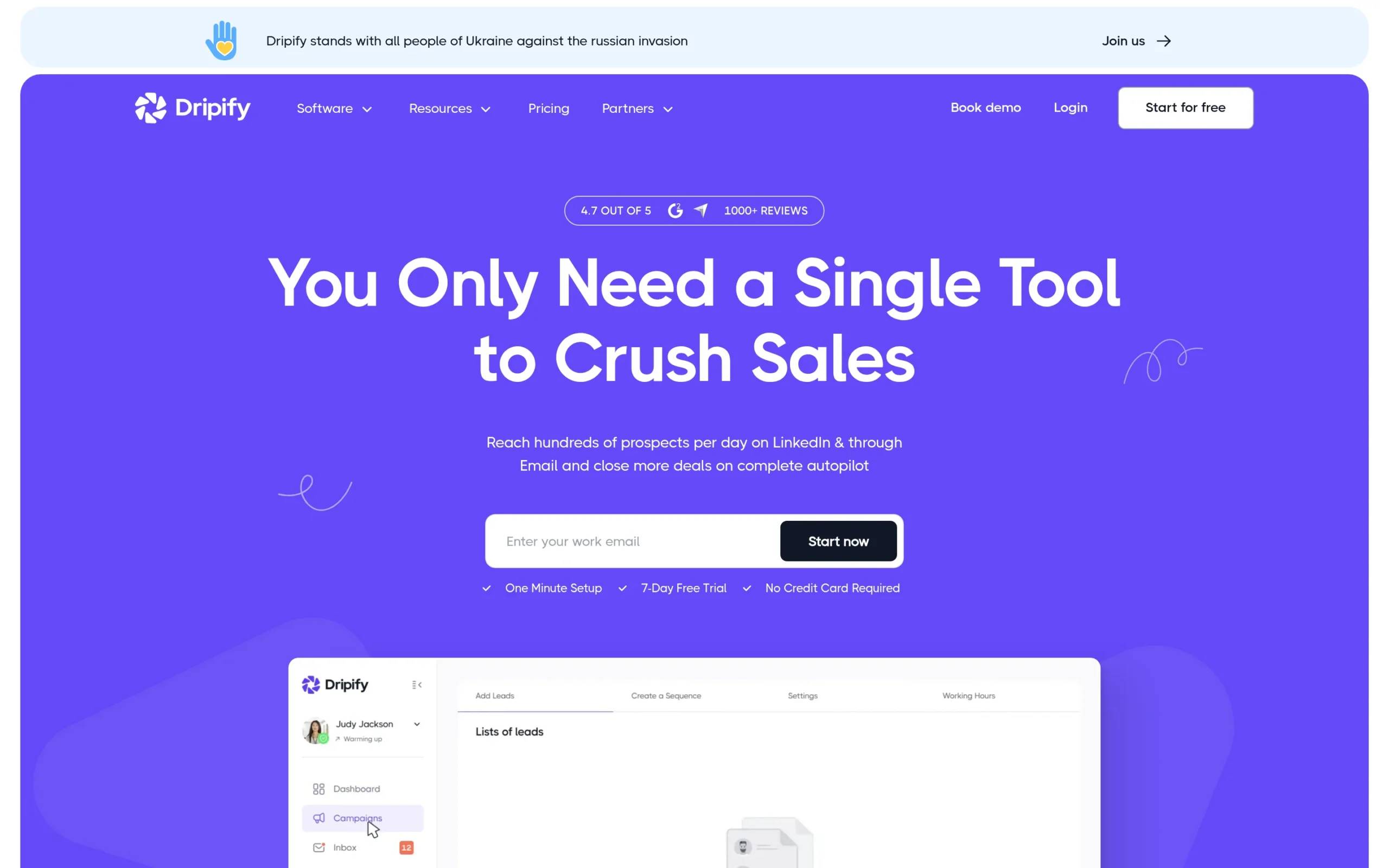
Dripify is a cloud-based LinkedIn automation tool with a focus on sequence analytics and A/B testing. It is LinkedIn-only with no native email or multichannel support. The analytics dashboard is detailed and the team management features are strong for agencies running LinkedIn outreach for multiple clients. There is no native email fallback, which limits its usefulness for cold outreach sequences that need multichannel coverage.
Browser Extensions (Generic)
Browser extensions for LinkedIn automation are easy to set up and often cheaper than cloud tools. The tradeoff is meaningful account risk. LinkedIn actively detects and flags extension-based automation, particularly for accounts that have not been active long enough to build a usage baseline. For any account where LinkedIn is a primary outreach channel, the cost of a restriction event outweighs any savings from a cheaper tool.
Frequently Asked Questions
Can LinkedIn detect automated follow-ups?
LinkedIn can detect certain patterns that suggest automation, particularly browser extension activity, unnaturally uniform sending cadence, and volume spikes on new accounts. Cloud-based tools that randomize timing and stay within daily volume limits are not detectable in the same way. LinkedIn does not have visibility into cloud-based outreach that mimics realistic human behavior.
How many follow-ups can I send per day safely?
A safe daily volume for LinkedIn messages is 50-80, spread across natural time windows with randomized delays between sends. Connection requests should stay between 20-30 per day. These numbers assume a warmed-up account with a normal usage history.
What happens if LinkedIn restricts my account?
A first-time restriction is typically temporary: connection requests are blocked for a few days and a verification step is required to resume normal activity. The account is rarely permanently suspended on the first event. If a restriction occurs, reduce automated volume by 50% for two weeks after the restriction lifts and review whether your sending patterns triggered the flag.
Is cloud-based automation safer than browser extensions?
Yes, significantly. Browser extensions inject actions into your LinkedIn browser session in a way that LinkedIn can fingerprint. Cloud-based tools operate from external servers using clean sessions that look like normal browser logins from a different device. The detection risk is fundamentally different between the two approaches.
How do I warm up my LinkedIn account?
Start with two weeks of daily manual activity: log in every day, accept and send a handful of connections, react to posts in your feed. When you start automation, begin at 25% of your target volume and increase by 25% each week. La Growth Machine’s Social Warming feature handles part of this automatically by scheduling profile visits and post interactions in the days before a connection request fires.
What should I write in a LinkedIn follow-up message?
Keep it short (2-3 sentences), reference something specific about the prospect or your previous message, and offer a clear and low-commitment next step. “Would a 15-minute call this week make sense?” converts better than “I’d love to schedule a call to discuss our solution.” The goal of a follow-up is to re-open the conversation, not re-deliver the pitch.
Conclusion
Automating LinkedIn follow-ups is not risky when you do it correctly. The account restrictions most people experience come from browser extensions, excessive volume, no warm-up period, and generic messages that generate spam reports. Fix any one of those and you reduce risk. Fix all four and your automated sequences become invisible to LinkedIn’s detection systems.
The framework is straightforward: use a cloud-based tool, stay within realistic daily limits, warm up before going to full volume, and personalize every message with dynamic variables. La Growth Machine handles all of this in a single platform with conditional logic and multichannel fallback built in.
If you want to see how this works in practice, start your 14-day free trial of La Growth Machine and build your first follow-up sequence today. No credit card required.