
We evaluated eight sales engagement platforms across live outreach campaigns. Here’s what the data shows.
Reply.io is a legitimate platform. It started as an email sequencer, expanded into LinkedIn, added a dialer, and now markets itself as a full sales engagement suite. For some teams, it works. But across our testing and user interviews, three friction points surface consistently: LinkedIn account restrictions tied to the Chrome extension, real monthly costs that land well above the advertised price, and support delays that compound both problems when something breaks mid-campaign.
If you’re evaluating Reply.io alternatives because one of those friction points has become a blocker, this comparison covers what each tool actually does and where it falls short.
Why Teams Look for a Reply.io Alternative
1. LinkedIn Automation Risk (Chrome Extension)
Reply.io automates LinkedIn through a Chrome extension. When a LinkedIn step fires in a sequence, the extension injects JavaScript into your active browser session to execute profile visits, connection requests, and messages on your behalf.
LinkedIn’s detection infrastructure has tightened considerably since 2024. It monitors timing patterns, session fingerprinting, and cookie behavior, all of which are visible from extension-based tools. The estimated account restriction rate for Chrome extension-based LinkedIn automation sits at 3–5% per active user over 90 days. For a 10-person SDR team, that’s a predictable cycle of LinkedIn bans, pipeline disruption, and re-setup time.
Cloud-based LinkedIn automation, which runs from dedicated servers with residential IPs rather than browser sessions, eliminates this detection vector entirely. That’s a fundamental infrastructure difference, not a feature gap.

2. Real Cost Is Much Higher Than Advertised
Reply.io’s Professional plan starts at $89/month per user, the minimum configuration for multichannel sequences and CRM sync. That number doesn’t include:
- Contact enrichment (Dropcontact or Hunter: ~$49/month)
- Zapier for CRM field mapping (~$49/month for a team plan)
- Buffer for LinkedIn account replacement when restrictions hit
For a two-rep team, the real monthly cost lands between $280 and $300, roughly three times the headline price. Teams running the AI SDR add-on push further. Multiple user reviews note the absence of self-serve cancellation and no refund policy on paid monthly charges.
3. Support Delays and Billing Friction
Reply.io support is chat-only and not available 24/7. G2 and Trustpilot reviews consistently report 24–72 hour response delays. When a LinkedIn campaign stops due to a cookie refresh failure, that response window directly translates to missed booked meetings and stalled pipeline.
TL;DR: Reply.io Alternatives at a Glance
| Tool | Type | Price/month | LinkedIn Safety | Multichannel | Best For |
|---|---|---|---|---|---|
| La Growth Machine | Multichannel platform | From €60 | Cloud (dedicated IPs) | Email + LinkedIn + Twitter/X | Coordinated multichannel outreach |
| Lemlist | Email-first | From ~$59 | Extension-based | Email + LinkedIn (add-on) | Email personalization |
| Instantly | Email only | From ~$37 | Not included | Email only | High-volume cold email |
| Smartlead | Email only | From ~$39 | Not included | Email only | Deliverability at scale |
| SalesHandy | Email-first | From ~$25 | Extension (limited) | Email + basic LinkedIn | Budget cold email |
| Klenty | Multichannel | From ~$50/user | Extension-based | Email + LinkedIn + calls | CRM-integrated outreach |
| Mailshake | Email-first | From ~$58/user | Not included | Email + dialer | Simple email + calls |
| Apollo.io | Data + outreach | From $49/user | Extension-based | Email + LinkedIn | Database + sequences |
The 8 Best Reply.io Alternatives in 2026
1. La Growth Machine: Best Multichannel Platform for LinkedIn Safety
Our pick for teams replacing Reply.io on LinkedIn + email outreach.
La Growth Machine runs LinkedIn automation from cloud-based infrastructure with dedicated residential IPs. No browser extension required. Your LinkedIn account connects via credentials. Actions execute from LGM’s servers with variable, human-like timing, making the activity indistinguishable from manual use. The measured account restriction rate is below 0.1%.
That infrastructure architecture also unlocks features that extension-based tools cannot replicate:
- Social Warming: Automatically visits and engages with a prospect’s profile before the connection request fires. Teams running Social Warming report connection acceptance rates moving from 15–20% cold to 35–45% post-warming.
- LinkedIn Intents: Detects when prospects visit your profile or engage with your content, then triggers a sequence step based on that buying signal.
- Voice Messages AI: Sends AI-generated voice messages on LinkedIn, a channel almost no other platform supports.
- Waterfall enrichment: Finds professional emails through a multi-provider cascade, included from the Basic plan onward.

The native multichannel sequence builder treats LinkedIn, email, and Twitter/X as first-class channels with conditional branching at every step. A single sequence can visit a LinkedIn profile, send an email, fire a connection request, send a voice message on acceptance, and pause all LinkedIn steps the moment a prospect replies to email. No Zapier connections, no manual coordination between tools.
Pricing (billed annually):
- Basic: €60/month per identity (Email + LinkedIn)
- Pro: €120/month per identity (adds Calls)
- Ultimate: €180/month per identity (adds Twitter/X outreach)
Included at all plans: cloud LinkedIn automation, email sequences, waterfall enrichment, conditional workflow builder, native CRM sync (HubSpot, Pipedrive, Salesforce), 14-day free trial.
Who it’s for: B2B sales and growth teams running coordinated LinkedIn + email outreach who want to generate pipeline without managing a fragmented multi-tool stack.
Honest limitation: No built-in AI SDR agent for automated lead sourcing. Reply.io offers this; LGM does not replicate it today.
See La Growth Machine pricing and plans
2. Lemlist: Best for Email Personalization
Lemlist’s strength is hyper-personalized cold email: dynamic image and video personalization, a solid sequence builder, and deliverability tooling. The platform started email-first and remains email-first.
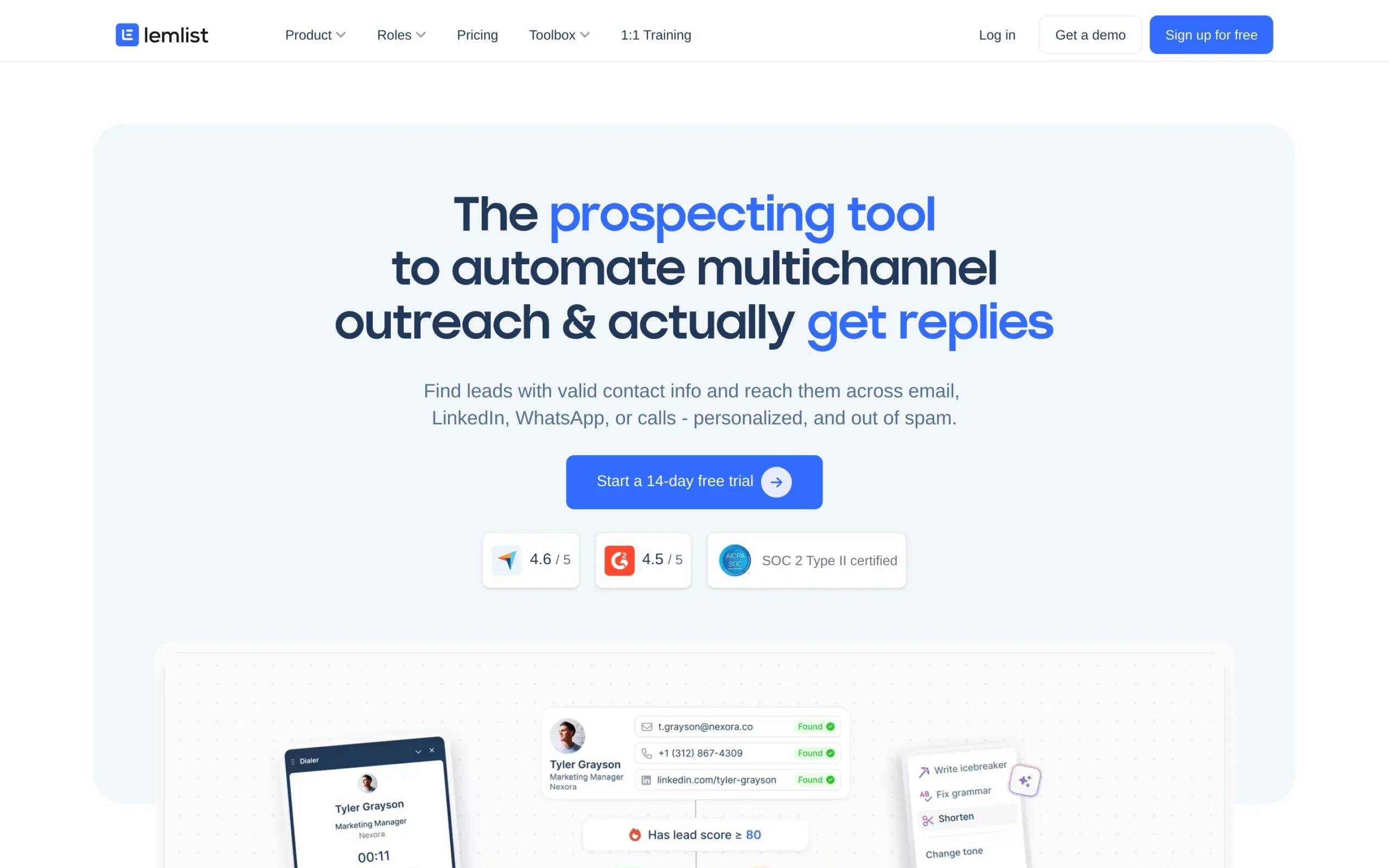
LinkedIn automation is available but runs through a Chrome extension. The same detection risks that apply to Reply.io apply here. For teams where email is the dominant outreach channel and LinkedIn is a low-frequency secondary touch, the risk may be manageable. For teams where LinkedIn drives most of their pipeline, it introduces the same structural gap.
Honest strengths: Image personalization is genuinely strong. Email deliverability tools are well-integrated. UI is clean.
Limitations: No cloud LinkedIn. No waterfall enrichment included. Twitter/X not supported.
Pricing: Starts around $59/month for the Email Pro plan; multichannel plans run higher.
Who it’s for: Teams running email-first outreach where LinkedIn is occasional and personalization quality matters more than channel breadth.
3. Instantly: Best for High-Volume Cold Email
Instantly focuses on cold email volume and deliverability. Inbox rotation across unlimited sending accounts, automated warmup, and clean analytics make it well-suited for teams sending high email volume. No LinkedIn automation, no multichannel beyond email.
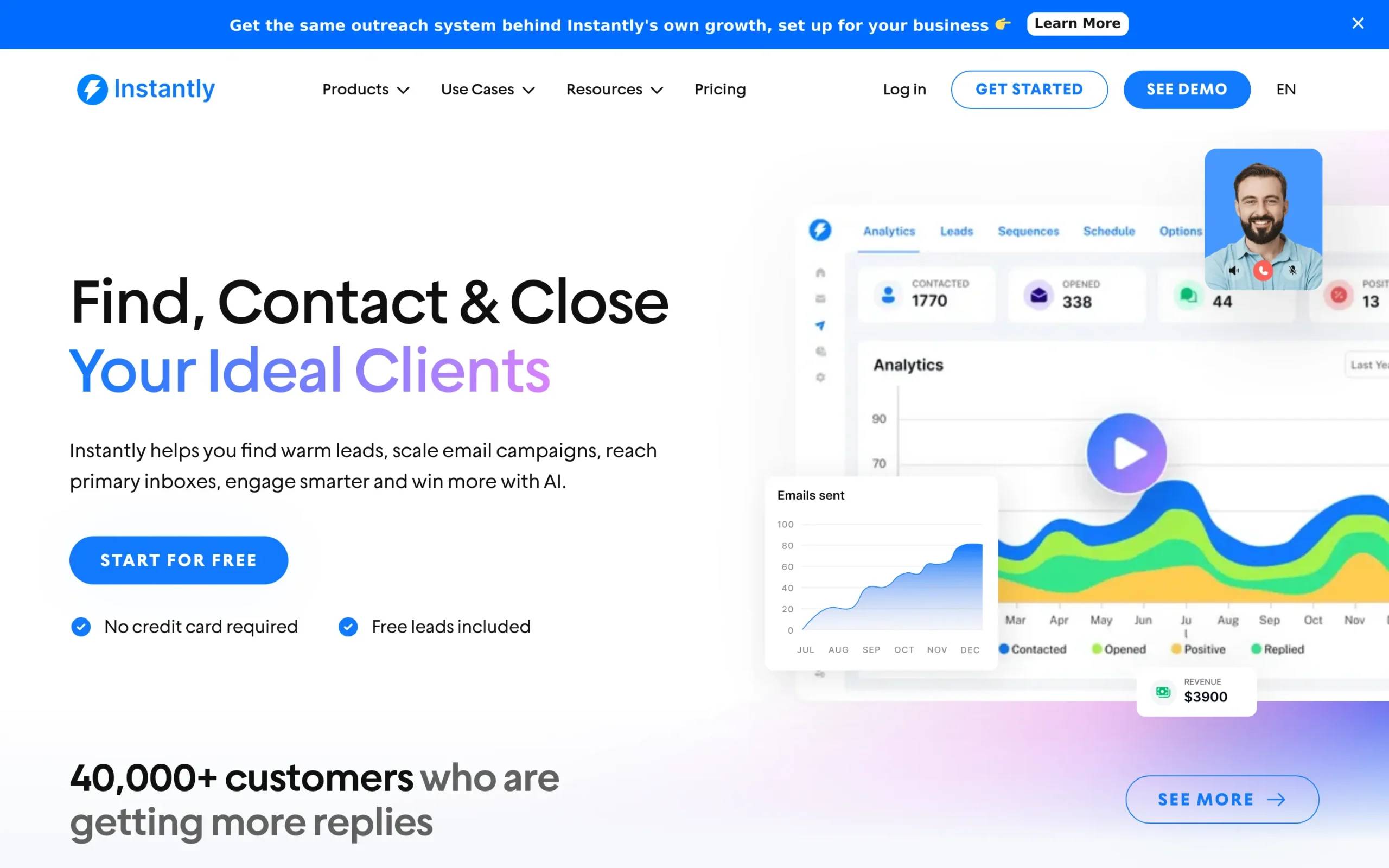
If email is your only outreach channel and you need scale without complexity, Instantly delivers it well.
Honest strengths: Inbox rotation is strong. Unlimited warmup mailboxes. Pricing is transparent.
Limitations: Email only. No LinkedIn, no data enrichment, no native CRM sync on entry plans.
Pricing: Starts around $37/month; growth plans for higher volume run $97/month and up.
Who it’s for: Teams running email-only outreach at scale. Not a complete Reply.io replacement if LinkedIn is part of your outreach workflow.
4. Smartlead: Best for Email Deliverability at Scale
Smartlead is a cold email platform with strong inbox rotation, AI personalization, and a unified inbox for managing replies across multiple sending accounts. It competes directly with Instantly on email deliverability, and it does that well.
No native LinkedIn automation. Purpose-built for email deliverability, and that focus shows.
Honest strengths: Multi-sender setup is flexible. Reply management across accounts is solid. API access for technical integrations.
Limitations: Email only. No LinkedIn, no enrichment included, no CRM sync out of the box.
Pricing: Starts around $39/month; scales with email volume.
Who it’s for: Cold email specialists optimizing for inbox placement. Not a multichannel replacement for Reply.io.
5. SalesHandy: Best Budget Cold Email Option
SalesHandy offers email sequences, mail merge, and tracking at a lower price point than most platforms. A LinkedIn extension is available, though it follows the same extension-based limitations as Reply.io.
Functional for basic email outreach at low cost. Feature depth runs thin once you push beyond simple sequences.
Honest strengths: Affordable entry price. Clean email sequence builder. Solid for teams with straightforward email needs.
Limitations: LinkedIn automation is extension-based and limited. No enrichment. CRM integrations require higher plans.
Pricing: Starts around $25/month for basic email outreach.
Who it’s for: Small teams or individual operators running email-only outreach on a tight budget.
6. Klenty: Best for CRM-First Teams
Klenty takes a CRM-first approach to sales engagement. Native integrations with Salesforce, HubSpot, Pipedrive, and Zoho are well-built, and the cadence builder supports email, LinkedIn, calls, and SMS. That channel breadth is real.
The limitation: LinkedIn actions run through a Chrome extension. CRM sync reliability is Klenty’s genuine strength; LinkedIn safety carries the same structural gap as other extension-based tools.
Honest strengths: CRM bidirectional sync is reliable. Cadence management across channels is well-structured. Calling included.
Limitations: LinkedIn automation is extension-based. No enrichment included. Per-seat pricing scales quickly for larger teams.
Pricing: Starts around $50/month per user; team plans add up significantly.
Who it’s for: Sales teams deeply embedded in Salesforce or HubSpot who need tight CRM cadence management and can accept extension-based LinkedIn.
7. Mailshake: Best for Simple Email Outreach
Mailshake is a clean, intentionally uncomplicated cold email platform with a built-in dialer and SMS. Setup is fast, the sequence builder is intuitive, and team pricing is transparent.
No native LinkedIn automation. No cloud-based multichannel. For teams where simplicity and speed of setup matter more than outreach breadth, Mailshake removes the friction that comes with more complex platforms.
Honest strengths: Fast onboarding. Built-in dialer and SMS. Predictable pricing.
Limitations: Email only (no LinkedIn). No enrichment. Not suitable for LinkedIn-first or multichannel outreach.
Pricing: Around $58/month per user for the email outreach plan.
Who it’s for: Teams that need email + calls together, don’t run LinkedIn automation, and want minimal setup overhead.
8. Apollo.io: Best for Data + Outreach Combined
Apollo combines a large B2B database with a sequence engine. It’s more accurately described as a data platform that includes outreach than an outreach platform with data. The database is extensive; the sequencer covers email and LinkedIn (via Chrome extension).
LGM and Apollo are frequently used together rather than as substitutes. Apollo handles database sourcing and ICP matching; LGM handles the multichannel execution layer. That stack is common among technically-oriented revenue teams.
Honest strengths: Database depth is strong. ICP filtering and lookalike matching are well-developed. Free tier available.
Limitations: LinkedIn automation is extension-based. Enrichment quality is inconsistent. Sequence builder is not the primary product focus.
Pricing: Free tier available; paid plans from $49/month per user.
Who it’s for: Teams prioritizing data sourcing who want sequences in the same platform. Often works well as a complementary tool alongside a dedicated outreach platform.
Which Reply.io Alternative Should You Choose?
By Primary Pain Point
| Your Situation | Recommended Tool | Reason |
|---|---|---|
| LinkedIn bans from Chrome extension | La Growth Machine | Cloud-based, dedicated IPs, <0.1% restriction rate |
| Real cost exceeds budget ($280+/month actual) | La Growth Machine | €60/month includes enrichment + CRM sync |
| Need LinkedIn + email + Twitter in one workflow | La Growth Machine | Native multichannel with conditional branching |
| Support response too slow | La Growth Machine | Under 2h response time |
| Email volume only, no LinkedIn needed | Instantly or Smartlead | Purpose-built for email deliverability at scale |
| Database sourcing is the primary need | Apollo.io | Strong B2B data layer with sequences |
| CRM-first with calling cadences | Klenty | Reliable CRM bidirectional sync |
| Simple setup, email + calls only | Mailshake | Fast onboarding, low complexity |
By Budget
Under $50/month per user: SalesHandy for basic email sequences, Apollo.io free tier for data + email. Expect significant gaps on LinkedIn automation and enrichment.
€60–100/month per identity: La Growth Machine Basic covers cloud LinkedIn, email, waterfall enrichment, and native CRM sync from a single subscription. This is where the real TCO advantage over Reply.io becomes concrete, enrichment and CRM sync are included, not add-ons.
€120–180/month per identity: La Growth Machine Pro adds Calls. La Growth Machine Ultimate adds Twitter/X outreach. Both include everything from Basic.
By Team Profile
Solo operators and small teams (1–3 reps): La Growth Machine Basic at €60/month per identity covers the full outreach stack with no coordination overhead between tools.
Mid-size sales teams (5–20 reps): LGM scales cleanly by identity. Native CRM sync and the multichannel inbox simplify coordination across reps without middleware.
Agencies managing multiple clients: LGM’s multi-identity architecture handles this natively. Each client identity runs its own sequences, inbox, and reporting.
Teams requiring a dialer as the primary channel: Mailshake or Klenty both include calling natively. Note that LGM Pro and Ultimate also include Calls if you want multichannel alongside voice.
FAQ
What is the best alternative to Reply.io?
La Growth Machine is the strongest alternative for teams using LinkedIn as a primary outreach channel. It replaces Reply.io’s email sequences, LinkedIn automation (without Chrome extension risk), and the enrichment and CRM sync tools Reply.io requires separately. For email-only outreach, Instantly and Smartlead are the most focused dedicated options.
Is La Growth Machine a good Reply.io replacement?
For most B2B outreach use cases, yes. LGM covers email sequences, cloud-based LinkedIn automation, waterfall enrichment, and native CRM sync from one platform. The main gap is Reply.io’s AI SDR feature for automated lead sourcing, which LGM does not replicate today.
Which Reply.io alternative is safest for LinkedIn?
La Growth Machine, because it runs from cloud infrastructure with dedicated residential IPs rather than a Chrome extension. Extension-based tools expose your LinkedIn session to timing and behavioral pattern detection. LGM’s measured account restriction rate is below 0.1%, compared to the 3–5% range reported for extension-based automation over 90 days.
How much does La Growth Machine cost compared to Reply.io?
Reply.io’s Professional plan is $89/month per user. Once you add enrichment and Zapier for CRM sync, a two-rep team lands at $280–300/month in real monthly spend. La Growth Machine Basic is €60/month per identity and includes waterfall enrichment and native CRM sync. The same two-rep team costs €120/month with no supplementary tool stack required.
Can I import my Reply.io contacts into La Growth Machine?
Yes. La Growth Machine accepts CSV imports, which you can export directly from Reply.io. You can also connect your CRM (HubSpot, Pipedrive, Salesforce) and sync existing contacts and deal stages bidirectionally. Migration from Reply.io does not require manual data re-entry.