

TL;DR
La Growth Machine is the top pick for teams that want to find contacts and reach them without switching tools. It runs a waterfall enrichment across multiple data providers automatically from a LinkedIn URL, then launches your multichannel sequence immediately. No CSV exports, no manual imports.
Kaspr and Lusha are the strongest LinkedIn-native pickers for individual prospectors who need instant emails and phone numbers directly from a LinkedIn profile, with solid GDPR coverage for European markets.
Apollo.io and Cognism are the best options for teams that need a large searchable database. Apollo wins on volume (275M+ contacts), Cognism wins on phone-verified mobile numbers and enterprise EU data quality.
Hunter.io is the simplest and most reliable email finder if all you need is domain-based lookup and verification at scale. Dropcontact is the GDPR-native alternative with no stored database. LeadIQ fits teams that prospect directly from LinkedIn and need Salesforce sync built in.
No verified contact means no outreach. That is the first bottleneck every outbound team hits: you have the right ICP, the right message, but you cannot get the email address or phone number to actually send it. Contact finding is not a nice-to-have step in the pipeline. It is the prerequisite for every meeting you book.
The market is full of tools that promise to solve this. But they are not all built the same. Some give you emails only. Others add phone numbers. Some are real-time lookups, others pull from a static database that was last updated 18 months ago. And if you sell into Europe, GDPR compliance is not optional. You need a tool that covers accuracy, coverage, LinkedIn integration, data freshness, and legal compliance simultaneously.
Here is a breakdown of the eight best contact finding tools for B2B sales in 2026, what each one does well, and when to use each.
TL;DR: Best Contact Finding Tools Compared
La Growth Machine is the top pick for teams that want to find contacts and reach them without switching tools. It runs a waterfall enrichment across multiple data providers automatically from a LinkedIn URL, then launches your multichannel sequence immediately. No CSV exports, no manual imports. Kaspr and Lusha are the strongest LinkedIn-native pickers for individual prospectors who need instant emails and phone numbers directly from a LinkedIn profile, with solid GDPR coverage for European markets. Apollo.io and Cognism are the best options for teams that need a large searchable database. Apollo wins on volume (275M+ contacts), Cognism wins on phone-verified mobile numbers and enterprise EU data quality. Hunter.io is the simplest and most reliable email finder if all you need is domain-based lookup and verification at scale. Dropcontact is the GDPR-native alternative with no stored database. LeadIQ fits teams that prospect directly from LinkedIn and need Salesforce sync built in.
| Tool | Finds Emails | Finds Phones | LinkedIn Native | GDPR | Starting Price |
|---|---|---|---|---|---|
| La Growth Machine | Yes | Yes | Yes | Yes | €60/month |
| Kaspr | Yes | Yes | Yes | Yes | Free tier |
| Lusha | Yes | Yes | Yes | Yes | Free tier |
| Hunter.io | Yes | No | No | Yes | Free tier |
| Apollo.io | Yes | Yes | Yes | Partial | Free tier |
| Cognism | Yes | Yes | Yes | Yes | Custom |
| Dropcontact | Yes | No | No | Yes | €24/month |
| LeadIQ | Yes | Yes | Yes | Yes | Free tier |
1. La Growth Machine
La Growth Machine is not just a contact finder. It is the tool that connects contact finding directly to outreach in a single workflow. Most tools require you to find contacts, export them to a CSV, import into your sequencer, and then launch. La Growth Machine removes those steps entirely.
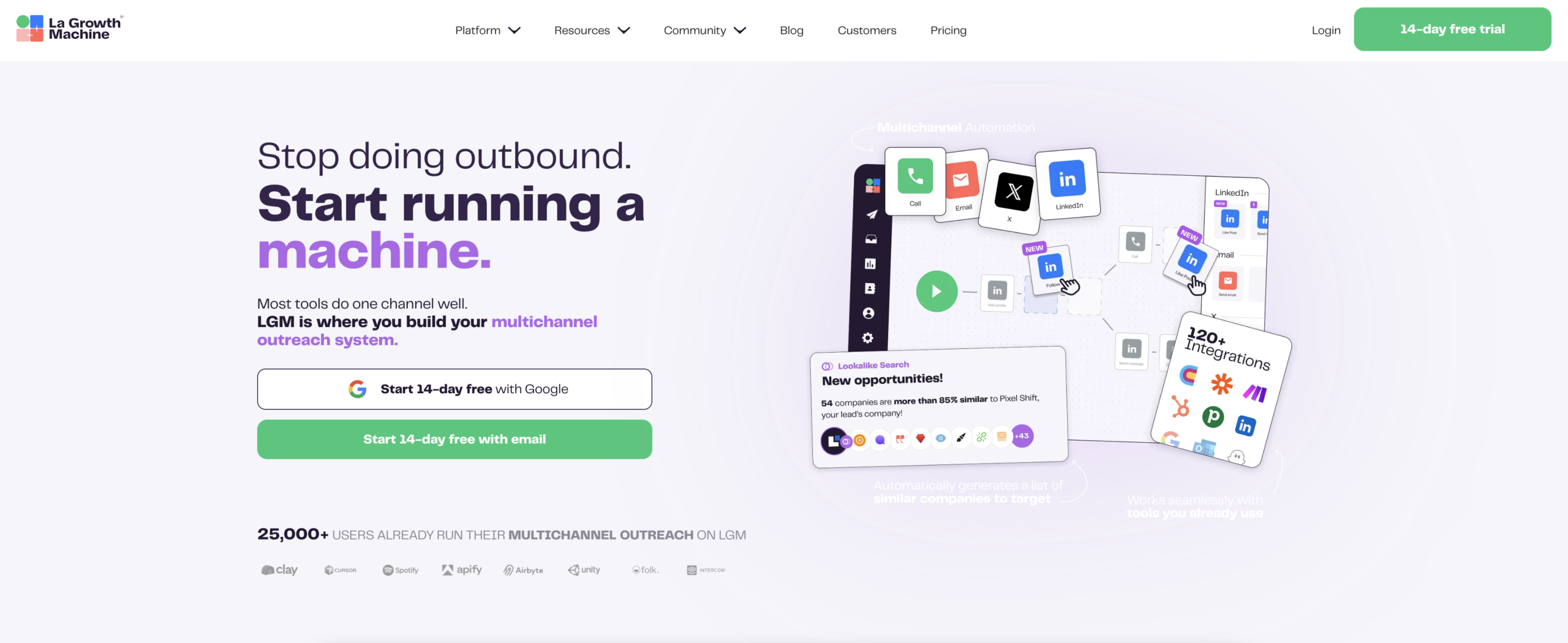
The core mechanism is waterfall enrichment. You drop a LinkedIn URL or a list of LinkedIn profiles, and La Growth Machine automatically cascades through multiple data providers to find a verified professional email and phone number. If Provider A does not return a result, it tries Provider B, then Provider C. You end up with the highest possible coverage without lifting a finger.
Once the contact data is found, the outreach sequence starts automatically. LinkedIn connection request, follow-up message, email, voice message: all of it runs from the same platform. No exports, no re-imports, no sync issues with your CRM. The pipeline tracks every touch and every reply.
This is the key differentiator. Tools like Hunter.io or Kaspr are contact finders. La Growth Machine is a contact finder that is also the outreach engine. For teams where pipeline speed matters, the difference is significant. You can use La Growth Machine’s waterfall enrichment feature to build a full enrichment and outreach workflow with no manual steps between them.
Pricing: Basic €60/month, Pro €120/month, Ultimate €180/month per identity.
Best for: Sales teams that prospect from LinkedIn and want enrichment and outreach in one workflow with no manual handoffs.
2. Kaspr
Kaspr is a LinkedIn-native contact finder built specifically for sales reps who prospect directly from LinkedIn profiles. You install the Chrome extension, open a LinkedIn profile, and Kaspr surfaces the professional email and mobile phone number instantly.
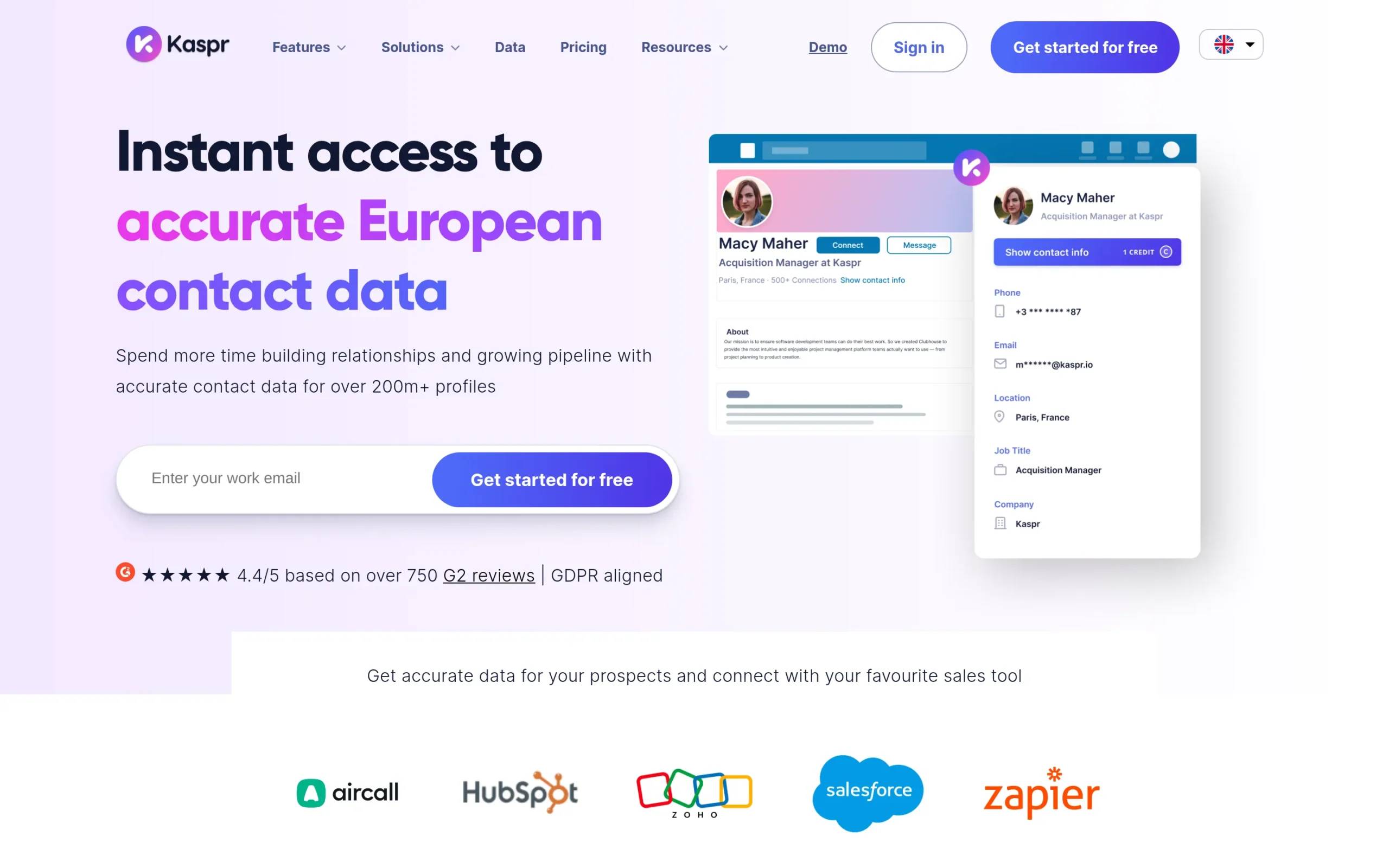
The coverage is particularly strong for European contacts, and Kaspr is fully GDPR compliant with data sourced from a network of partners that have obtained consent. Phone number coverage is one of the best in class for individual prospectors, which makes it a go-to for SDRs who cold call as part of their cadence.
Kaspr integrates with HubSpot, Salesforce, and Pipedrive for direct CRM push. There is also a free tier with limited credits, which lets smaller teams get started without a commitment.
Best for: SDRs who need instant emails and phone numbers directly from LinkedIn profiles, especially for European markets.
3. Lusha
Lusha operates as both a Chrome extension and a standalone platform. It surfaces professional emails and direct phone numbers from LinkedIn profiles with a single click, and the extension works across LinkedIn, Salesforce, and other CRM interfaces.
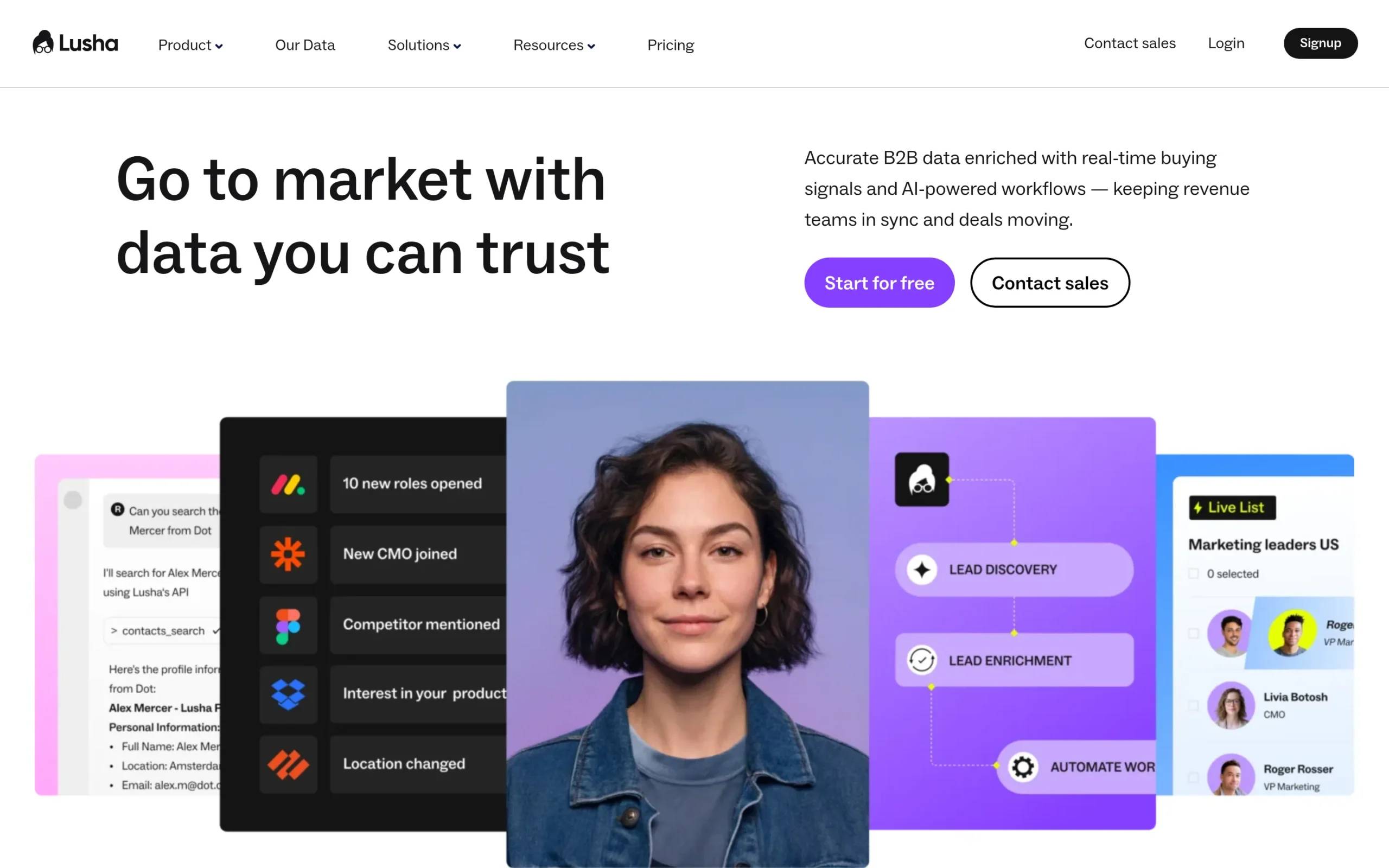
The platform side of Lusha lets you search their database of over 100 million professionals by job title, company, location, and industry. This makes it useful for both reactive contact finding (lookup when you find a lead on LinkedIn) and proactive list building (search and export a segment).
Lusha is GDPR and CCPA compliant. The team plan includes shared credits across users, which helps keep costs predictable for growing sales teams. It also connects directly to Salesforce and HubSpot via native integrations.
Best for: Sales teams that need both a LinkedIn overlay and a searchable B2B database in one tool, with strong US and EU coverage.
4. Hunter.io
Hunter.io does one thing and does it well: it finds professional email addresses by domain name. Enter a company domain and Hunter returns all the email addresses it has indexed for that domain, along with confidence scores and the pattern ([email protected], etc.).
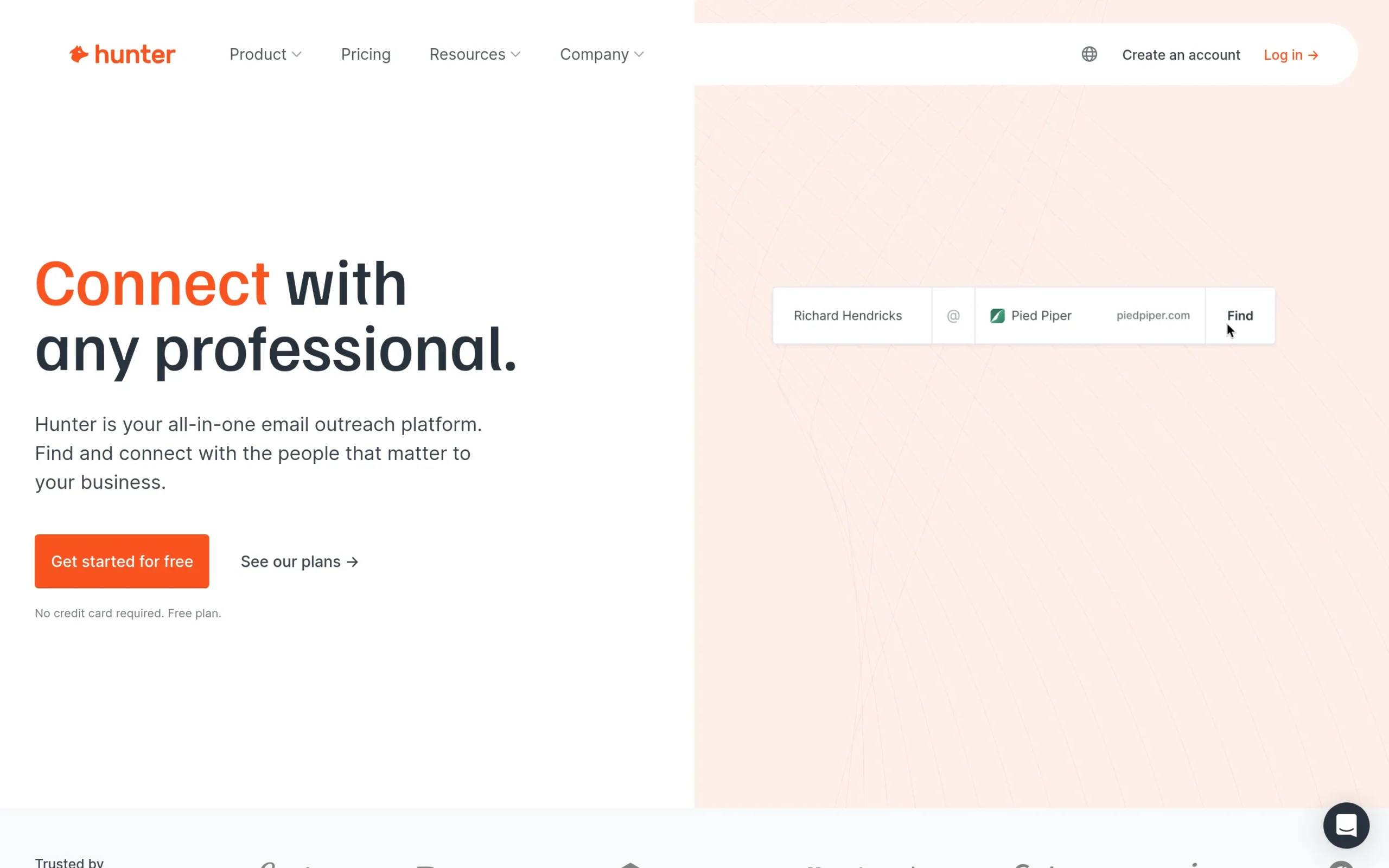
The Email Verifier checks whether an address is valid and deliverable before you send. The Bulk Email Finder lets you upload a CSV of names and domains and get emails back at scale. For teams that already have a list of target companies and just need to find the right contact email, Hunter is one of the most efficient tools available.
Hunter does not find phone numbers. It is an email-only tool. But for what it does, the accuracy and reliability are hard to beat. The free plan includes 25 searches per month, and paid plans start from an accessible price point.
Best for: Teams that work from a target account list and need reliable domain-based email finding and verification at scale.
5. Apollo.io
Apollo.io combines a 275M+ contact database with a Chrome extension, email sequencing, and a CRM layer. You can search by job title, company size, technology stack, geography, and dozens of other filters, then pull verified emails and phone numbers for any contact in the database.
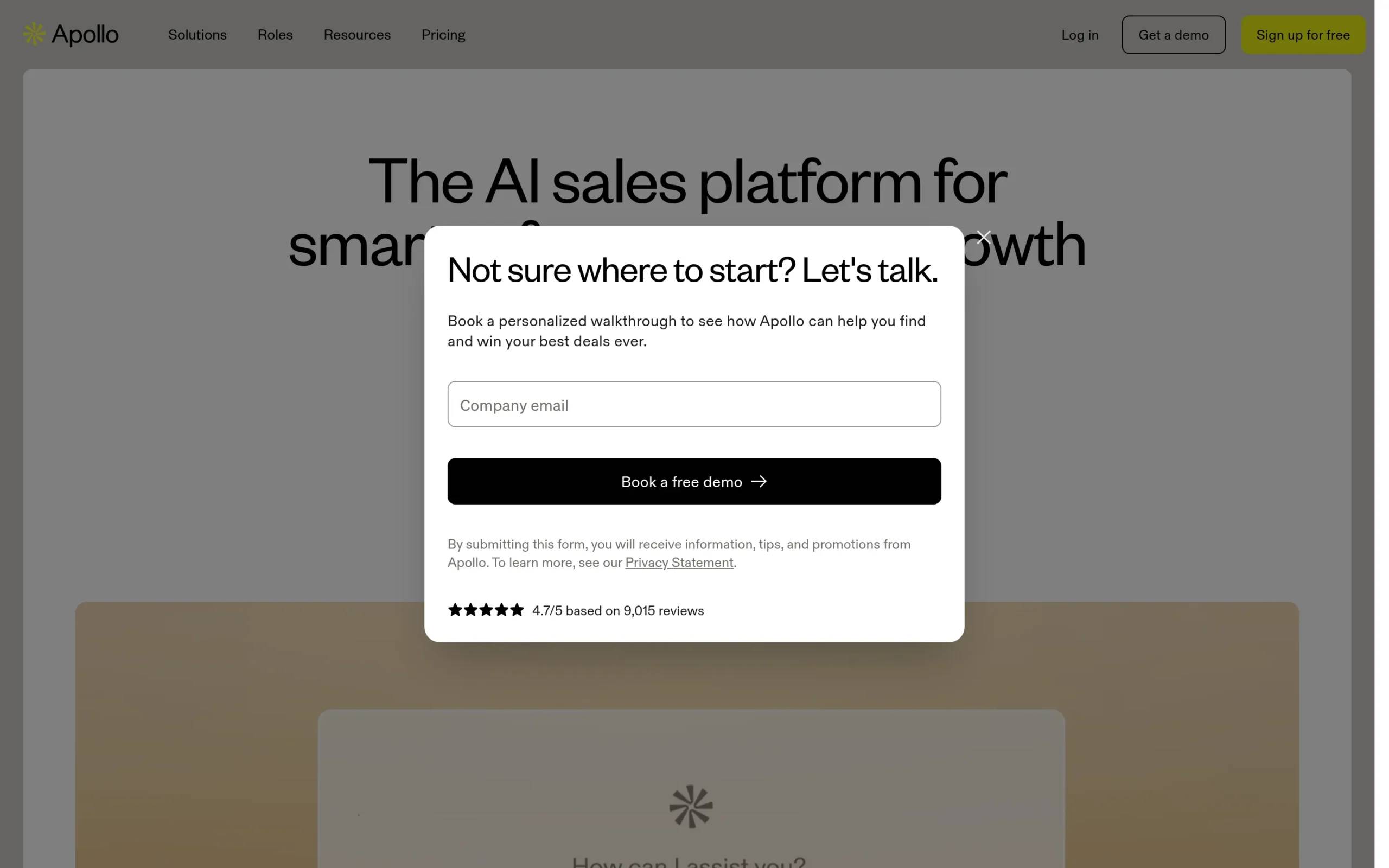
The LinkedIn integration lets you enrich contacts directly from their profiles using the Apollo extension. AI scoring helps prioritize leads based on fit and intent signals. Apollo also has built-in email sequences, so like La Growth Machine, it tries to cover both finding and reaching contacts in one place.
The main limitation with Apollo is data freshness and GDPR compliance for European markets. Apollo operates under a notice-and-consent model for GDPR, which is less strict than the GDPR-native approach taken by tools like Dropcontact or Kaspr. Teams selling heavily into Europe should verify their legal posture before relying on Apollo as their primary enrichment source.
Best for: Teams that need a large searchable database with high US coverage and want email sequencing built into the same platform.
6. Cognism
Cognism focuses on data quality over quantity, specifically for phone-verified mobile numbers. Unlike tools that provide unverified phone data, Cognism runs human verification on its mobile number dataset, which it calls Diamond Data. This matters for cold calling: you dial real numbers, not stale data.
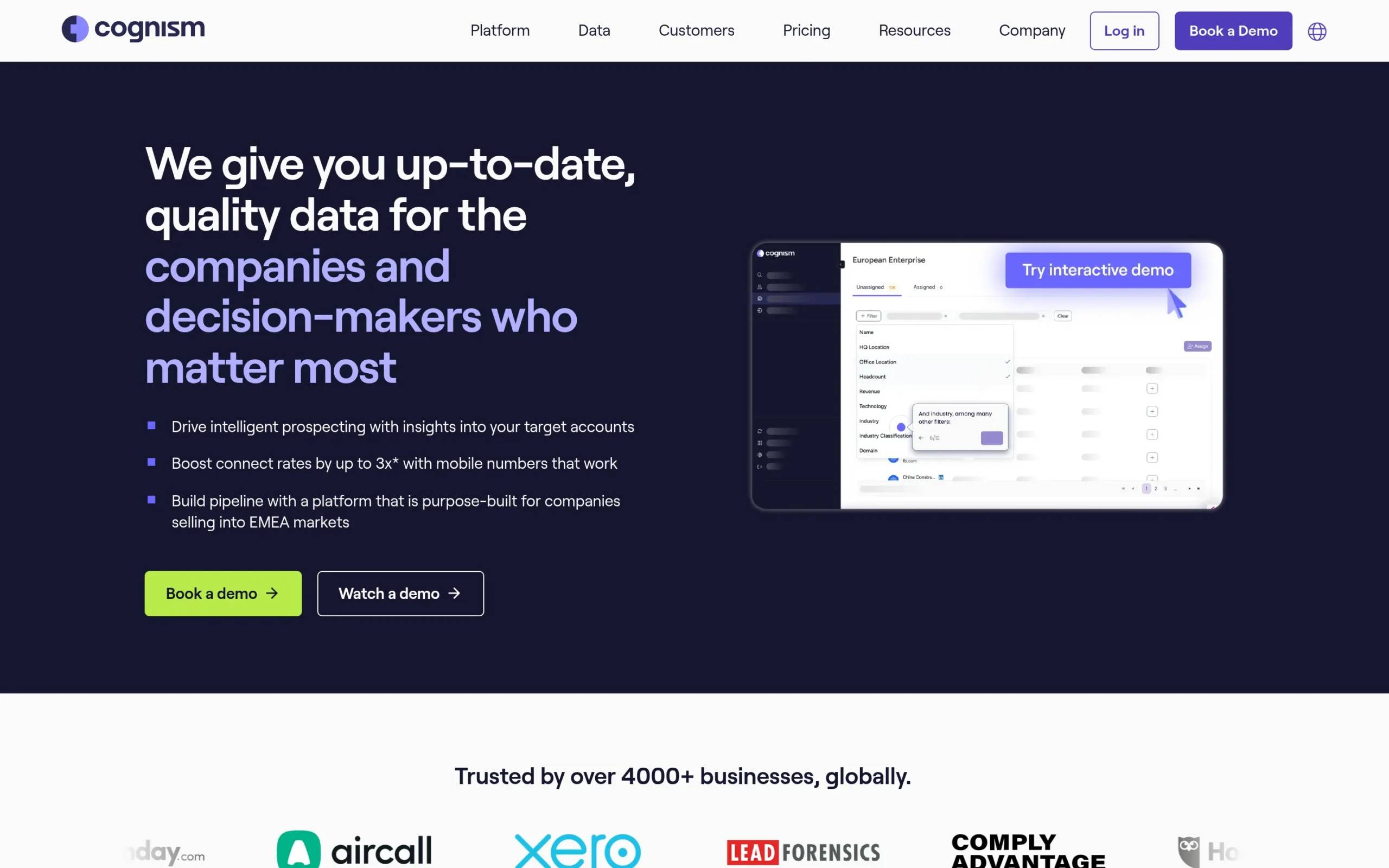
Cognism covers both US and European markets with strong GDPR compliance, including its own consent-based data collection process. The platform integrates with Salesforce, HubSpot, Outreach, and SalesLoft. There is also a Chrome extension for LinkedIn enrichment on the go.
Pricing is custom and enterprise-oriented, which means Cognism is best suited for larger sales teams where data quality and compliance are non-negotiable. For teams that cold call at scale in regulated markets, the phone verification alone justifies the investment.
Best for: Enterprise sales teams that cold call into EU and US markets and need phone-verified mobile numbers with strong GDPR compliance.
7. Dropcontact
Dropcontact takes a different technical approach from most contact finders. It does not maintain a stored database of contacts. Instead, it finds and verifies email addresses in real time using algorithms: it infers email patterns, verifies deliverability, and enriches the contact record with company data.
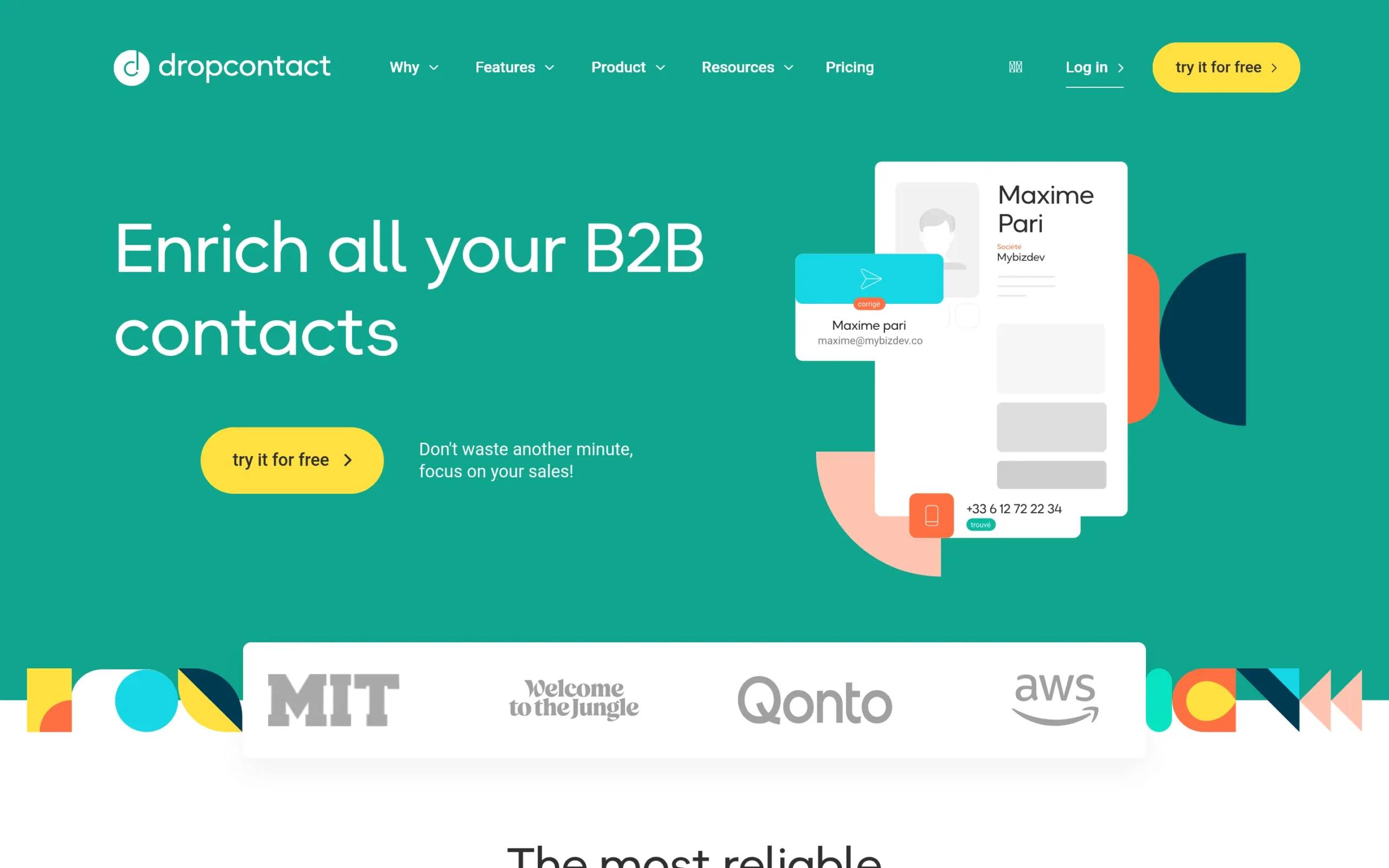
This makes Dropcontact GDPR-native by design. There is no personal data stored at rest. It also means the results are always based on live verification rather than a database that could be months out of date.
Dropcontact integrates natively with Pipedrive, HubSpot, and Salesforce, and the enrichment runs automatically when you add a contact to your CRM. It is particularly strong for French and Western European markets. The limitation is that it does not find phone numbers, only emails.
Best for: Teams that need GDPR-native email enrichment integrated directly into their CRM, especially in the French and Western European market.
8. LeadIQ
LeadIQ is built around the workflow of prospecting directly from LinkedIn. You browse LinkedIn, the LeadIQ extension captures contact data in real time, and it pushes directly to Salesforce or your sequencer without a manual export step.
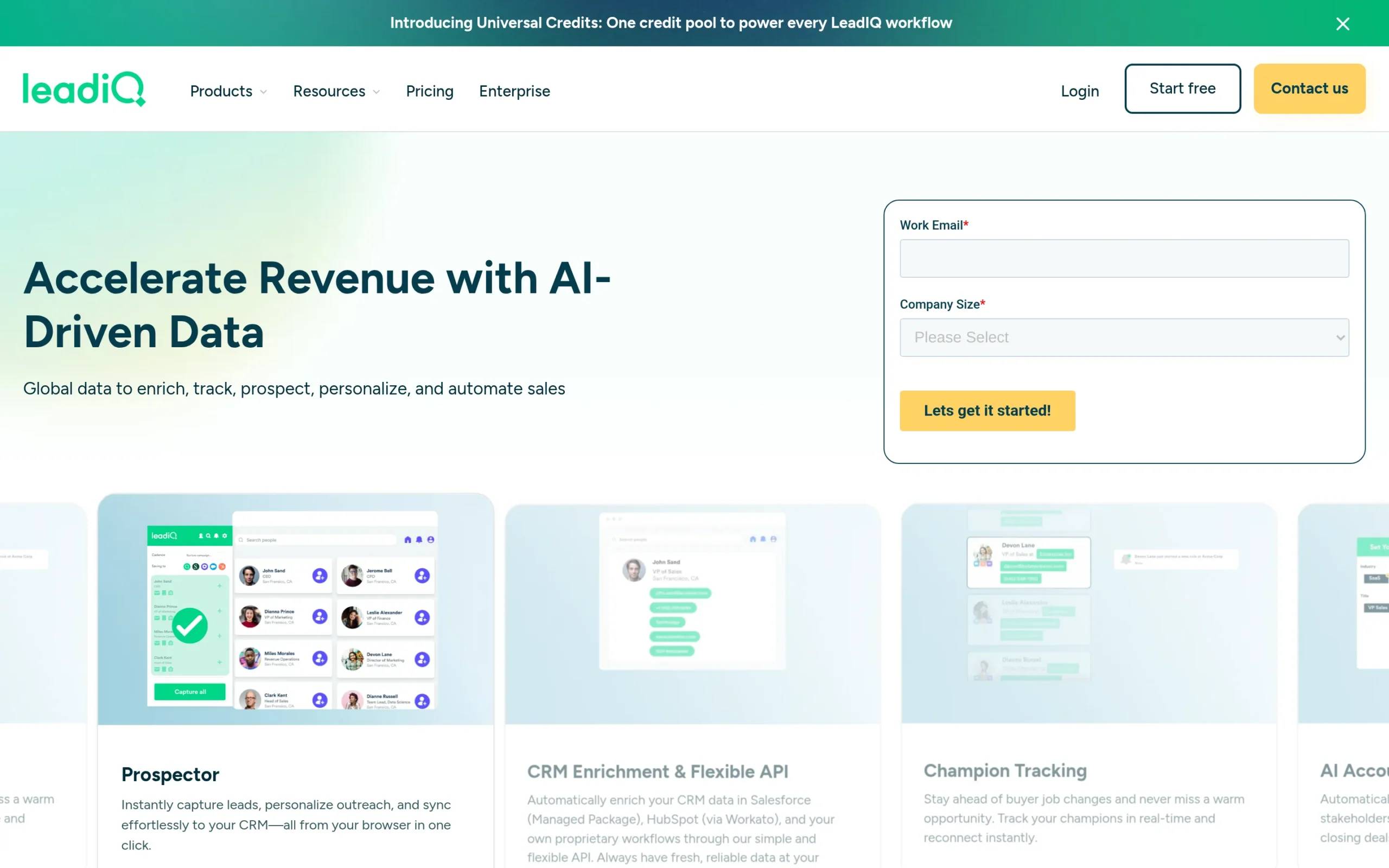
The team prospecting feature lets multiple reps share a list and avoid duplicating outreach to the same prospect. When one rep captures a contact, it flags as already claimed across the team. This is useful for larger SDR teams running parallel LinkedIn prospecting at the same time.
LeadIQ covers emails and some phone numbers, though phone coverage is lighter than Kaspr or Cognism. The Salesforce sync is where LeadIQ shines: it is one of the cleanest LinkedIn-to-CRM pipelines available, with field mapping and deduplication built in. For data enrichment at scale, La Growth Machine’s enrichment features go deeper with waterfall logic across multiple providers.
Best for: SDR teams that prospect from LinkedIn and need clean, real-time Salesforce sync with team deduplication.
Email finder vs full contact enrichment: what is the difference and when you need each
An email finder does one thing: it locates an email address for a person or domain. Tools like Hunter.io and Dropcontact sit in this category. You give them a name and a company domain, they return an email address and a deliverability score.
Full contact enrichment goes further. It starts from a minimal input (often just a LinkedIn URL or a name), finds the email, finds the phone number, pulls company data, job title, seniority level, and sometimes adds technographic or intent signals. Tools like La Growth Machine, Apollo, Cognism, and Lusha operate in this space.
The difference matters when you think about how your outreach actually works. If you cold call as part of your sequence, you need phone numbers, not just emails. If your SDRs run LinkedIn sequences, you need LinkedIn profile data, not just a contact record. If you work enterprise accounts, you need to understand the full buying committee, not a single contact.
Email finders are faster and cheaper. Full enrichment platforms cost more but return more usable data per lead. The right choice depends on your sequence design. Teams running email-only outreach can often cover their needs with Hunter.io or Dropcontact. Teams running multichannel outreach, especially via LinkedIn, benefit from a platform that handles enrichment and outreach together, like La Growth Machine with its multichannel outreach capabilities.
How to choose a contact finding tool
Accuracy. The key metric is verified deliverability, not raw data volume. A tool with 50M contacts and 90% accuracy beats one with 275M contacts and 60% accuracy. Check bounce rates on a test batch before committing.
GDPR compliance. If you prospect into Europe, this is non-negotiable. Look for tools that explicitly state their legal basis for data collection. GDPR-native tools (Dropcontact, Kaspr, Cognism) are safest. Tools that operate under notice-and-consent models carry more risk.
LinkedIn integration. Most B2B prospecting starts on LinkedIn. A tool with a native Chrome extension that surfaces data directly on a LinkedIn profile removes a significant number of manual steps from your workflow.
Volume limits and pricing model. Most tools price by credit or by seat. Understand what counts as a credit in each tool: some charge per search, others per verified result, others per export. Map your monthly prospecting volume against the pricing model before committing.
CRM sync. Manual exports create data debt. Tools that sync directly to Salesforce, HubSpot, or Pipedrive keep your CRM clean and your team focused on selling instead of data hygiene.
Workflow fit. The best contact finding tool is the one that fits your actual outreach workflow. If you find contacts and then switch to a separate sequencer, you will always lose time in the handoff. La Growth Machine solves this by combining enrichment and outreach in one platform. For teams where pipeline speed is a priority, that integration removes a real bottleneck. Explore how La Growth Machine handles leads management end-to-end.
FAQ
What is the best tool to find B2B contact details?
La Growth Machine is the best option for teams that want contact finding and outreach in one workflow. For LinkedIn-native contact finding, Kaspr and Lusha are the strongest picks. For large database search, Apollo.io covers the most volume. For phone-verified data in EU markets, Cognism leads.
Are contact finding tools GDPR compliant?
Not all of them. Kaspr, Lusha, Cognism, Dropcontact, and La Growth Machine are explicitly GDPR compliant. Apollo.io and some other US-based tools operate under a notice-and-consent model that carries more risk for teams prospecting into Europe. Always verify the legal basis before running outreach into EU markets.
What is the difference between email finders and data enrichment?
Email finders take a name and domain and return an email address. Data enrichment platforms start from a minimal input (a LinkedIn URL, a company name) and return a complete contact record including email, phone, job title, company data, and sometimes intent signals. Email finders are simpler and cheaper; enrichment platforms return more usable data per lead.
How accurate are contact finding tools?
Accuracy varies significantly by tool and by market. Top tools report email accuracy between 85% and 95% for professional addresses, but phone accuracy is generally lower. Real-time verification tools (Dropcontact, Hunter.io verifier) tend to produce cleaner results than static database lookups. Always run a test batch on a known segment before scaling outreach.
Can I find phone numbers as well as emails?
Yes, but not all tools provide phone data. Kaspr, Lusha, Cognism, Apollo.io, La Growth Machine, and LeadIQ all return phone numbers alongside email addresses. Cognism is the strongest for phone-verified mobile numbers in EU and US markets. Hunter.io and Dropcontact are email-only.
Do I need a separate tool for contact finding and outreach?
Not necessarily. La Growth Machine combines waterfall contact enrichment with multichannel outreach sequences in one platform. You go from a LinkedIn profile to a running sequence without any manual data transfer. For teams where workflow speed matters, this is a meaningful advantage over using separate tools for finding and reaching contacts.
Conclusion
The best contact finding tool for your team depends on what you do after you find the contact. If you need emails only, Hunter.io and Dropcontact are reliable and cost-effective. If you need phone numbers and GDPR coverage for Europe, Kaspr and Cognism are the strongest options. If you need a large searchable database, Apollo.io gives you the most volume.
But if you want to stop treating contact finding and outreach as two separate problems, La Growth Machine is the right platform. Waterfall enrichment finds the verified email and phone number automatically. The sequence launches immediately. The pipeline tracks every interaction. No CSV exports, no manual imports, no data debt.
Start a 14-day free trial of La Growth Machine and see how many meetings your team can book when enrichment and outreach run in the same workflow.